
Turn an offline message into a ticket
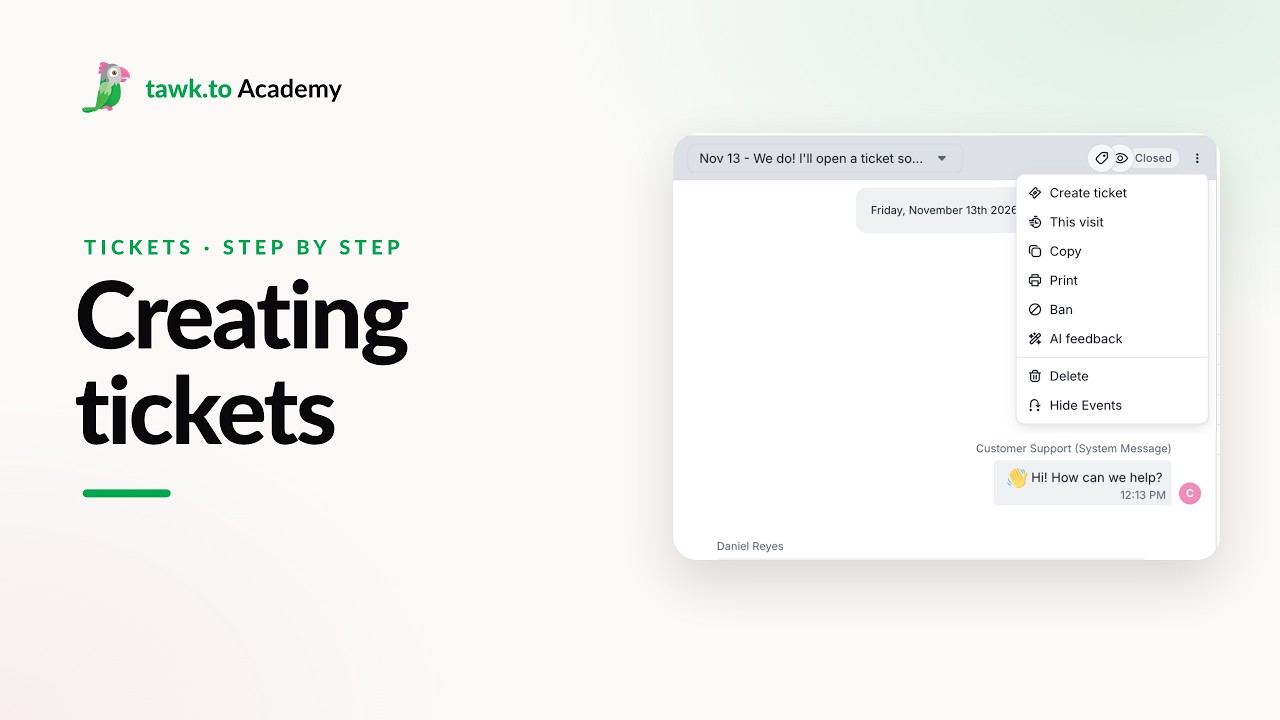
Someone writes to you while nobody's online. Here's how that message becomes a ticket you can answer properly. This video shows what a visitor sees when your chat widget goes offline, and how to switch that behaviour on with Widget offline when all Agent(s) offline in Chat Widget settings. You'll see the offline form collect their name, email and message, how the submission lands in your Inbox as a chat, and how to create a ticket from it with their email, a subject and a priority. Replies then carry on in the same ticket. For example, a customer asks after hours whether you ship to New Zealand, and the next morning you turn their message into a ticket and answer it by email.
· Share this video
· More in this topic
Ticketing System & Email Management
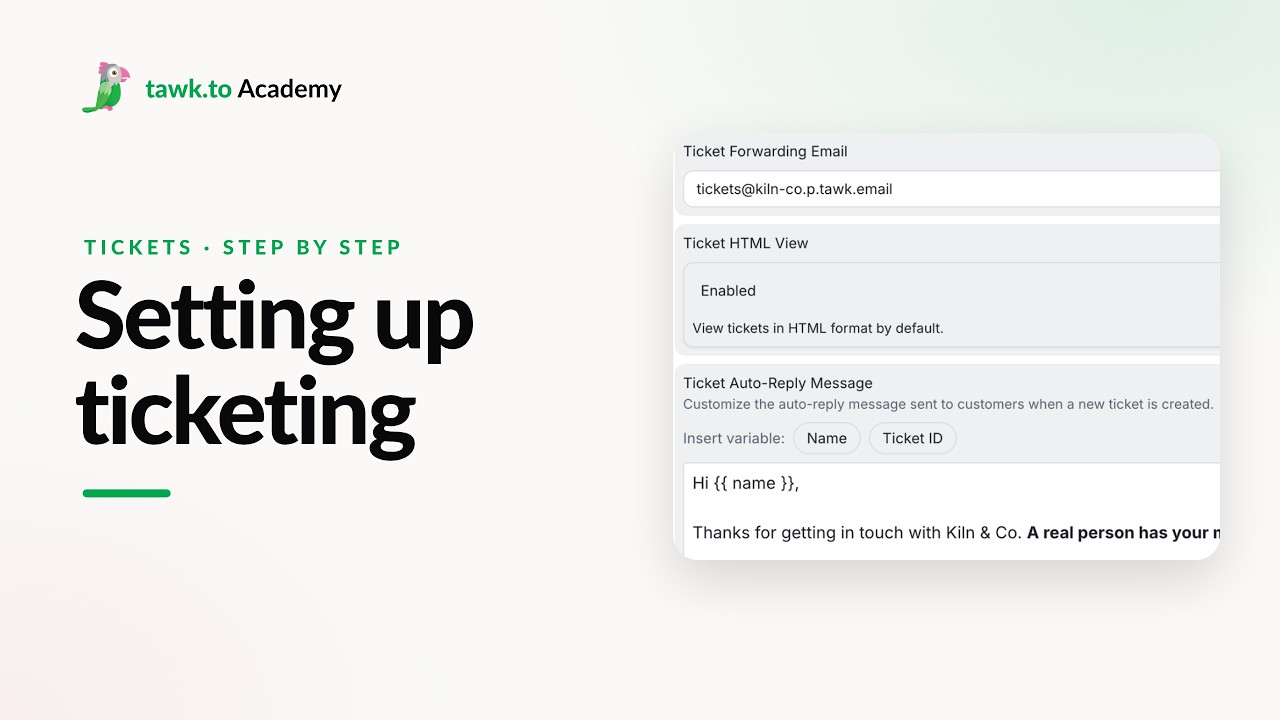
- Setting Up Ticketing in tawk.to
- Creating Tickets in tawk.to
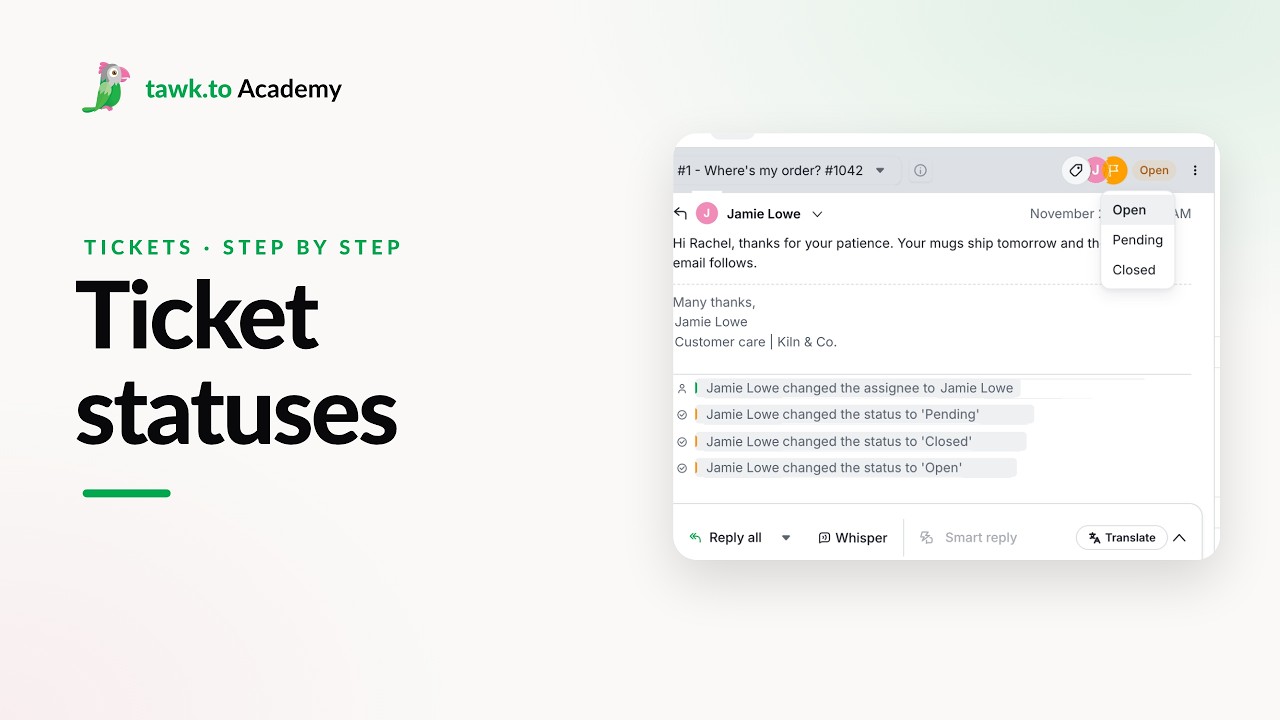
- Ticket Statuses: Open, Pending and Closed
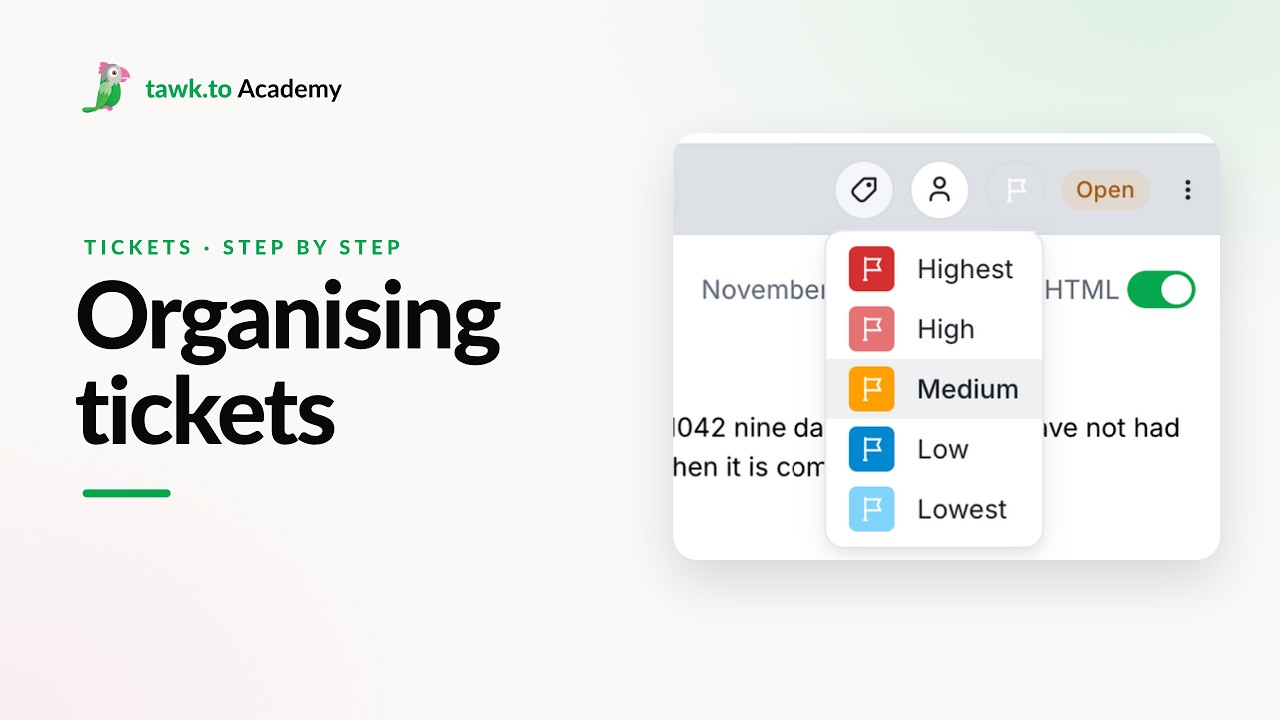
- Assign, Prioritise and Tag Tickets
- Why your ticket emails might go to spam
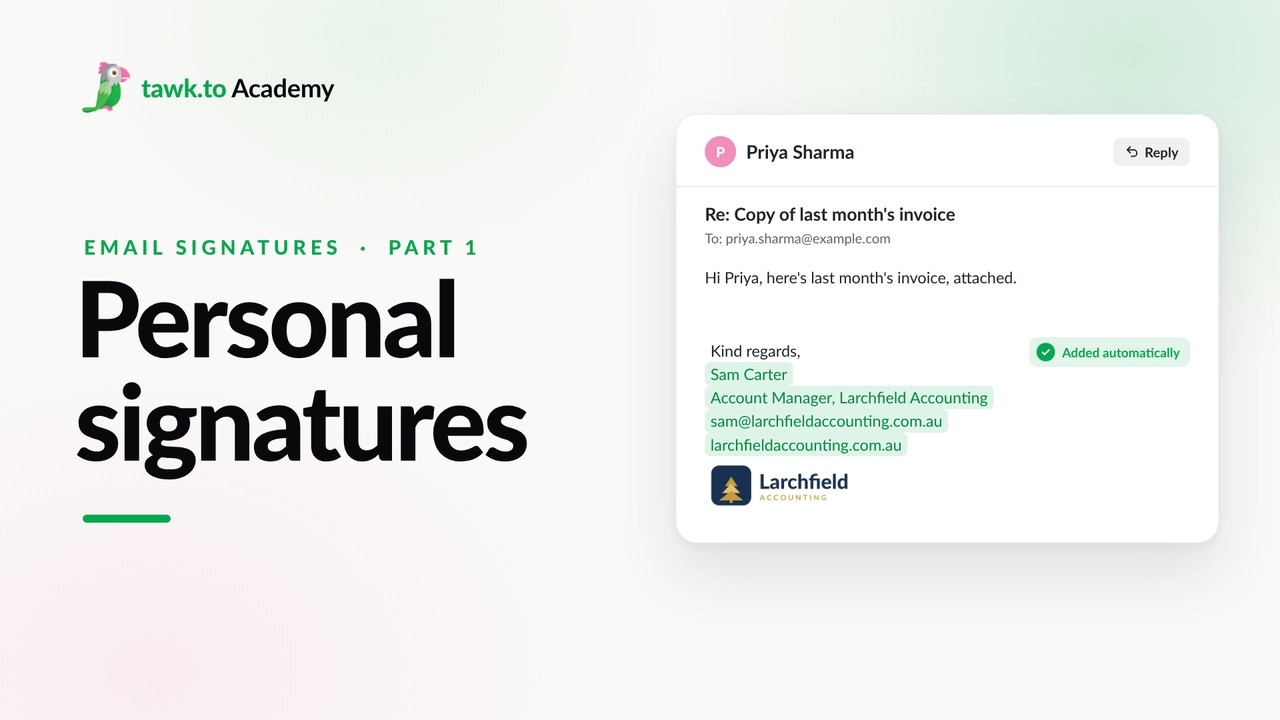
- Setting Up Your Email Signature
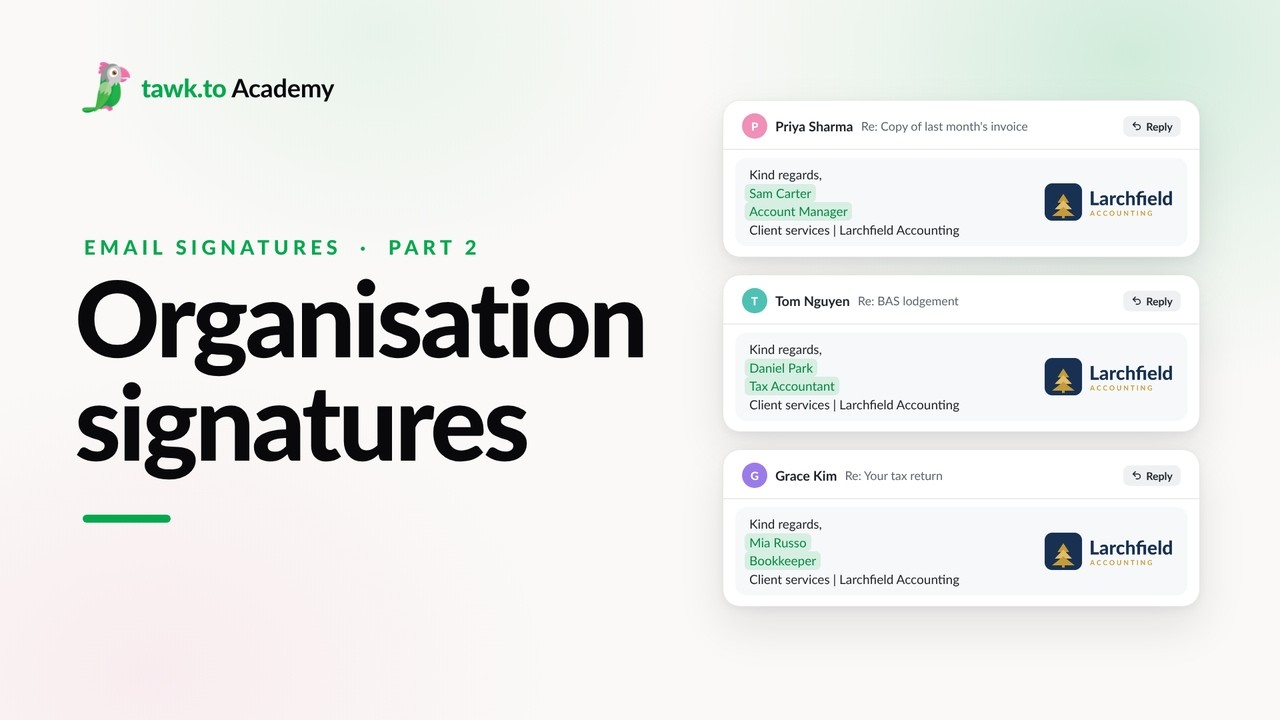
- Creating an Organisation Signature
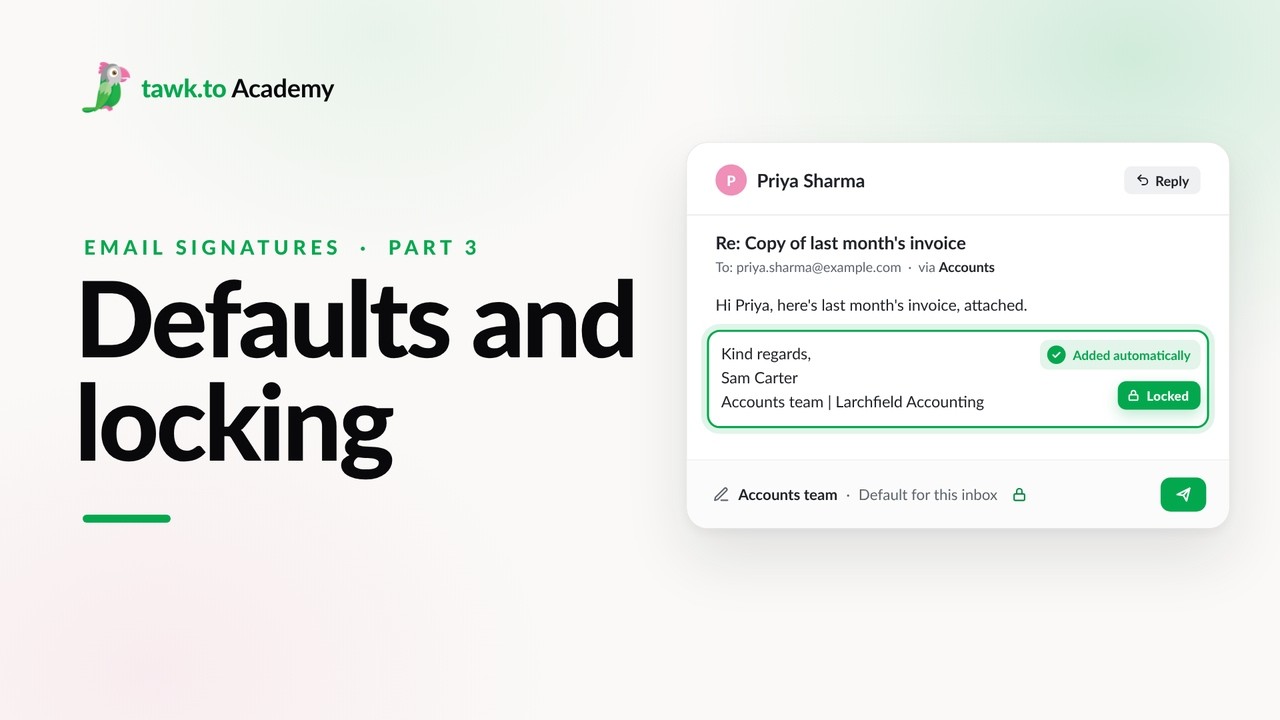
- Setting Default and Locked Signatures
Open the tawk.to Academy
Every topic and 220+ videos in one place.