
Assign, Prioritise and Tag Tickets
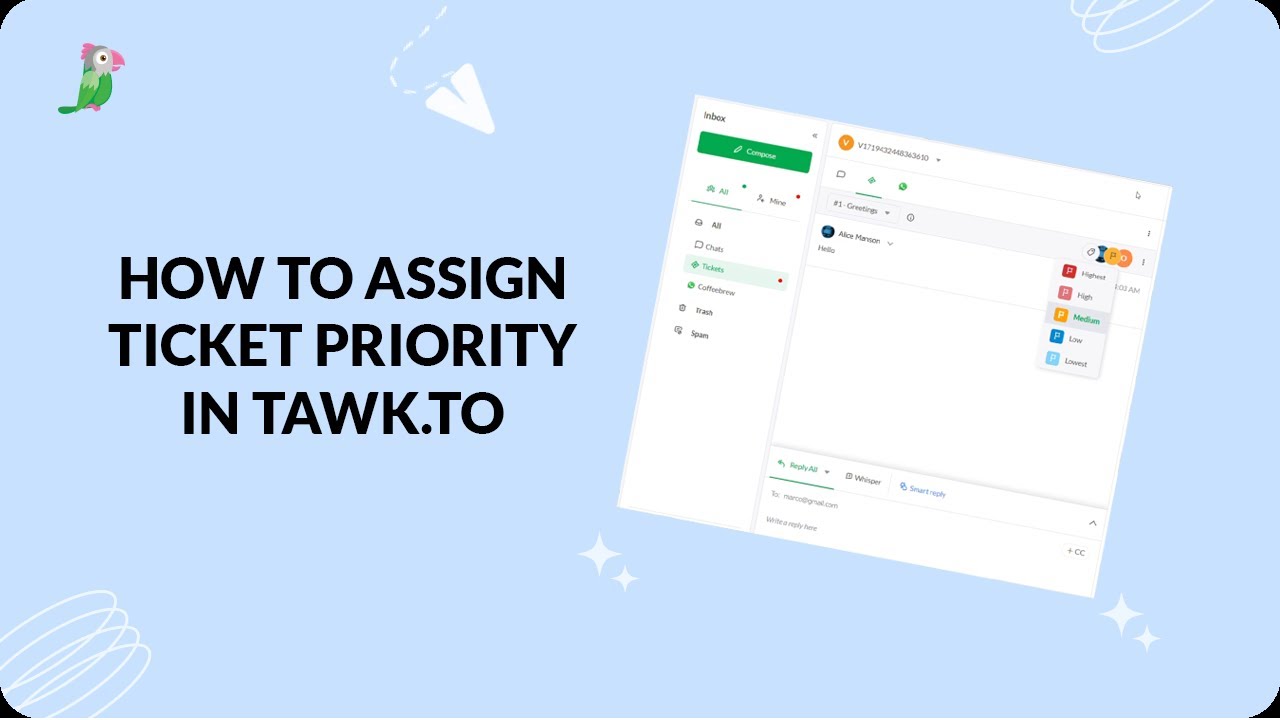
Organise your tickets so the right person sees the right request first. This video shows how to organise tickets in tawk.to. Assign a ticket to a team member or department, set a priority from Lowest to Highest, and add a tag, or create a new one. Use Discuss inside the ticket to leave internal comments for your team, filter the list by assignee, priority, tag, contact, ticket ID or date, and move spam tickets out of the way. For example, a damaged order ticket goes to the Damages & Returns department with a High priority and a Breakage tag.
· Share this video
· More in this topic
Ticketing System & Email Management
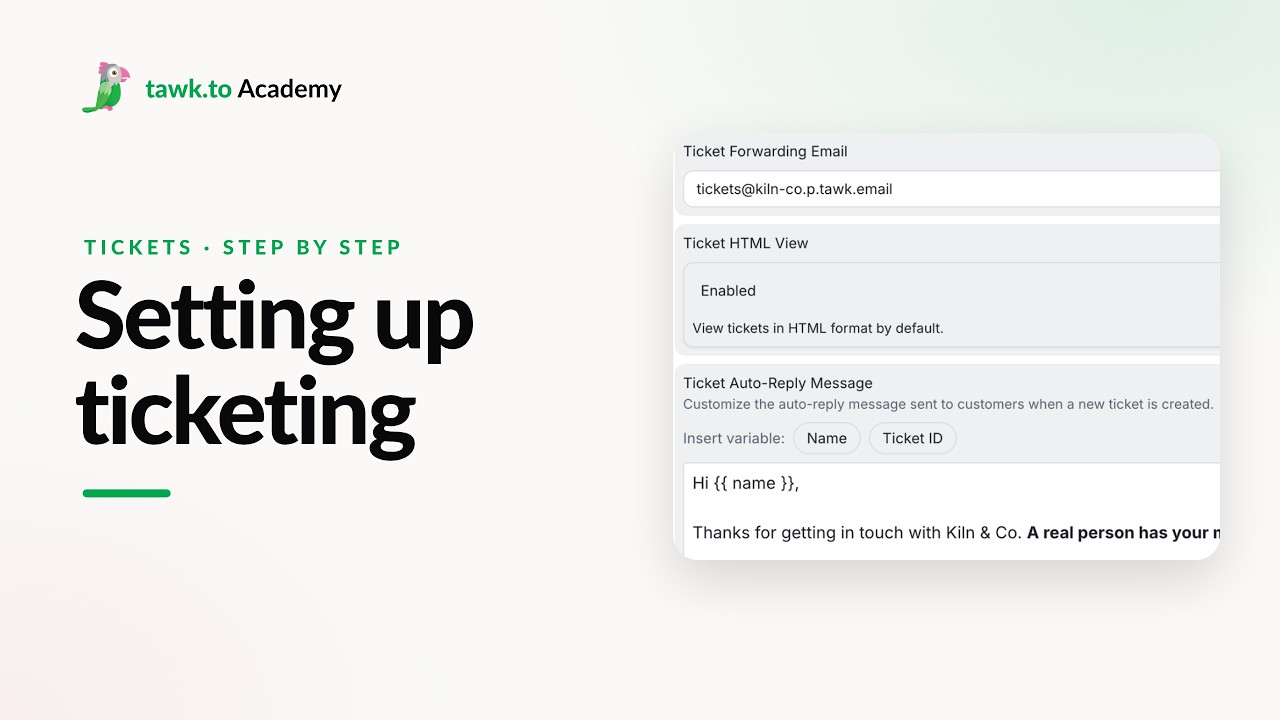
- Setting Up Ticketing in tawk.to
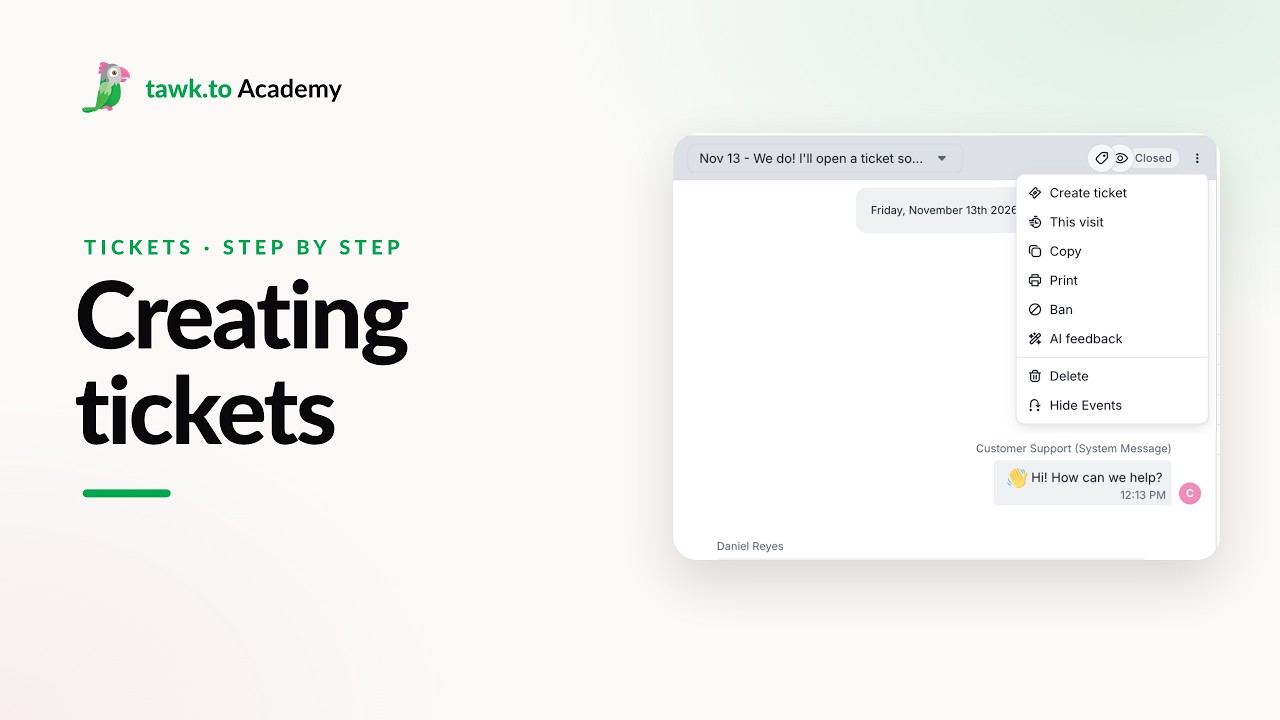
- Creating Tickets in tawk.to
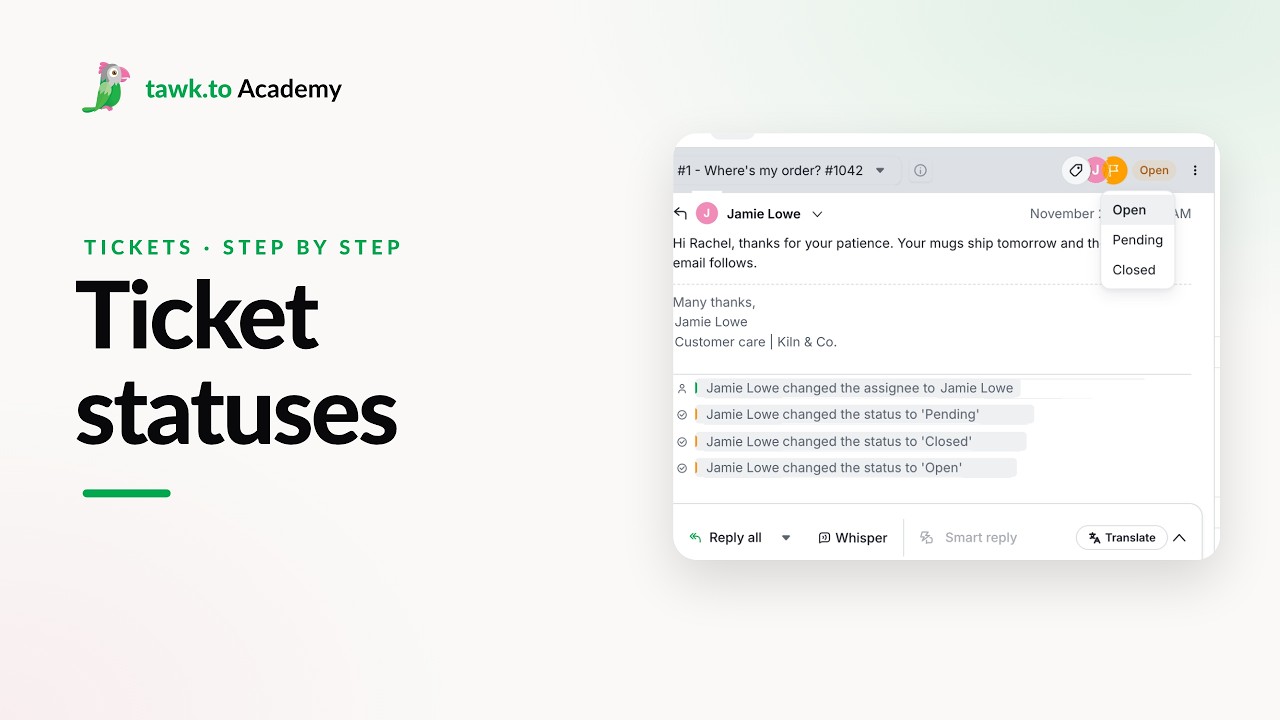
- Ticket Statuses: Open, Pending and Closed
- Exporting tickets from the tawk.to dashboard

- How to assign ticket priority in tawk.to
- Why your ticket emails might go to spam
- Setting Up Your Email Signature
- Creating an Organisation Signature
Open the tawk.to Academy
Every topic and 220+ videos in one place.