
Creating Tickets in tawk.to
A ticket turns a conversation into a request your team can track. This video shows how to create tickets in tawk.to from a chat, from your customers' emails, from the Help Center submission form, or from scratch. Each ticket lands in the Tickets inbox with its own number, with your signature added for you. For example, a customer asking about custom engraving in a chat becomes a ticket with the contact, email address and subject already filled in.
· Share this video
· More in this topic
Ticketing System & Email Management
- Setting Up Ticketing in tawk.to
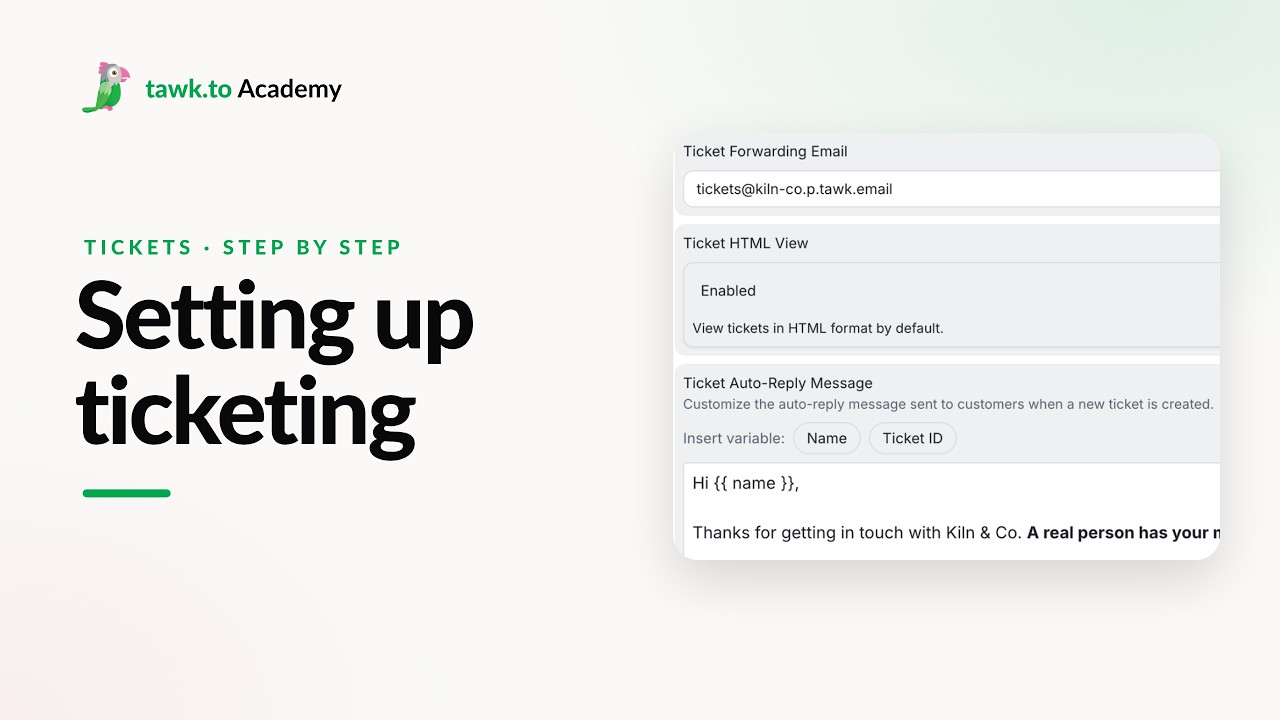
- Ticket Statuses: Open, Pending and Closed
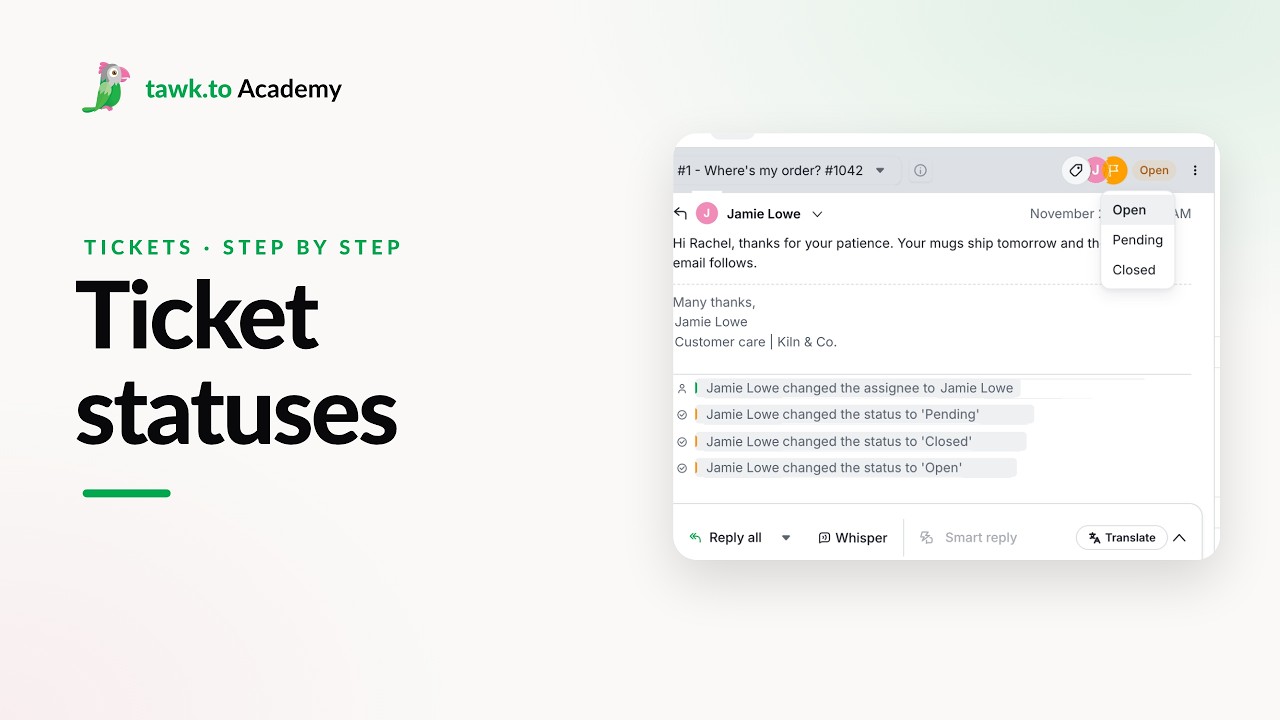
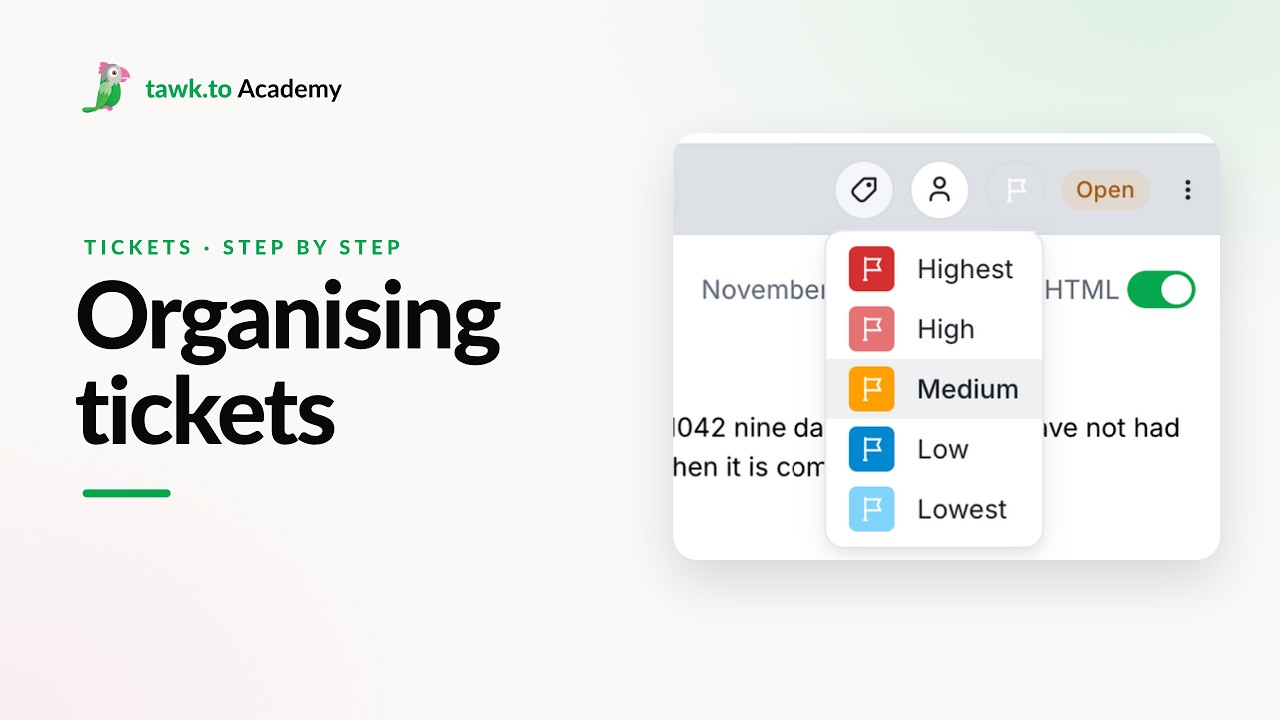
- Assign, Prioritise and Tag Tickets
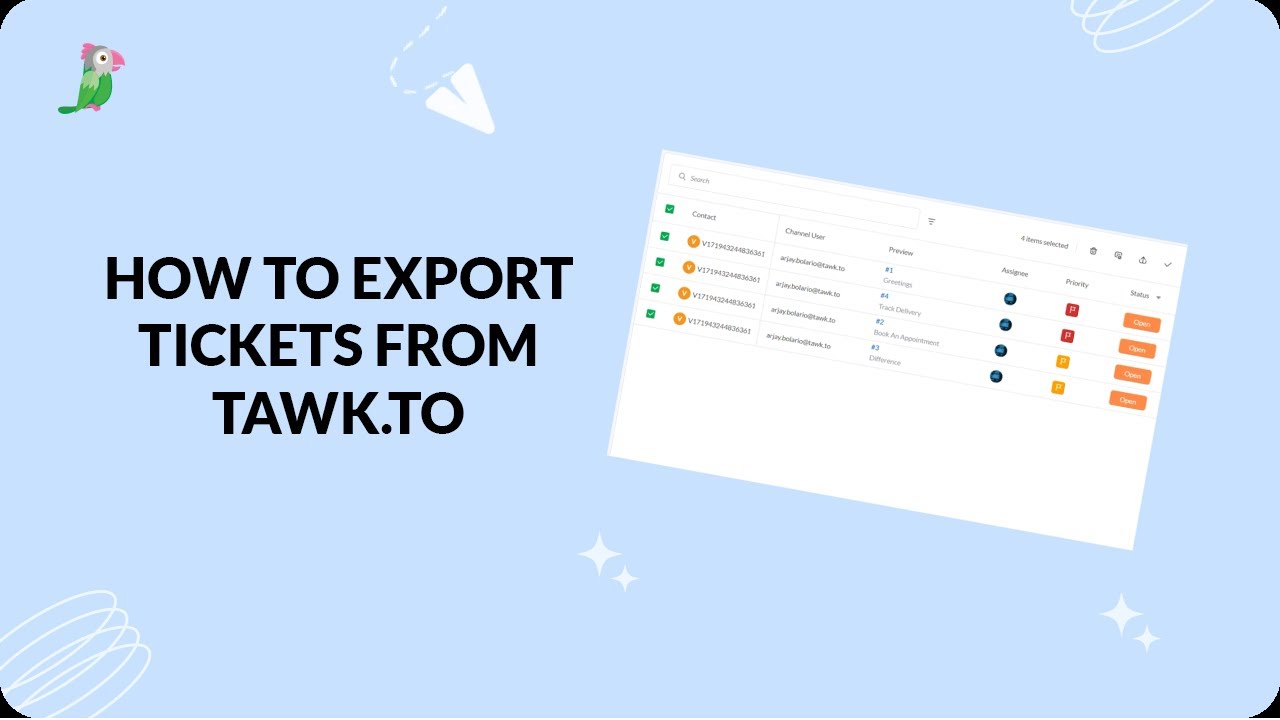
- Exporting tickets from the tawk.to dashboard
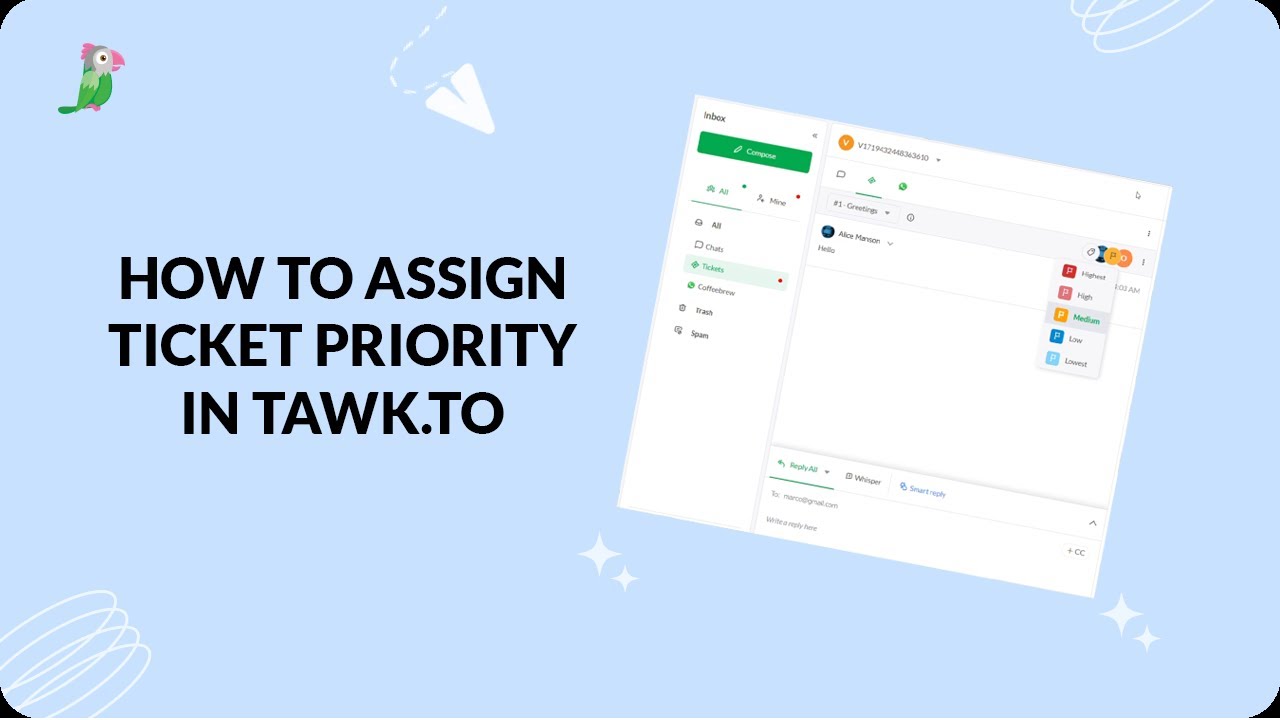
- How to assign ticket priority in tawk.to
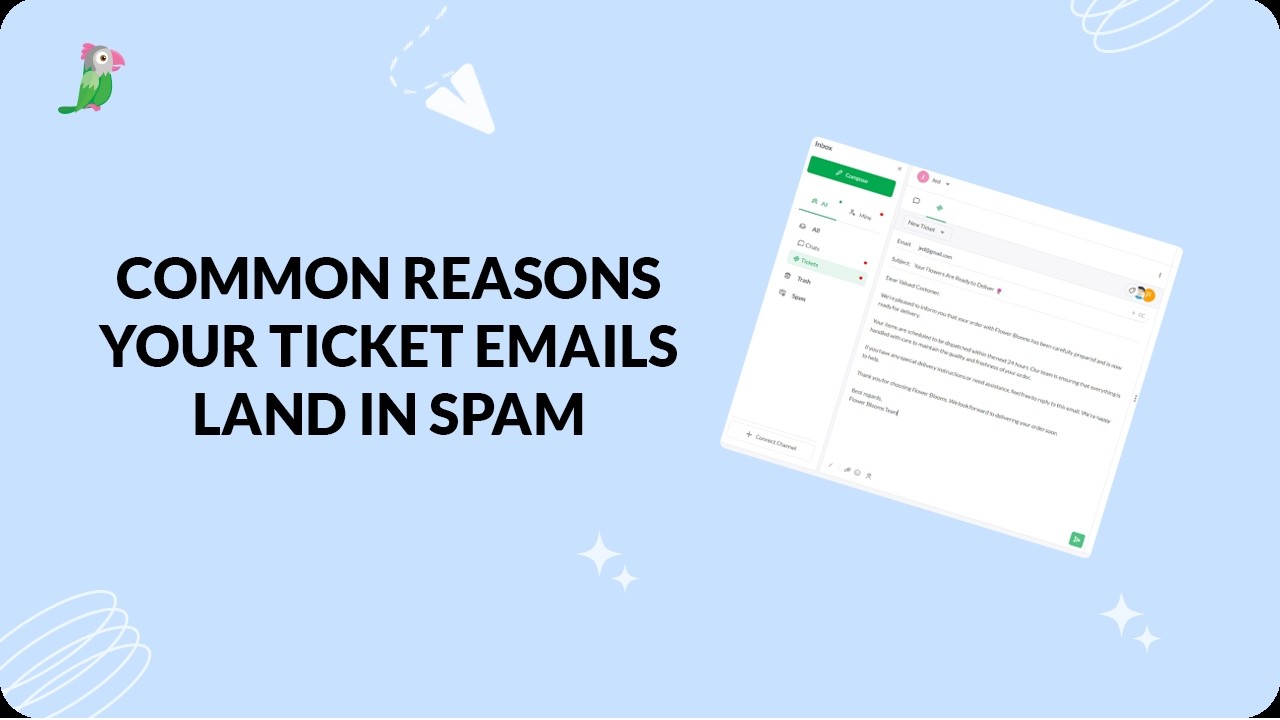
- Why your ticket emails might go to spam
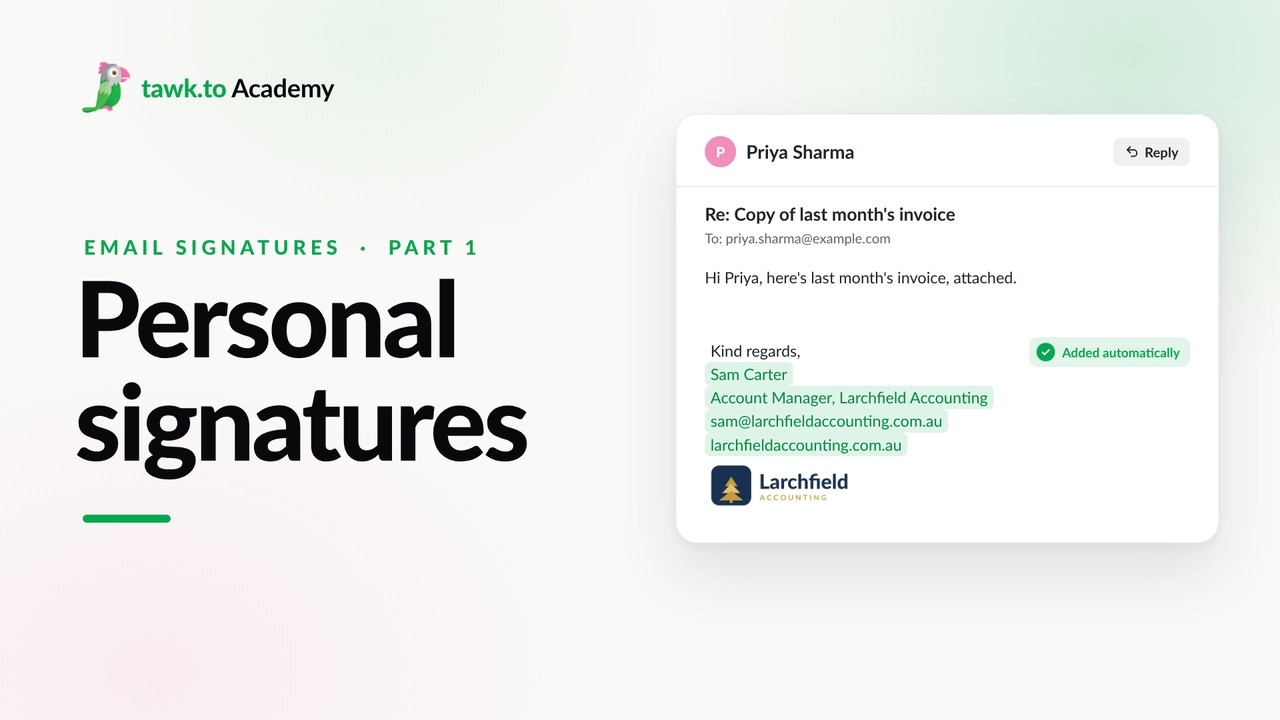
- Setting Up Your Email Signature
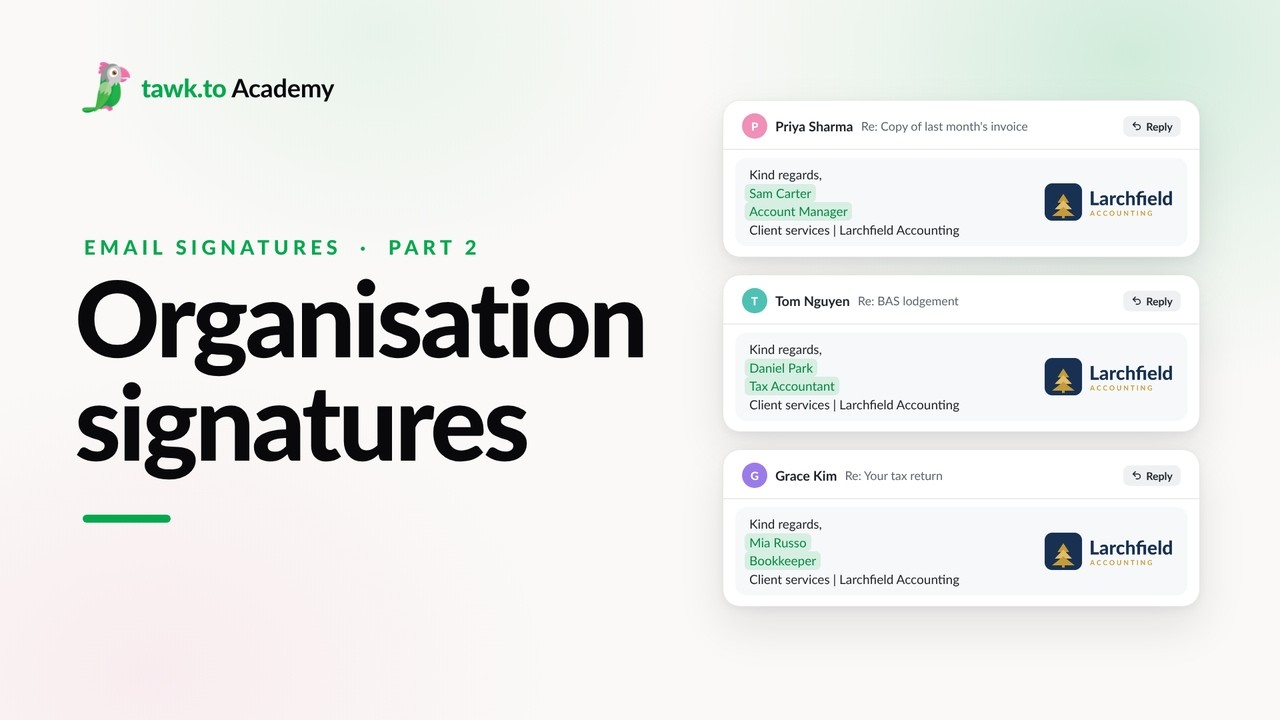
- Creating an Organisation Signature
Open the tawk.to Academy
Every topic and 220+ videos in one place.