
Setting Up Ticketing in tawk.to
Ticketing works in every property. This video shows how to set up ticketing in tawk.to. Copy your Ticket Forwarding Email so customer emails arrive as tickets, switch on the Ticket HTML View, and write the auto-reply customers get when a new ticket is created, using the Name and Ticket ID variables. Then choose who gets notified when a ticket arrives from Mail Notifications. For example, an auto-reply can tell the customer a real person has their message, with their ticket number included.
· Share this video
· More in this topic
Ticketing System & Email Management
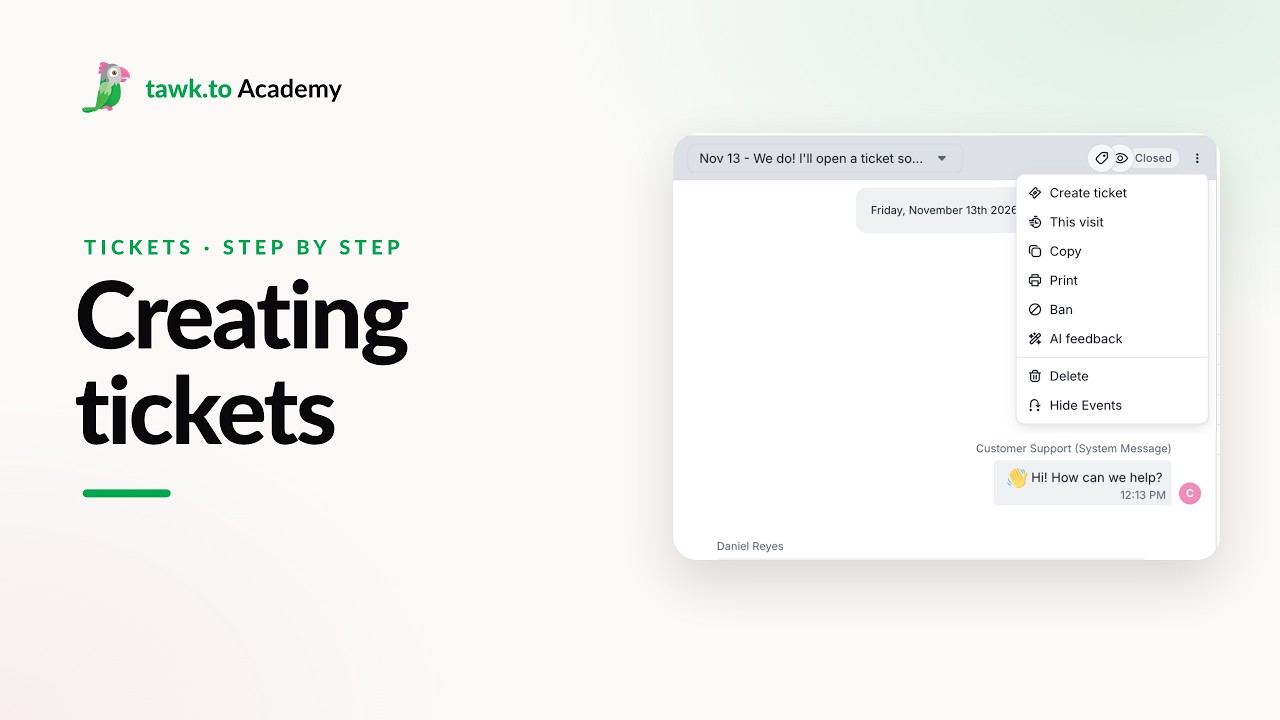
- Creating Tickets in tawk.to
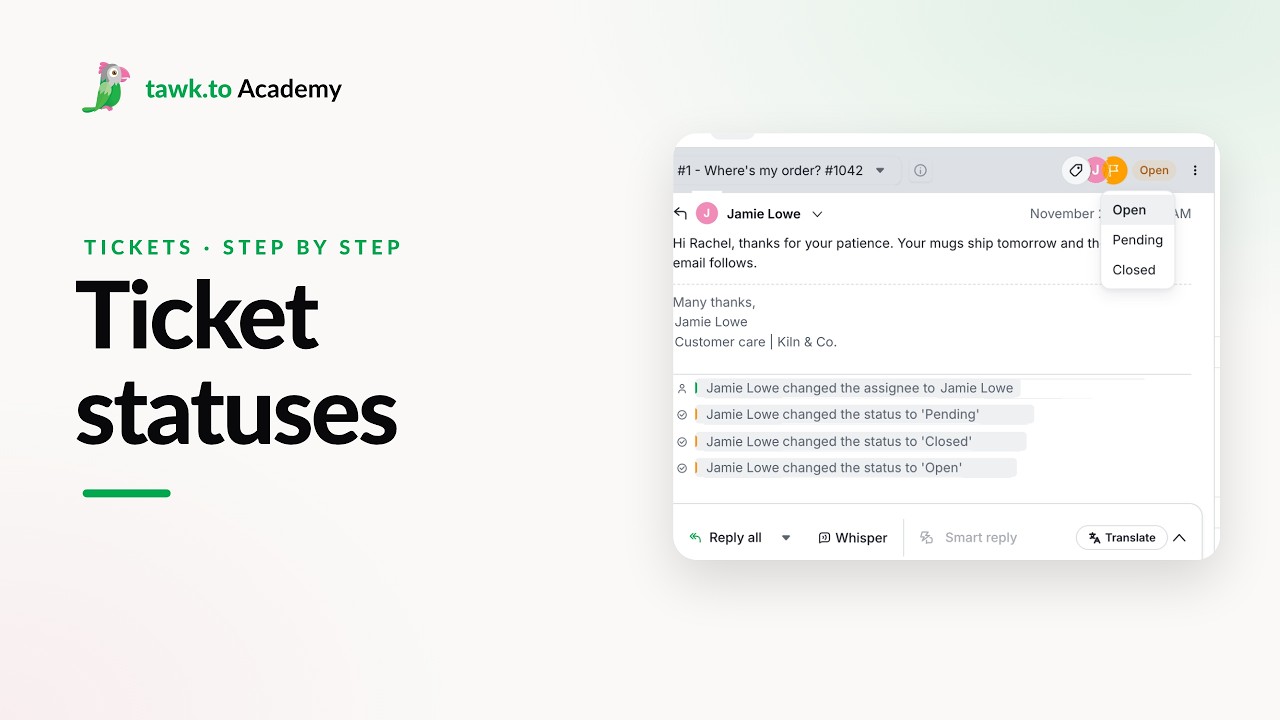
- Ticket Statuses: Open, Pending and Closed
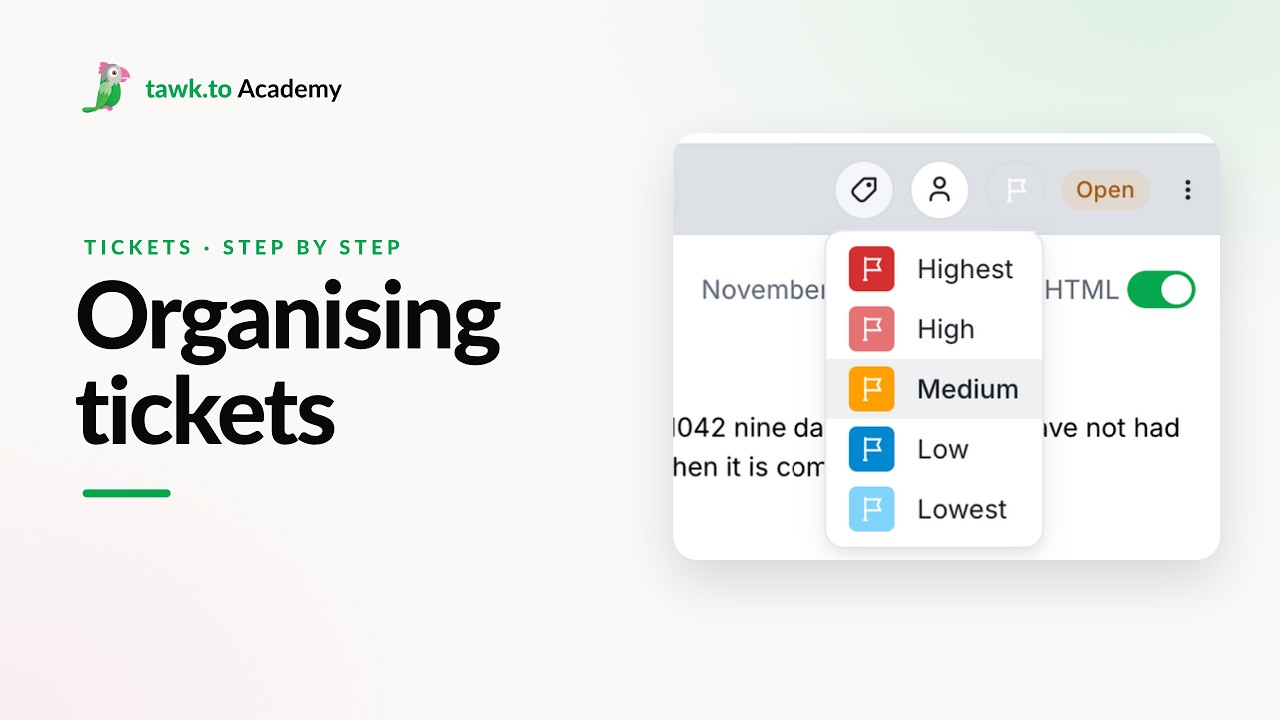
- Assign, Prioritise and Tag Tickets
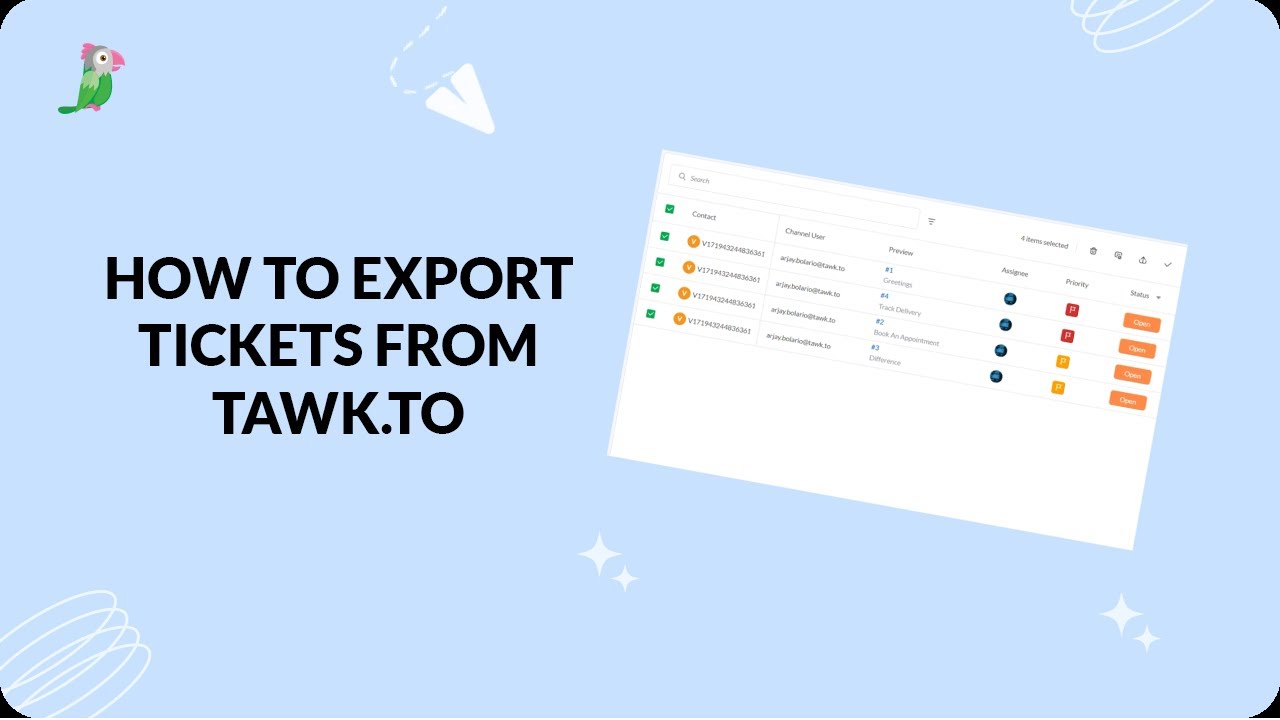
- Exporting tickets from the tawk.to dashboard
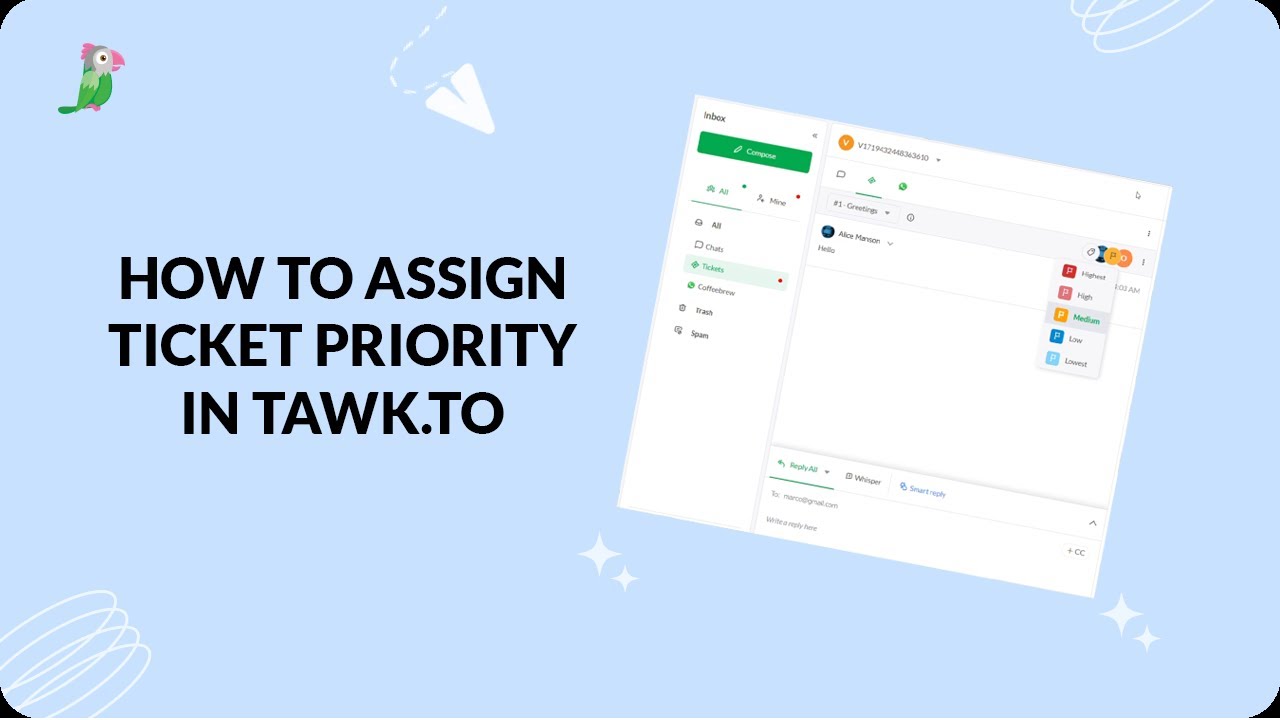
- How to assign ticket priority in tawk.to
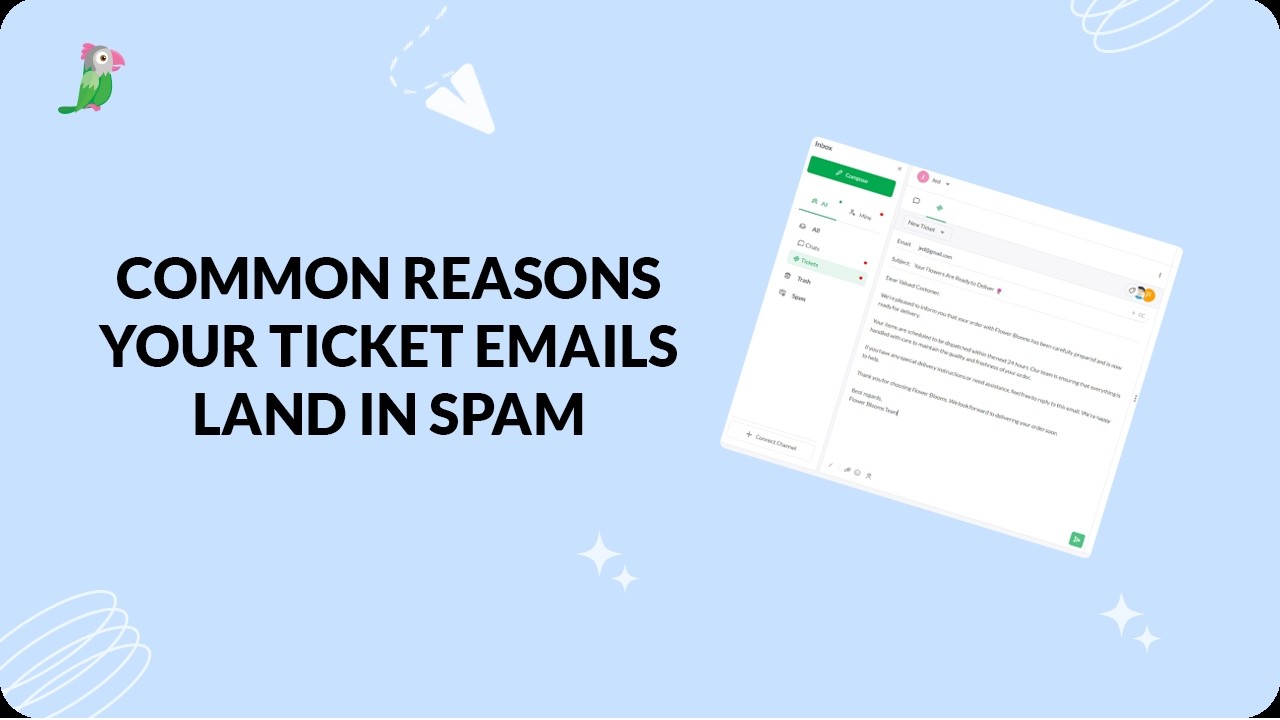
- Why your ticket emails might go to spam
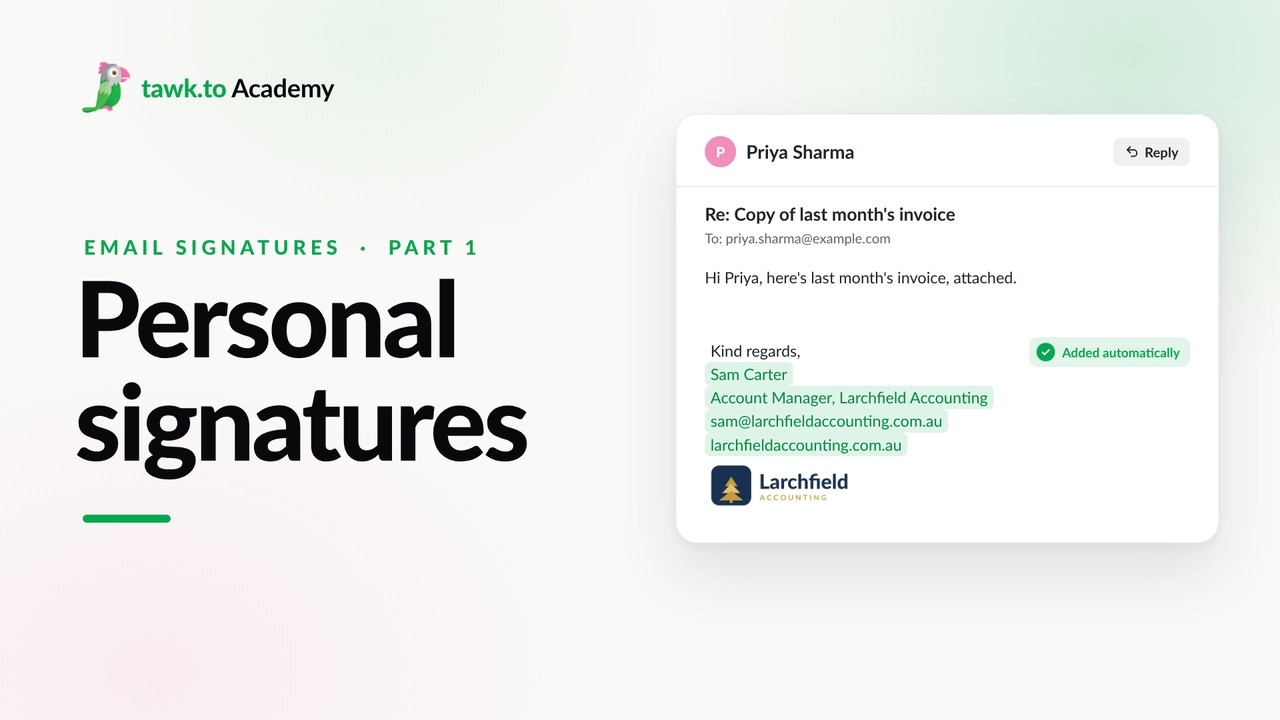
- Setting Up Your Email Signature
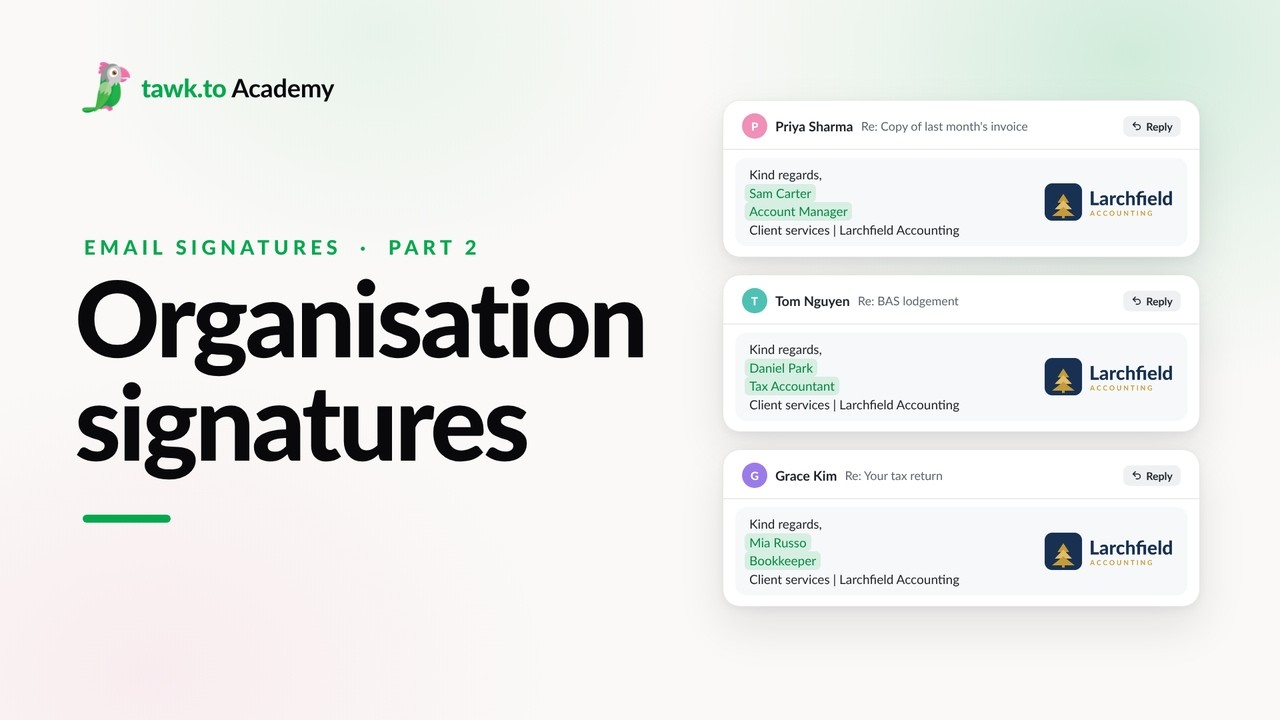
- Creating an Organisation Signature
Open the tawk.to Academy
Every topic and 220+ videos in one place.