
Ticket Statuses: Open, Pending and Closed
Every ticket has a status, so you always know where it stands. This video shows how to use the Open, Pending and Closed statuses in tawk.to tickets. Open means the ticket needs attention, and a Closed ticket can always be reopened. Every status change is logged in the ticket with the name of the person who made it, you can reply and update the ticket in one step, and the Status filter above the list shows only the tickets you want. For example, a customer's late order ticket is Open while you look into it, Pending once you've replied, and Closed when it's resolved.
· Share this video
· More in this topic
Ticketing System & Email Management
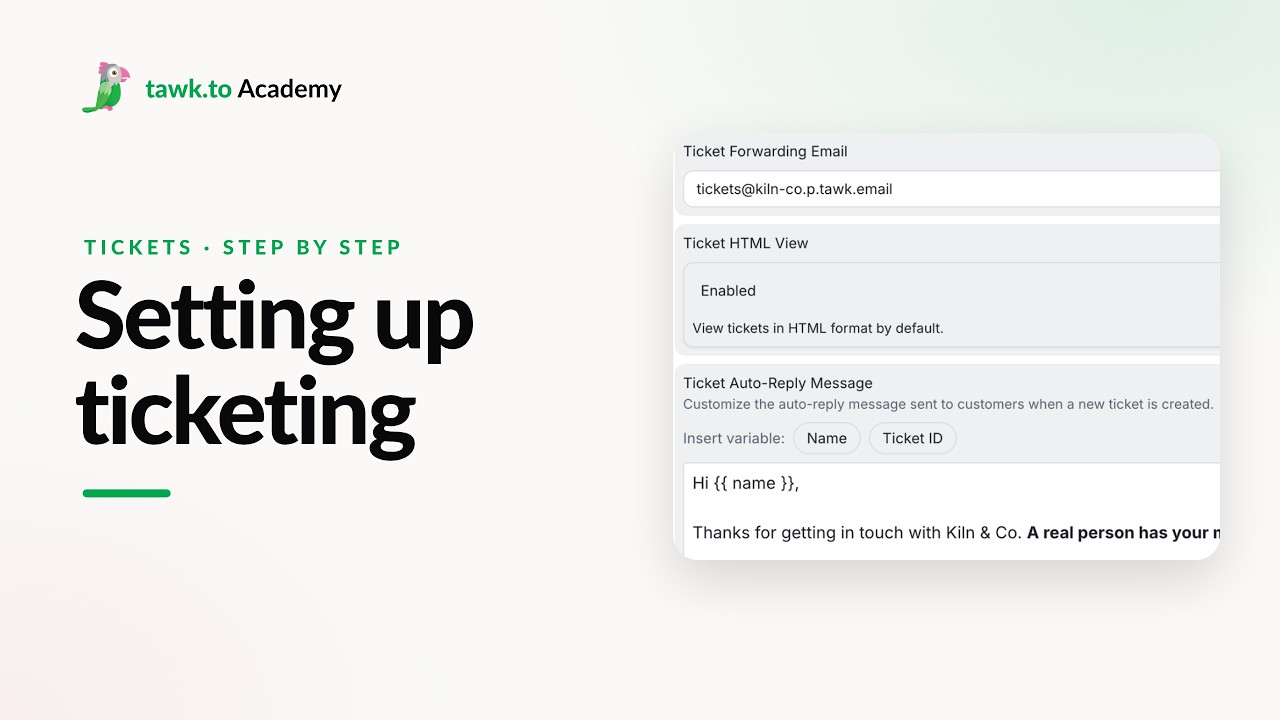
- Setting Up Ticketing in tawk.to
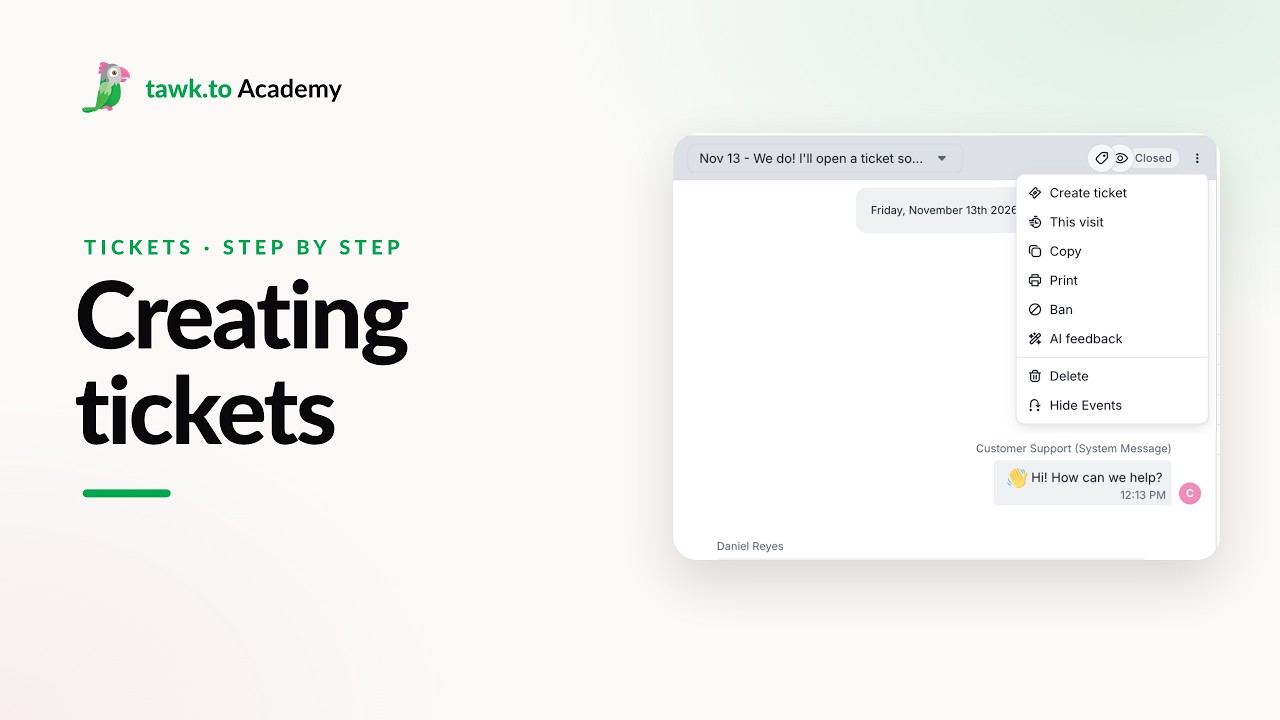
- Creating Tickets in tawk.to
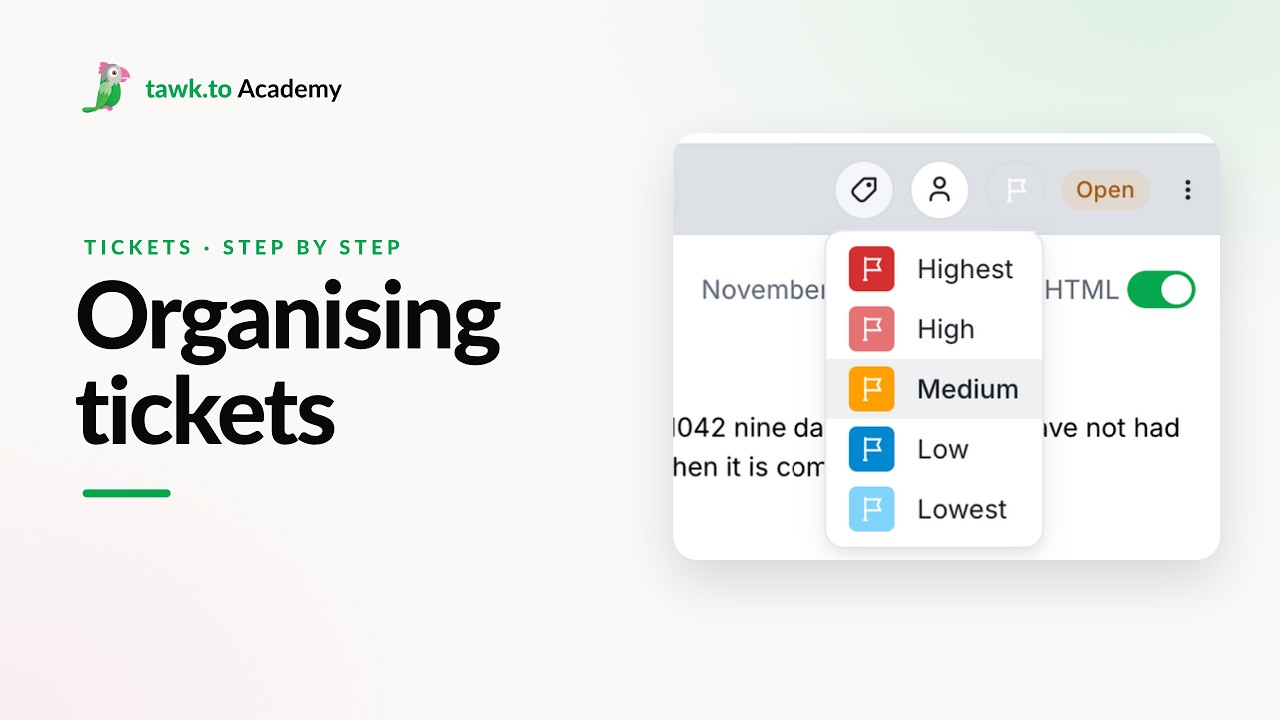
- Assign, Prioritise and Tag Tickets
- Exporting tickets from the tawk.to dashboard

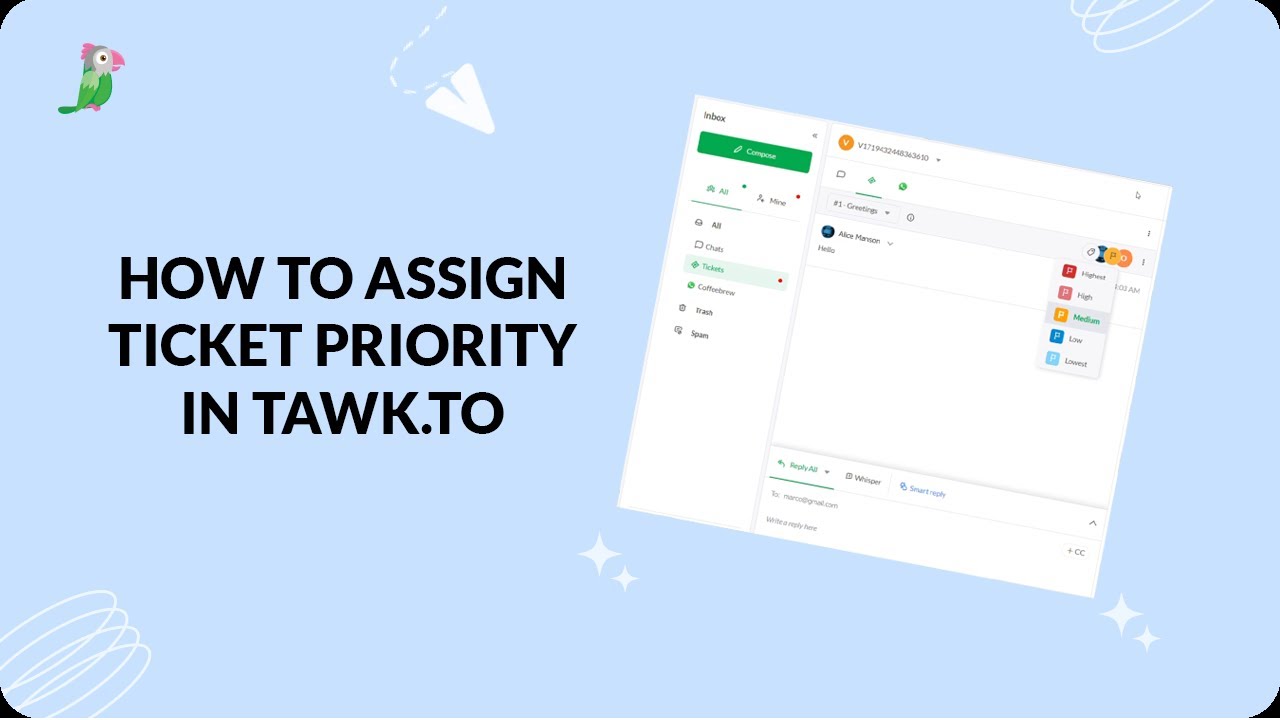
- How to assign ticket priority in tawk.to
- Why your ticket emails might go to spam

- Setting Up Your Email Signature
- Creating an Organisation Signature
Open the tawk.to Academy
Every topic and 220+ videos in one place.