
Creating an Organisation Signature
Make every reply look like it came from the same business. An organisation signature is set up once by an admin, and fills in each person’s own details when they send. This video shows how to create a signature in Administration, choose who can use it, and add variables like Agent Name and Agent Job Title so each person’s details fill in automatically. You’ll also see how to control whether it’s applied by default, how agents find and use it under Shared, and how to test it on a real reply. Then see it in action with a practice manager who sets up one signature with the firm’s logo, so every reply looks the same whoever sends it.
· Share this video
· More in this topic
Ticketing System & Email Management
- Add notes to tawk.to support tickets
- Customize the ticket auto reply message

- Exporting tickets from the tawk.to dashboard

- Forwarding your emails to tawk to
- How to assign ticket priority in tawk.to
- How to create a ticket in tawk.to
- How to set up ticketing in tawk.to

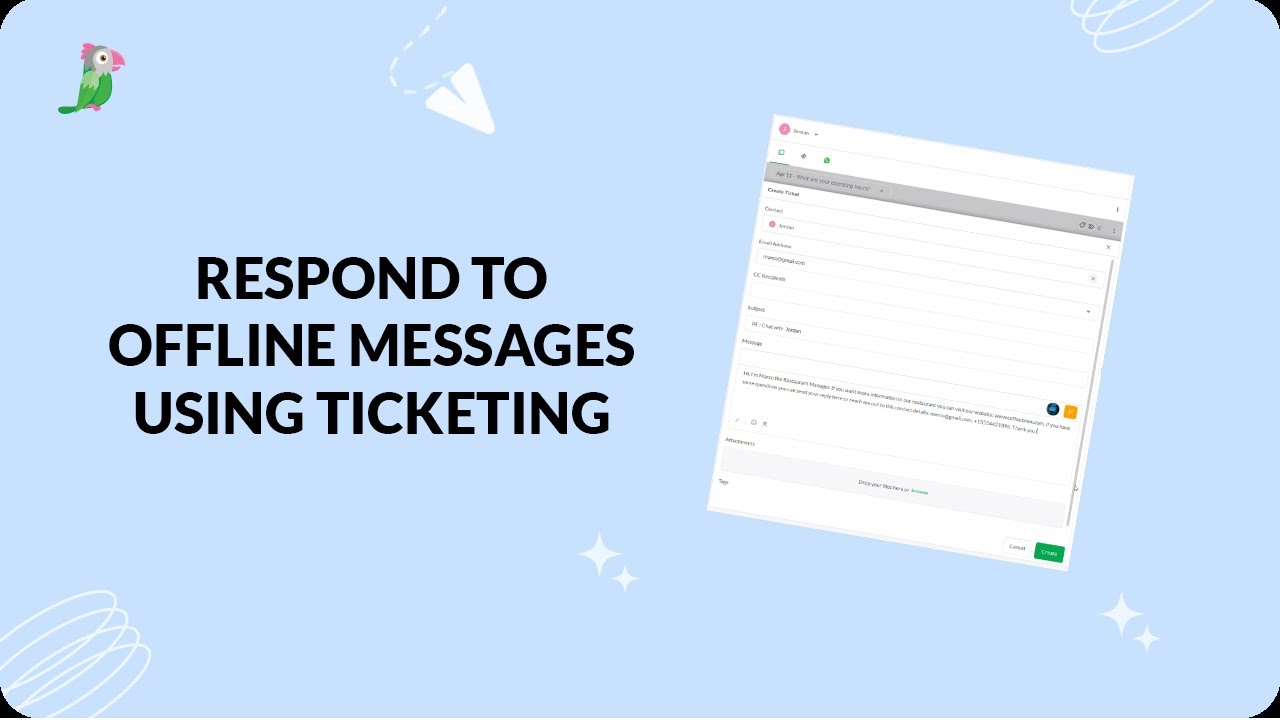
- Respond to offline messages using ticketing
Open the tawk.to Academy
Every topic and 220+ videos in one place.