
Respond to offline messages using ticketing
When a visitor messages you while your chat widget is offline, that message doesn’t get lost. It lands straight in your Inbox, where you can convert it into a ticket and reply by email. In this video, you’ll see how to turn an offline message into a ticket, send a response, and manage it like any other support request, including assignments, tags, and priority.
· Share this video
· More in this topic
Ticketing System & Email Management
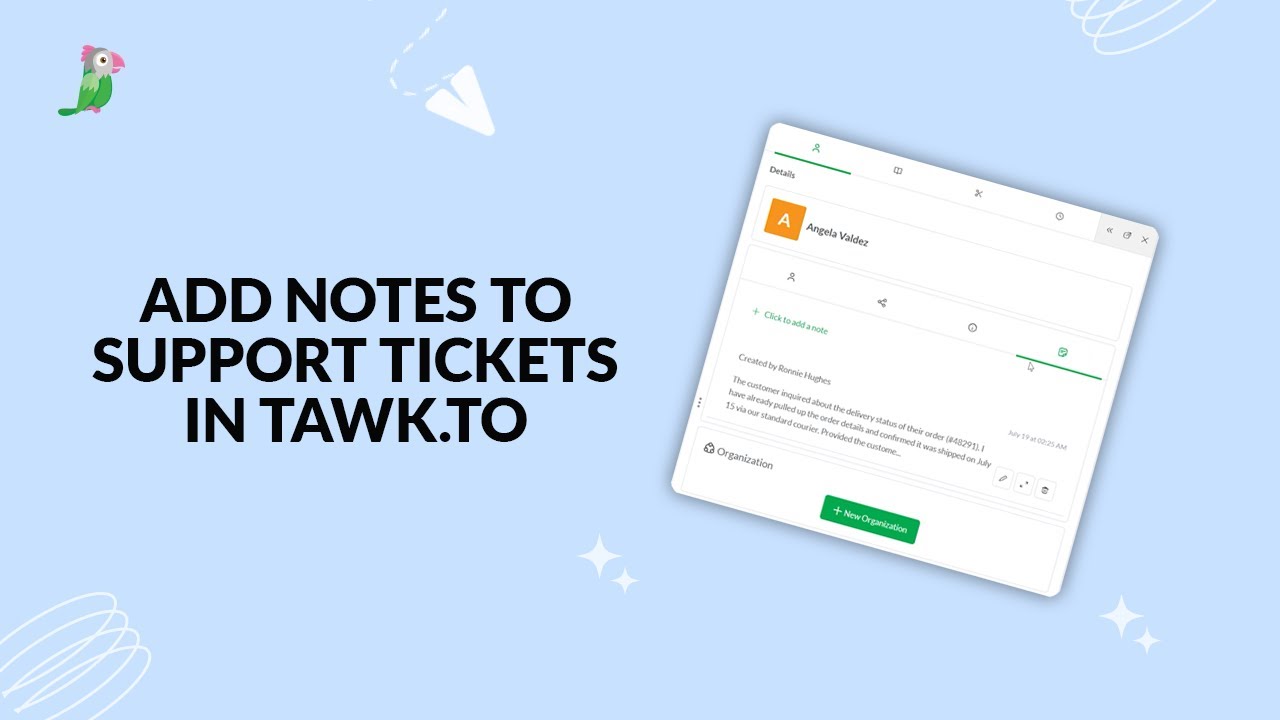
- Add notes to tawk.to support tickets
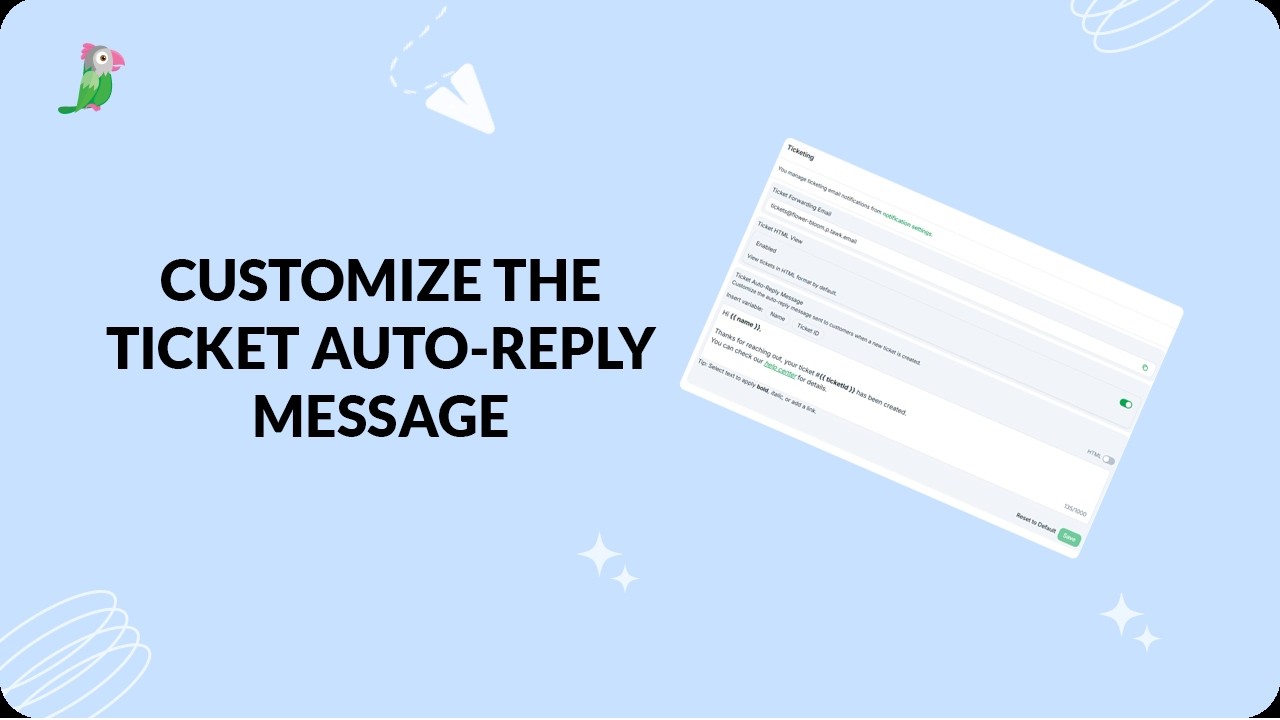
- Customize the ticket auto reply message
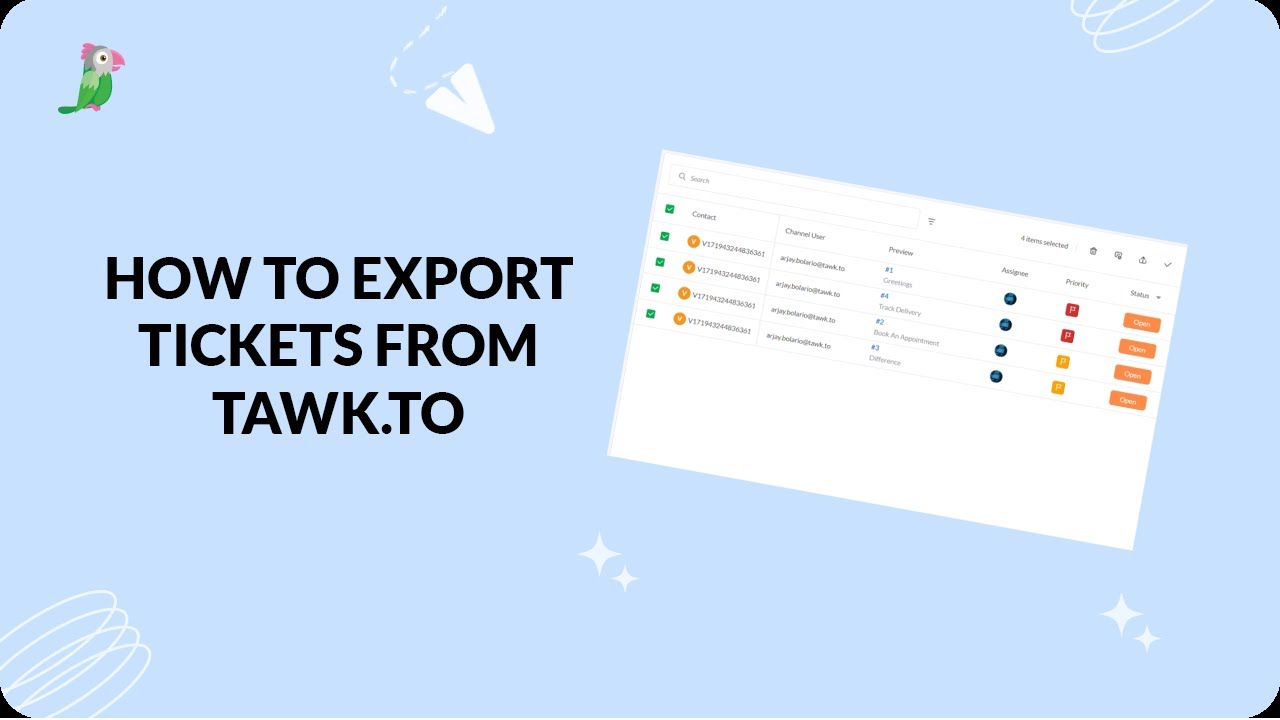
- Exporting tickets from the tawk.to dashboard
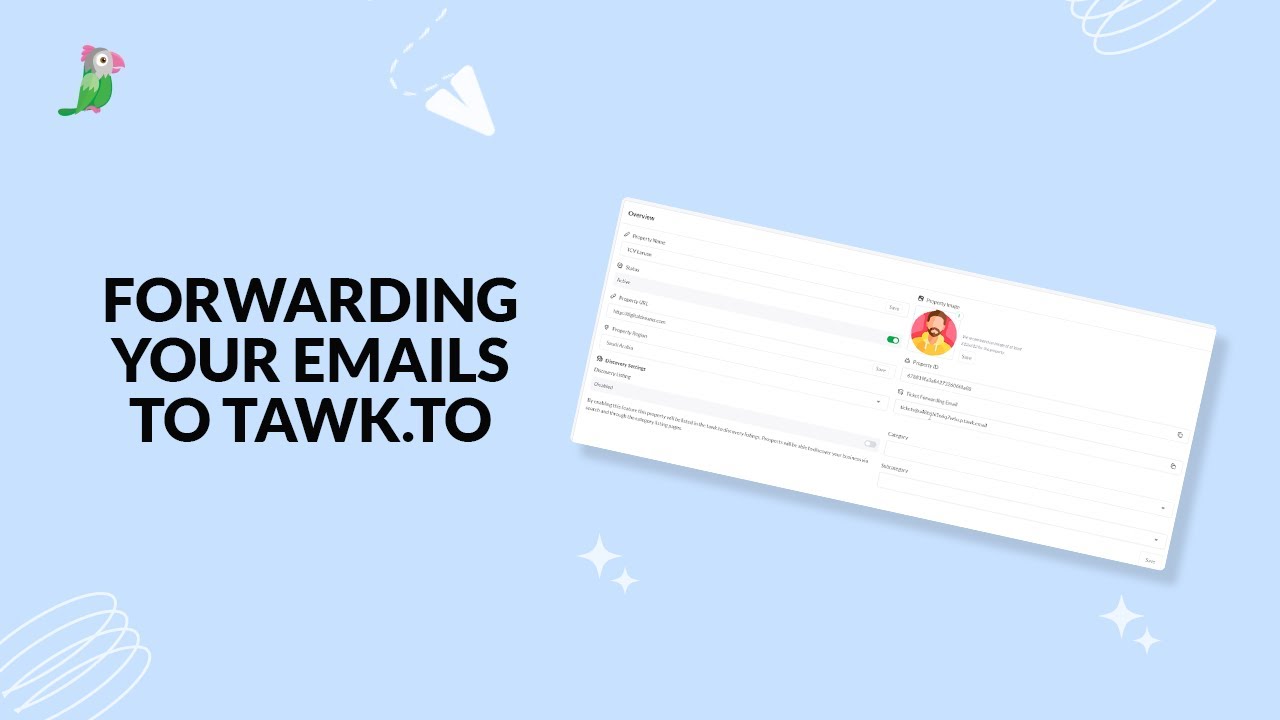
- Forwarding your emails to tawk to
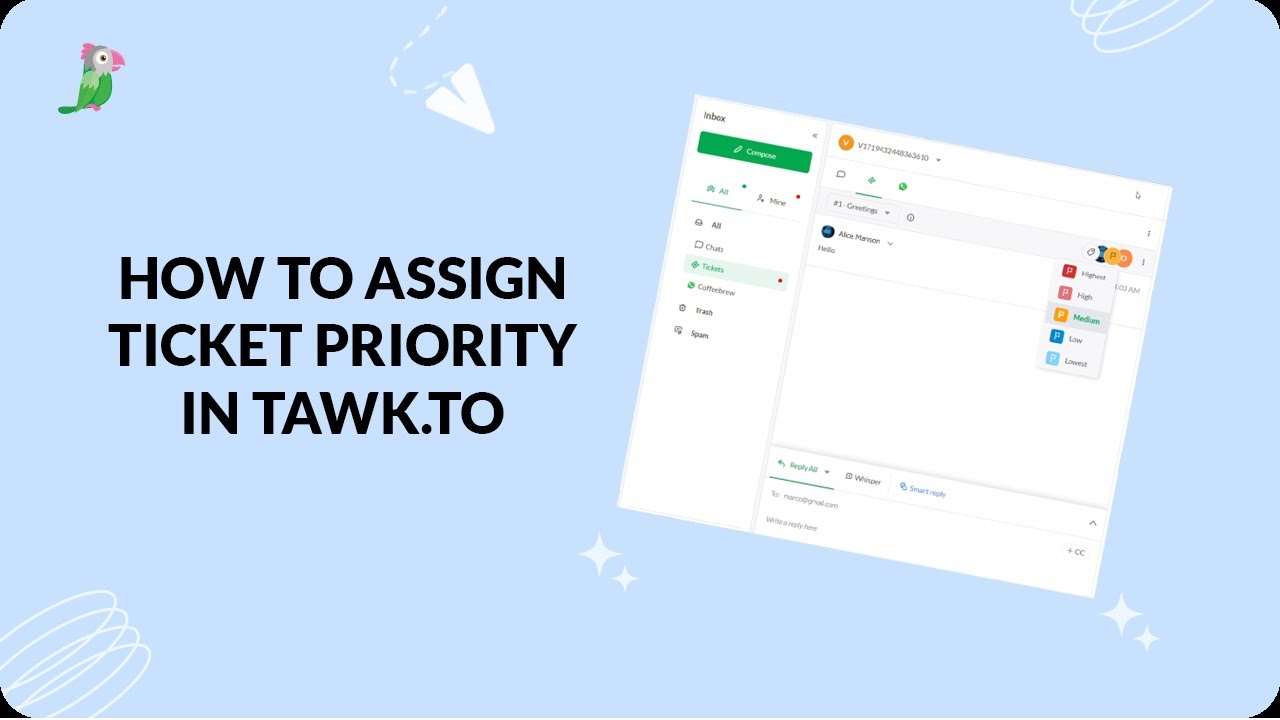
- How to assign ticket priority in tawk.to
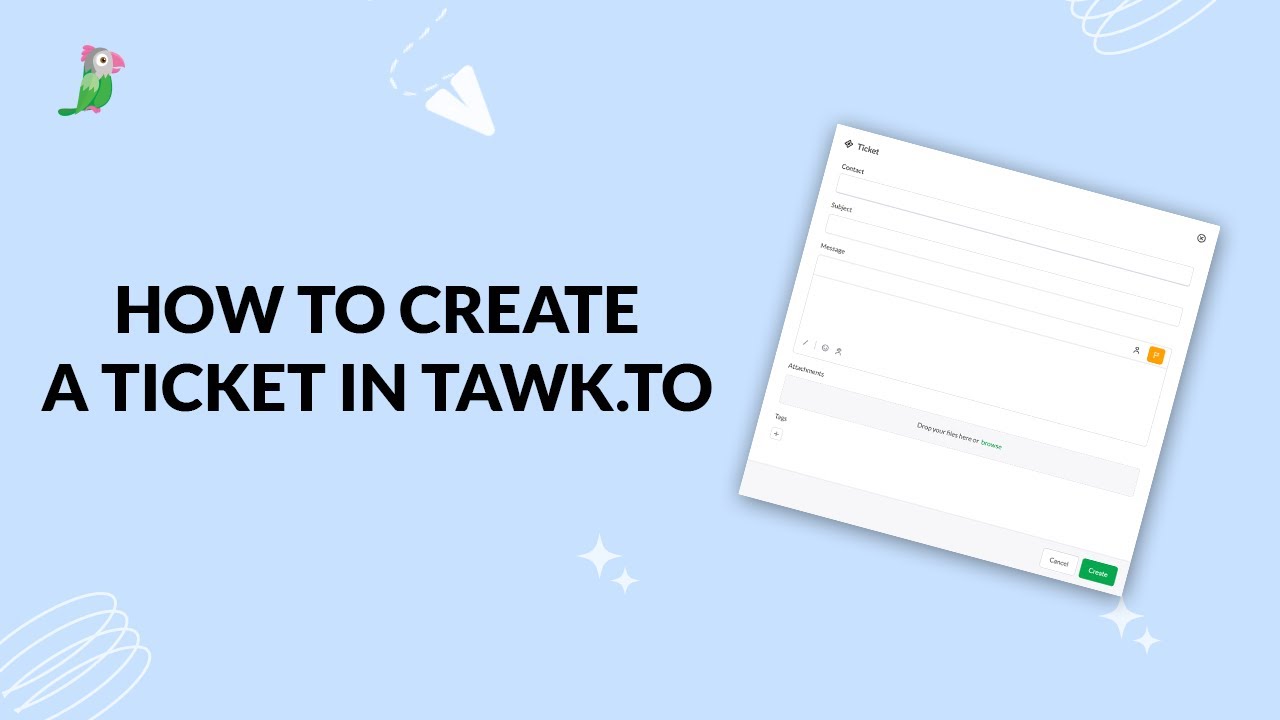
- How to create a ticket in tawk.to
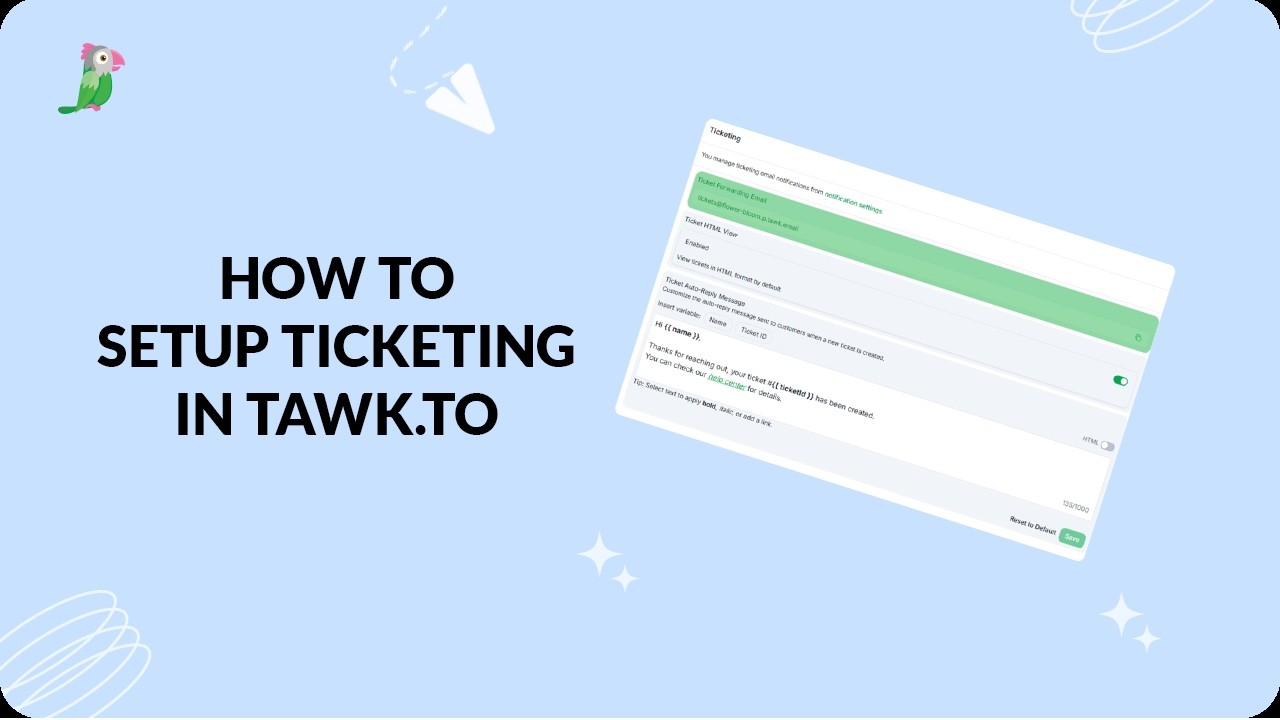
- How to set up ticketing in tawk.to
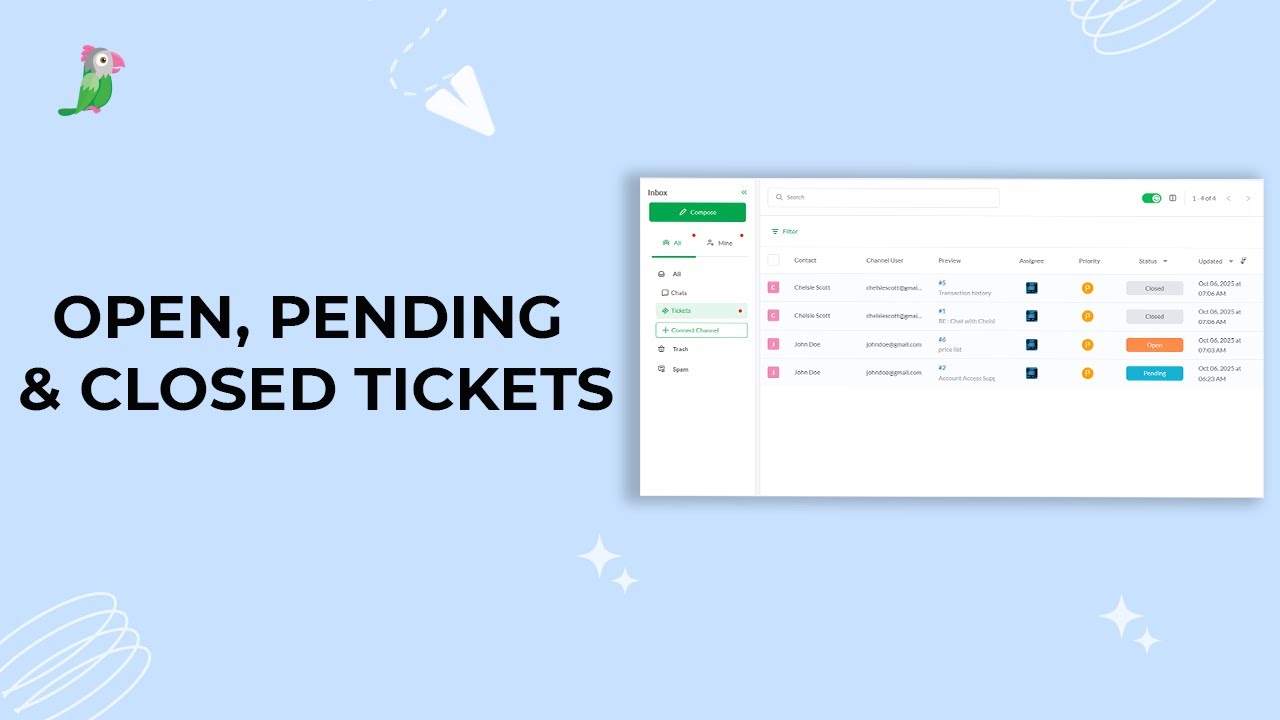
- Open, pending, and closed tickets
Open the tawk.to Academy
Every topic and 220+ videos in one place.