
Open, pending, and closed tickets
🎫 Learn how to manage tickets efficiently in tawk.to using Open, Pending, and Closed statuses. This step-by-step tutorial walks you through how to track progress, filter tickets by status, and keep your inbox organised so your team can respond faster and stay focused on customer conversations that matter.
· Share this video
· More in this topic
Ticketing System & Email Management
- Add notes to tawk.to support tickets

- Customize the ticket auto reply message

- Exporting tickets from the tawk.to dashboard

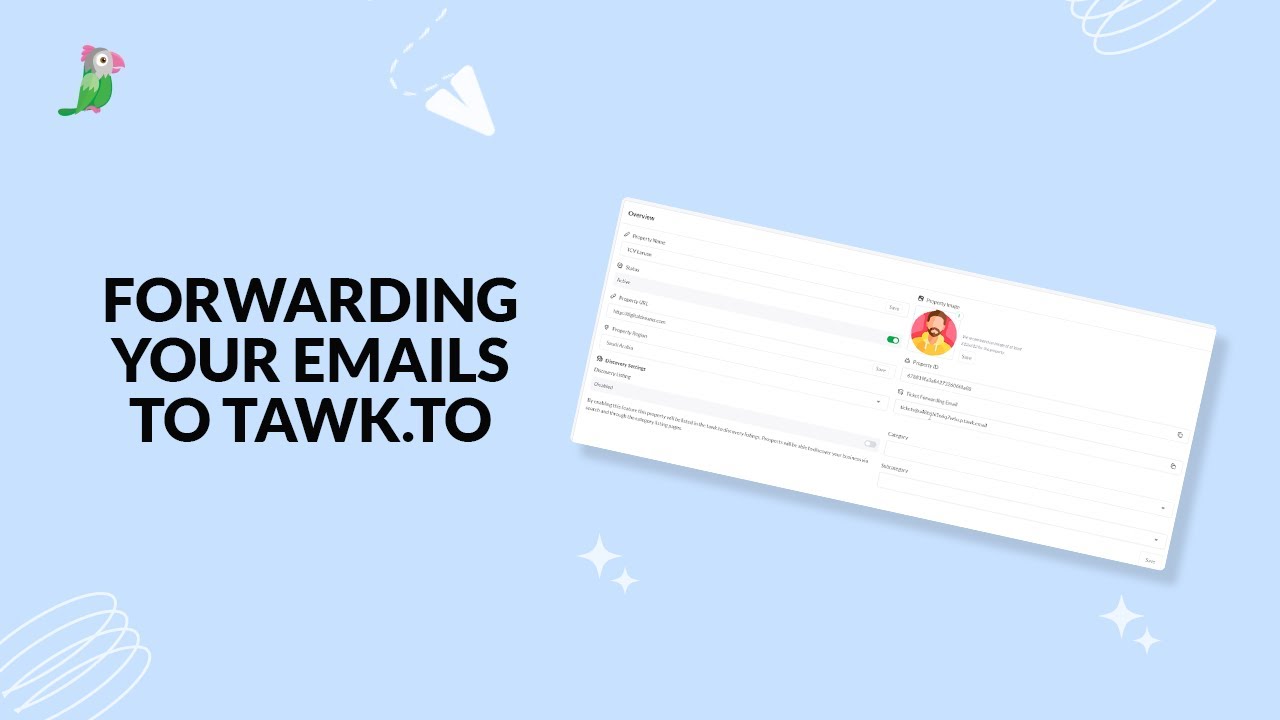
- Forwarding your emails to tawk to
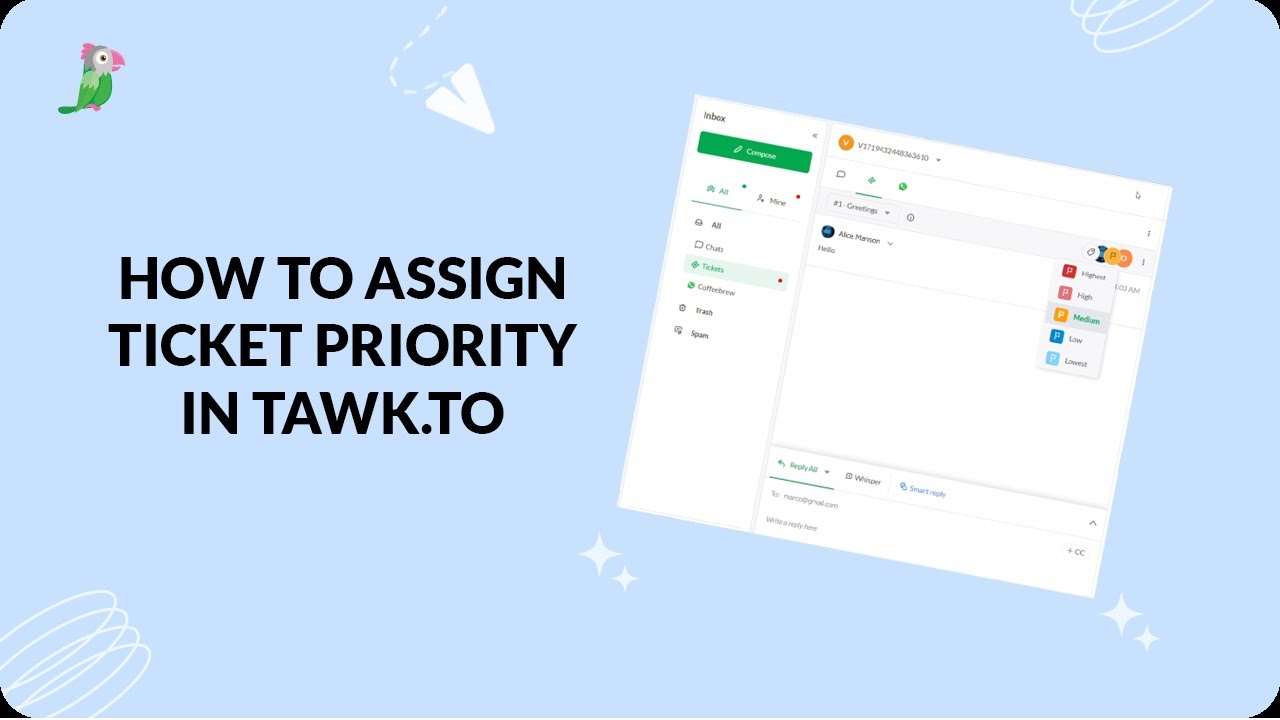
- How to assign ticket priority in tawk.to
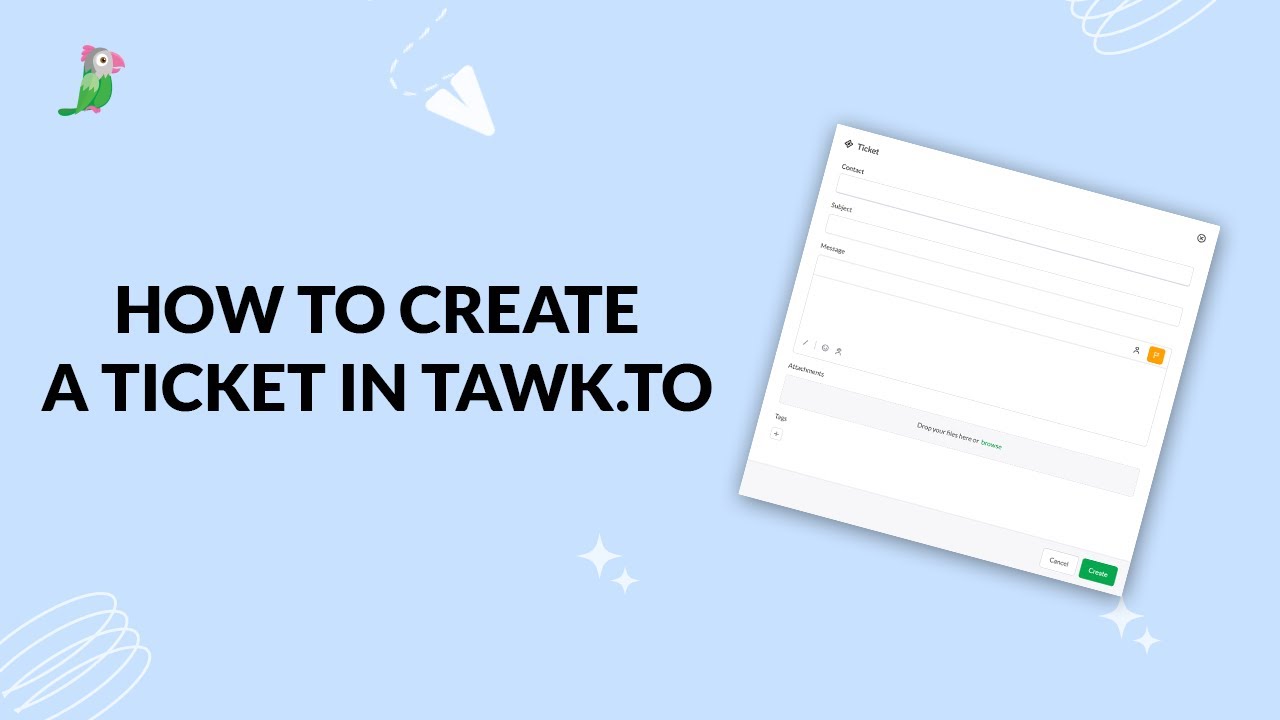
- How to create a ticket in tawk.to
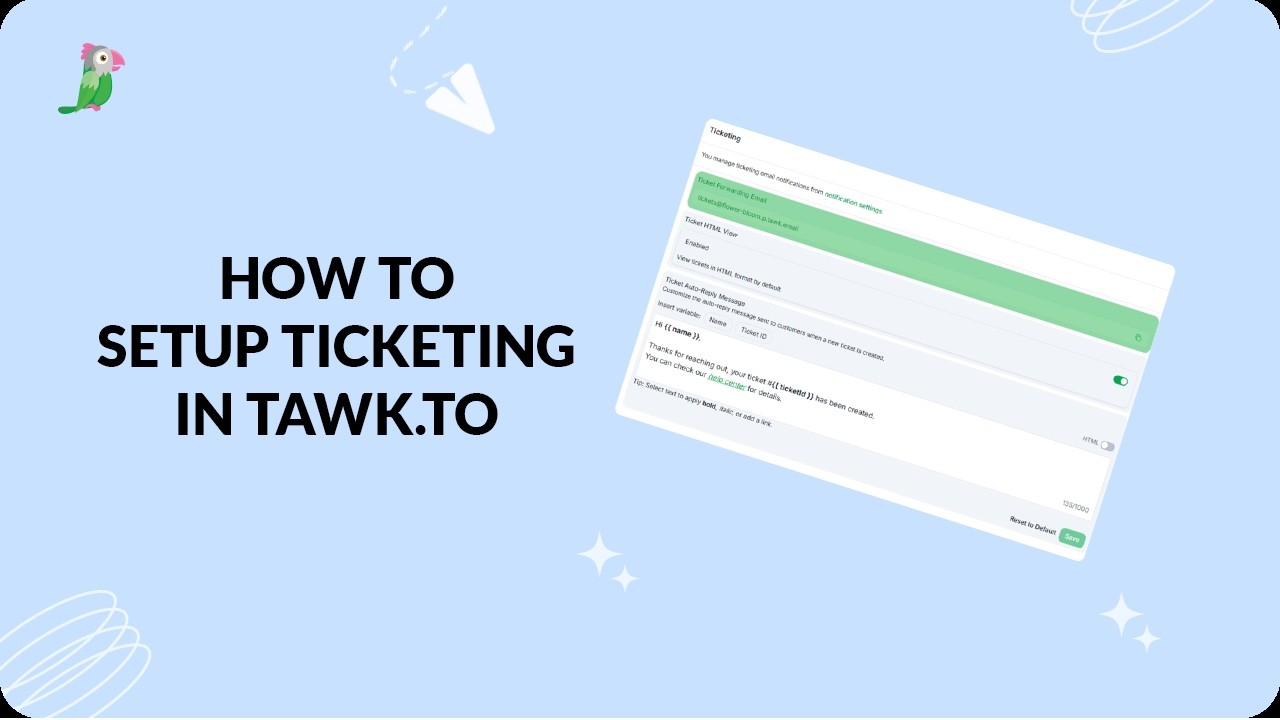
- How to set up ticketing in tawk.to
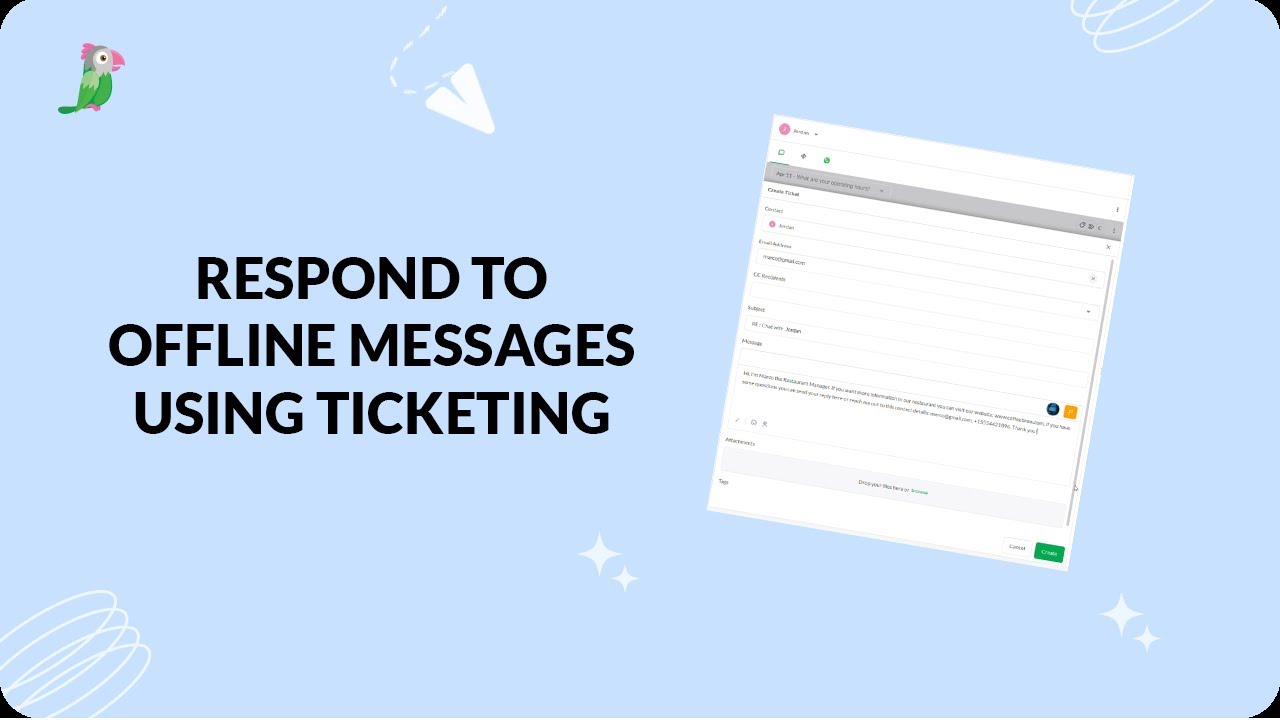
- Respond to offline messages using ticketing
Open the tawk.to Academy
Every topic and 220+ videos in one place.