
Setting Up Your Email Signature
You can sign off every email the same way, without typing a thing. A personal signature adds your name, role and contact details for you. This video shows how to create a signature from your profile, format it with fonts, colours, links and your company logo, and use variables to fill in your name, job title, company and website automatically. You’ll also see how to set where your signature is added by default, how shared signatures from your admin work, and what happens when an admin sets a signature for an inbox or property. Then see it in action with an account manager whose replies to clients all end the same way, with no typing.
· Share this video
· More in this topic
Workflows
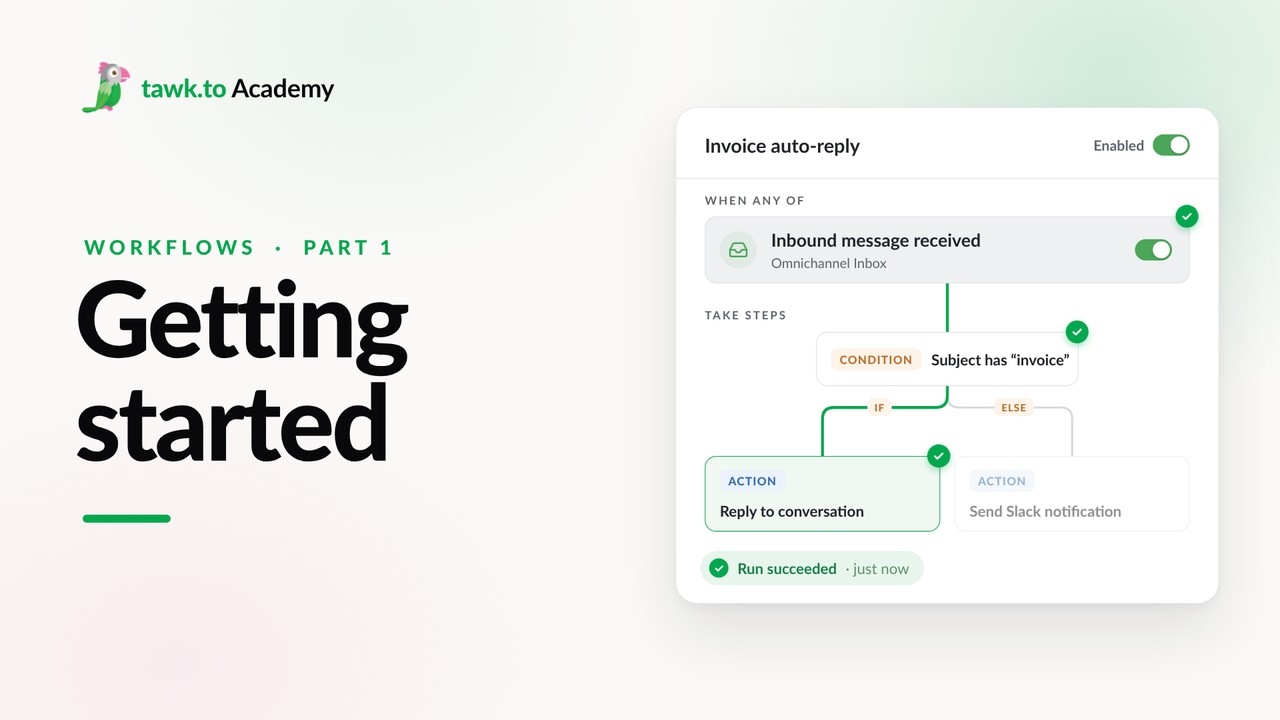
- Getting Started with Workflows
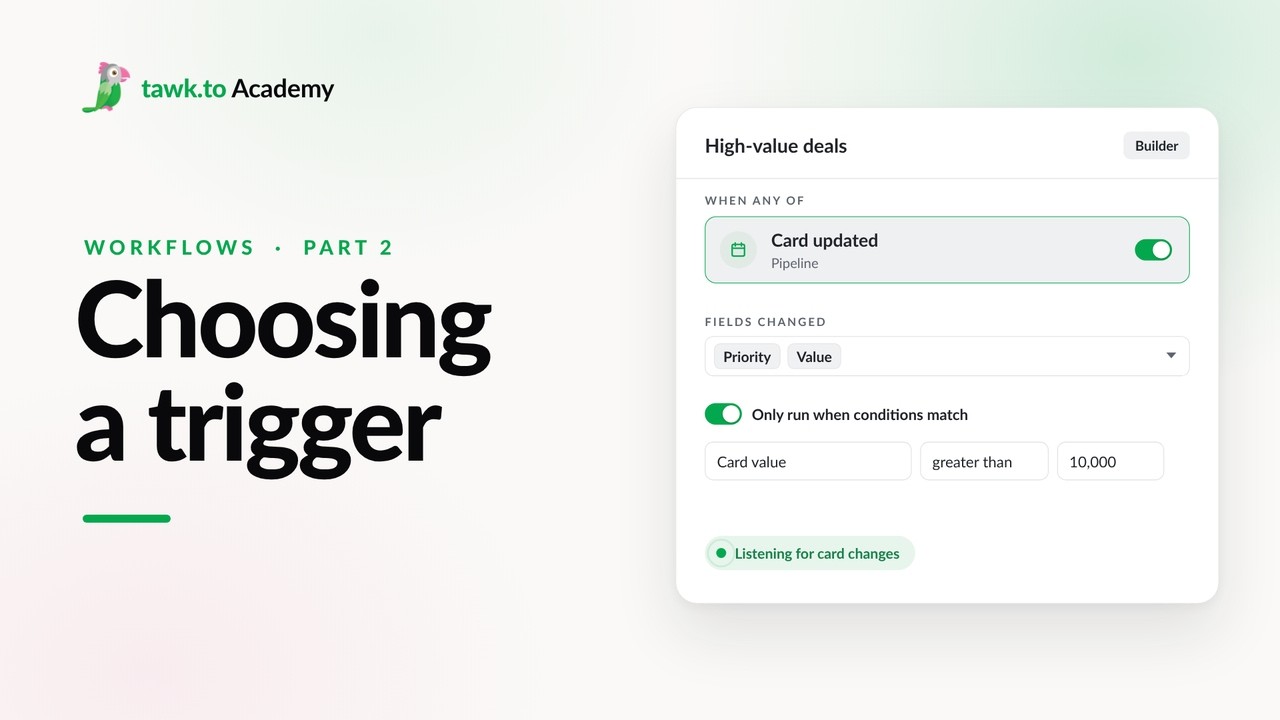
- Choosing a Workflow Trigger
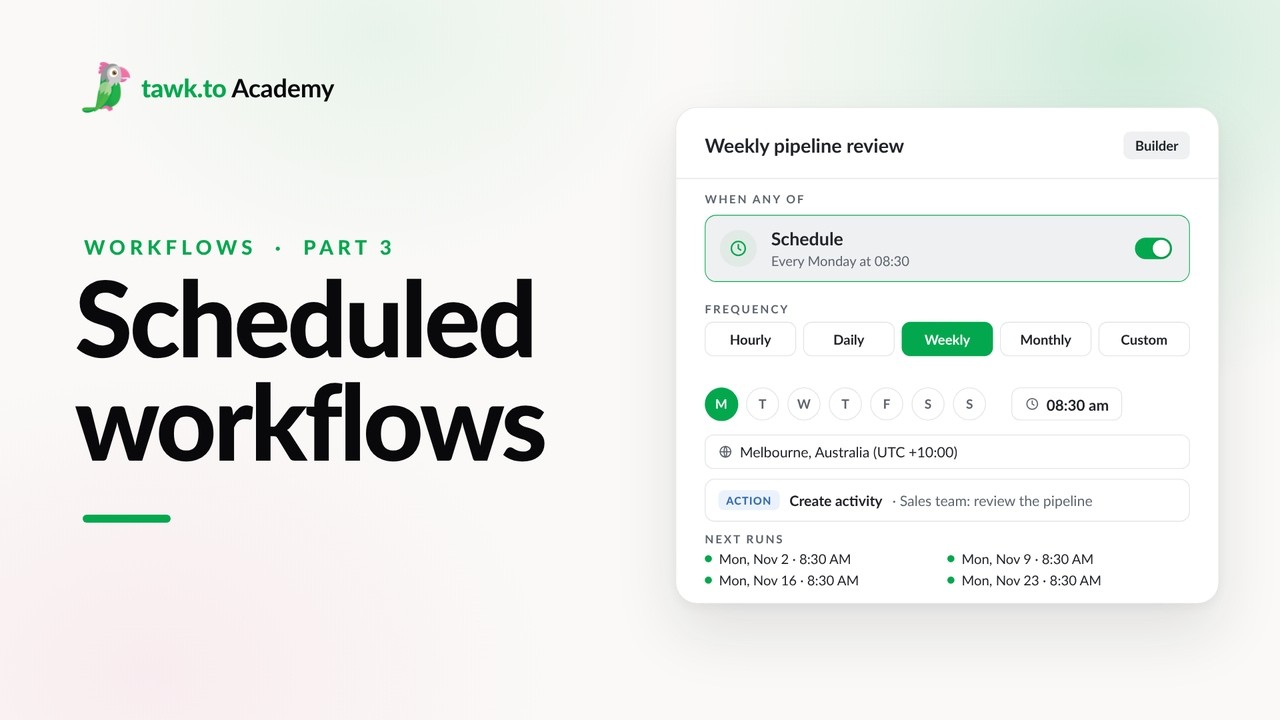
- Scheduled Workflows
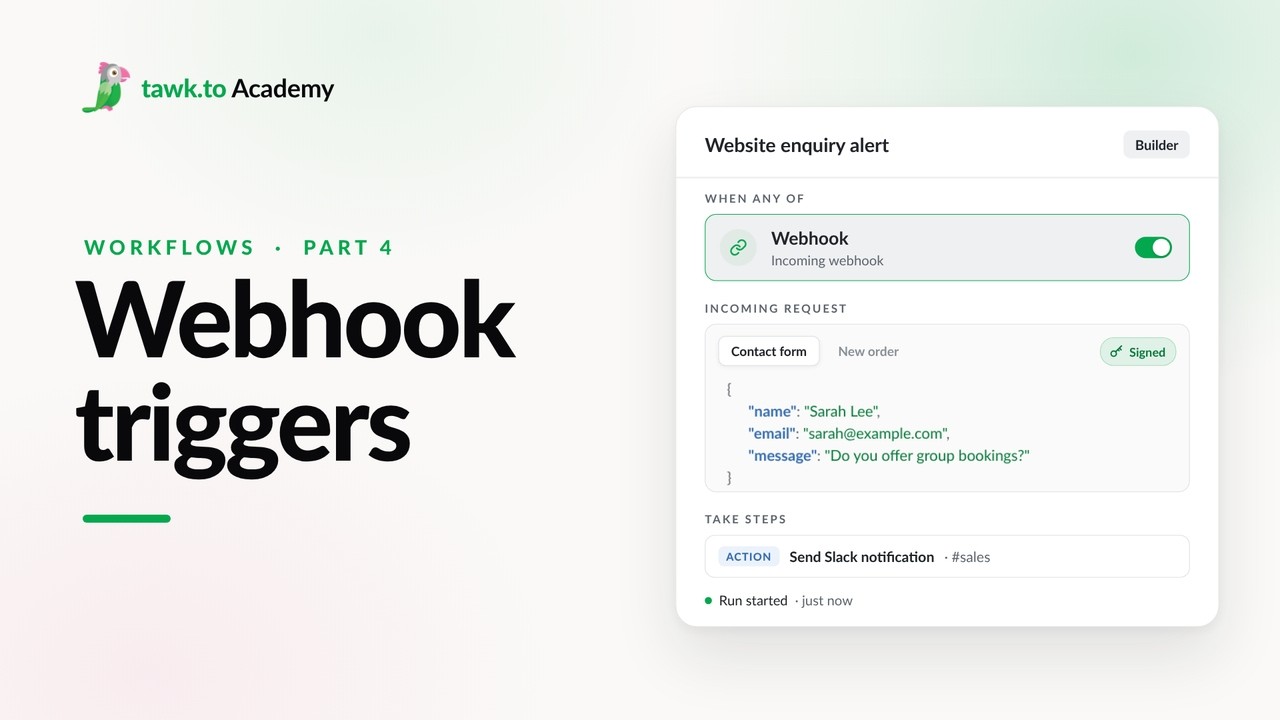
- Start a Workflow with a Webhook
- Start a Workflow from an AI Agent
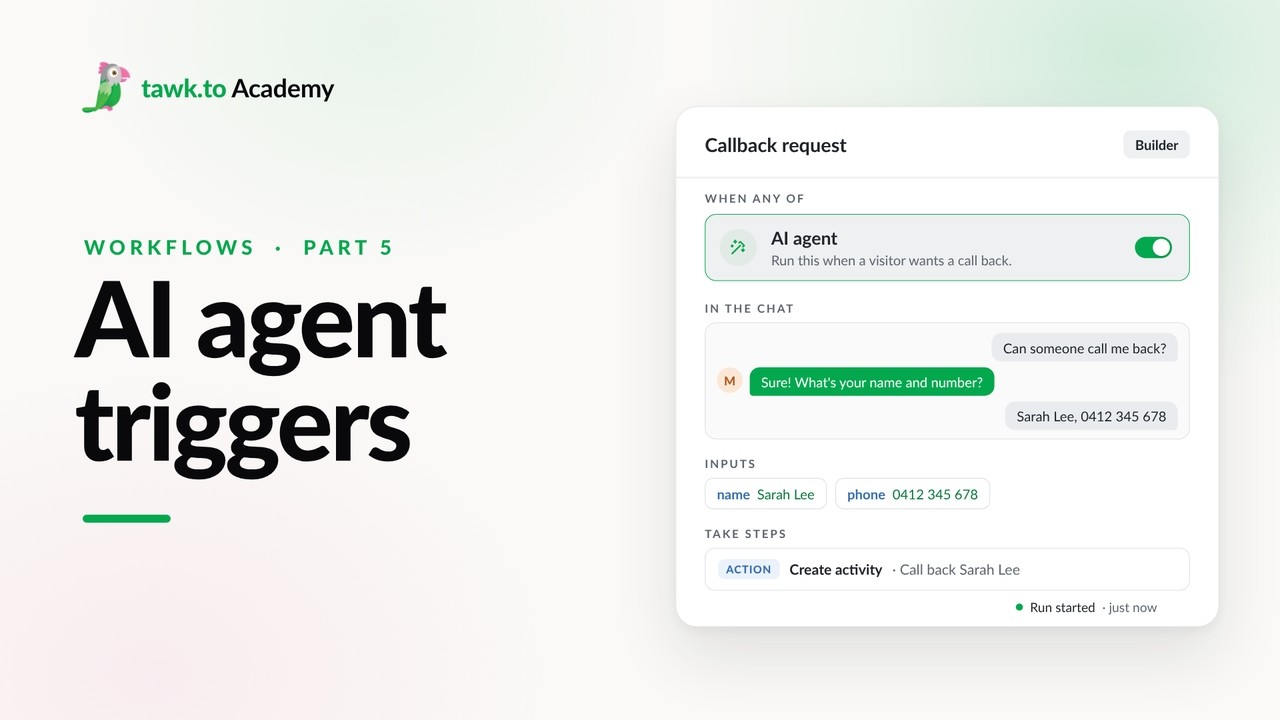
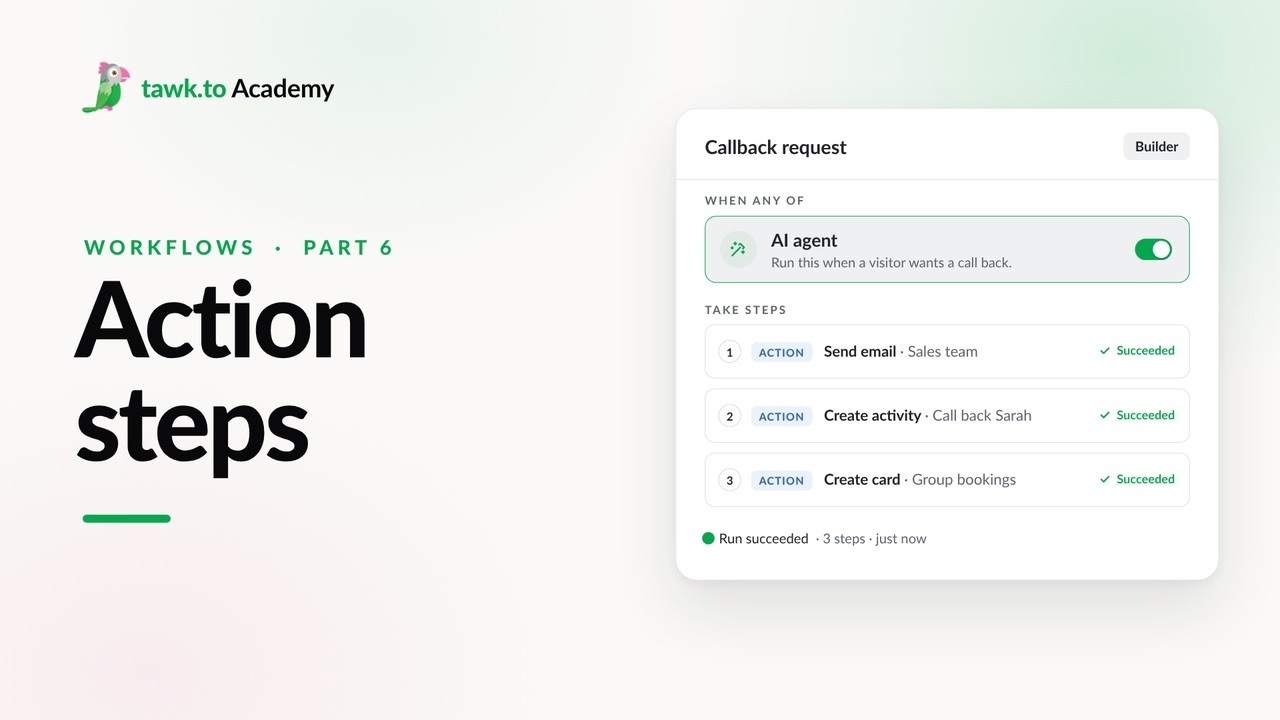
- Adding Actions to a Workflow
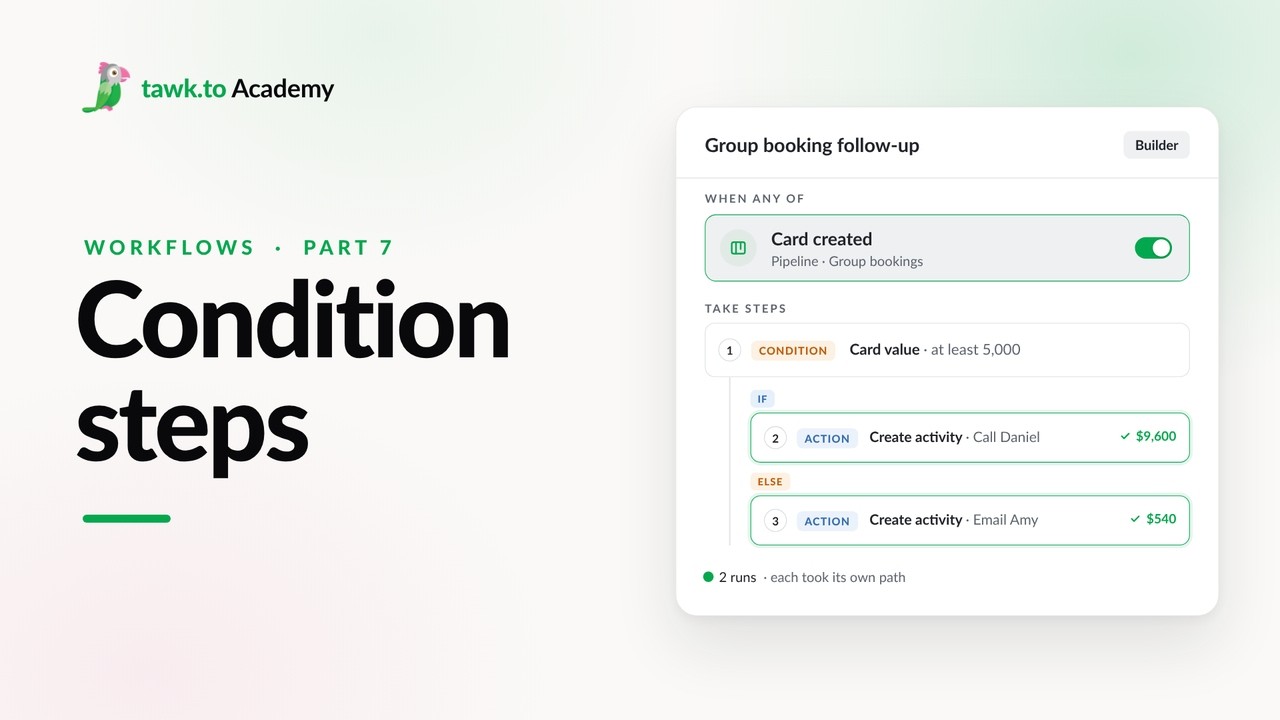
- Branching a Workflow with Conditions
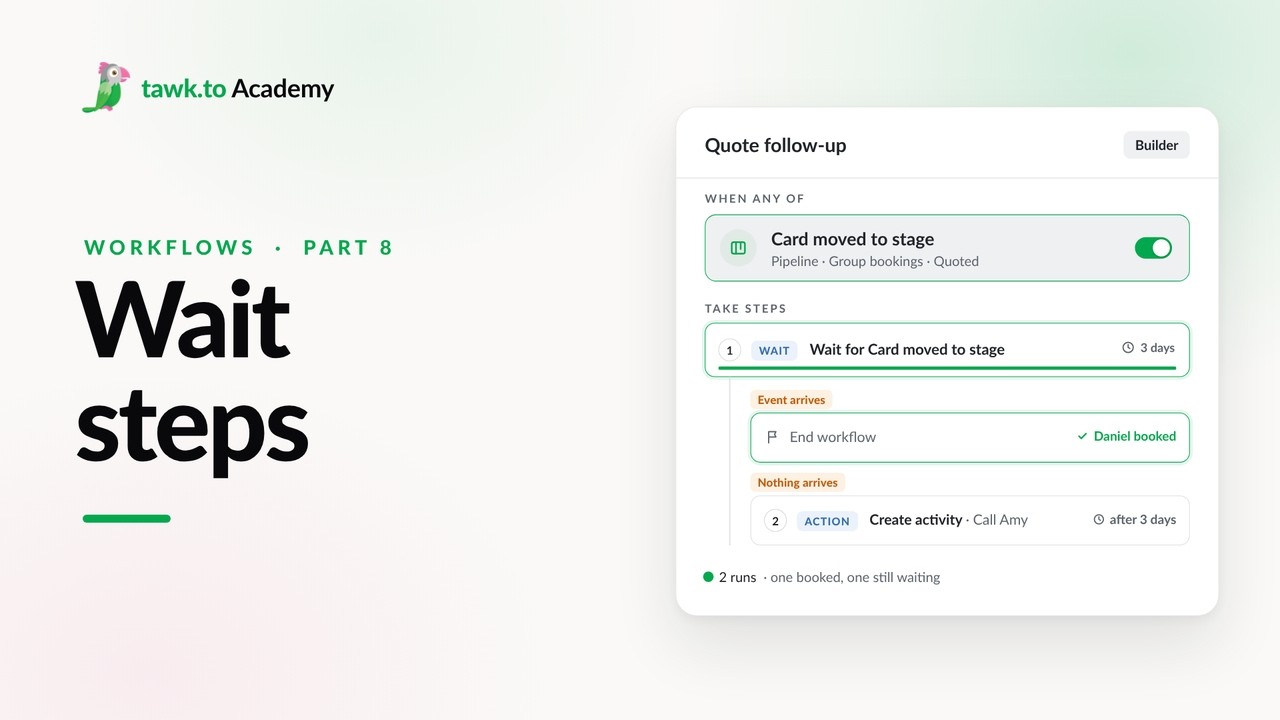
- Pausing a Workflow with Wait Steps
Open the tawk.to Academy
Every topic and 220+ videos in one place.