
Getting Started with Workflows
Workflows take repetitive jobs off your team’s plate. You choose when something should happen and what happens next, and tawk.to does it automatically, every time. This video shows how to create a workflow, choose one or more triggers, and build it with Action, Condition, Wait and AI steps. You’ll also see how to name it, switch it on, and check every run and how each step went in the Runs tab.
· Share this video
· More in this topic
Workflows
- Choosing a Workflow Trigger
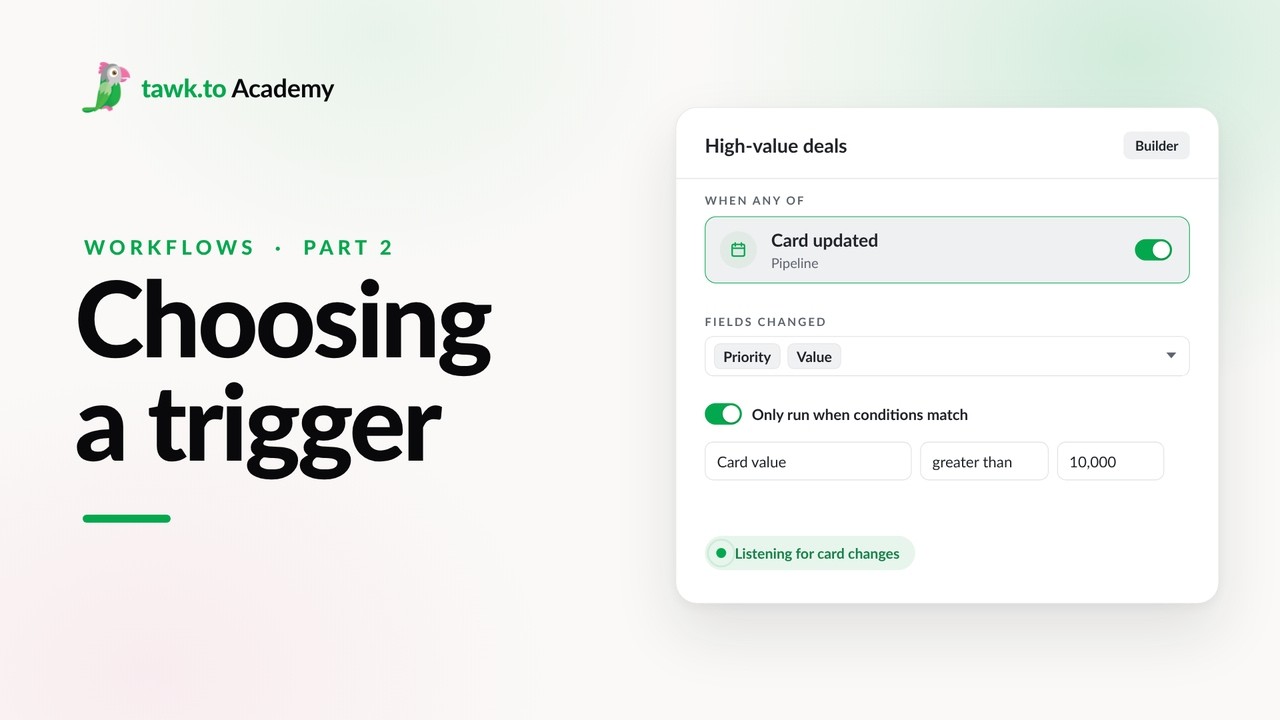
- Scheduled Workflows
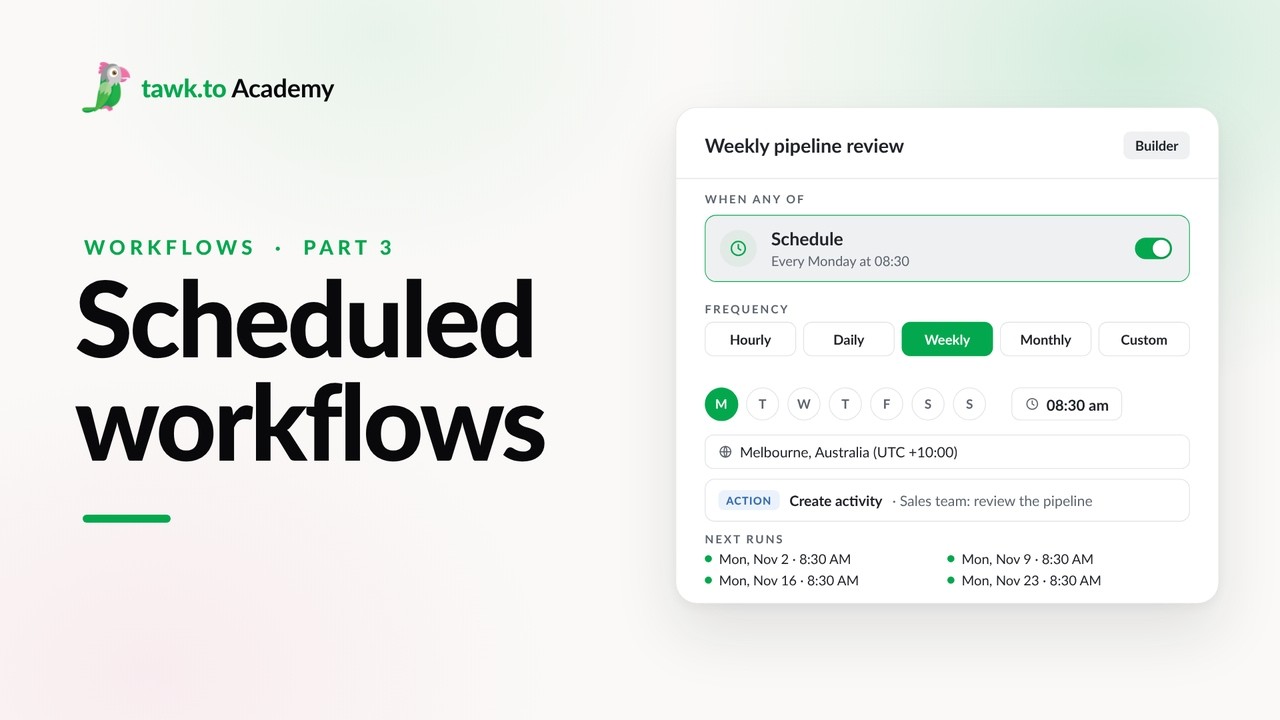
- Start a Workflow with a Webhook
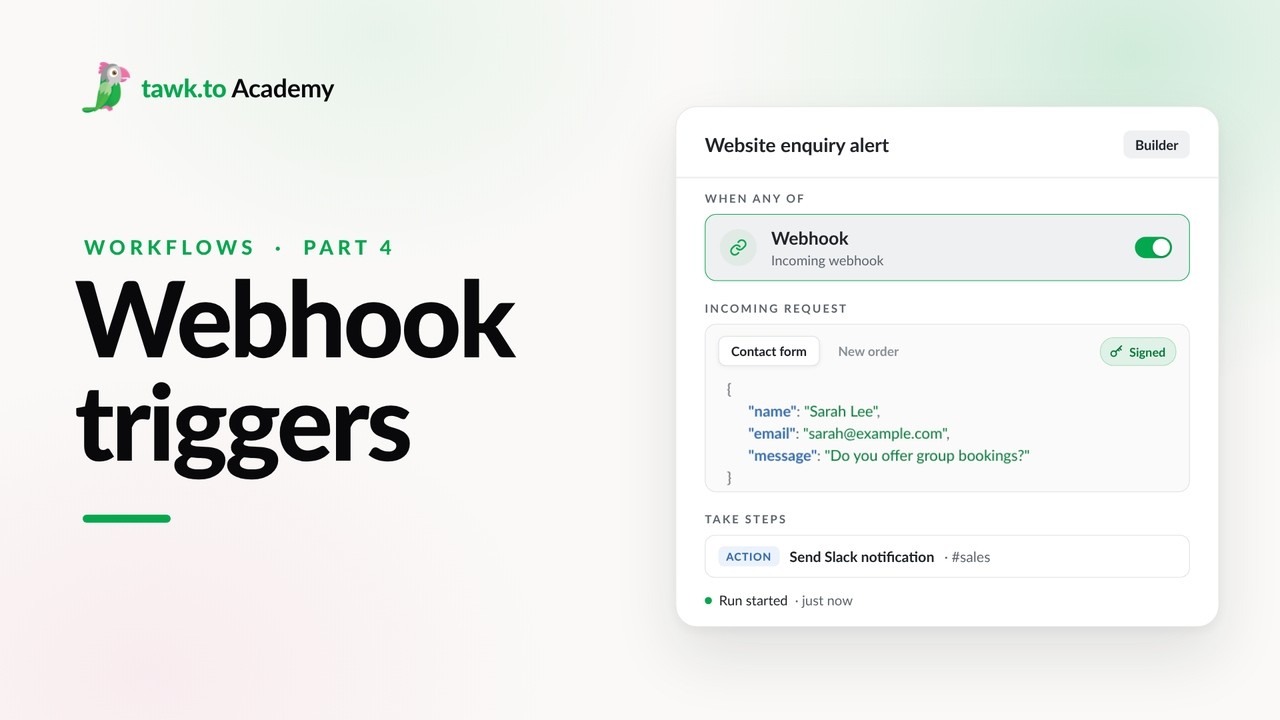
- Start a Workflow from an AI Agent
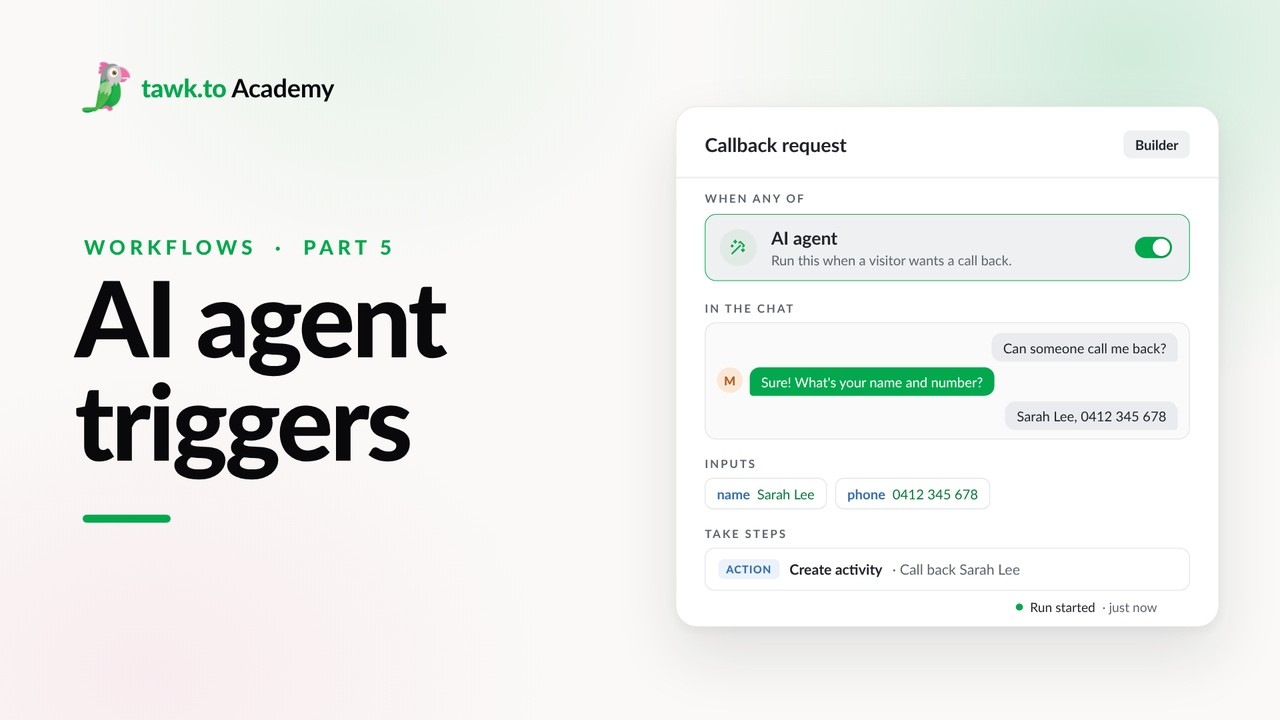
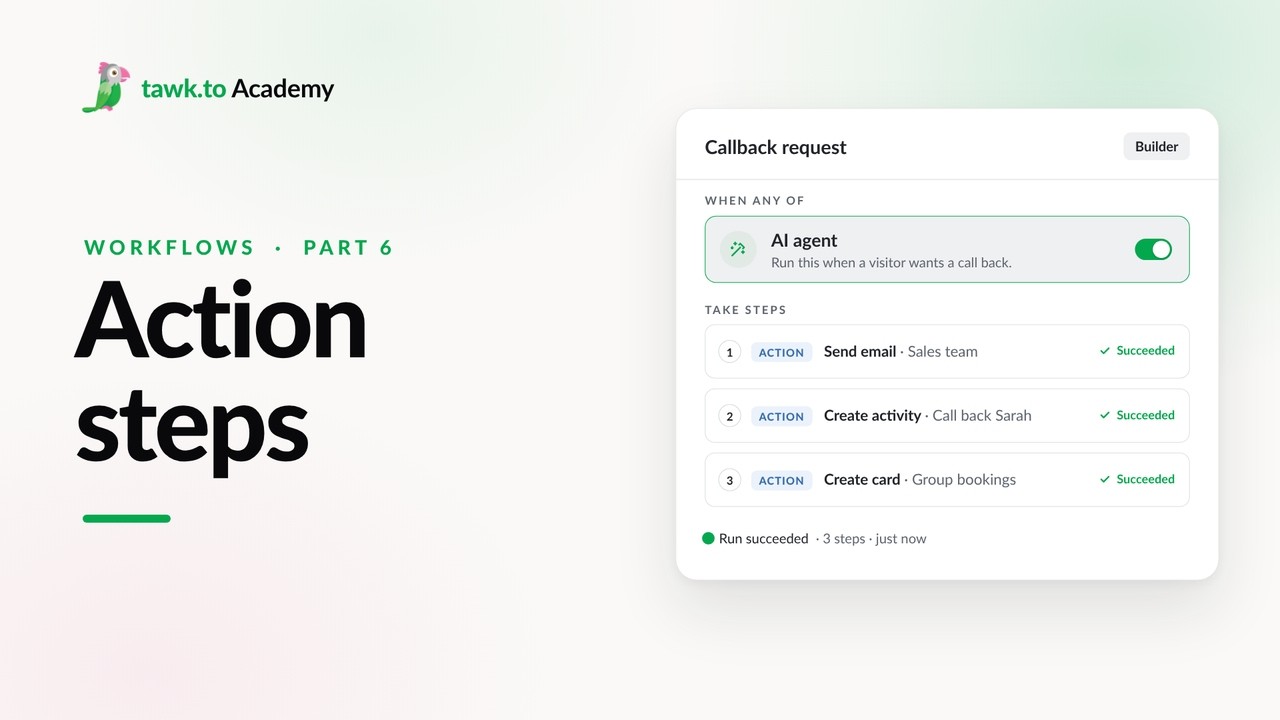
- Adding Actions to a Workflow
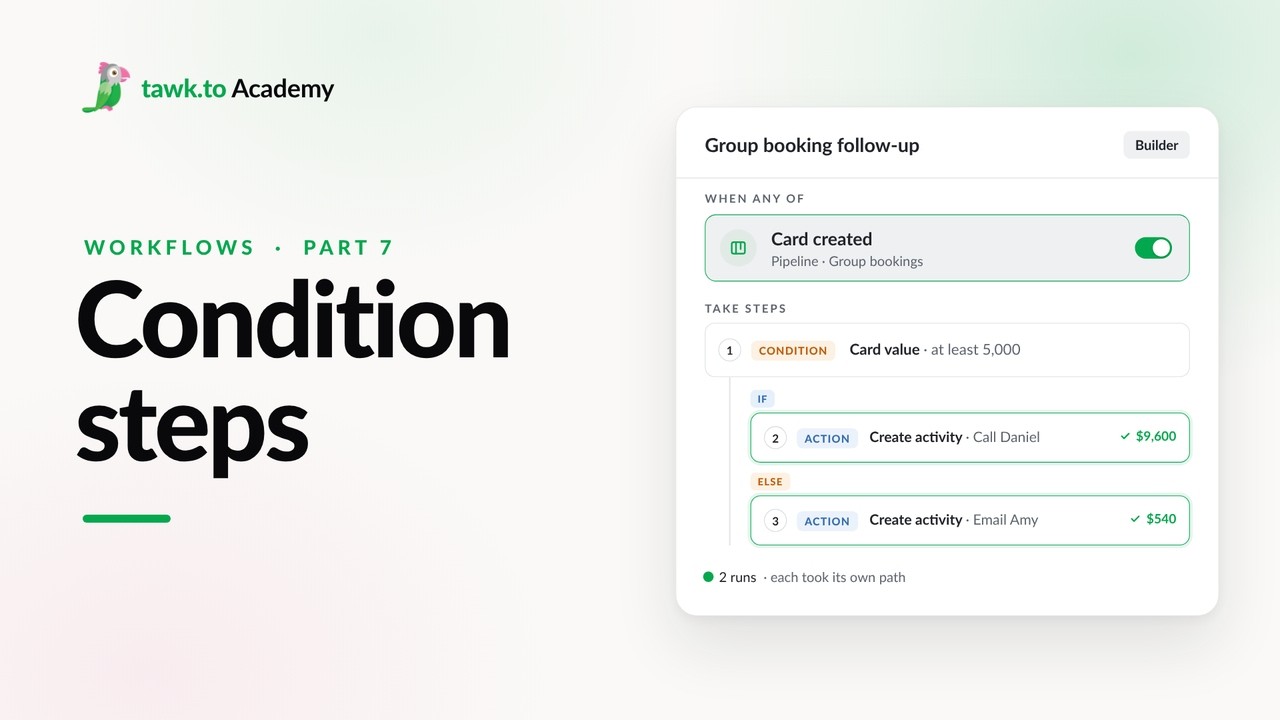
- Branching a Workflow with Conditions
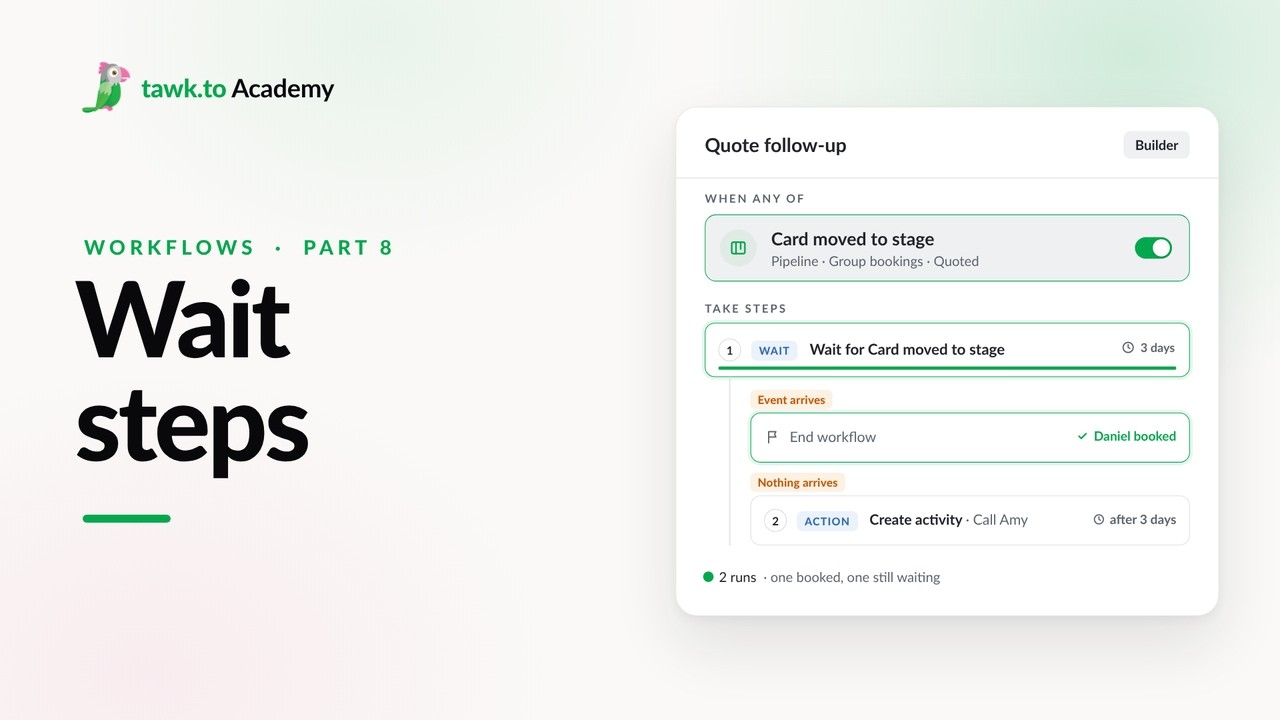
- Pausing a Workflow with Wait Steps
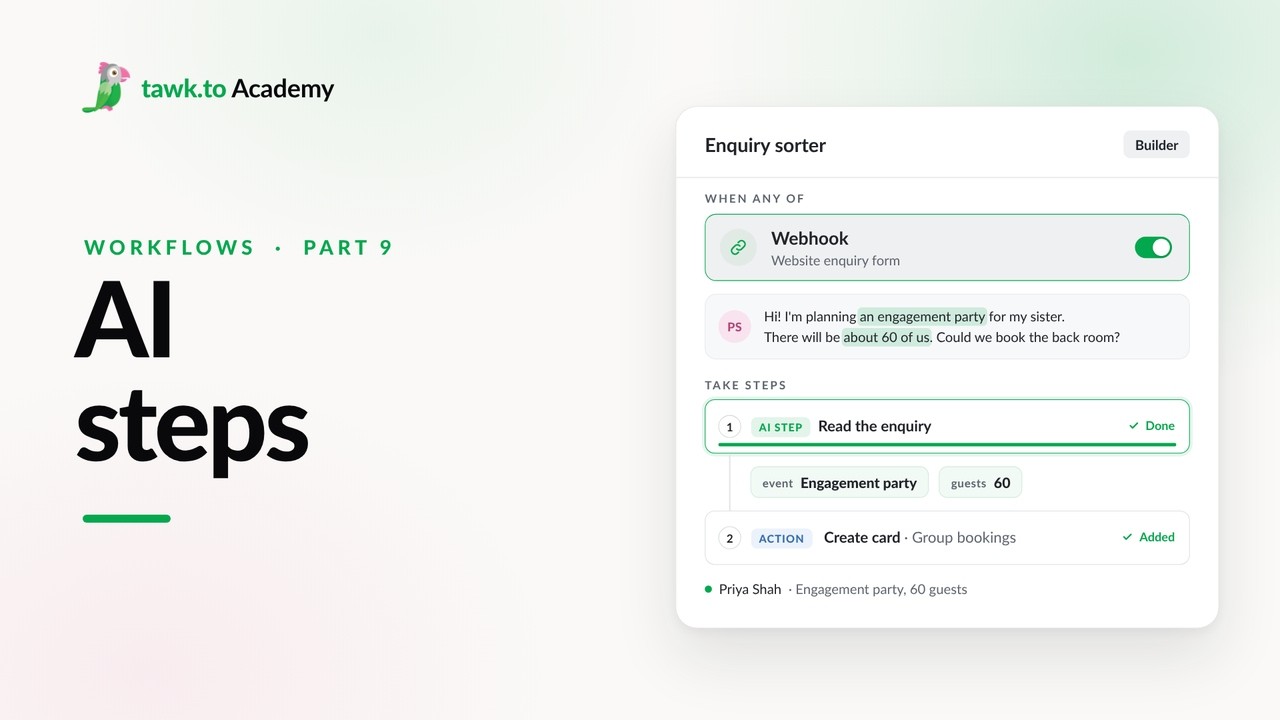
- Adding an AI Step to a Workflow
Open the tawk.to Academy
Every topic and 220+ videos in one place.