
Adding Actions to a Workflow
Action steps are where a workflow does the work, like sending an email, creating an activity, or adding a card to a pipeline. This video shows how to add an Action step, pick a category and action, and fill in the fields with fixed values or data from your trigger. You’ll also see how to use data returned by earlier steps, reorder and delete steps, and what to do when an action needs a connected inbox or app first. Then see how to check each step in the Runs tab, with an example where a callback request creates a Call activity and adds a card to a Group bookings pipeline.
· Share this video
· More in this topic
Workflows
- Getting Started with Workflows
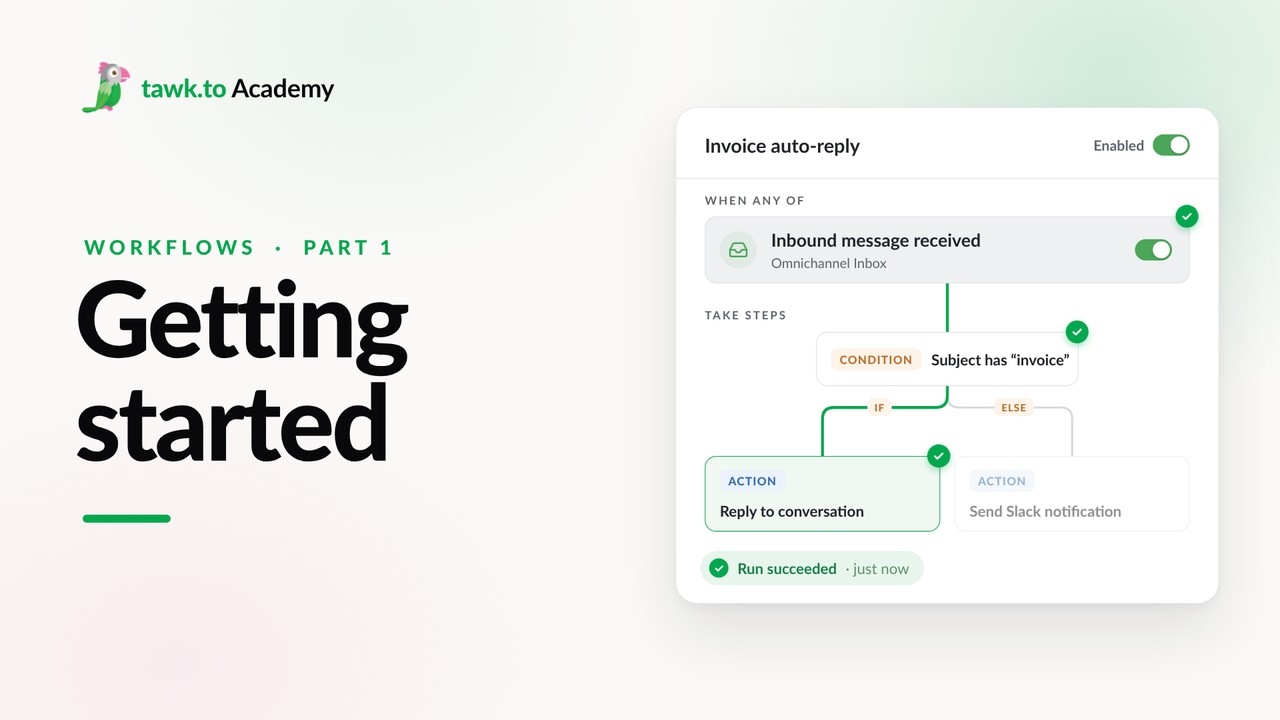
- Choosing a Workflow Trigger
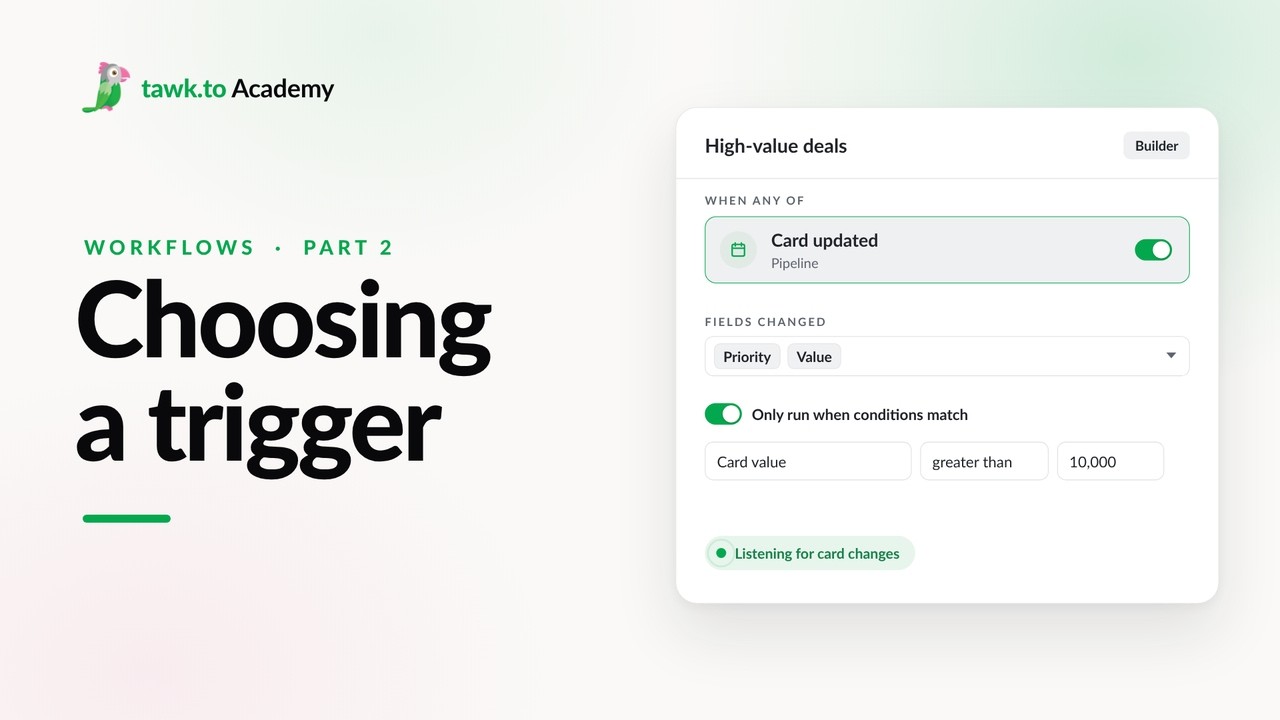
- Scheduled Workflows
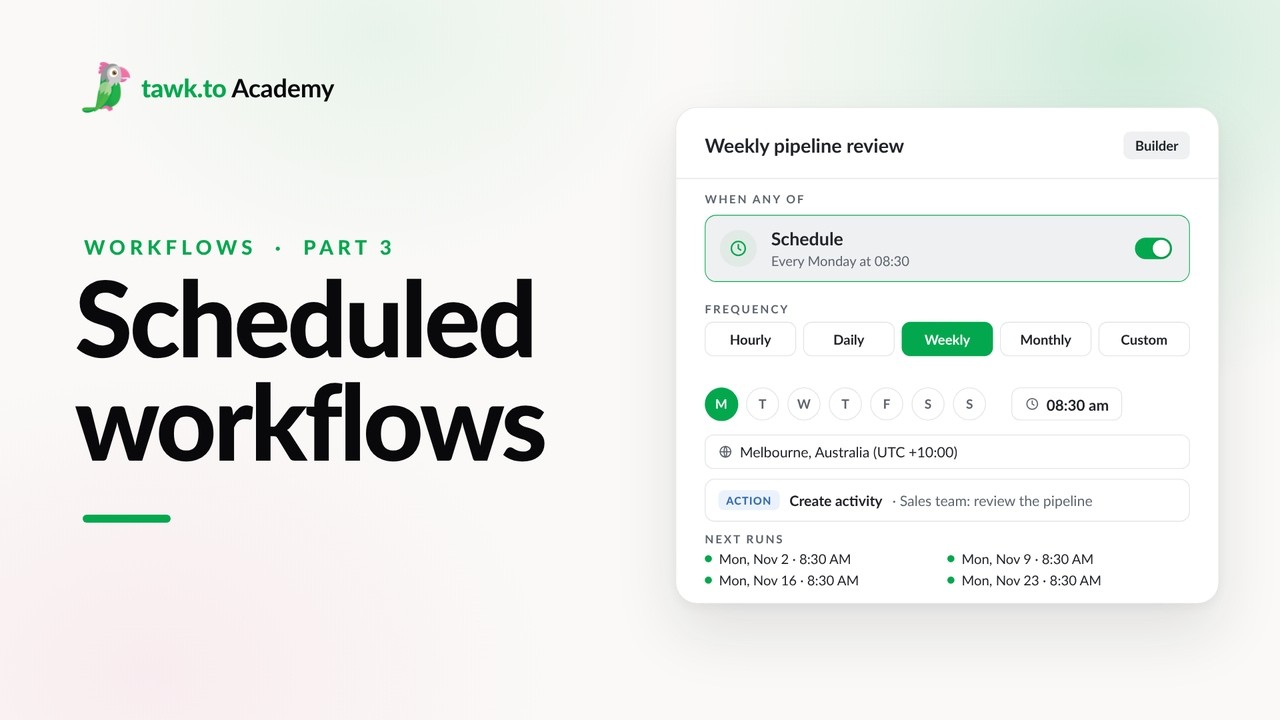
- Start a Workflow with a Webhook
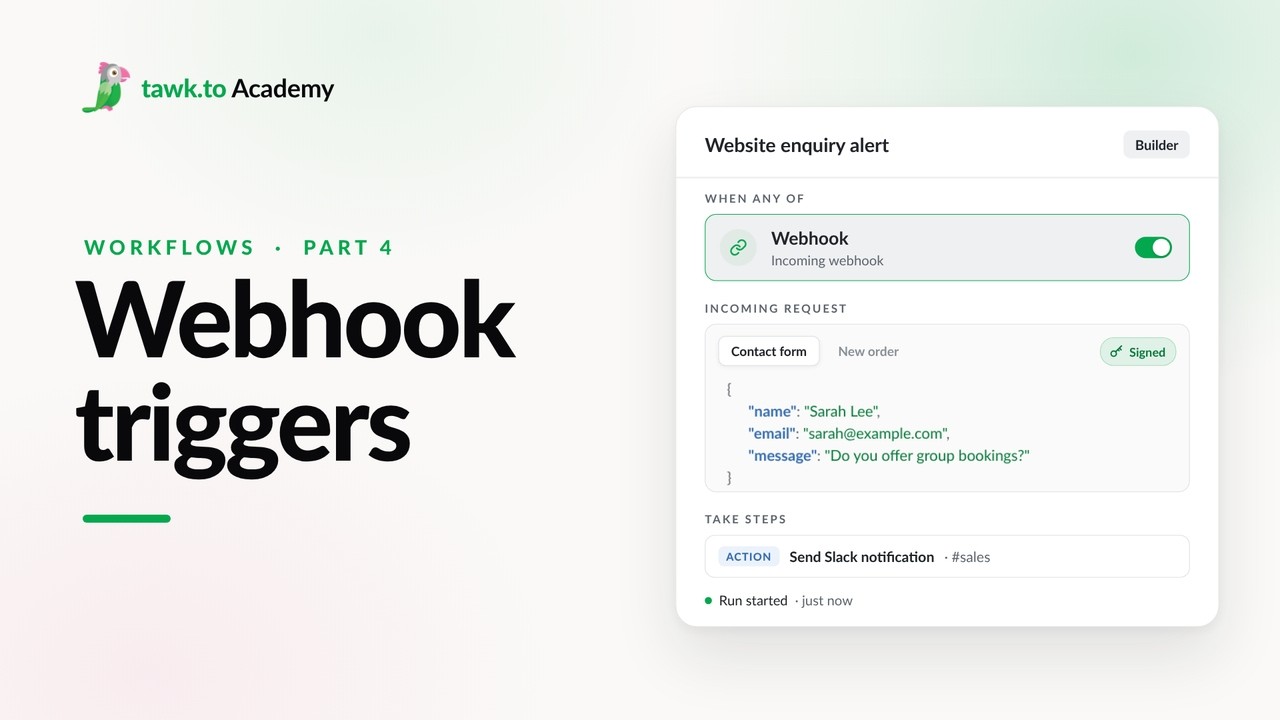
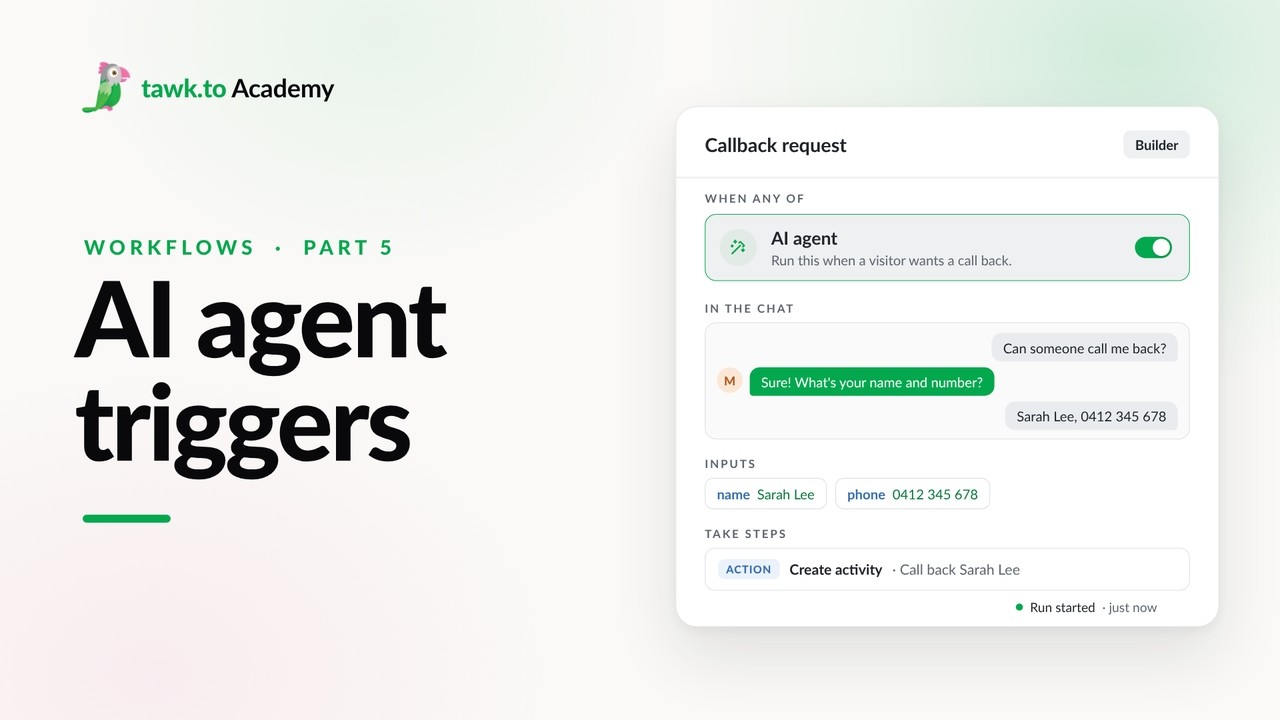
- Start a Workflow from an AI Agent
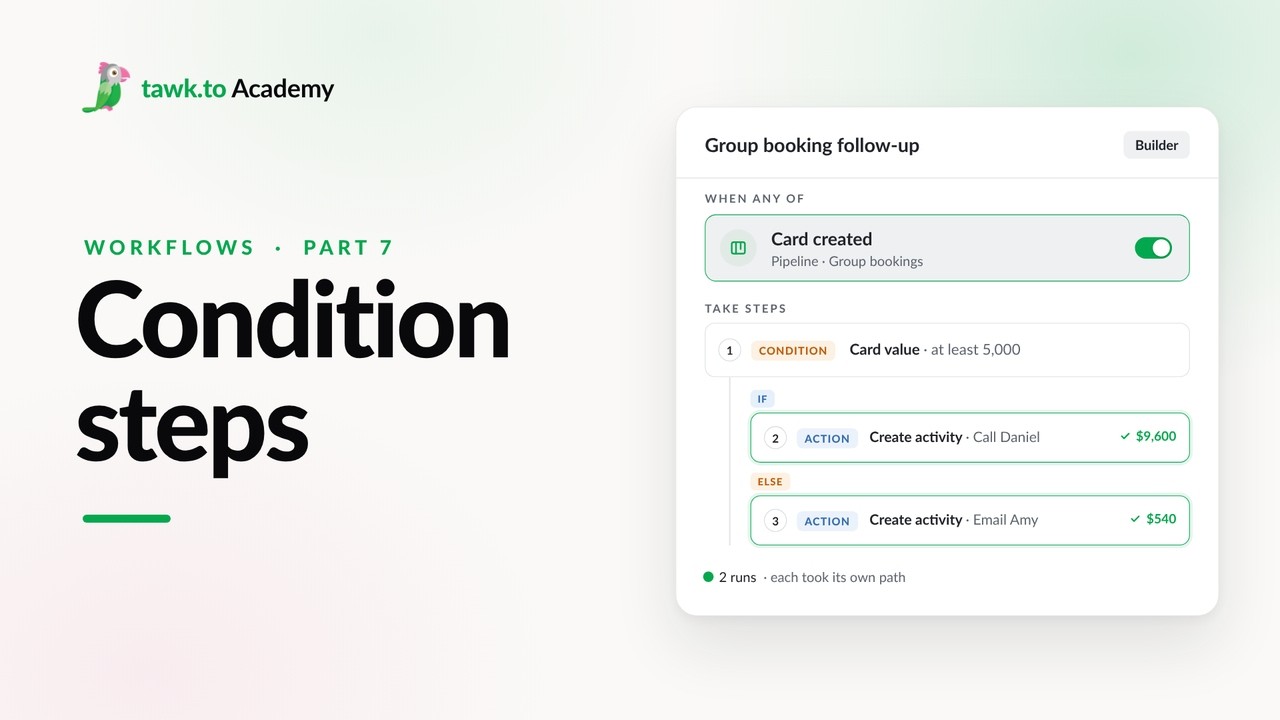
- Branching a Workflow with Conditions
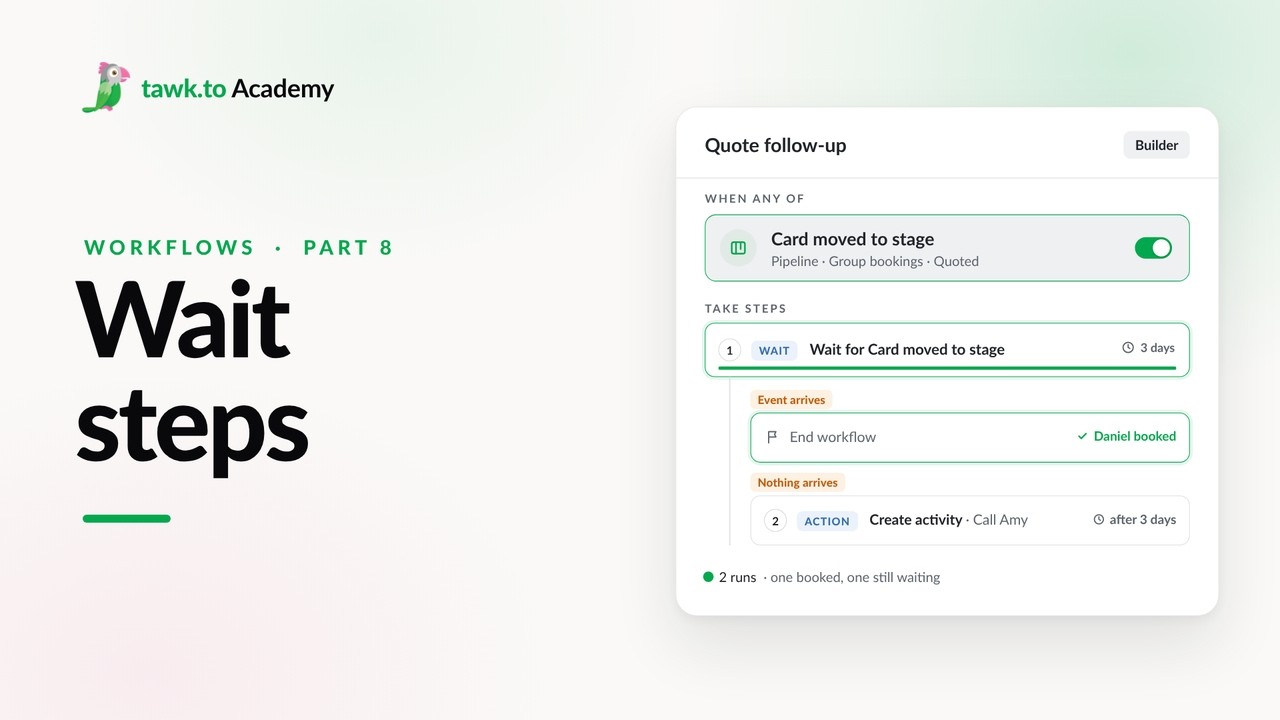
- Pausing a Workflow with Wait Steps
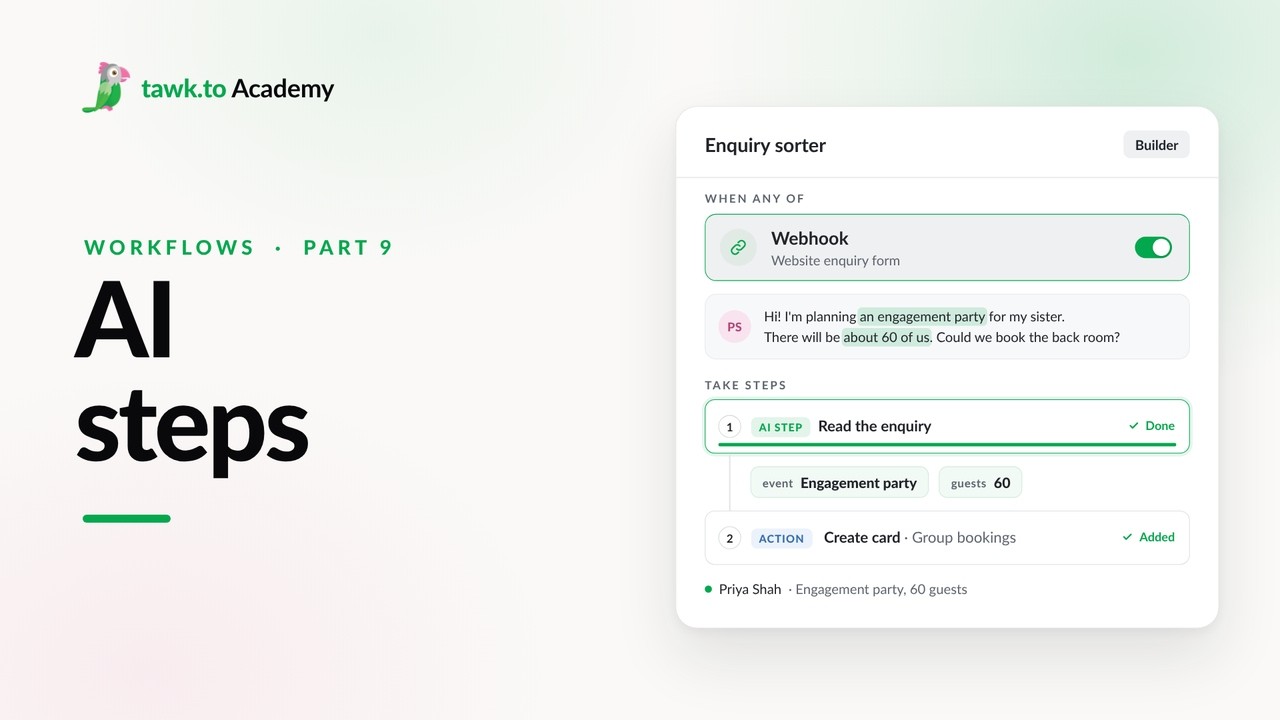
- Adding an AI Step to a Workflow
Open the tawk.to Academy
Every topic and 220+ videos in one place.