
Adding an AI Step to a Workflow
Some steps need a bit of judgement, like reading an enquiry and working out what the customer wants. That’s what the AI step is for. This video shows how to add an AI step, write its instruction in plain words, and choose a model or leave it on Auto. You’ll also see how AI Assist credits and the step limit work, what tools the step can use, and how to add output fields so later steps can use the answer. Then see how to test it with Run now, and a worked example that reads website enquiries, pulls out the event type and guest count, and adds each booking to a Group bookings pipeline.
· Share this video
· More in this topic
Workflows
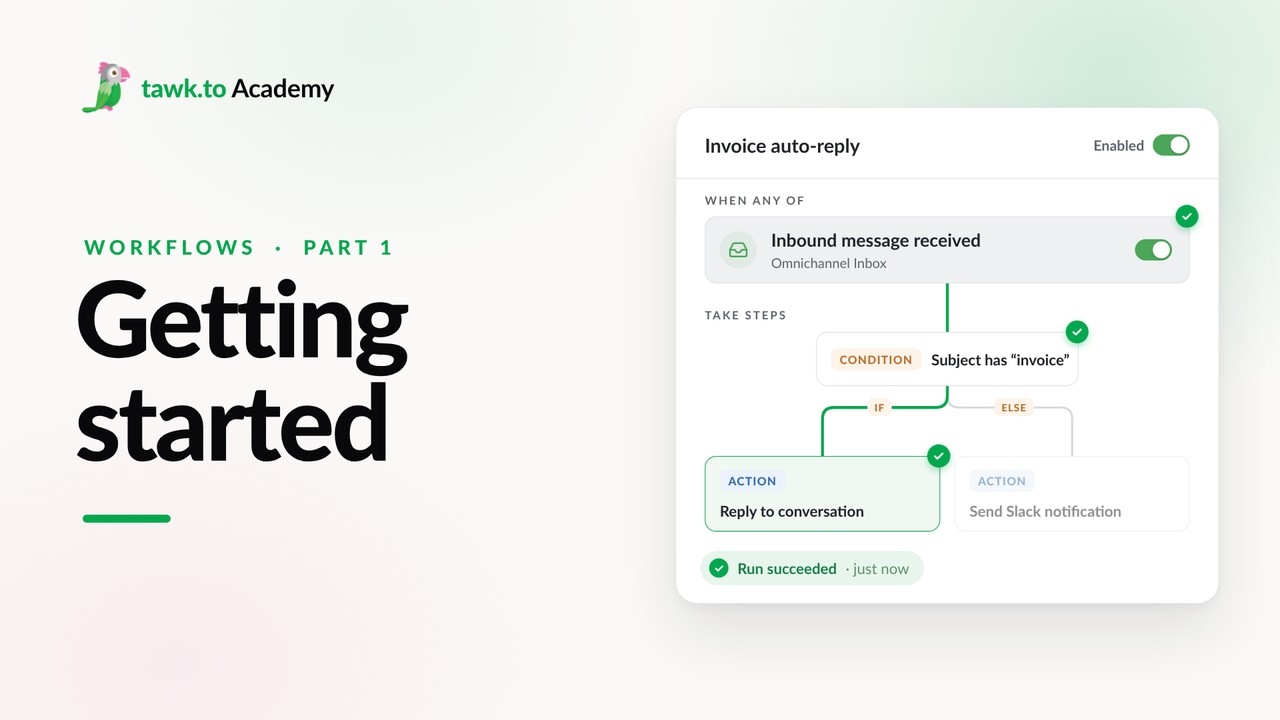
- Getting Started with Workflows
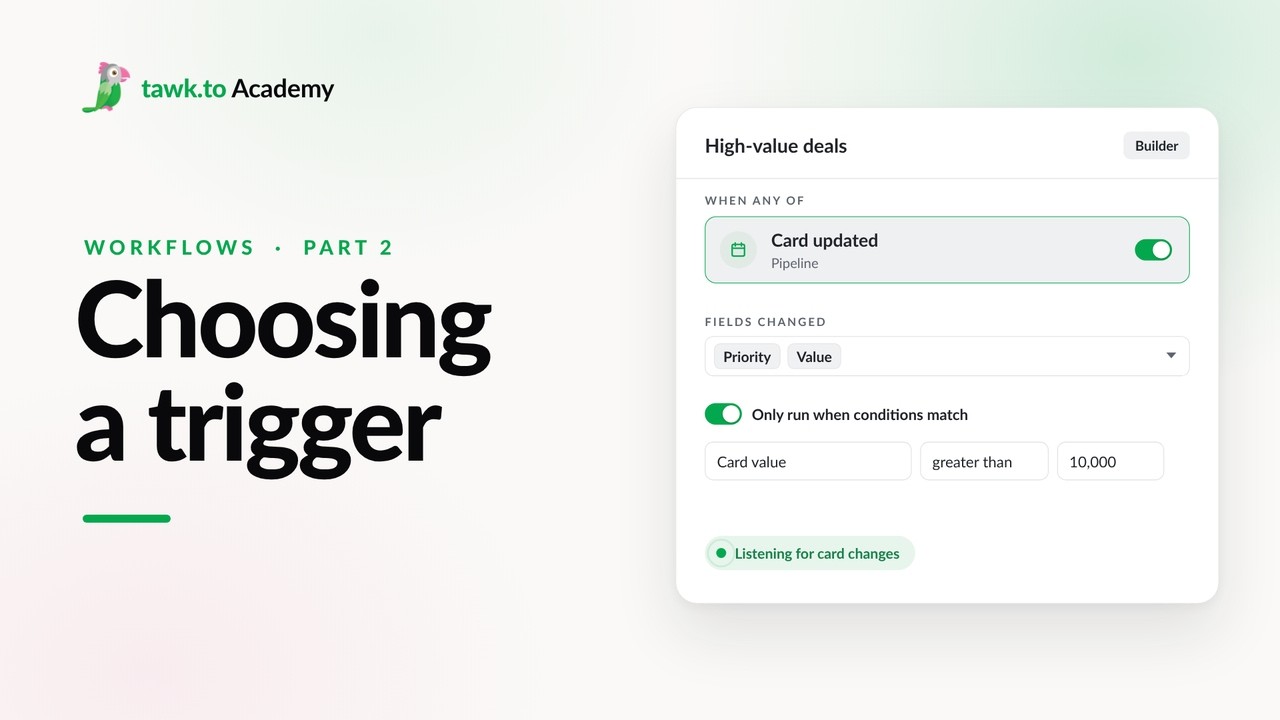
- Choosing a Workflow Trigger
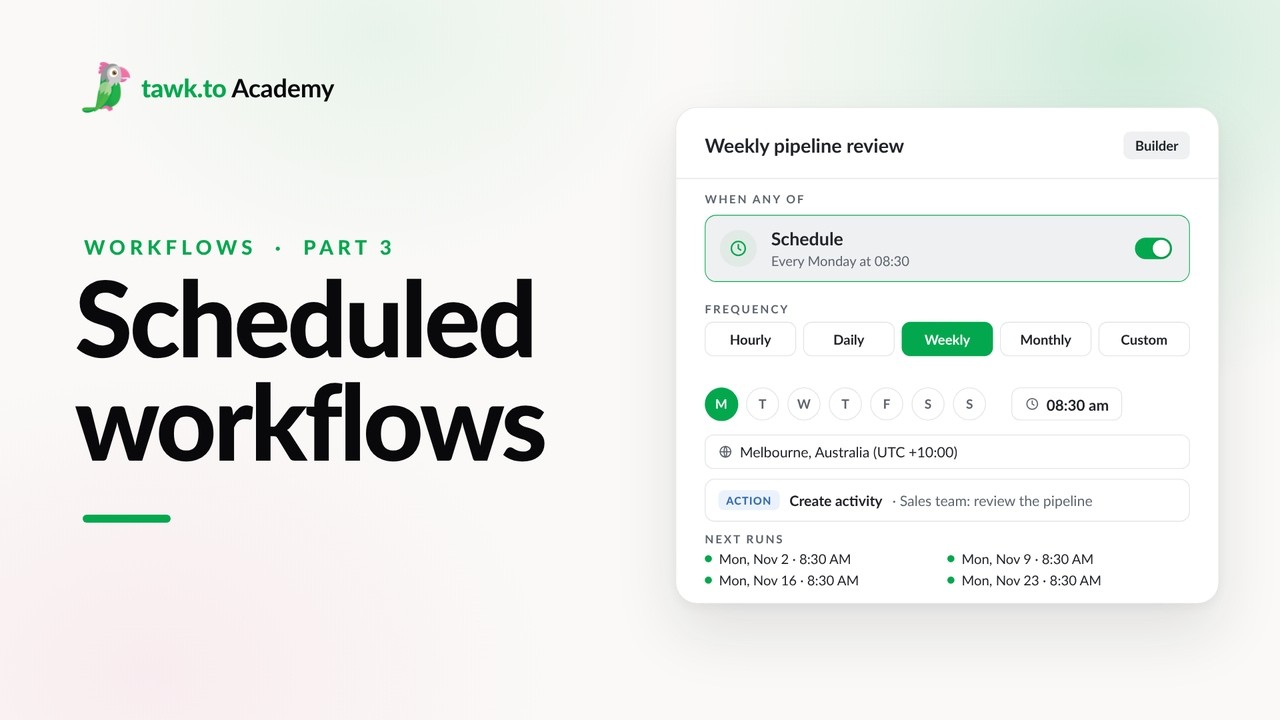
- Scheduled Workflows
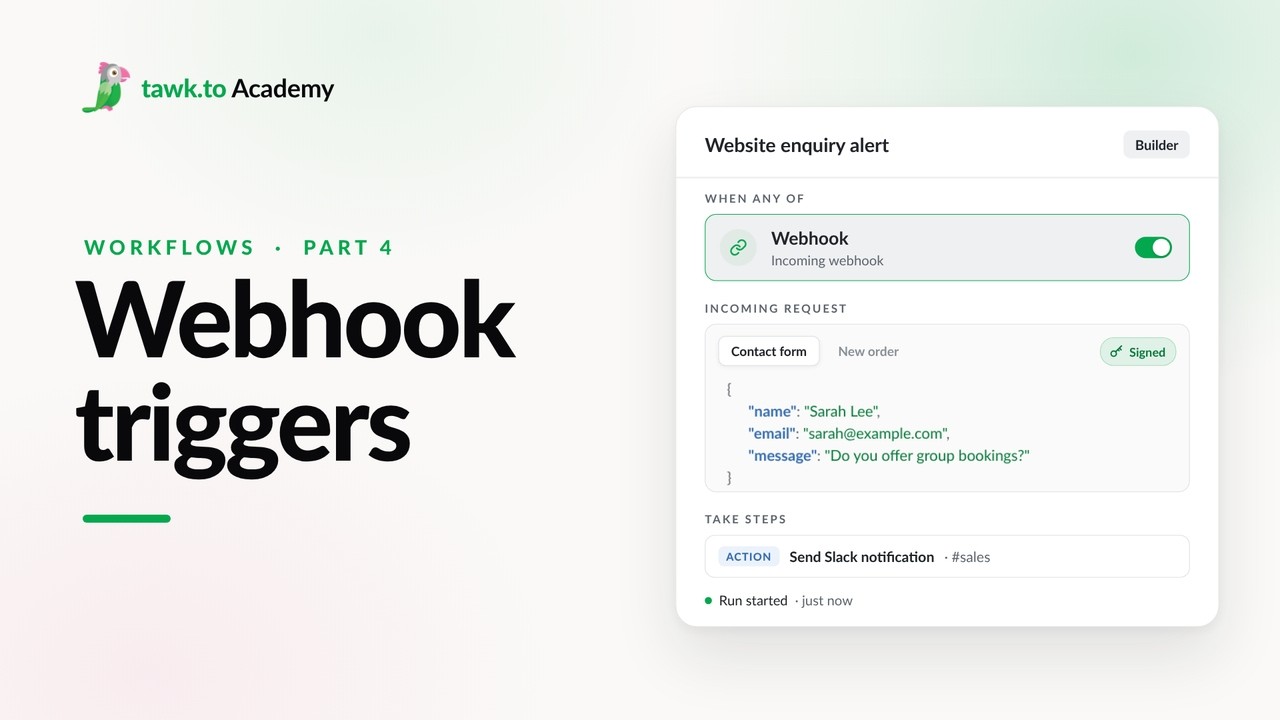
- Start a Workflow with a Webhook
- Start a Workflow from an AI Agent
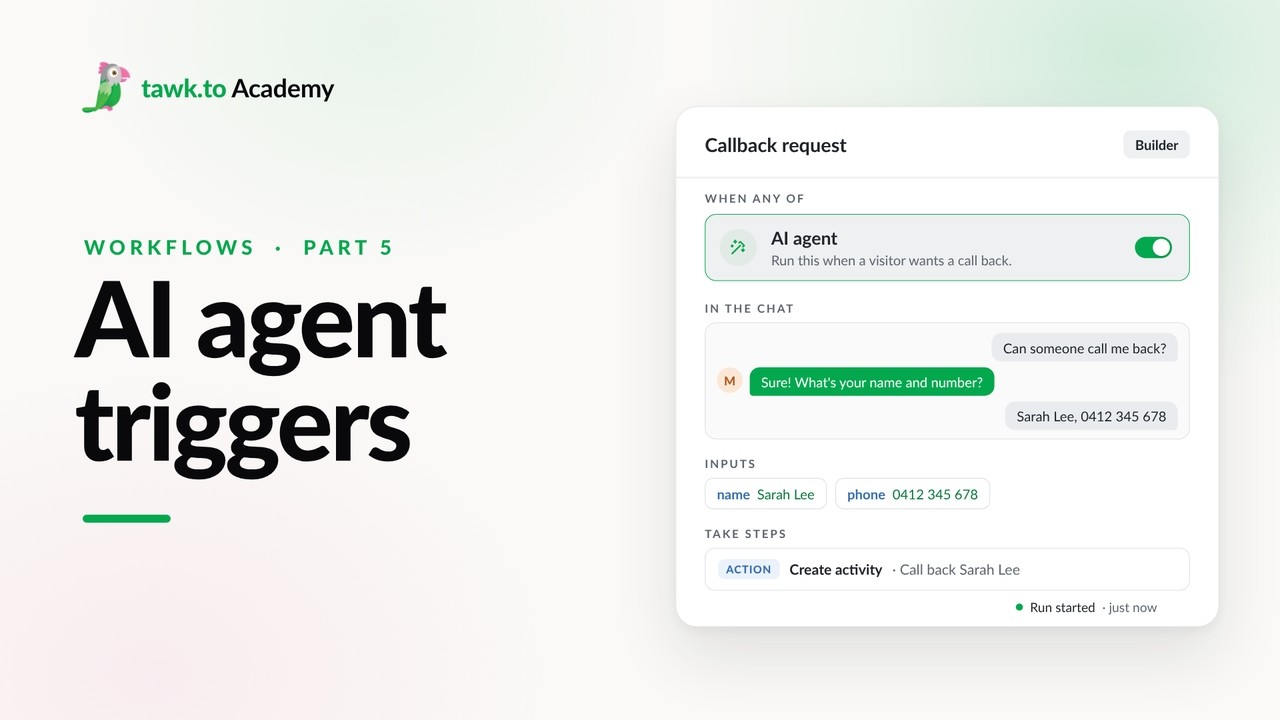
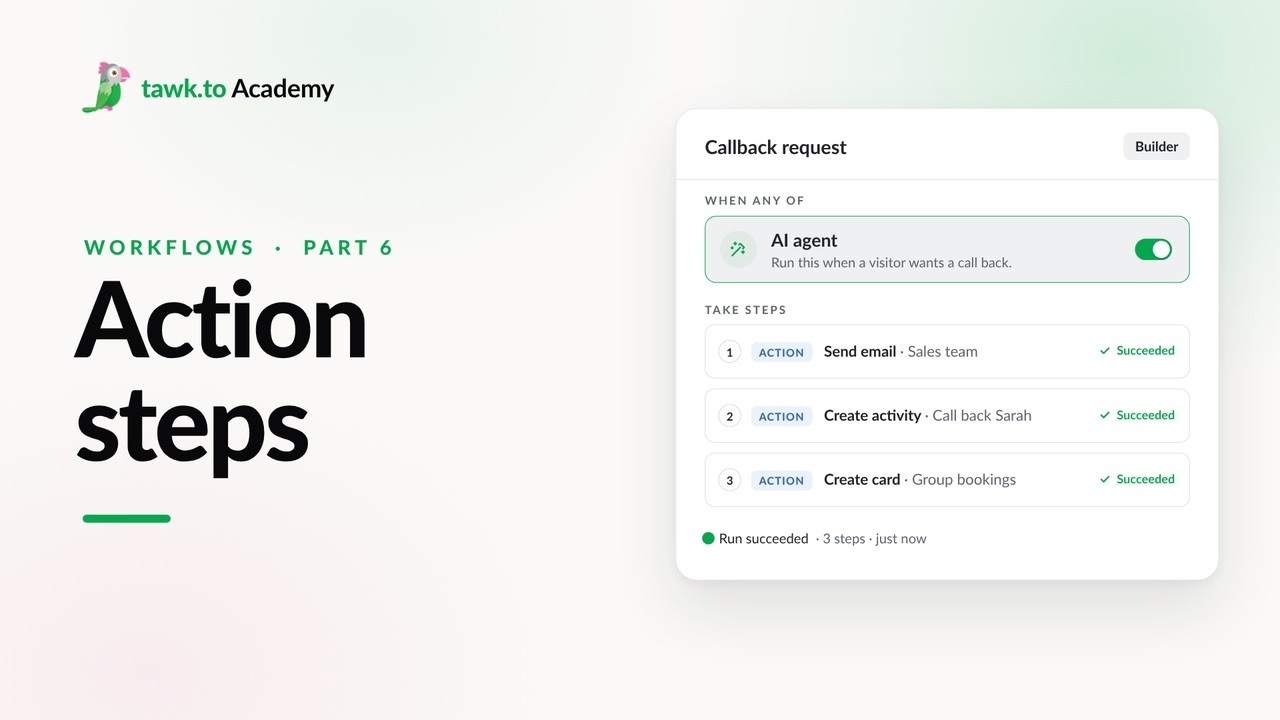
- Adding Actions to a Workflow
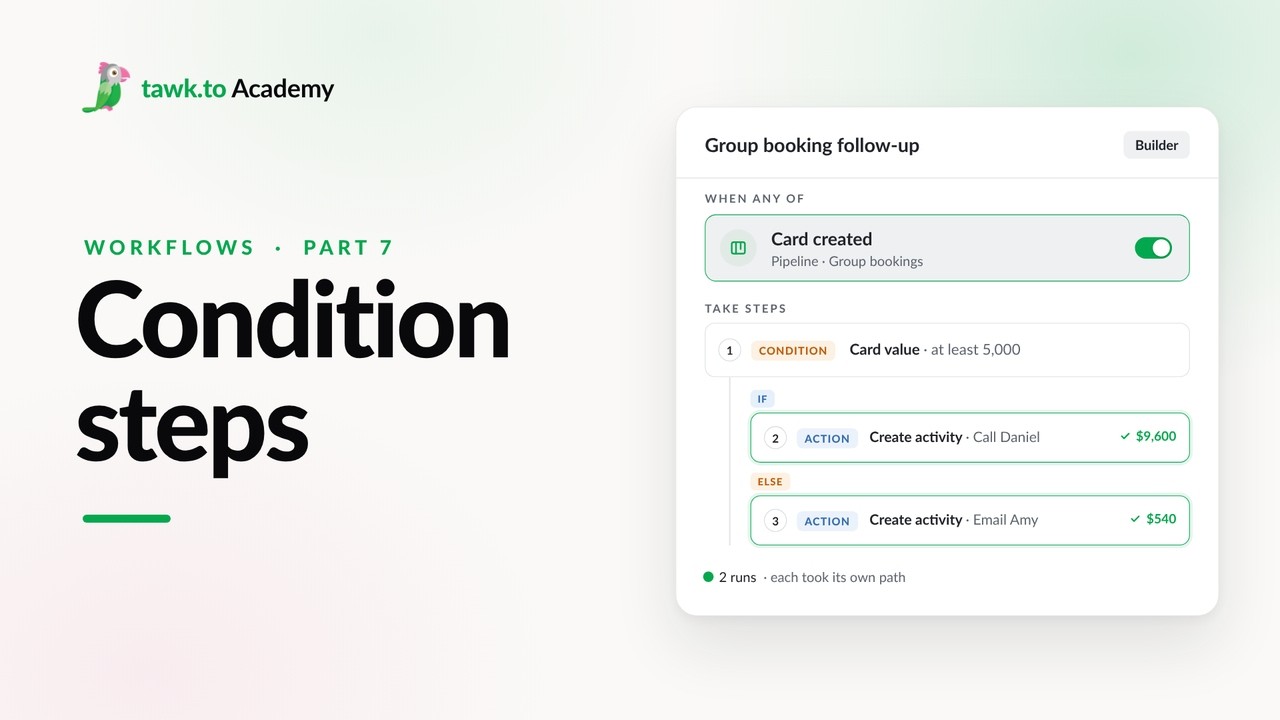
- Branching a Workflow with Conditions
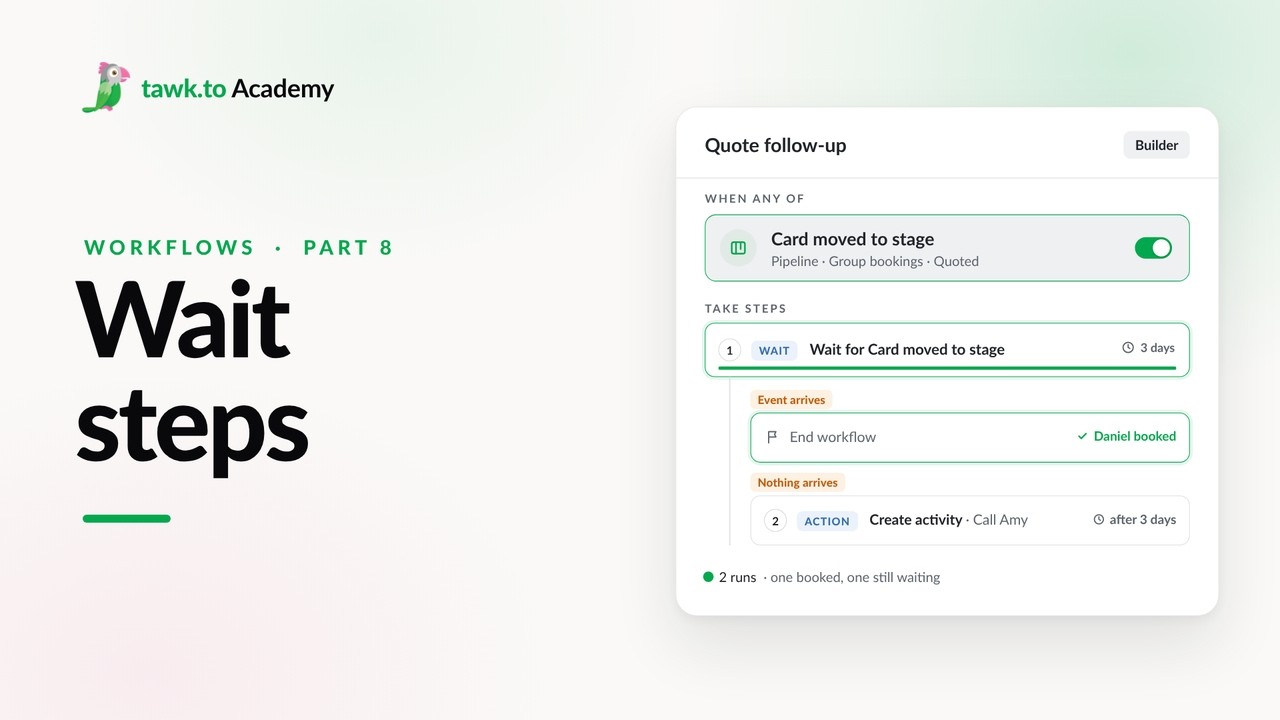
- Pausing a Workflow with Wait Steps
Open the tawk.to Academy
Every topic and 220+ videos in one place.