
Start a Workflow from an AI Agent
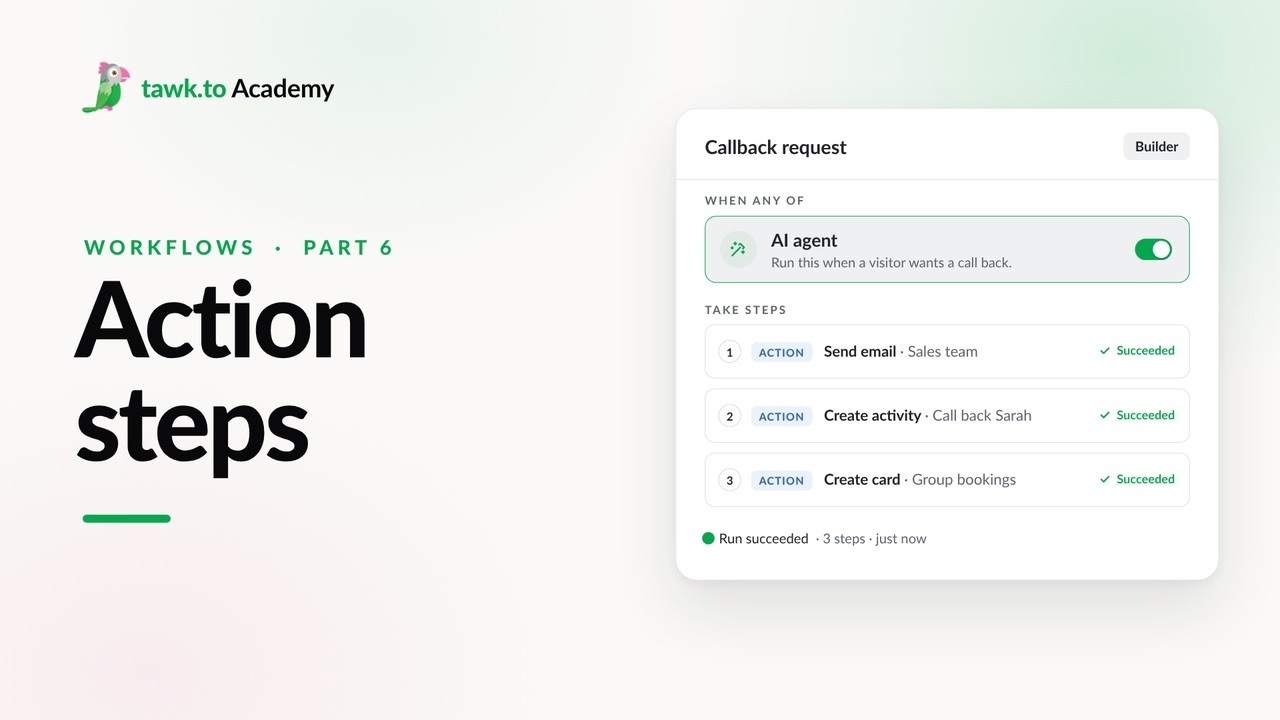
An AI agent trigger lets your AI agent start a workflow in the middle of a conversation, like booking a callback when a visitor asks to speak to someone. This video shows how to add the trigger and choose between Async and Sync mode. You’ll also see how to write a tool description so your agent knows when to run the workflow, choose which AI agents can use it, and set up the inputs your agent collects from the chat, like a name and phone number. Then see how to stop duplicate runs in the same conversation, with an example where a callback request creates a Call activity for your team with the visitor’s details. Testing in the chat preview runs the workflow for real.
· Share this video
· More in this topic
Workflows
- Getting Started with Workflows
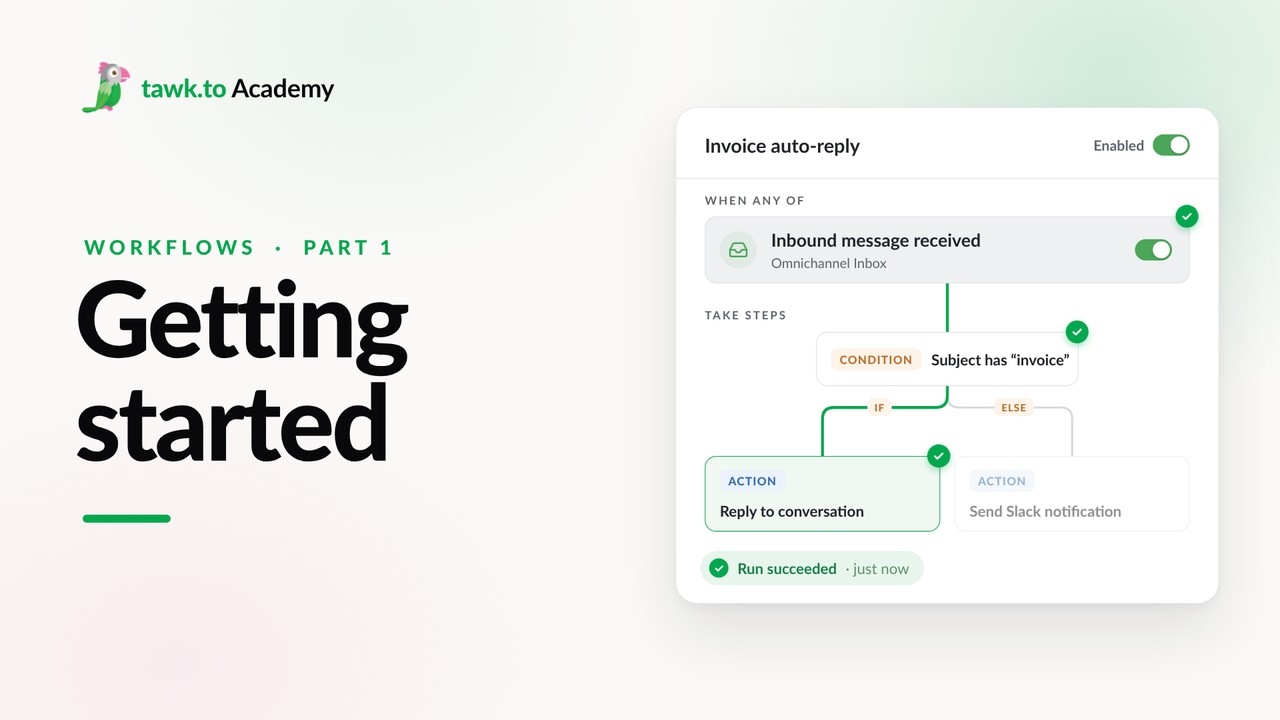
- Choosing a Workflow Trigger
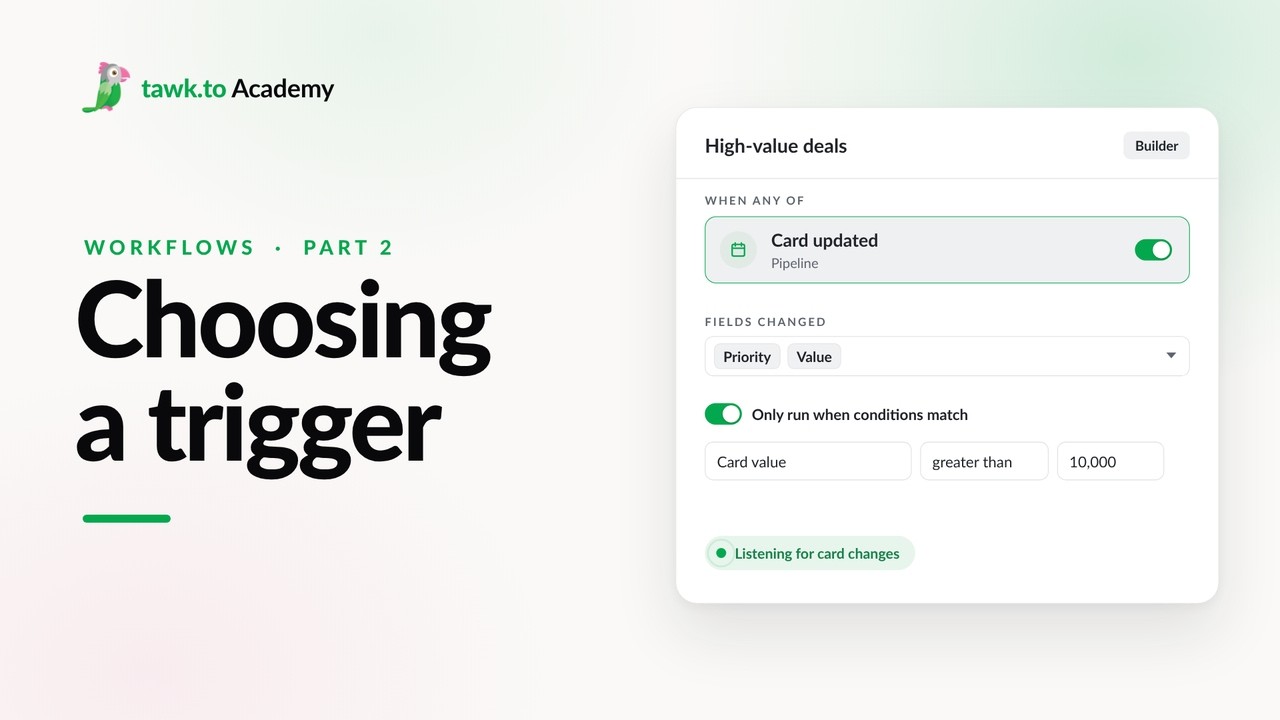
- Scheduled Workflows
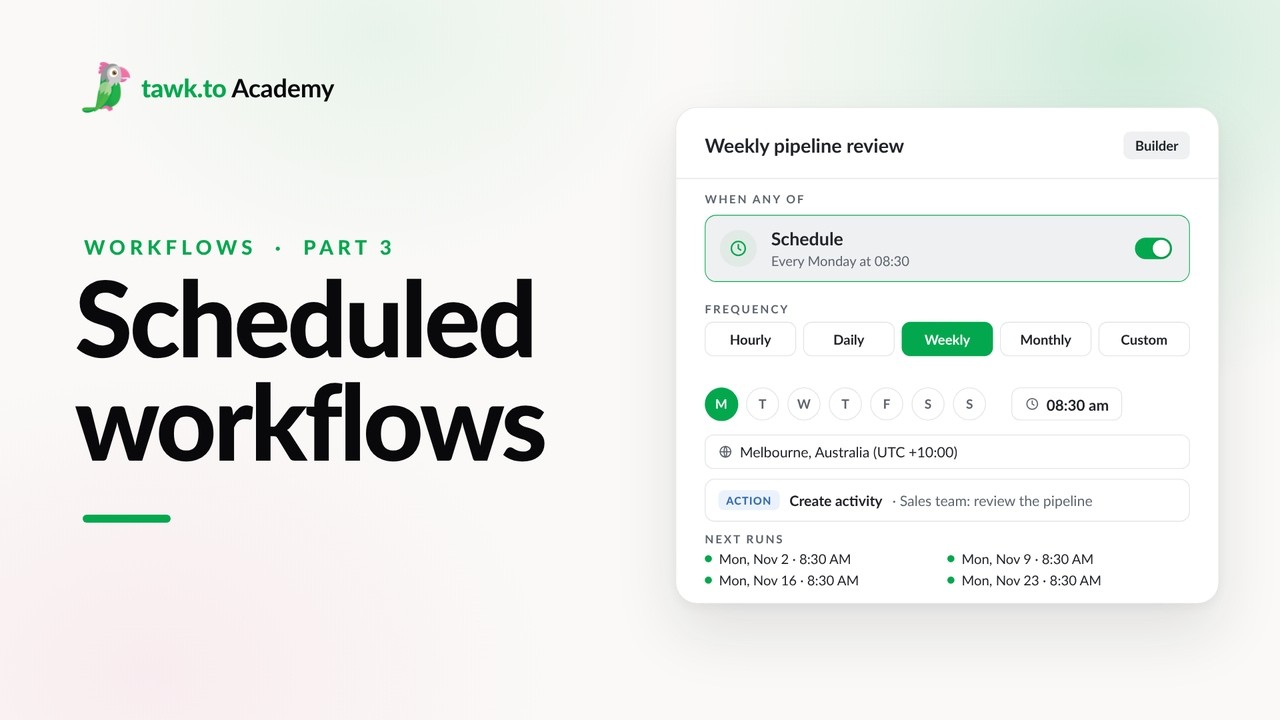
- Start a Workflow with a Webhook
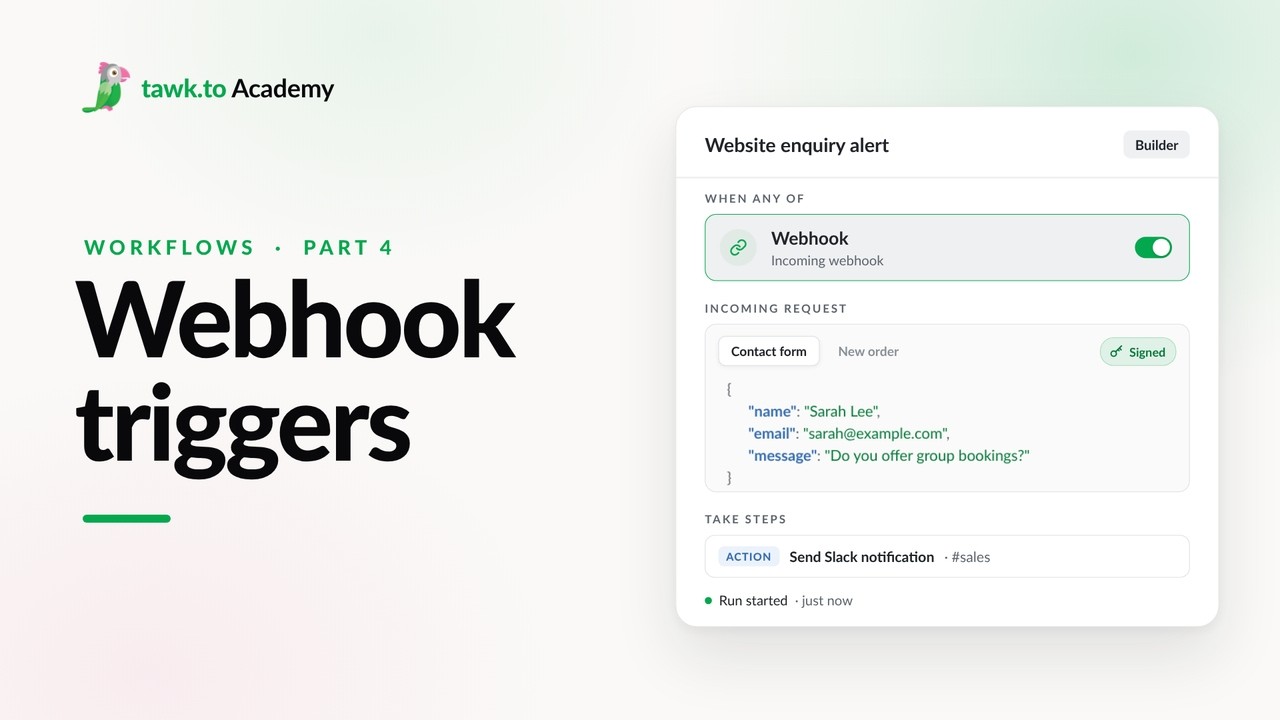
- Adding Actions to a Workflow
- Branching a Workflow with Conditions
- Pausing a Workflow with Wait Steps
- Adding an AI Step to a Workflow
Open the tawk.to Academy
Every topic and 220+ videos in one place.