
Setting Default and Locked Signatures
Put the right signature on every reply, without your agents choosing one. Set a default to fill it in, and add a lock where it has to stay. This video shows how to make a signature the default across your property, assign a signature to a specific inbox, and lock it so agents can’t change it. You’ll also see how locks and defaults take priority over an agent’s own default, and how to test it by replying from that inbox. Then see it in action with a practice manager who sets one signature for the whole firm and locks another to the accounts inbox, so every invoice reply goes out the same way, whoever sends it.
· Share this video
· More in this topic
Ticketing System & Email Management
- Add notes to tawk.to support tickets
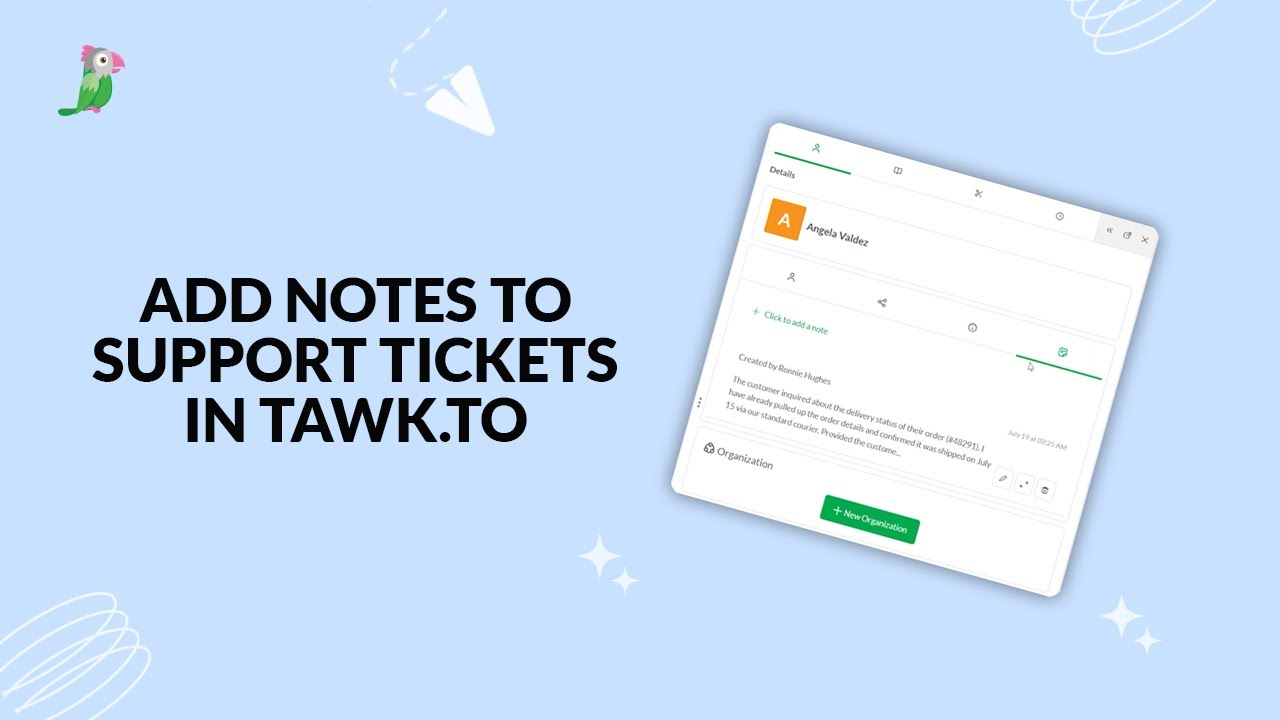
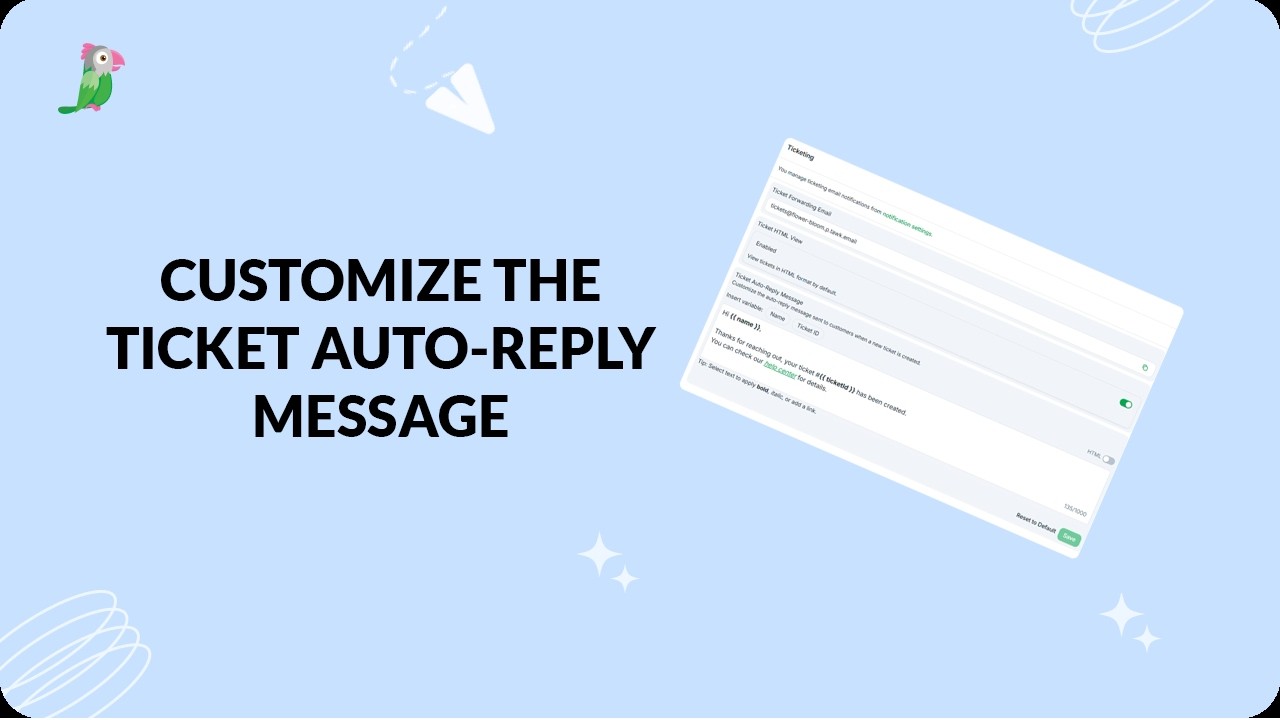
- Customize the ticket auto reply message
- Exporting tickets from the tawk.to dashboard

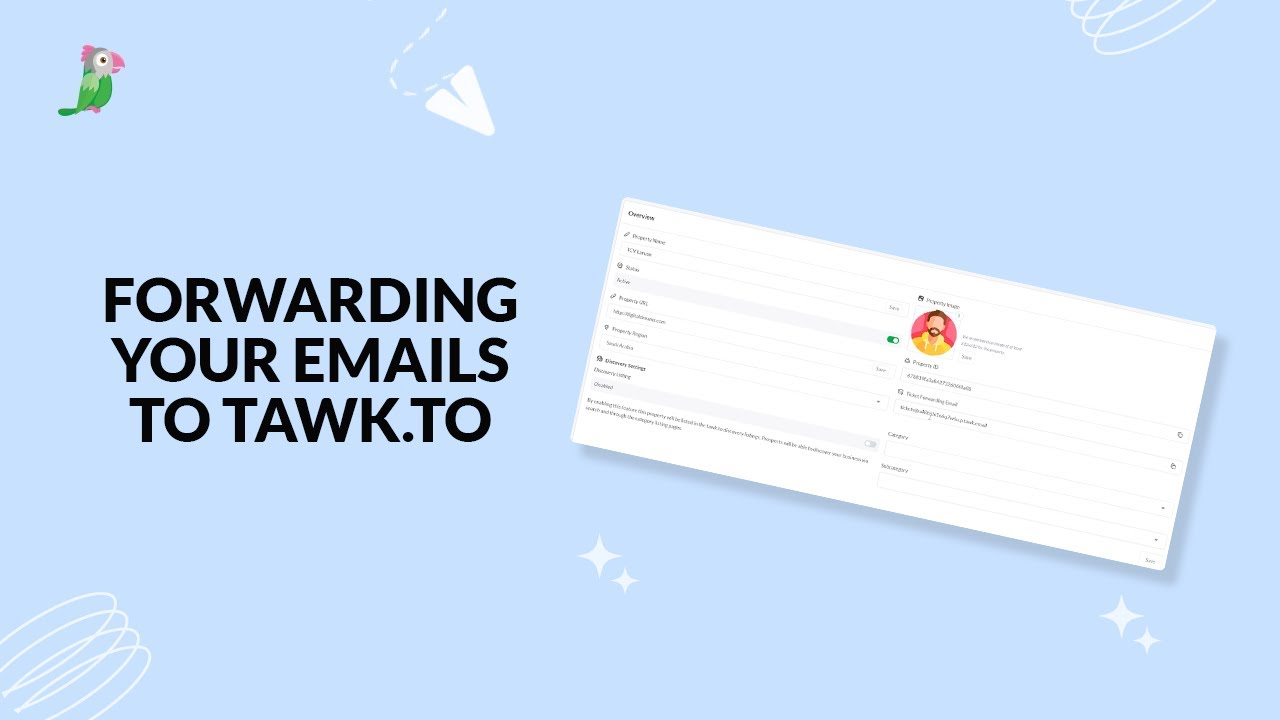
- Forwarding your emails to tawk to
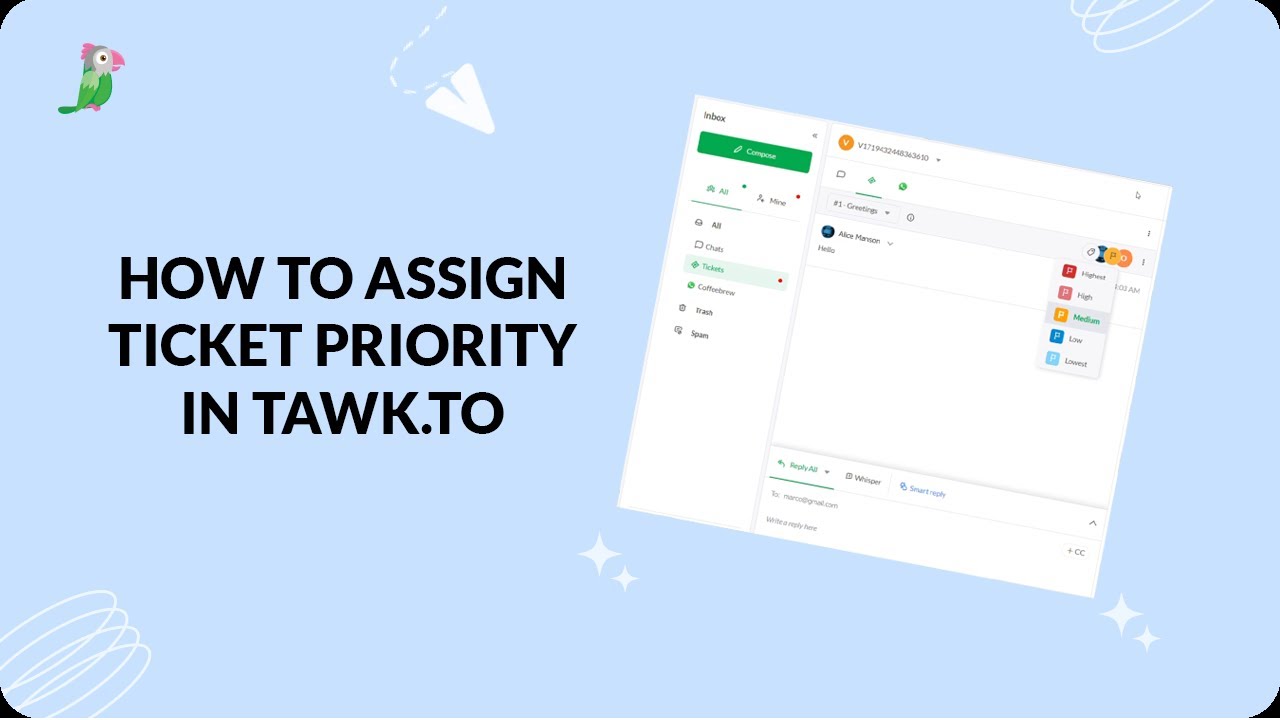
- How to assign ticket priority in tawk.to
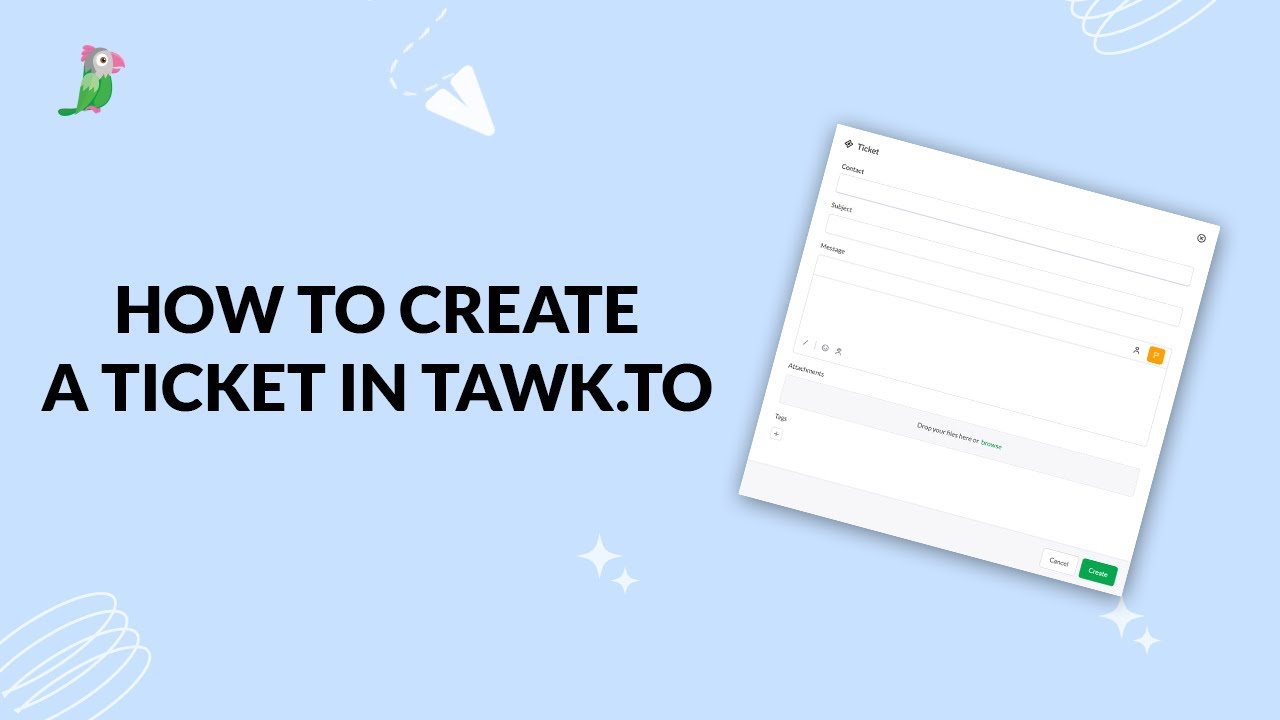
- How to create a ticket in tawk.to
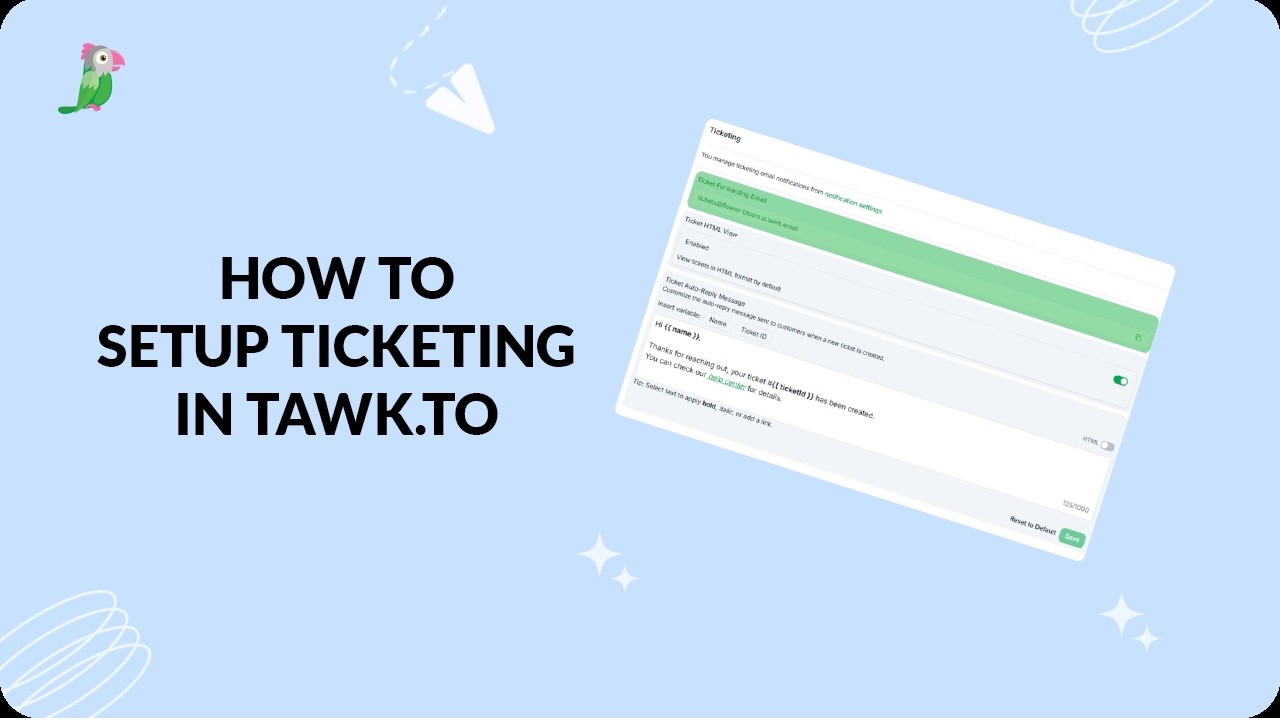
- How to set up ticketing in tawk.to
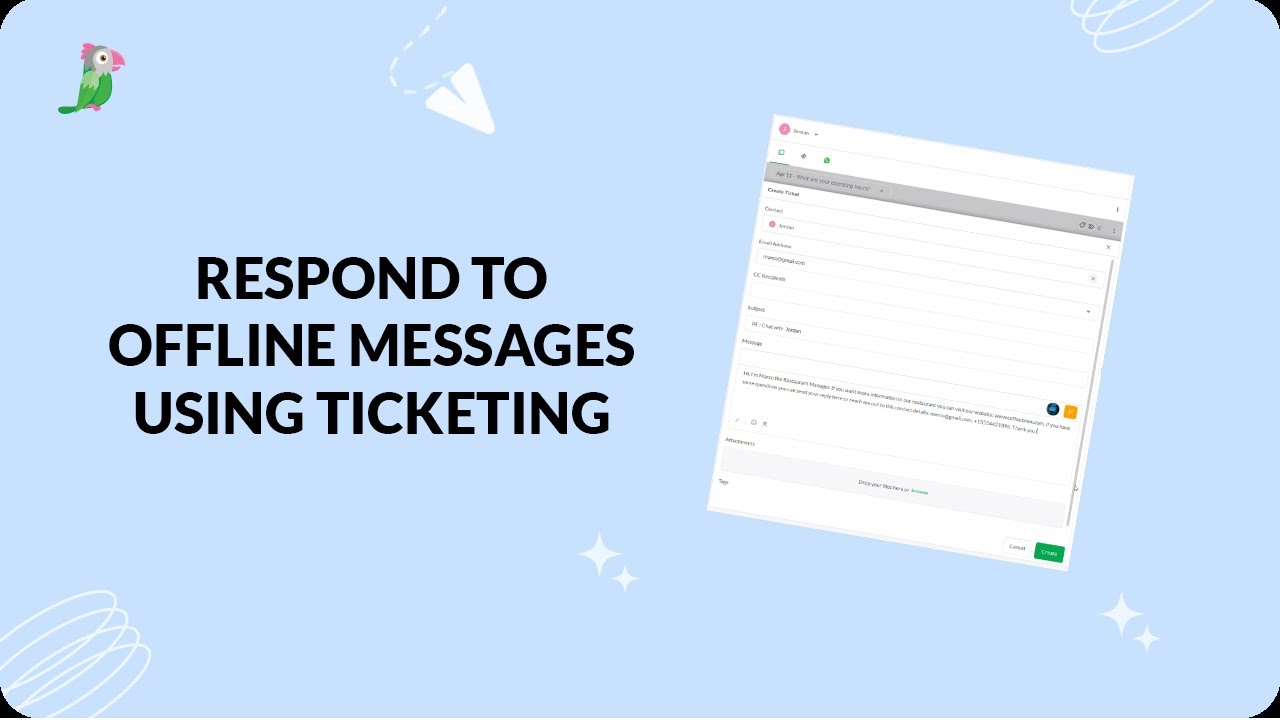
- Respond to offline messages using ticketing
Open the tawk.to Academy
Every topic and 220+ videos in one place.