
Reply to a ticket
Replying to a ticket takes a few seconds once you know what each button does and who sees what. This video shows how to reply to a ticket from the Inbox. You'll see how to switch between Reply and Reply all, check the To and CC lines, add more people to CC, and use Whisper to leave a note that only your team sees. It also covers typing a slash for shortcuts, changing your signature, and what happens when you click Send: your reply goes into the same ticket and the status moves to Pending. For example, a customer asks where their order is, you reply with the tracking details, CC their accounts team, and whisper to a colleague to check the tracking number first.
· Share this video
· More in this topic
Ticketing System & Email Management
- Setting Up Ticketing in tawk.to
- Creating Tickets in tawk.to
- Ticket Statuses: Open, Pending and Closed
- Turn an offline message into a ticket
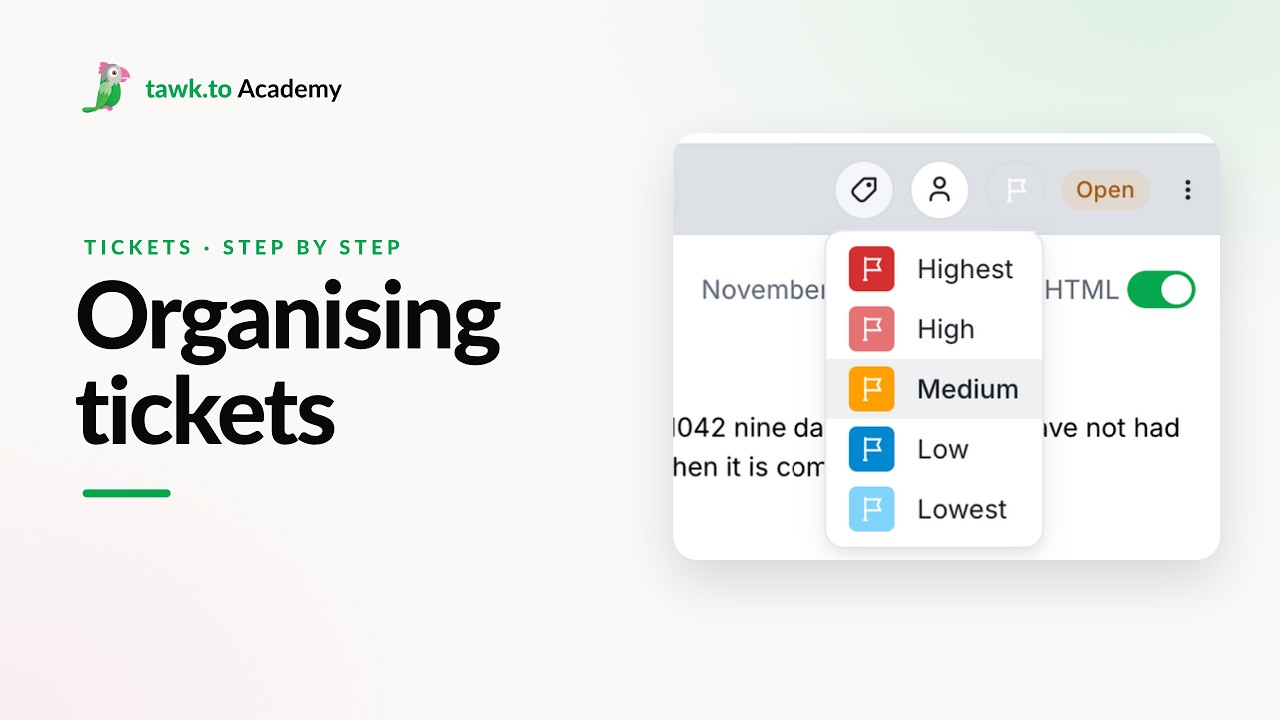
- Assign, Prioritise and Tag Tickets
- Why your ticket emails might go to spam

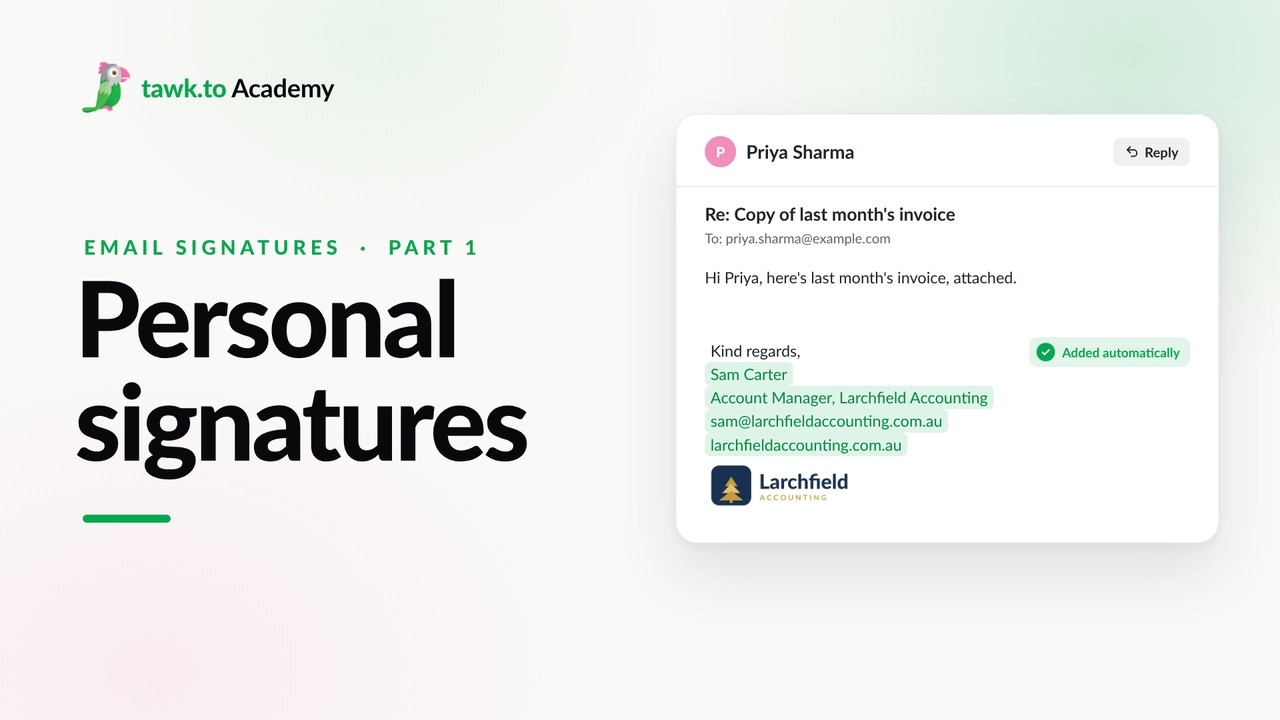
- Setting Up Your Email Signature
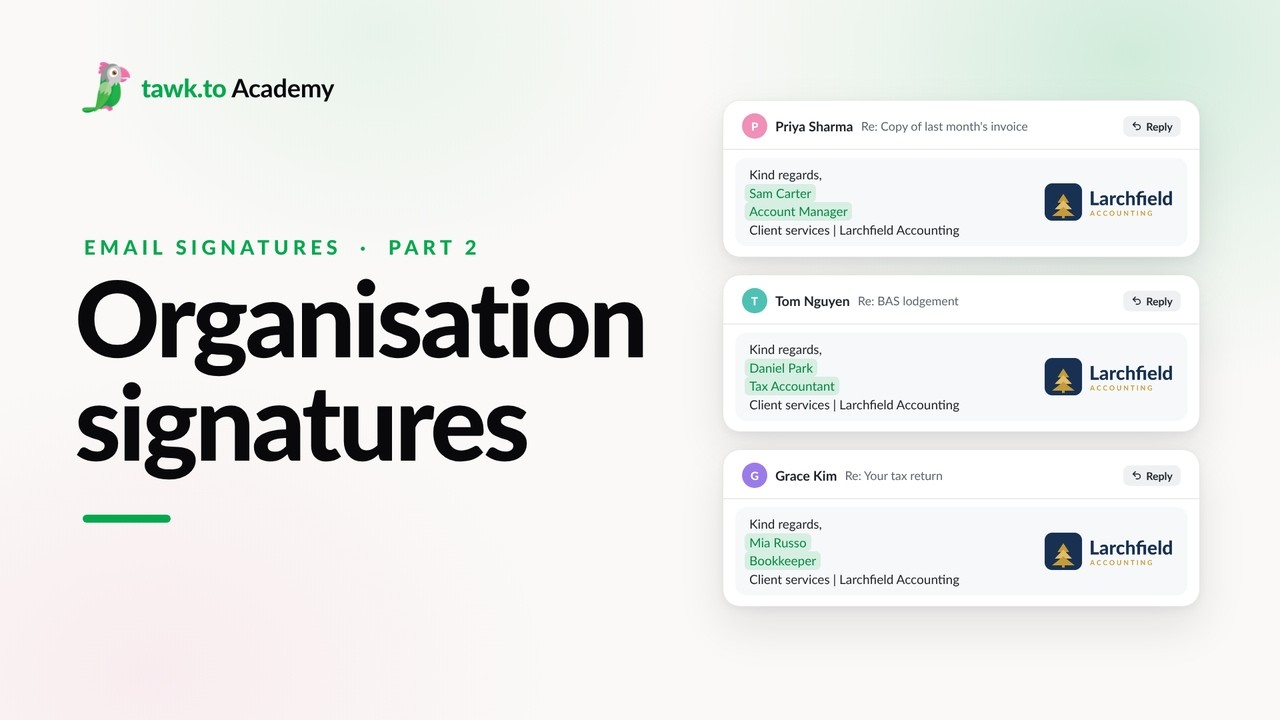
- Creating an Organisation Signature
Open the tawk.to Academy
Every topic and 220+ videos in one place.