
Remove the knowledge base search bar from the widget
Learn how to manage Knowledge Base visibility in your tawk.to chat widget and remove the search bar when it’s not needed. This video shows how to turn off the Knowledge Base search entirely, update your widget text for a cleaner chat experience, or hide only the search bar while keeping articles visible, all without affecting your live Knowledge Base or AI Assist data.
· Share this video
· More in this topic
Knowledge Base & Help Center Creation
- Submit ticket in the knowledge base
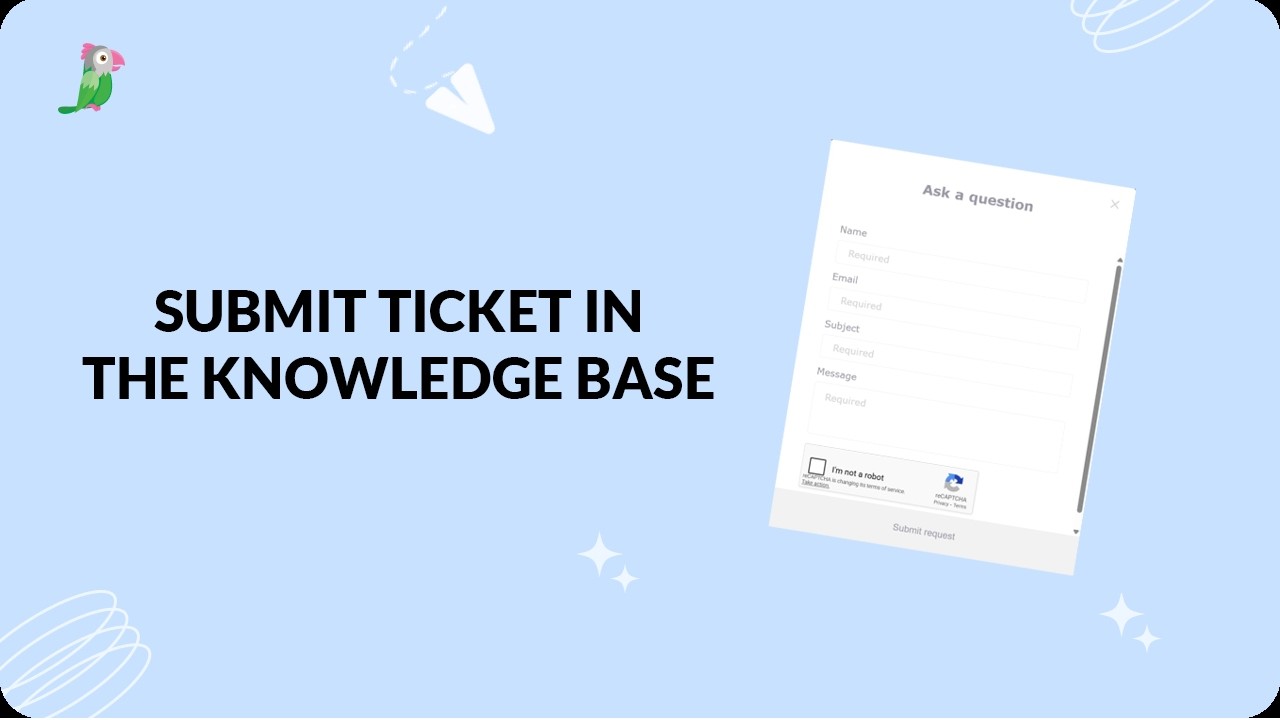
- Customizing your knowledge base for languages
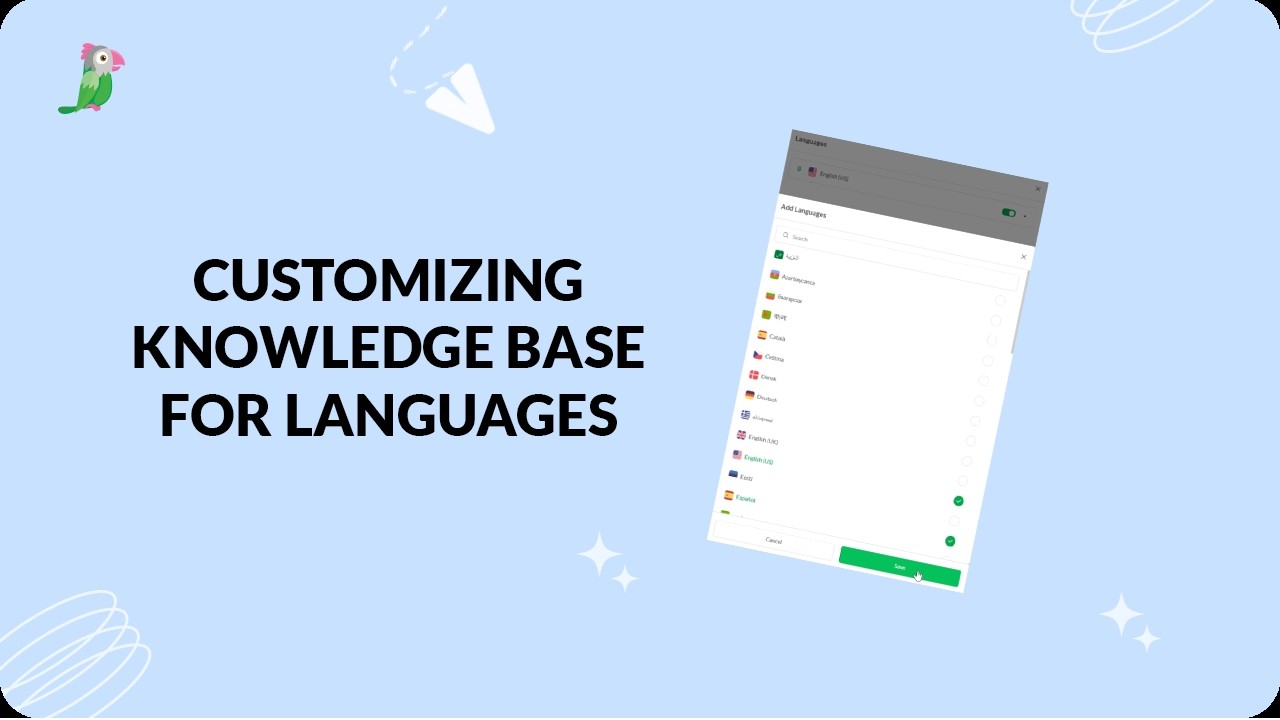
- Deactivate the help center search bar in your widget

- Private knowledge base articles and categories

- Setting up your tawk to knowledge base
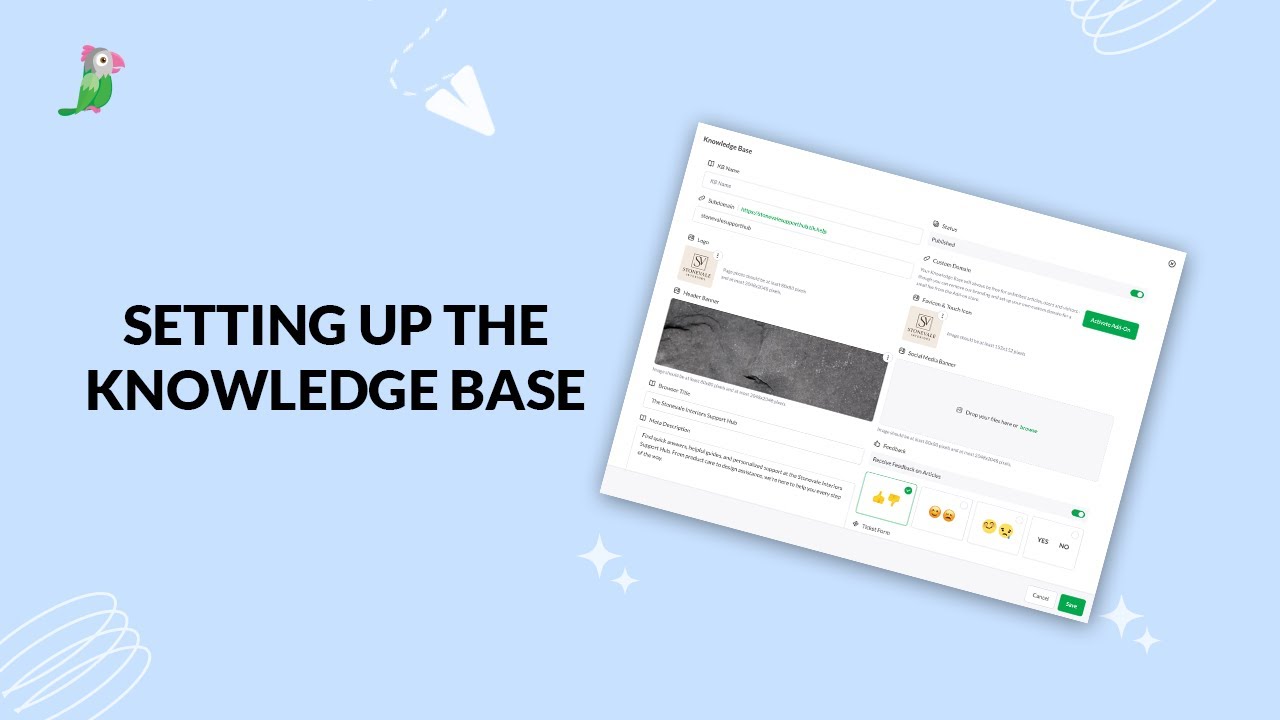
- Primary category in knowledge base

- What is a knowledge base
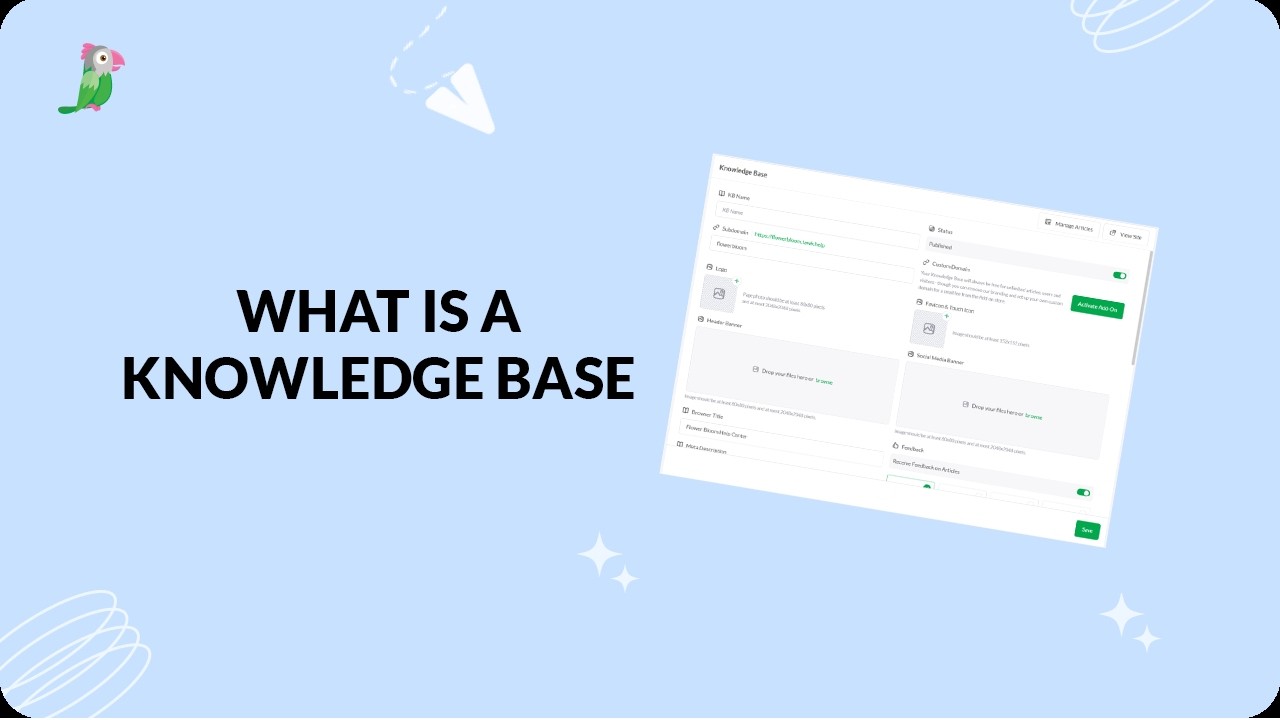
Open the tawk.to Academy
Every topic and 220+ videos in one place.