
Customizing your knowledge base for languages
Learn how to customise your tawk.to Knowledge Base for multiple languages and create a better experience for your global audience. This video walks you through adding new languages, managing localised settings, and understanding how structure is duplicated while content must be translated manually to ensure accuracy and professionalism.
· Share this video
· More in this topic
Knowledge Base & Help Center Creation
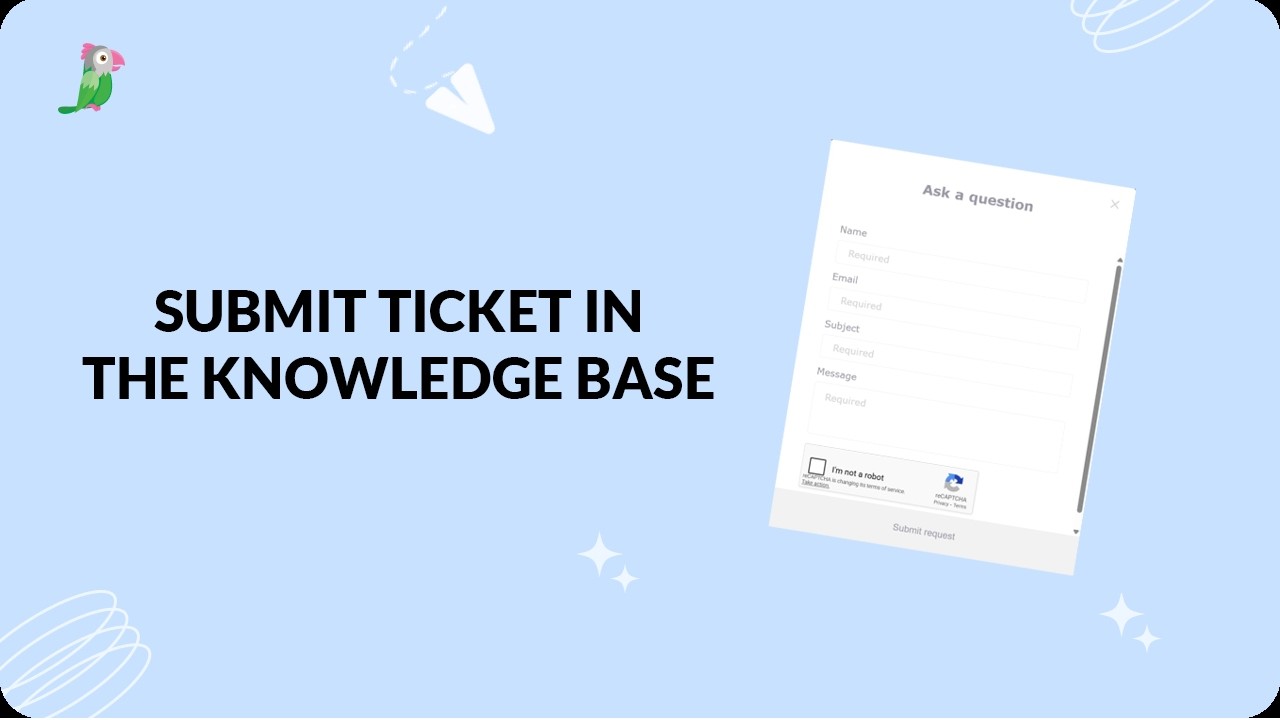
- Submit ticket in the knowledge base
- Deactivate the help center search bar in your widget

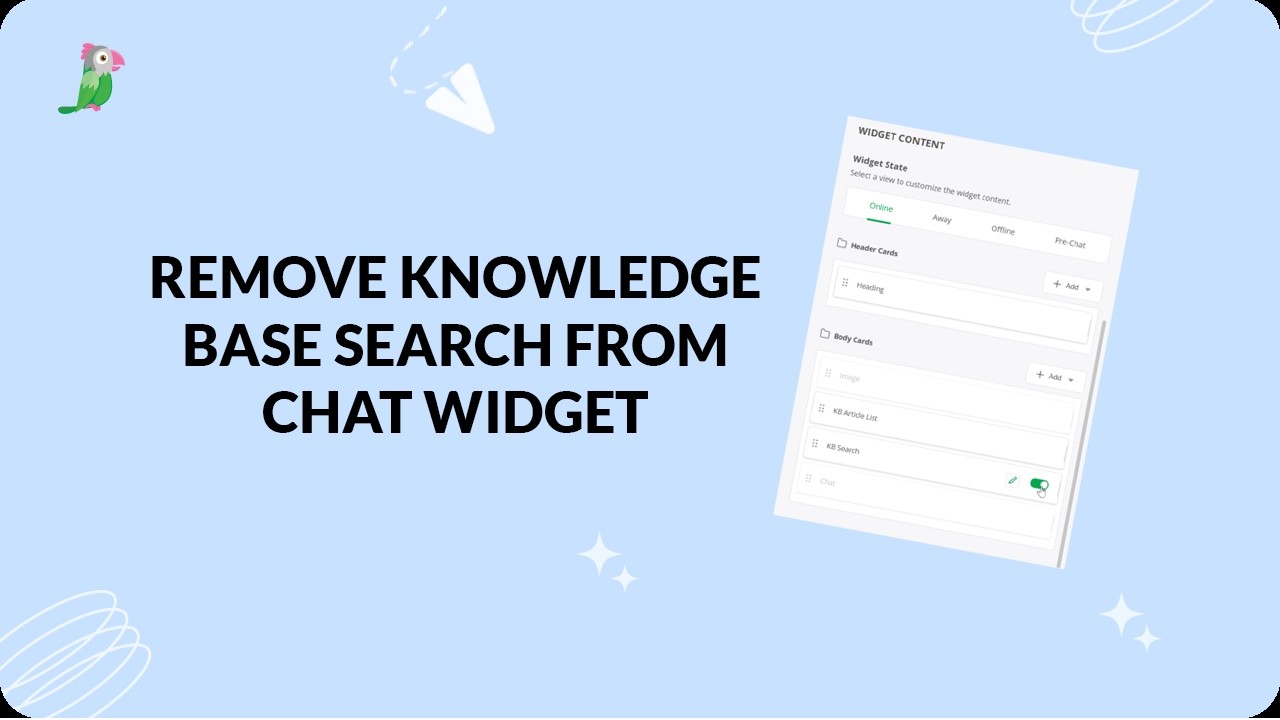
- Remove the knowledge base search bar from the widget
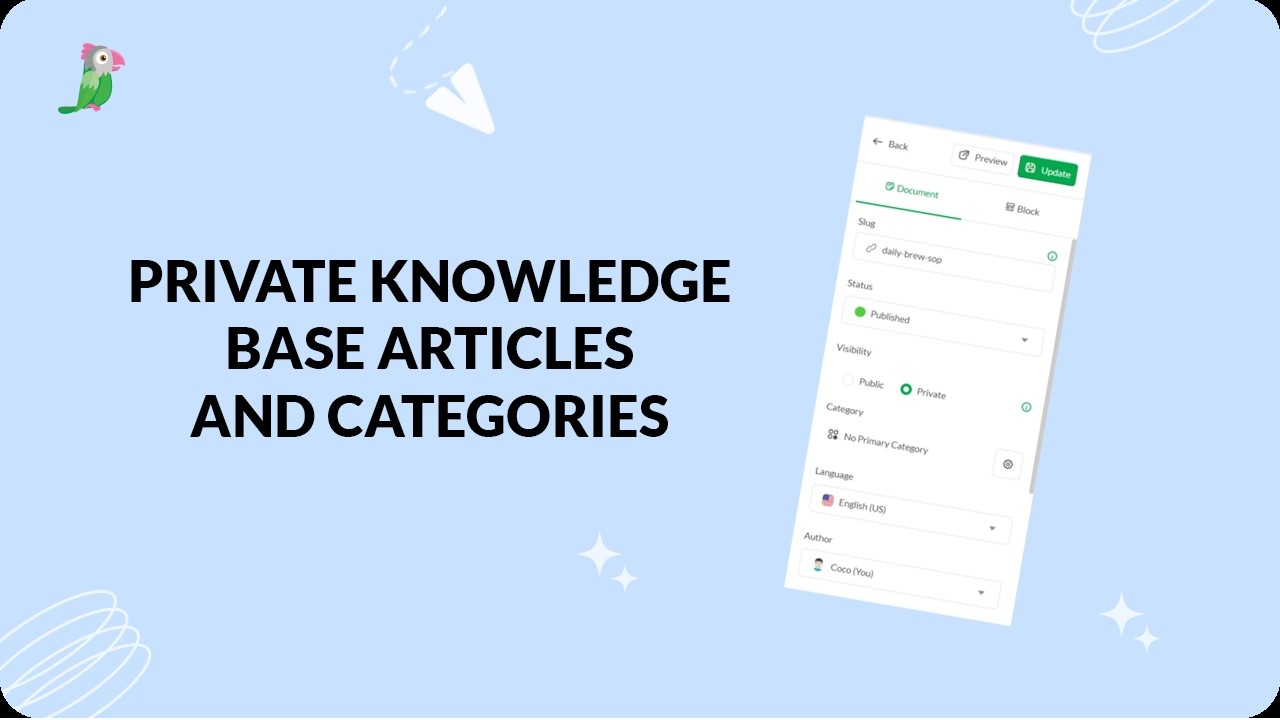
- Private knowledge base articles and categories
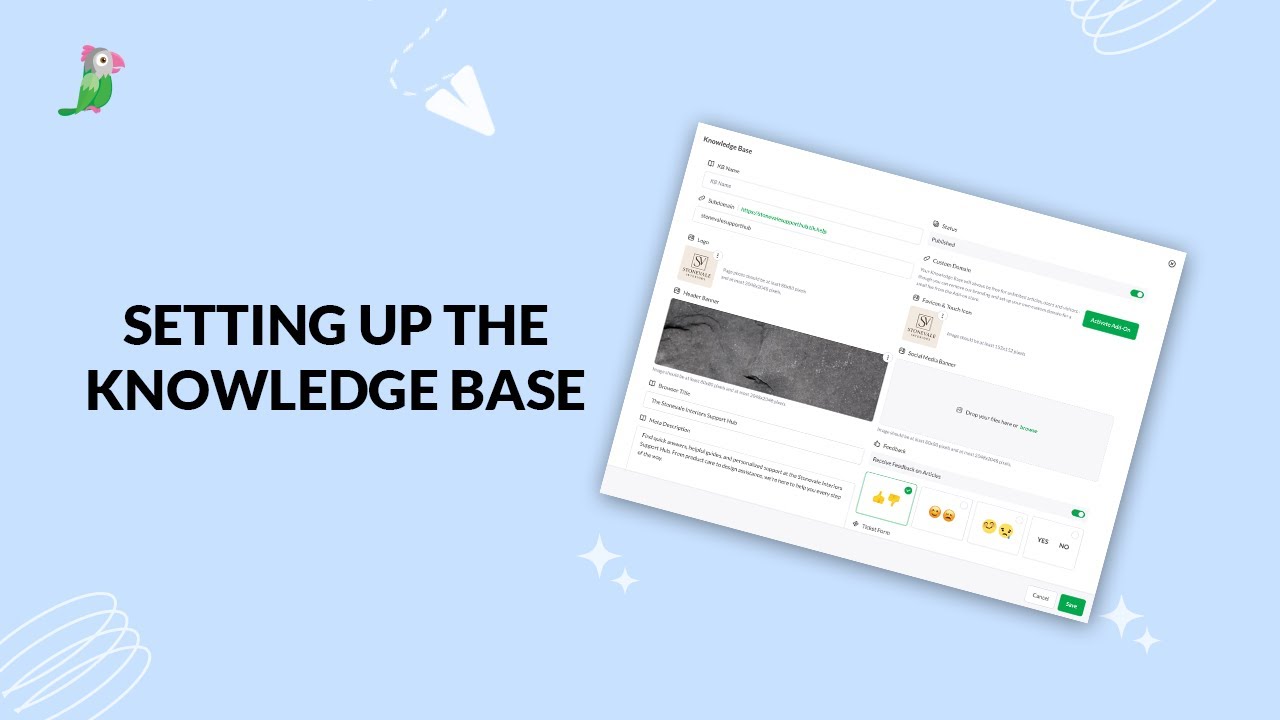
- Setting up your tawk to knowledge base
- Primary category in knowledge base
- What is a knowledge base
Open the tawk.to Academy
Every topic and 220+ videos in one place.