
Export your chats and tickets
Need a copy of your conversations outside the dashboard? Here's how to get one. This video shows how to export chats and tickets from the Inbox, either all of them or only the ones you select. You'll see how to tick the conversations you want, enter the email address for the file, and open the message that arrives with your download link. It also covers the 30-day expiry on that link and what to do if you can't see the export option, which is to ask an admin. For example, to hand a customer's full ticket history to your accountant, select just those tickets, export, and forward the zip.
· Share this video
· More in this topic
Managing Conversations: Inbox, Chats & Contacts
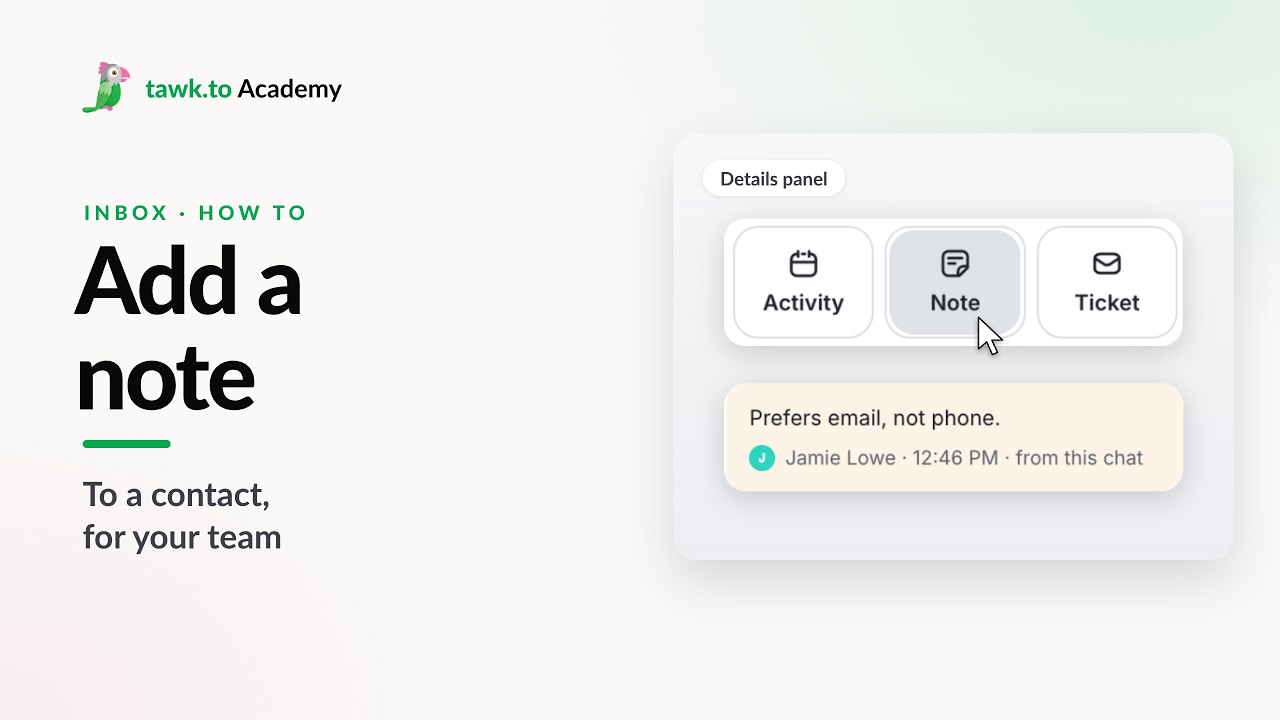
- Add a note to a contact
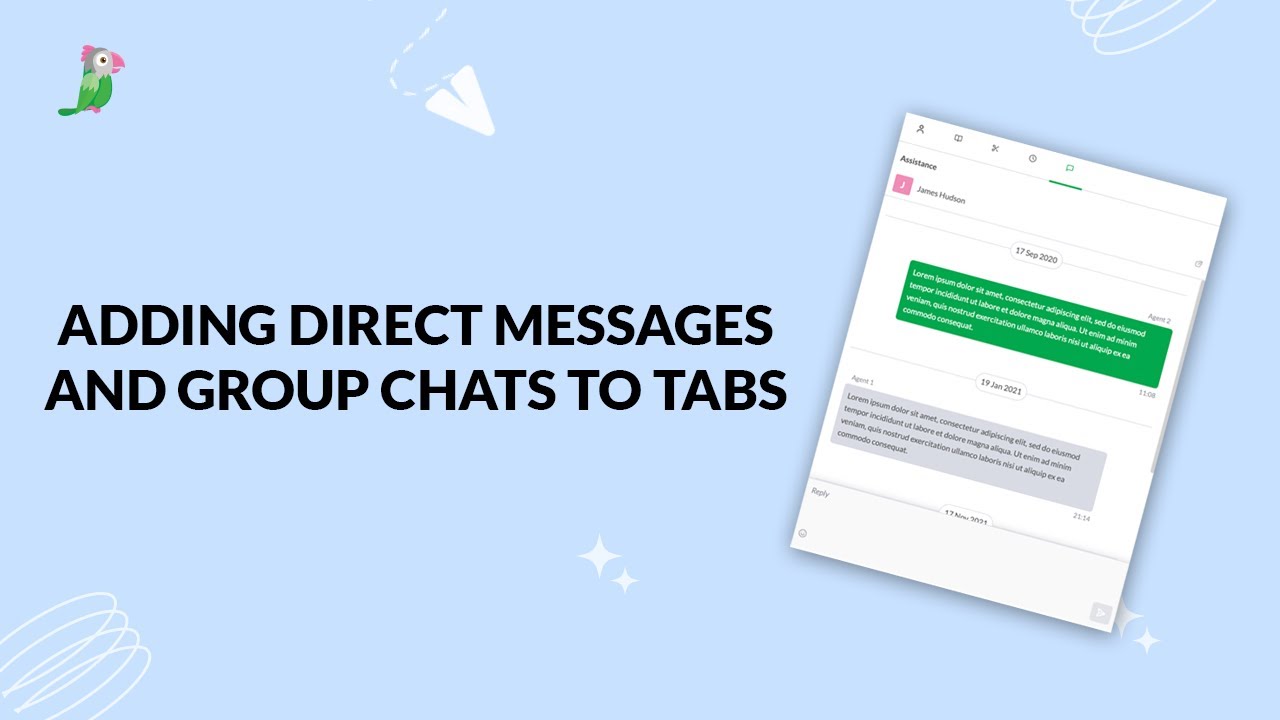
- Adding direct messages and group chats to tabs
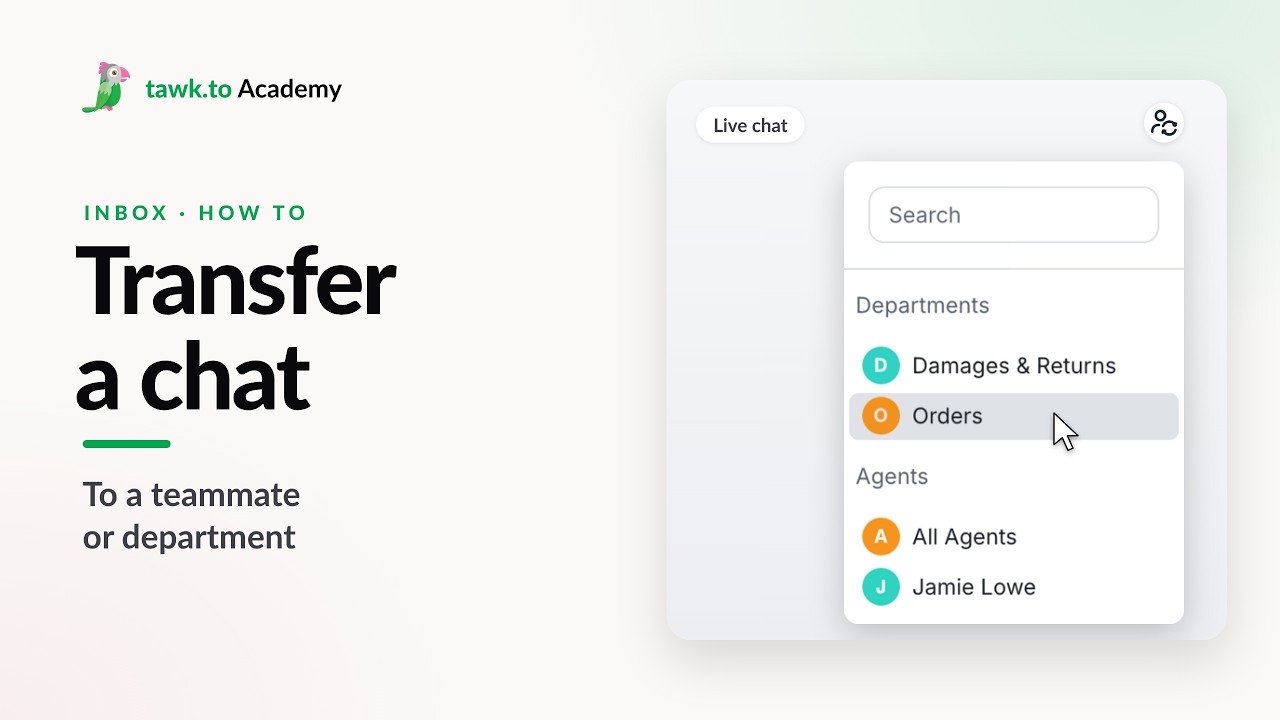
- Transfer a chat to a teammate or department
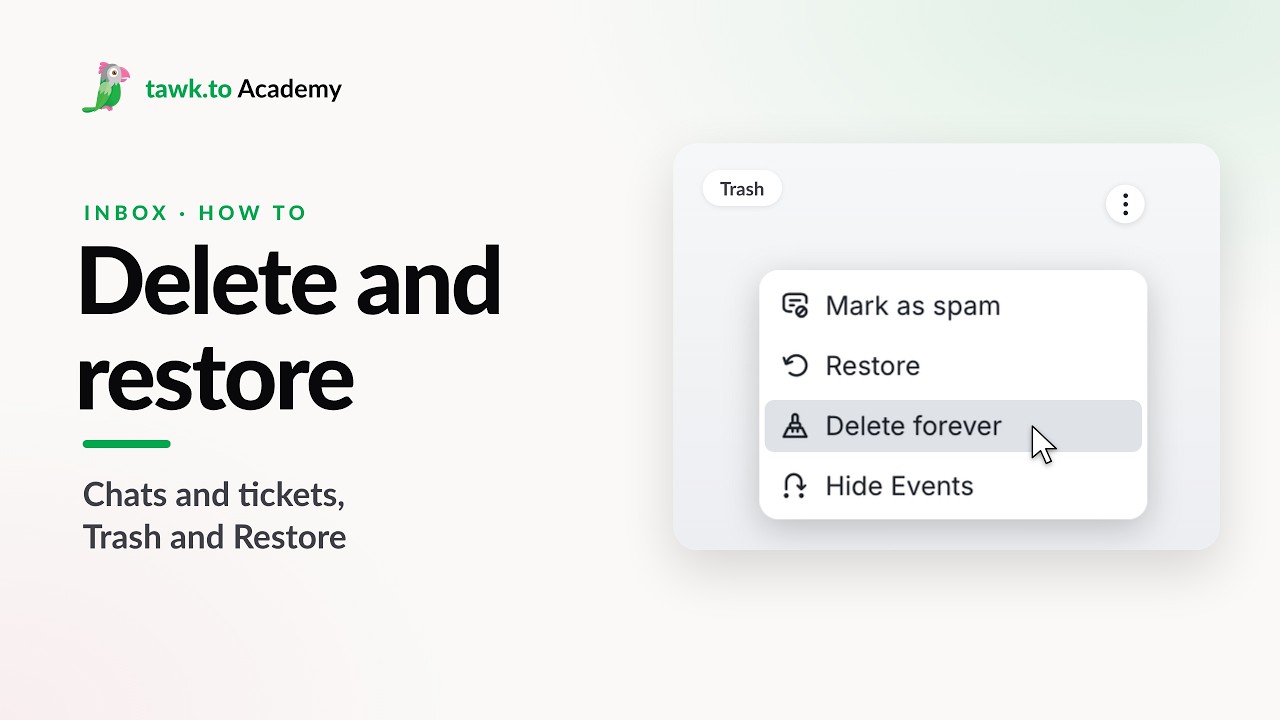
- Delete and Restore Chats and Tickets
- Using the tawk.to Inbox
- Monitor Visitors on Your Site in Real Time
- Creating a shortcut while inside a conversation
- Creating and managing tabs
Open the tawk.to Academy
Every topic and 220+ videos in one place.