
Monitor Visitors on Your Site in Real Time
Who is on your site right now. This video shows how to use Visitor monitoring in tawk.to to see everyone on your site with the chat widget on it, and spot the visitor who needs help before anyone has replied. Visitors are grouped as Unanswered, Served, Active and Idle, and each row shows where they came from, the page they're on and how long they've been there. Select a row to open the chat, which stays open while the session is active and gets a short grace period after the visitor leaves. You can also hide a visitor, filter by country, agent, channel, department, status or tag, and switch to the Map view. For example, a visitor on the Delivery and returns page who hasn't had a reply shows up under Unanswered, so you can start the chat first.
Managing Conversations: Inbox, Chats & Contacts
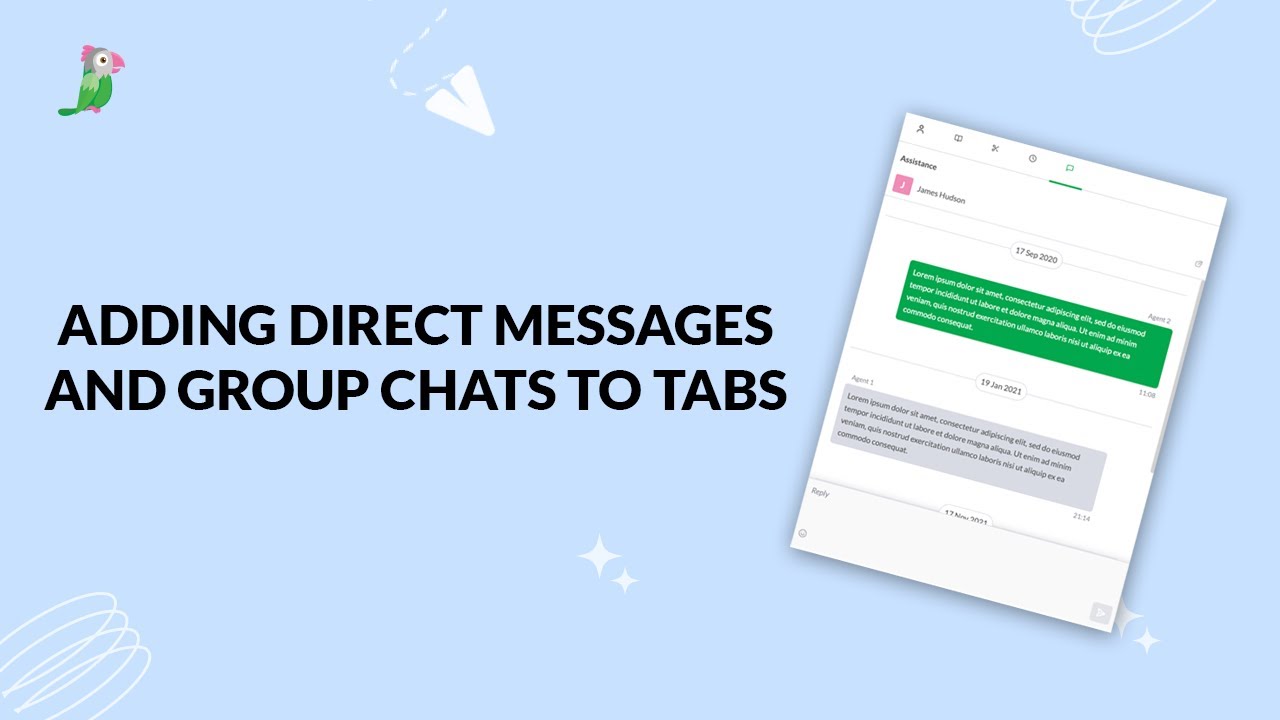
- Adding direct messages and group chats to tabs
- Creating a shortcut while inside a conversation

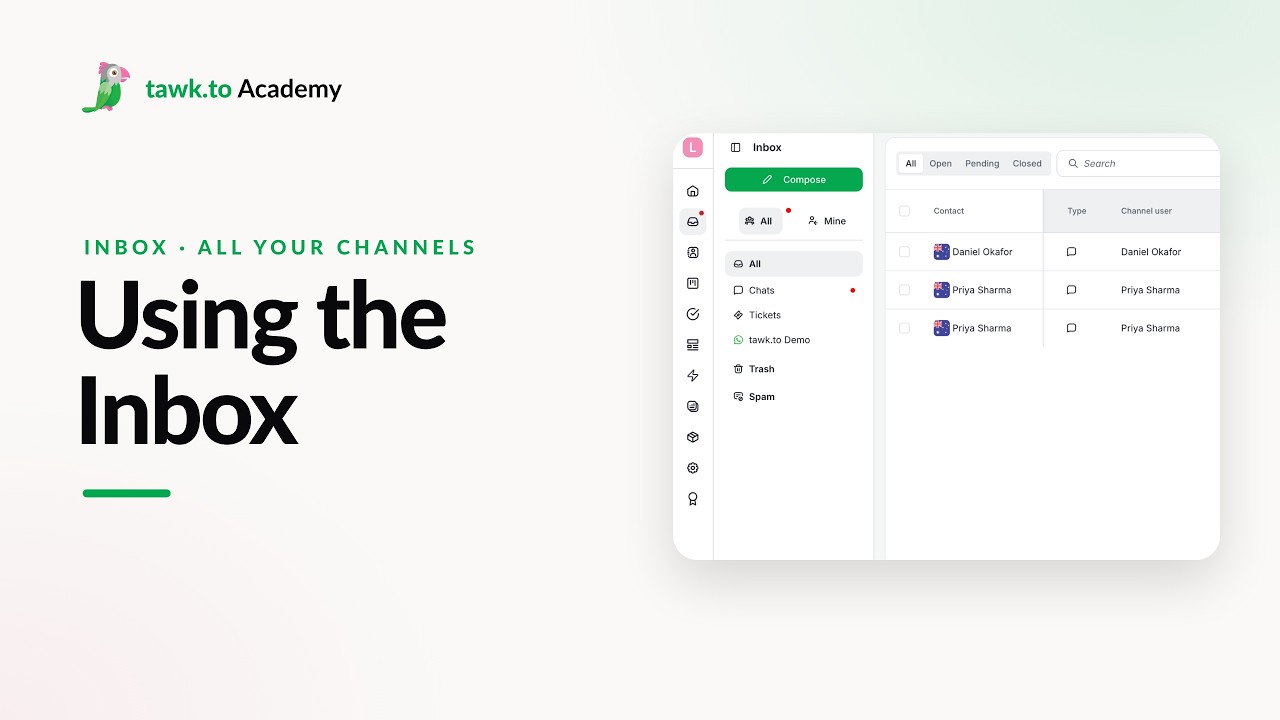
- Using the tawk.to Inbox
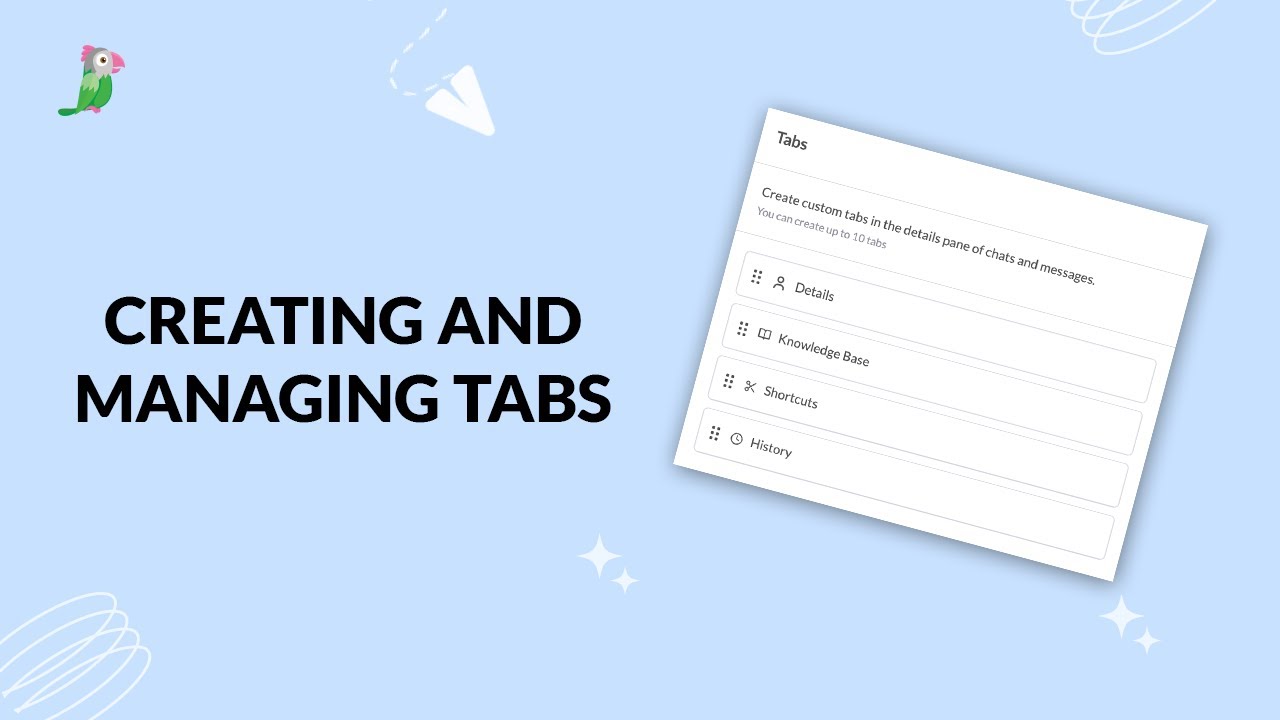
- Creating and managing tabs
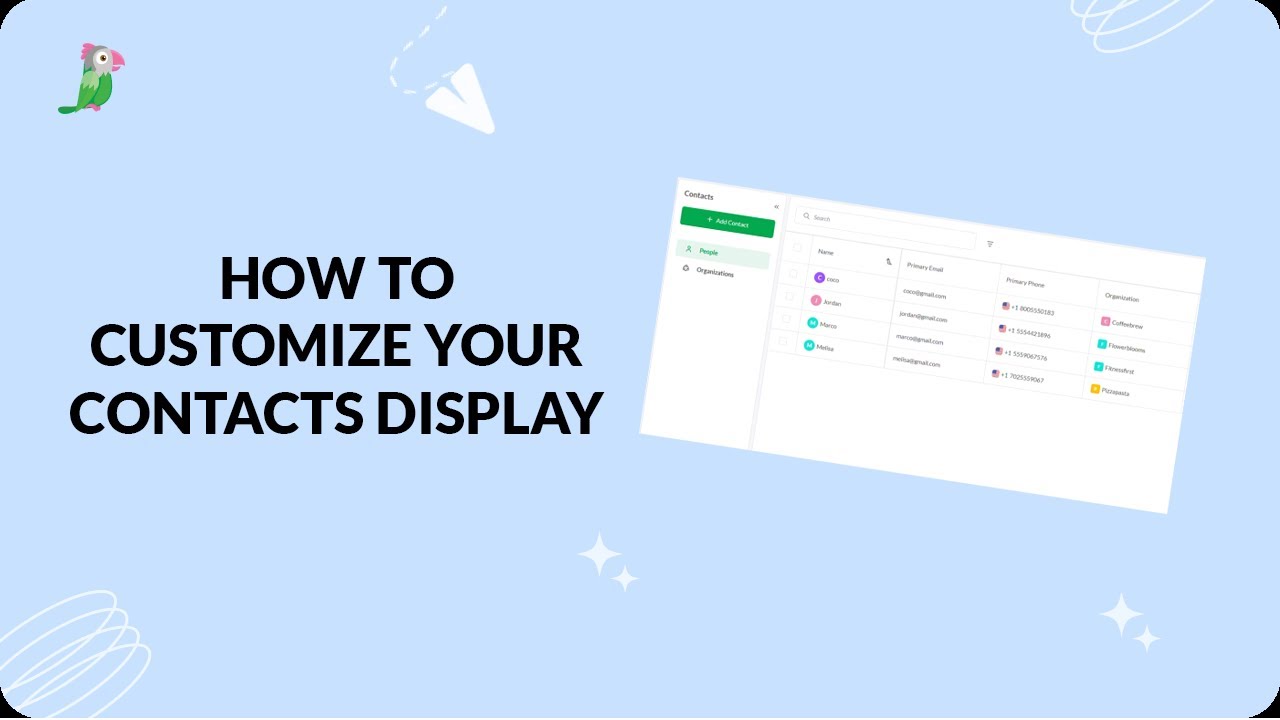
- Customize your tawk.to Contacts view
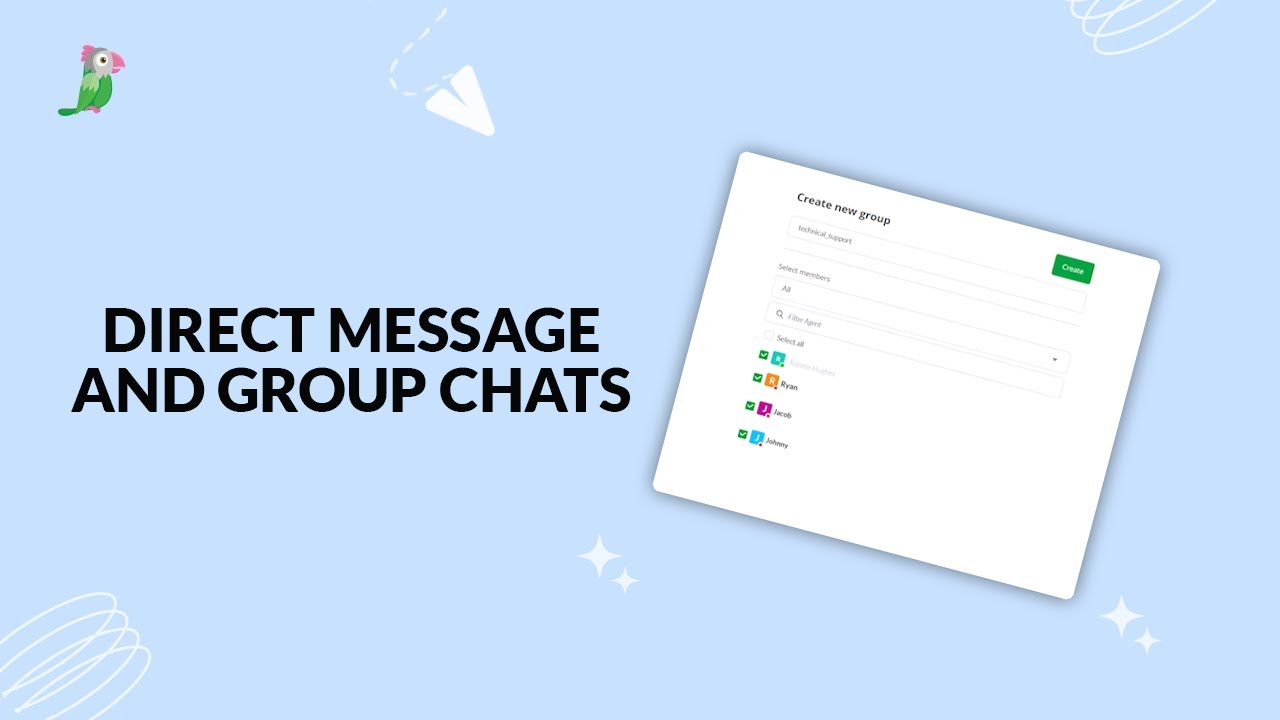
- Direct messages and group chats
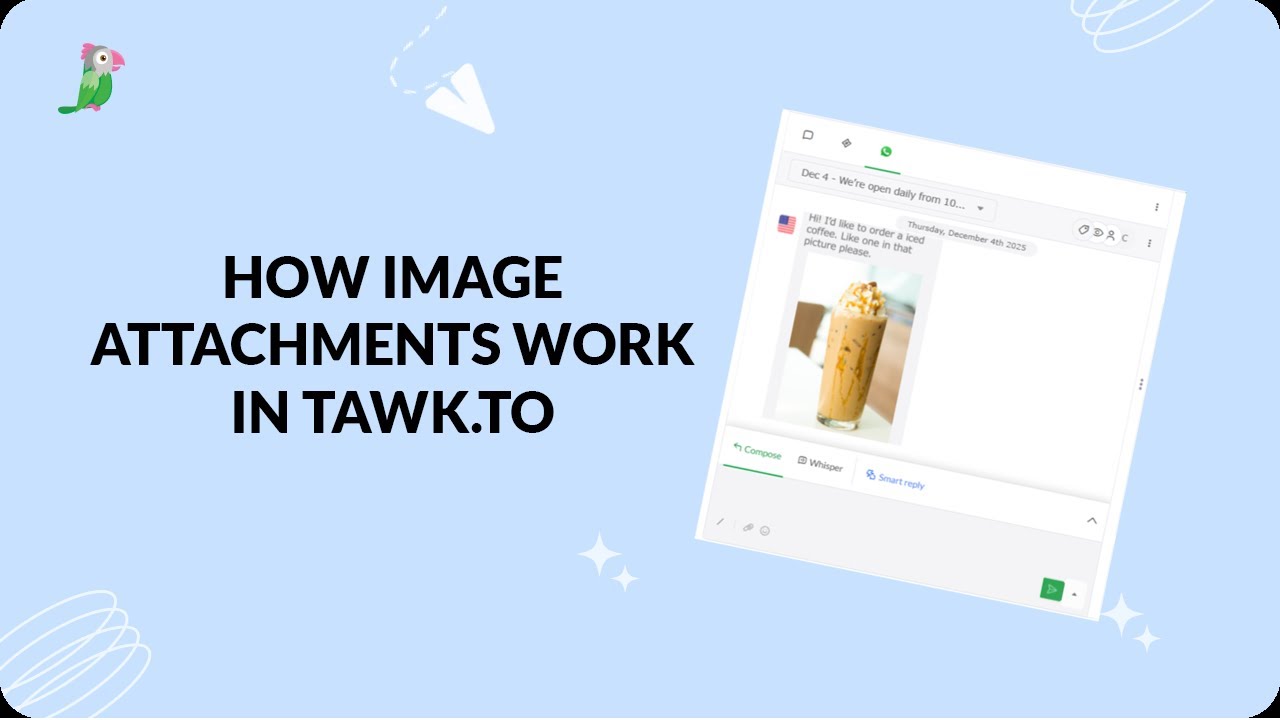
- How image attachment works in tawk.to
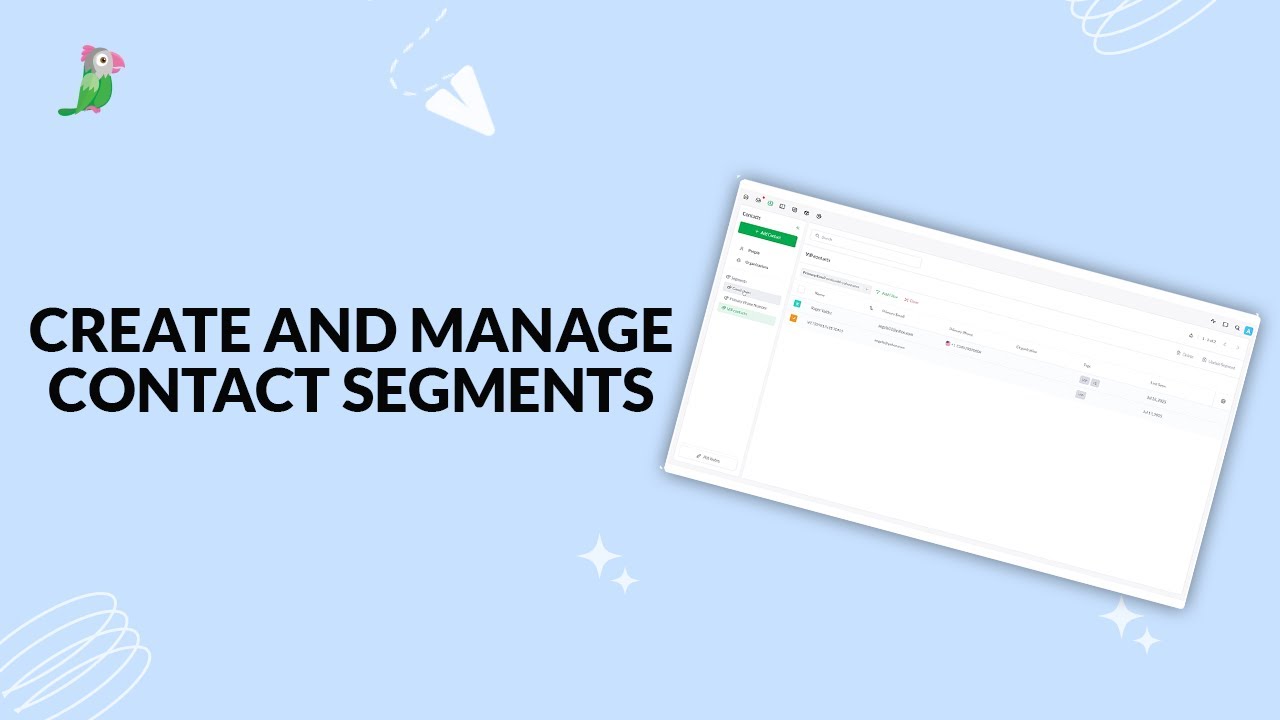
- Create and manage contact segments
Open the tawk.to Academy
Every topic and 220+ videos in one place.