
How image attachment works in tawk.to
In this video, you’ll learn how image attachments work with your AI Agent in tawk.to. On supported channels, customers can send an image (like a screenshot or product photo) and your AI Agent can respond in context.
· Share this video
· More in this topic
Managing Conversations: Inbox, Chats & Contacts
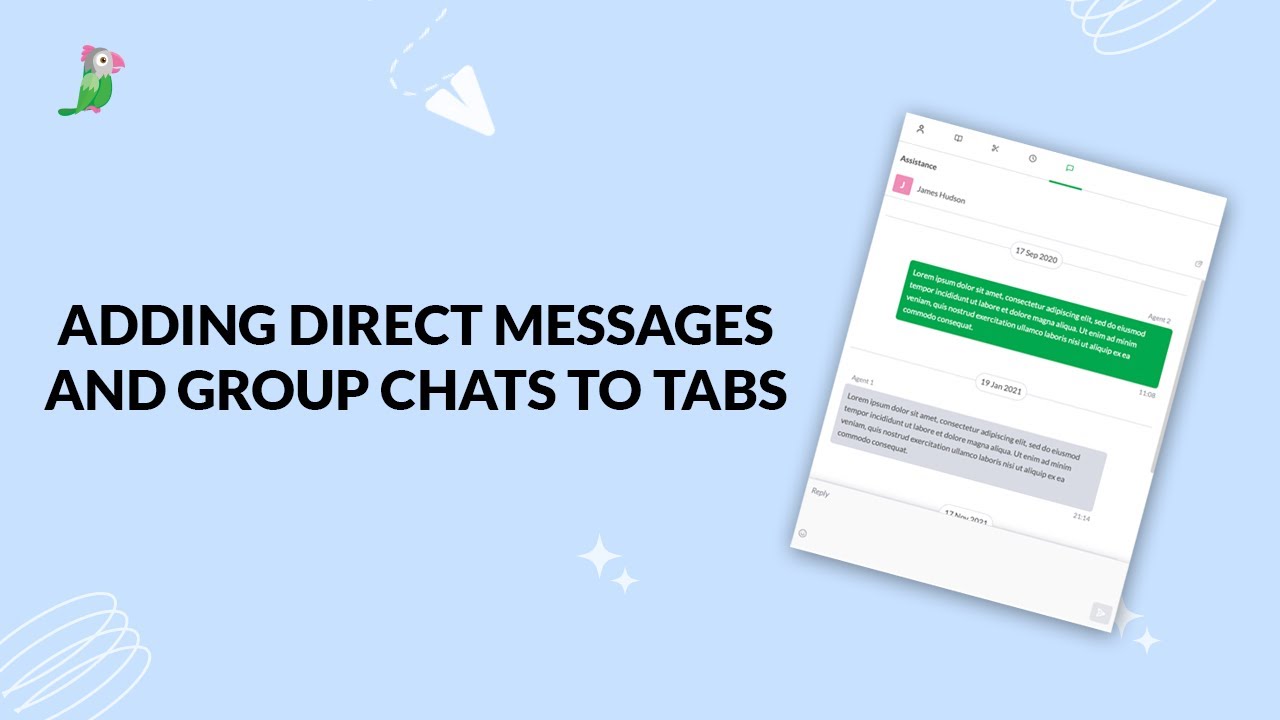
- Adding direct messages and group chats to tabs
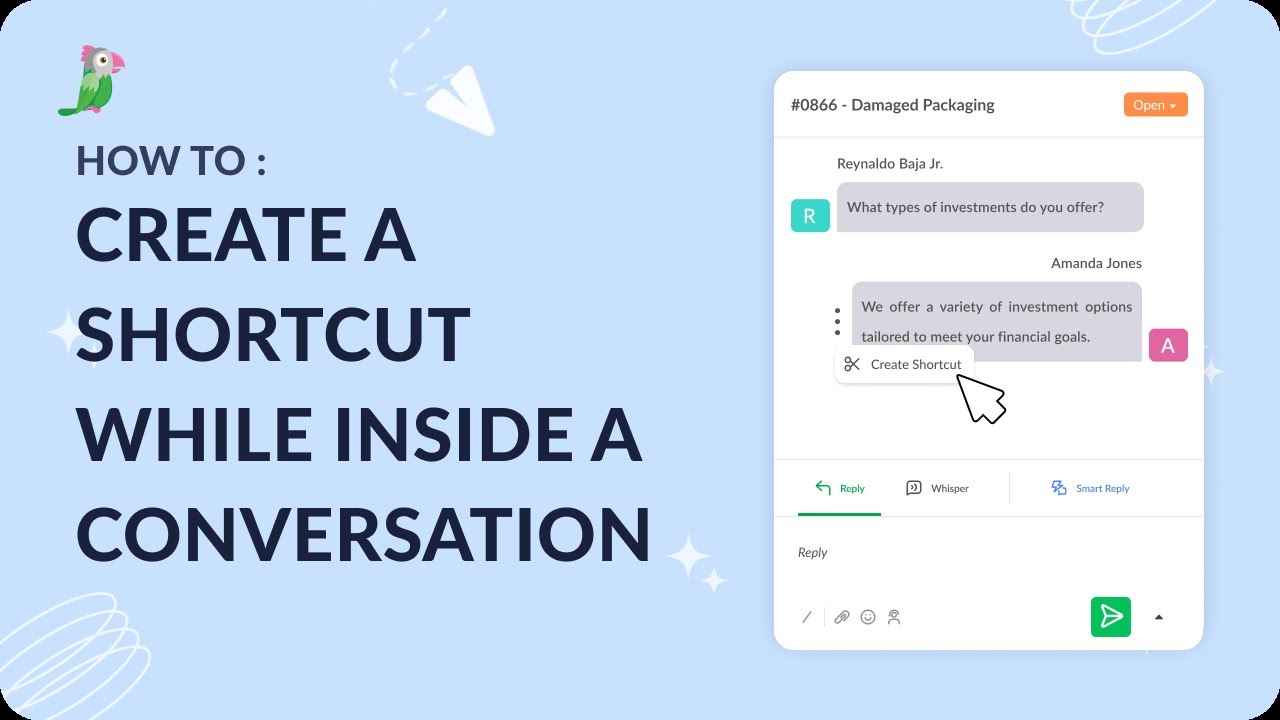
- Creating a shortcut while inside a conversation
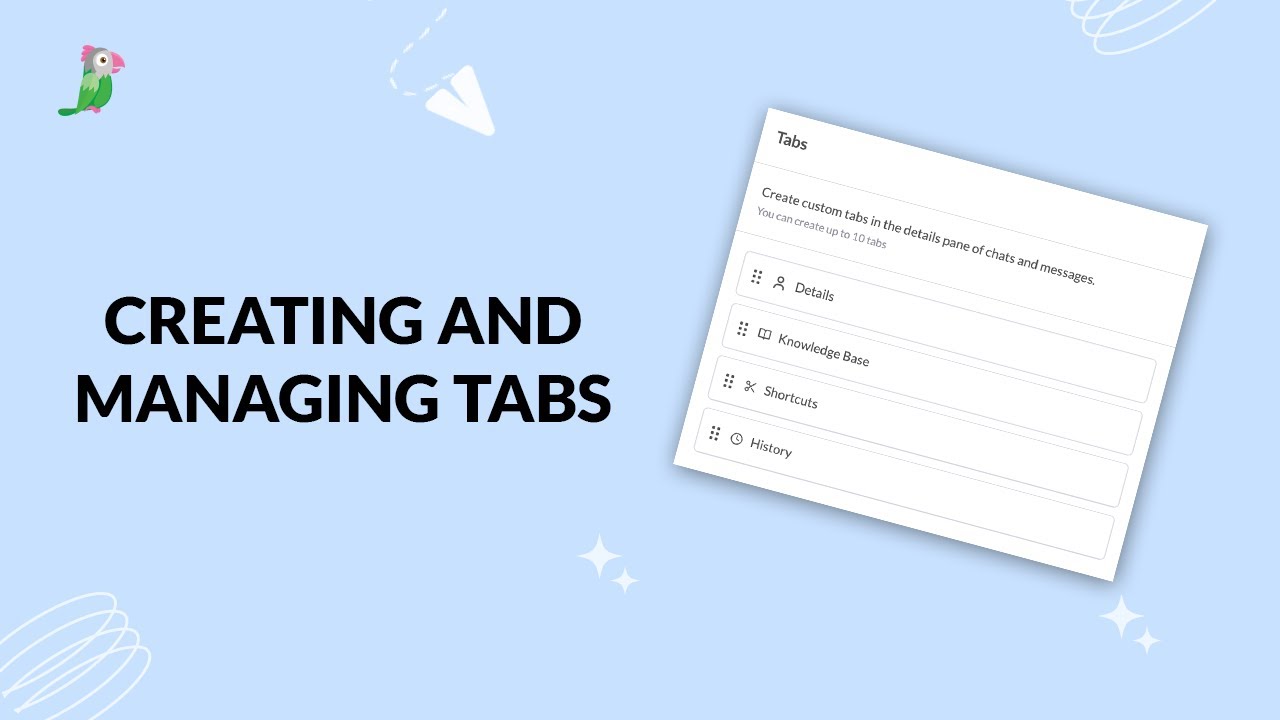
- Creating and managing tabs
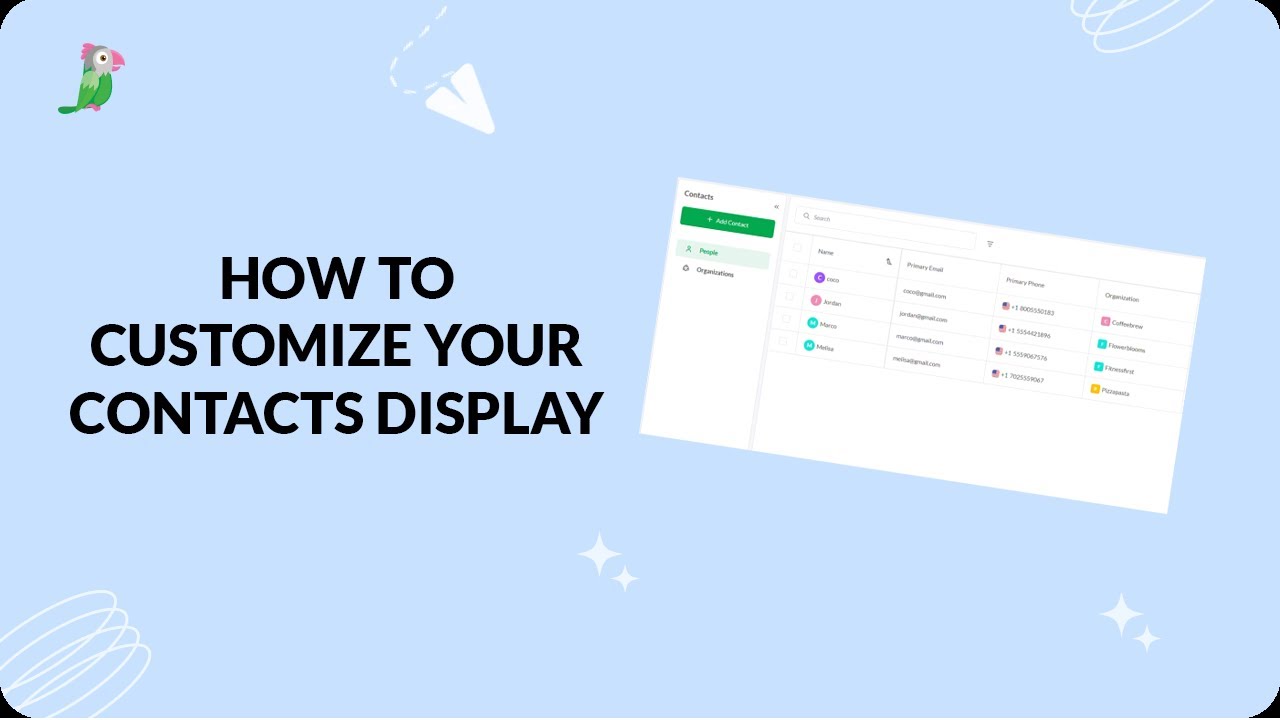
- Customize your tawk.to Contacts view
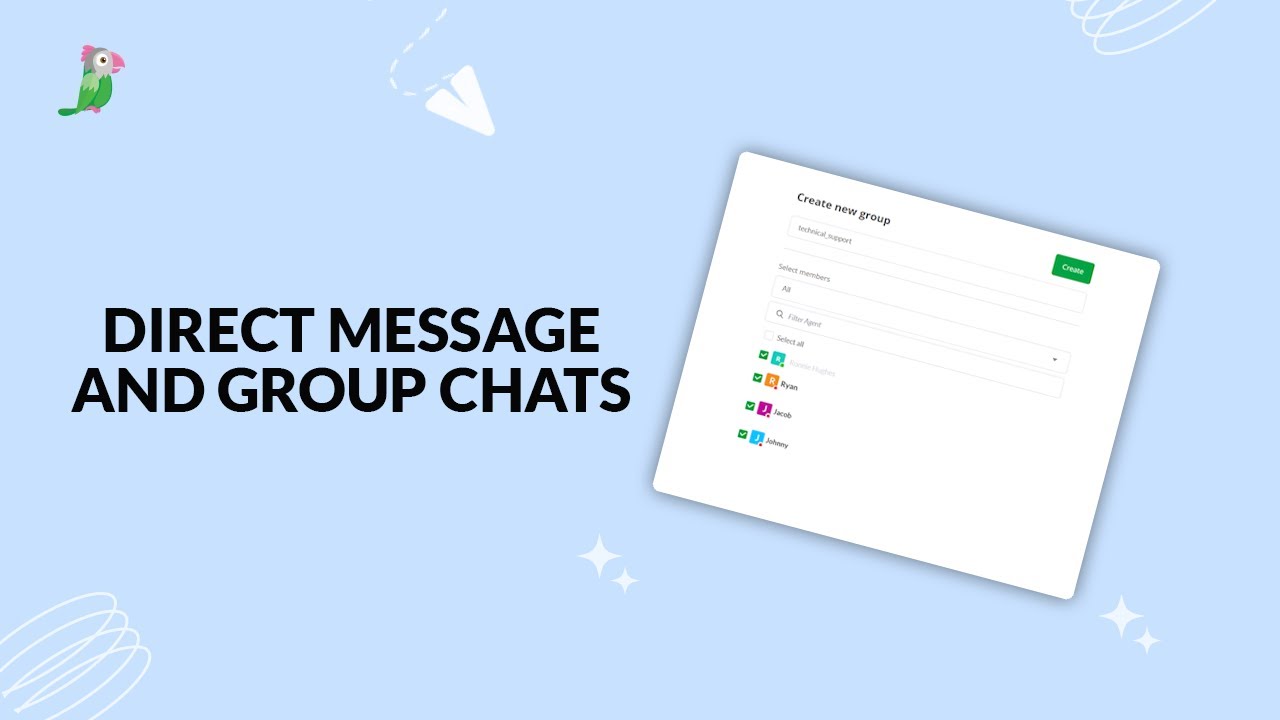
- Direct messages and group chats
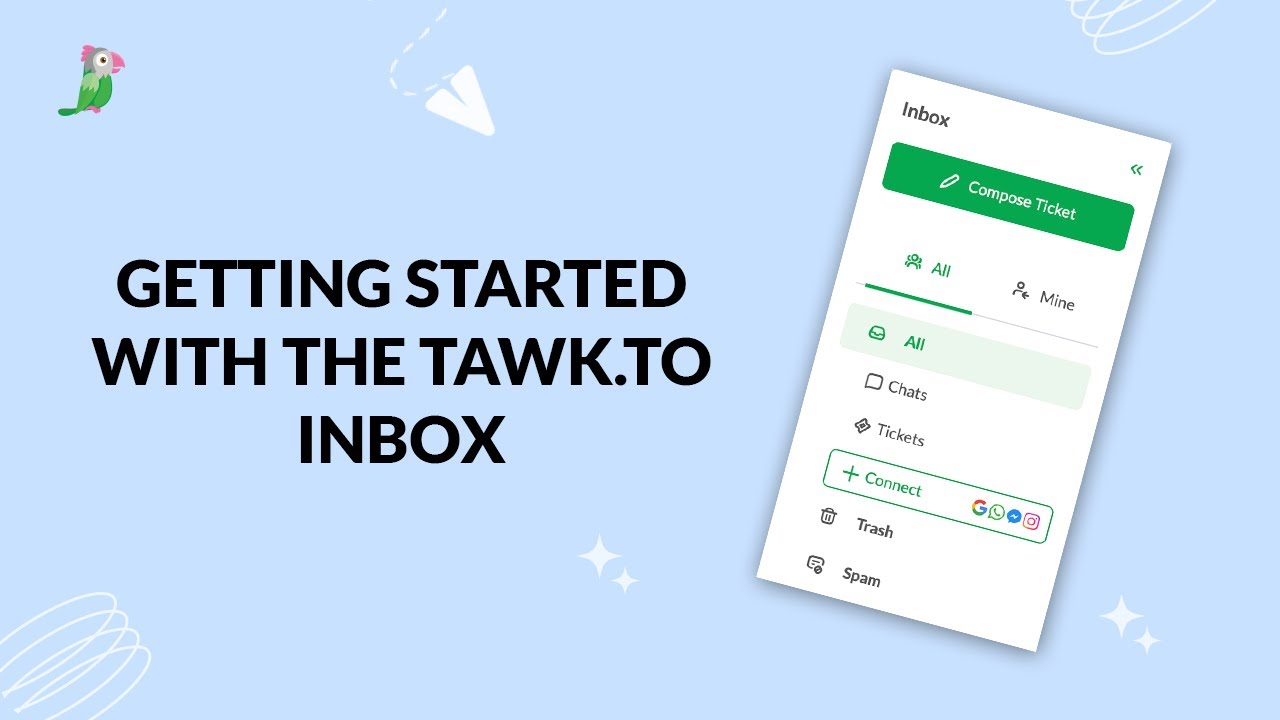
- Getting started with the tawk to Inbox
- Create and manage contact segments
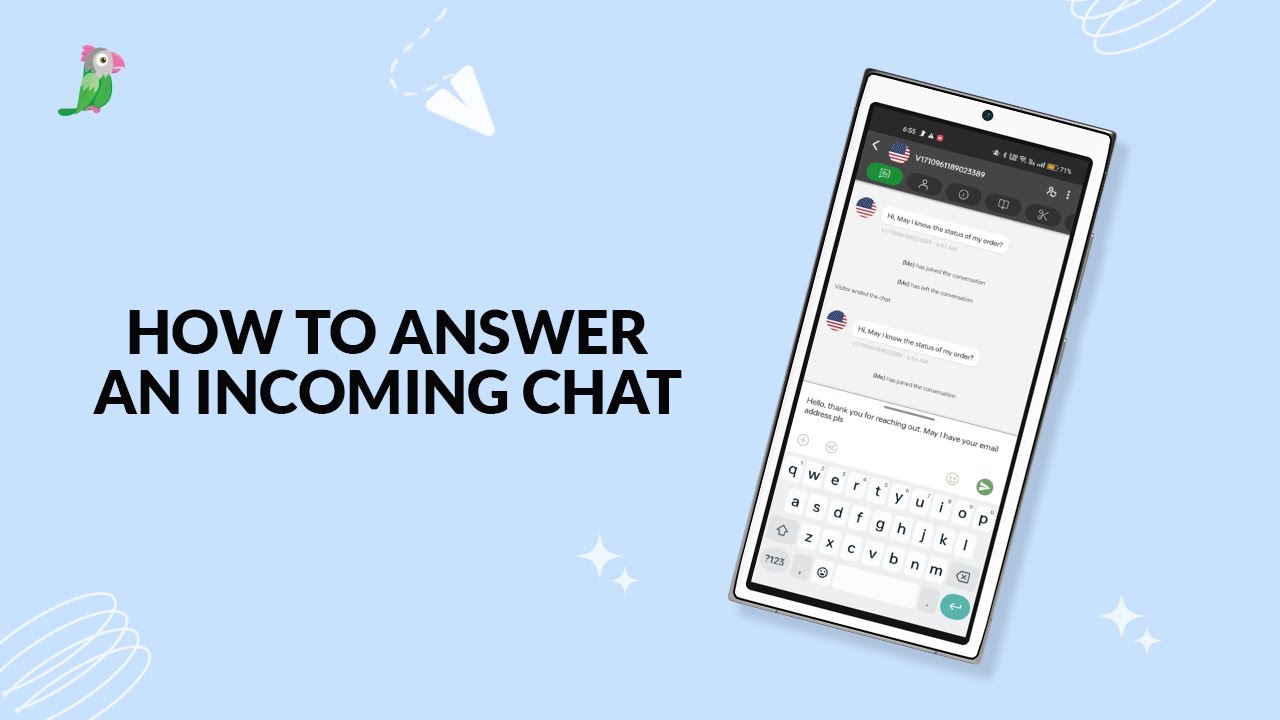
- How to answer an incoming chat
Open the tawk.to Academy
Every topic and 220+ videos in one place.