
Direct messages and group chats
Need to chat privately with a teammate or collaborate with your whole crew? In this video, learn how to use Direct Messages and Group Chats in tawk.to—on desktop, iOS, and Android. Stay connected, share updates, and keep your team in sync across all your devices.
· Share this video
· More in this topic
Managing Conversations: Inbox, Chats & Contacts
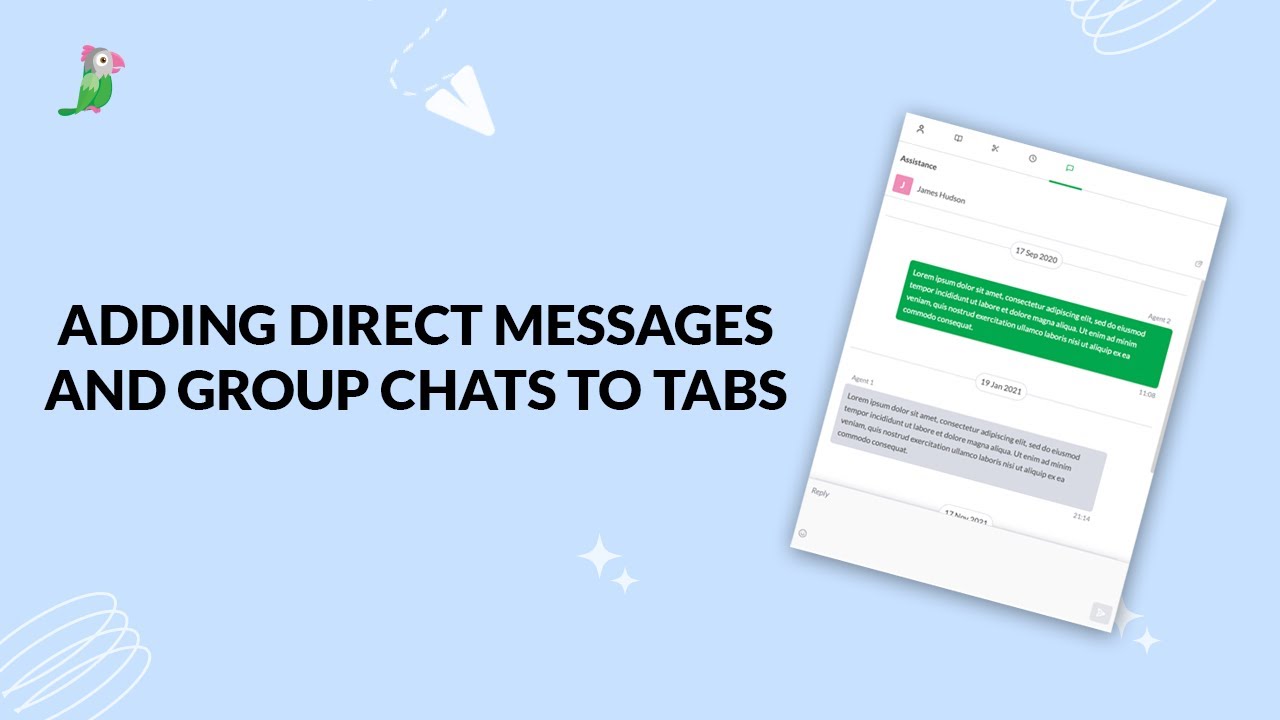
- Adding direct messages and group chats to tabs
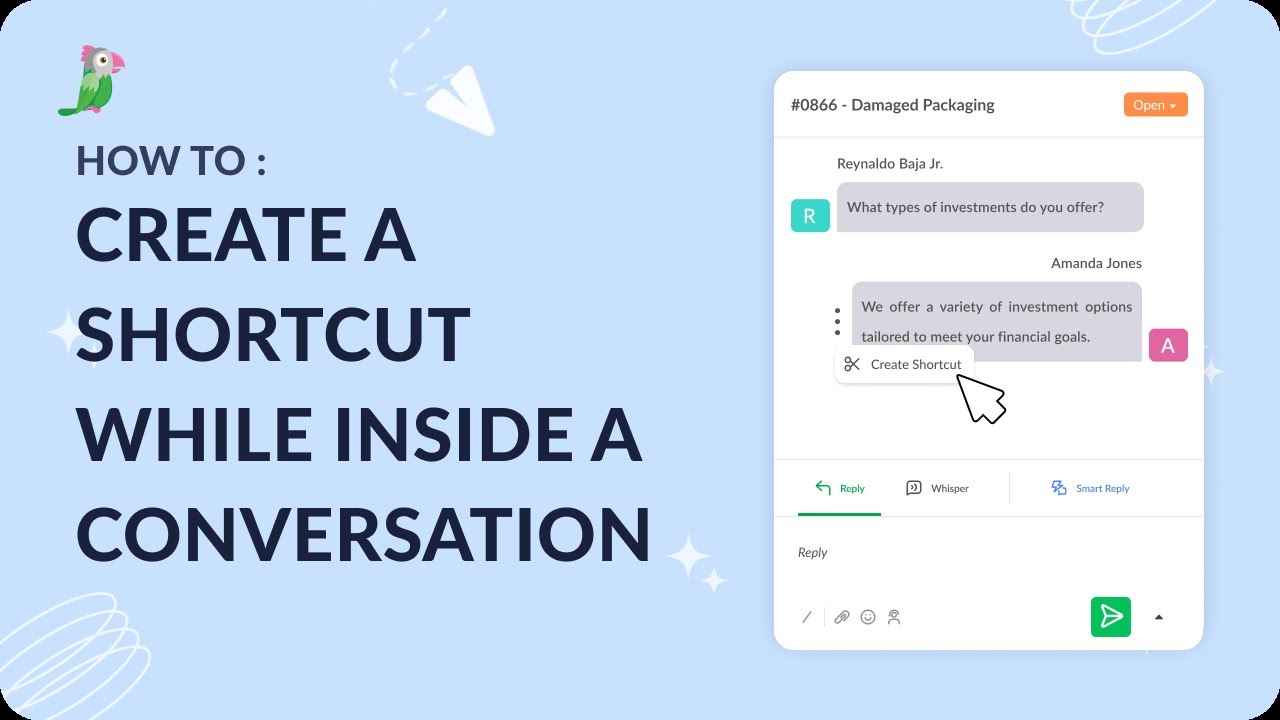
- Creating a shortcut while inside a conversation
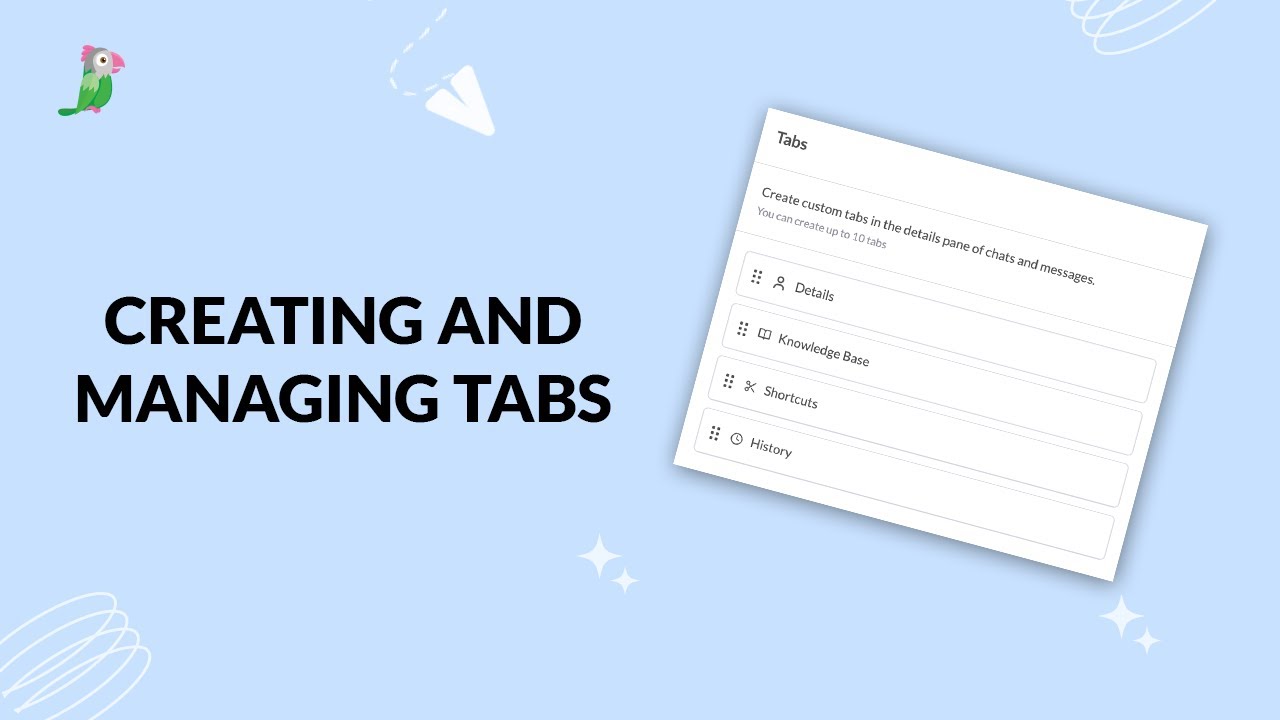
- Creating and managing tabs
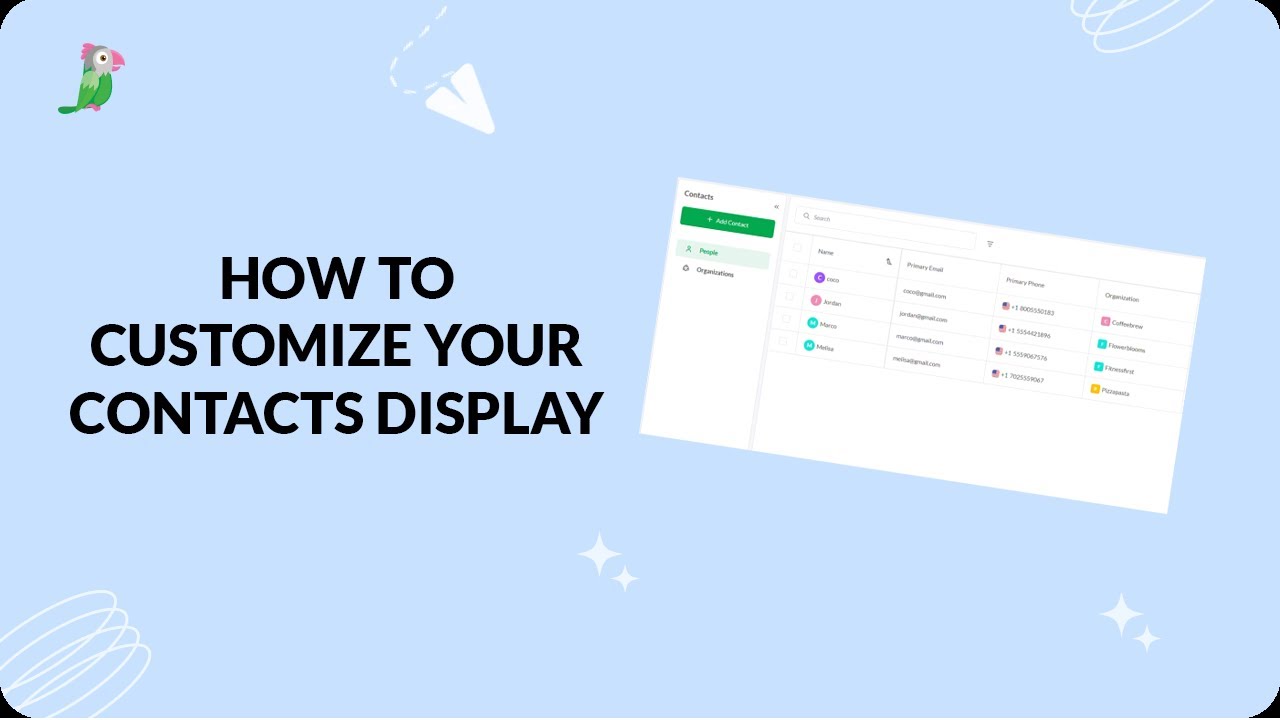
- Customize your tawk.to Contacts view
- Getting started with the tawk to Inbox
- How image attachment works in tawk.to
- Create and manage contact segments
- How to answer an incoming chat
Open the tawk.to Academy
Every topic and 220+ videos in one place.