
Adding direct messages and group chats to tabs
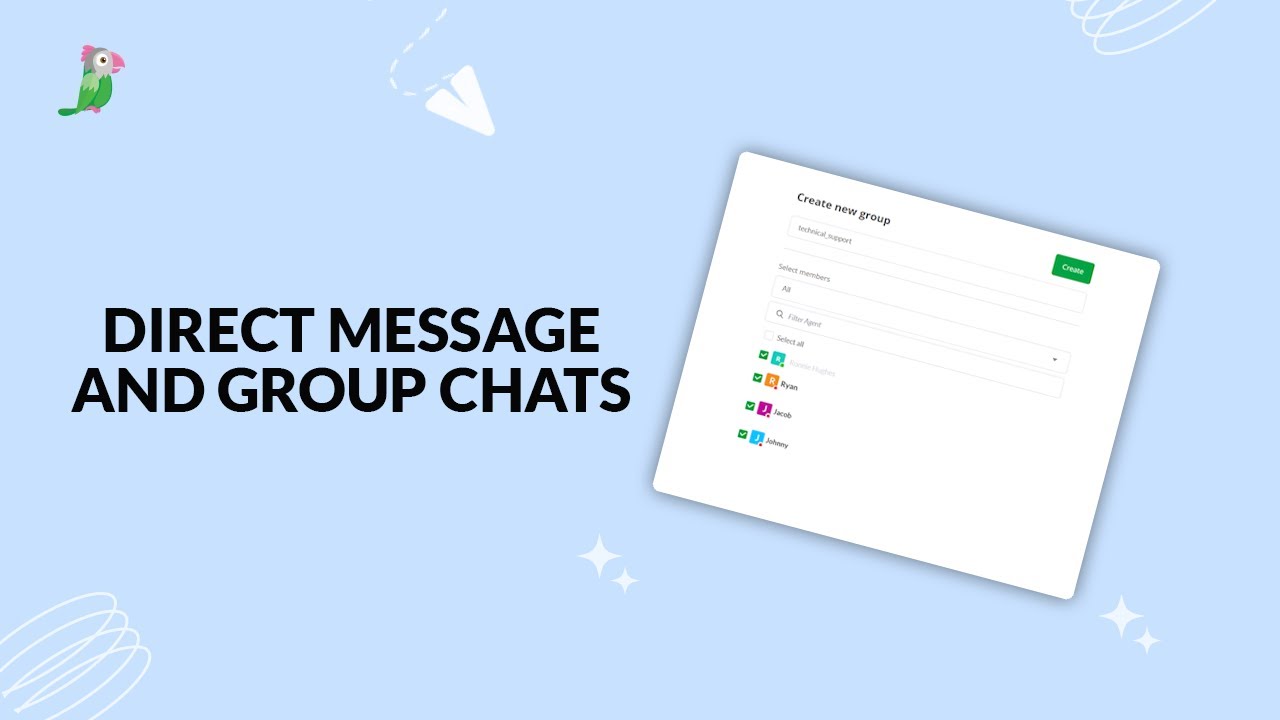
Want to collaborate with your team while chatting with visitors? In this video, learn how to add Direct Messages and Group Chats to tabs in tawk.to. We’ll show you how to set them up, manage conversations inside the dashboard, and keep your team connected without ever leaving a chat. This feature works on the browser and desktop app, giving agents quick access to tools and conversations in one place.
· Share this video
· More in this topic
Managing Conversations: Inbox, Chats & Contacts
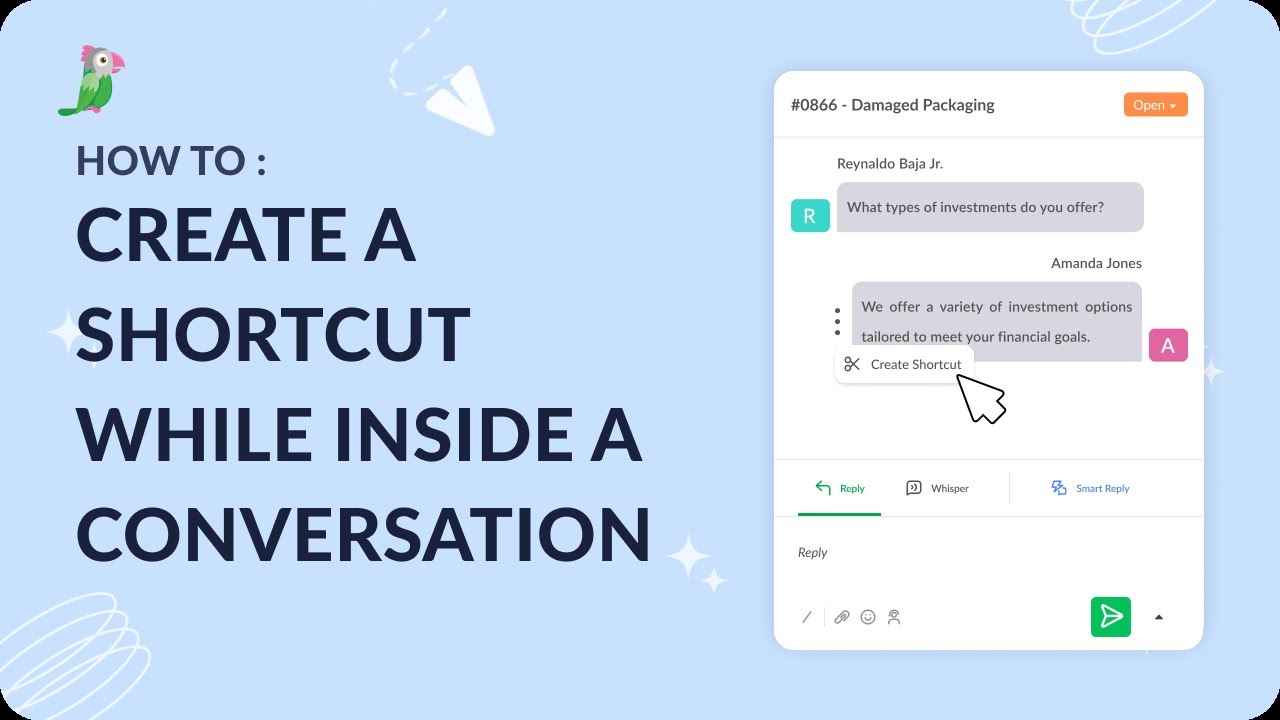
- Creating a shortcut while inside a conversation
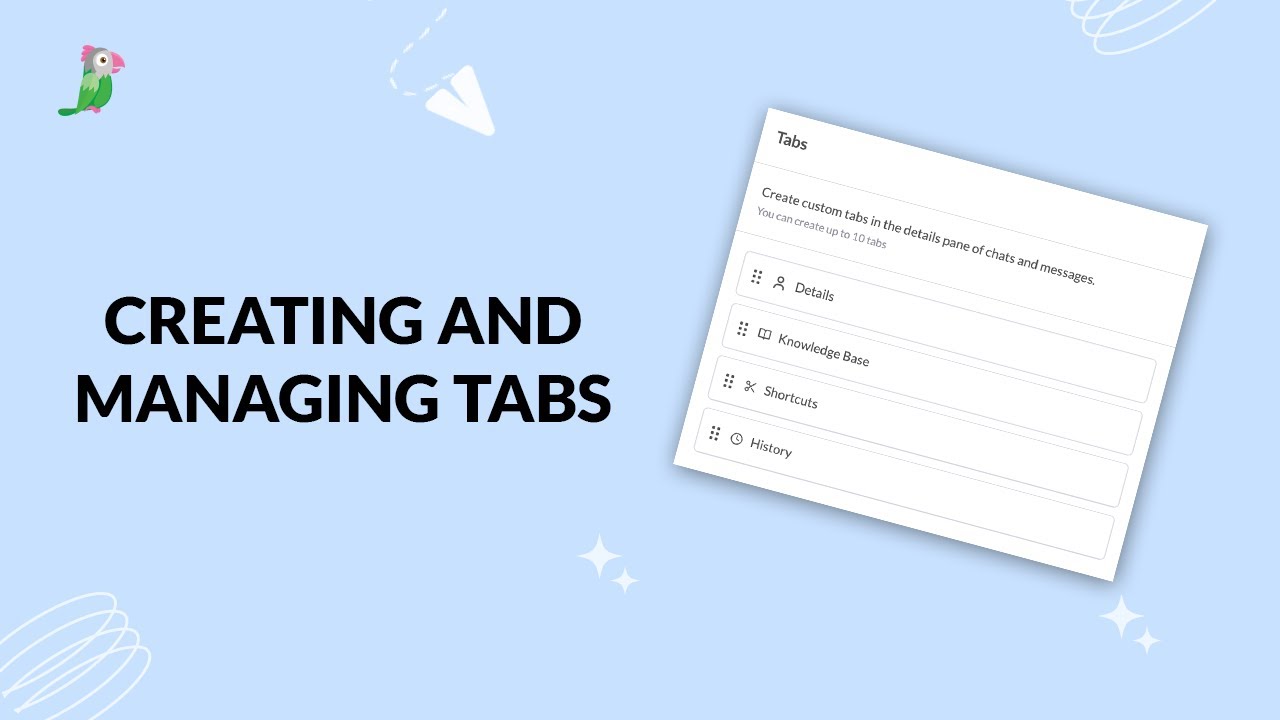
- Creating and managing tabs
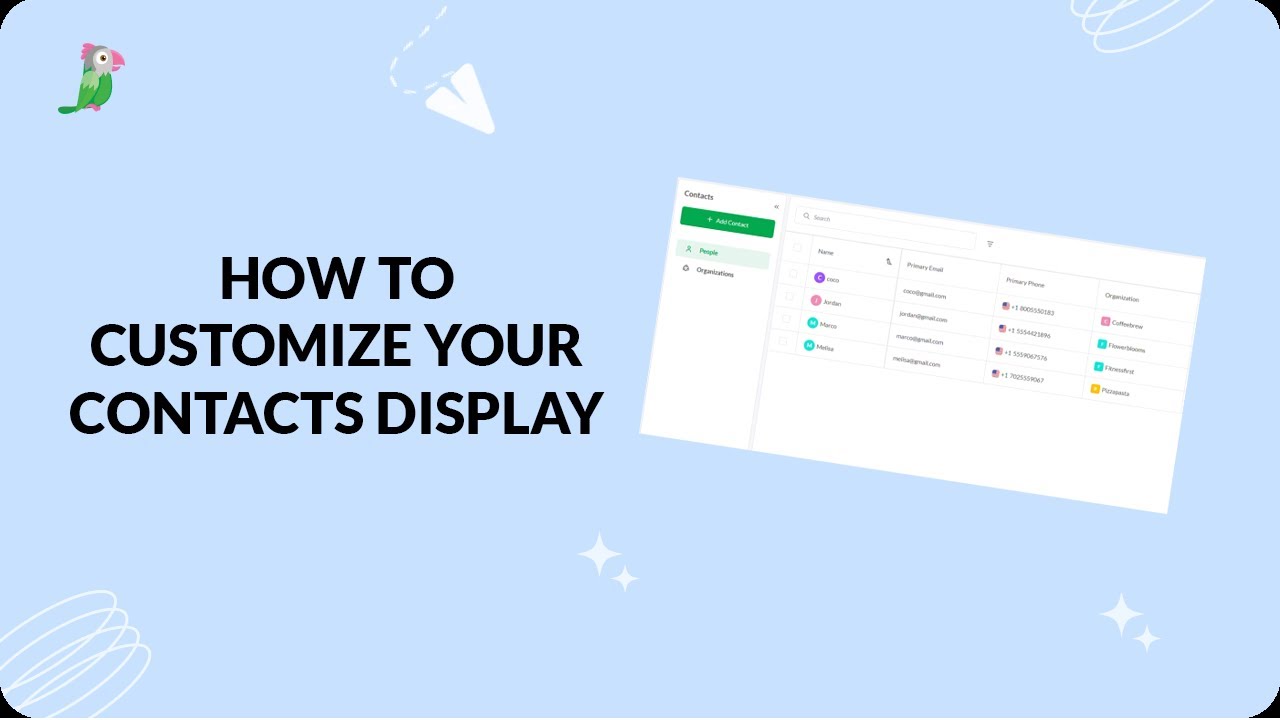
- Customize your tawk.to Contacts view
- Direct messages and group chats
- Getting started with the tawk to Inbox
- How image attachment works in tawk.to
- Create and manage contact segments
- How to answer an incoming chat
Open the tawk.to Academy
Every topic and 220+ videos in one place.