
Using the tawk.to Inbox
The Inbox is where every conversation from every channel you've connected lands. This video shows how to use the tawk.to Inbox to manage every conversation in one place. Switch between All and Mine, open Chats, Tickets or a connected channel, and check Trash and Spam. Filter by Open, Pending or Closed, or by assignee, priority, tag, contact, ticket ID or date. Open a chat to see the contact's whole story in the side panel: lead status, deals, organization, tags and notes. Leave a note or an internal comment, turn a chat into a ticket, merge a contact with another one, or click Compose to start a new conversation. For example, a chat asking for a catering quote becomes a ticket in a couple of clicks, with the contact and email already filled in.
Managing Conversations: Inbox, Chats & Contacts
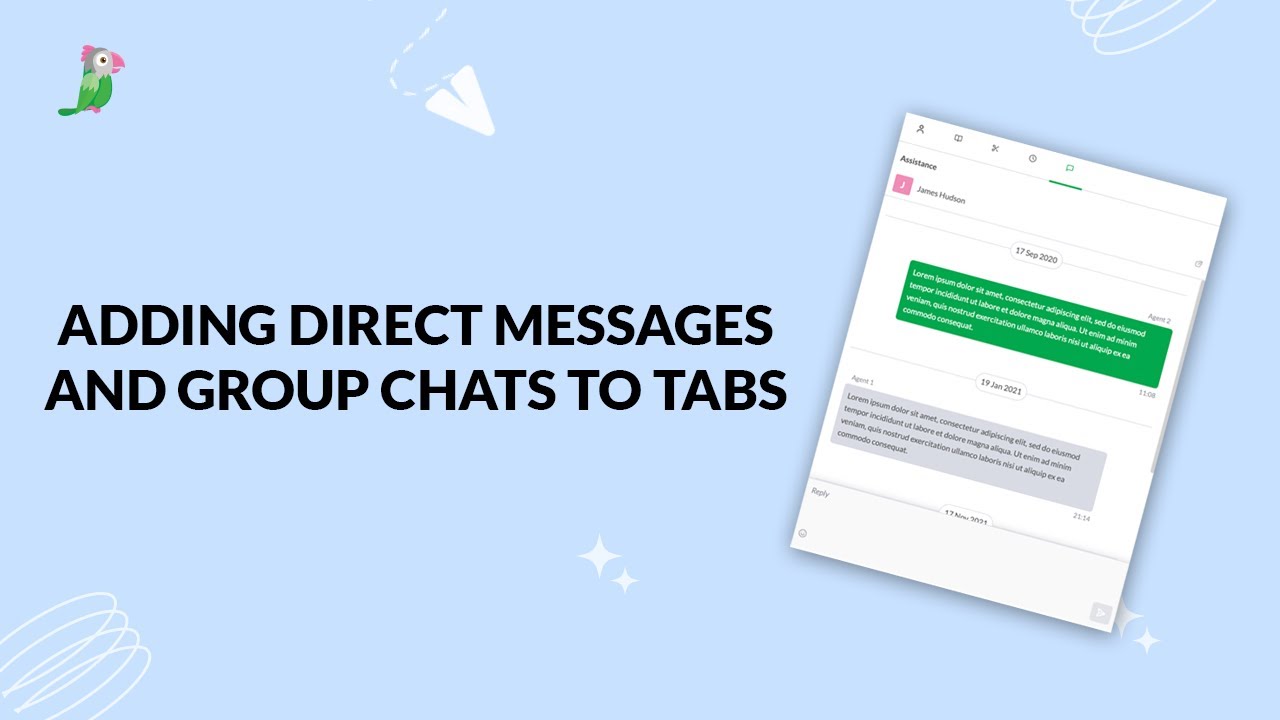
- Adding direct messages and group chats to tabs
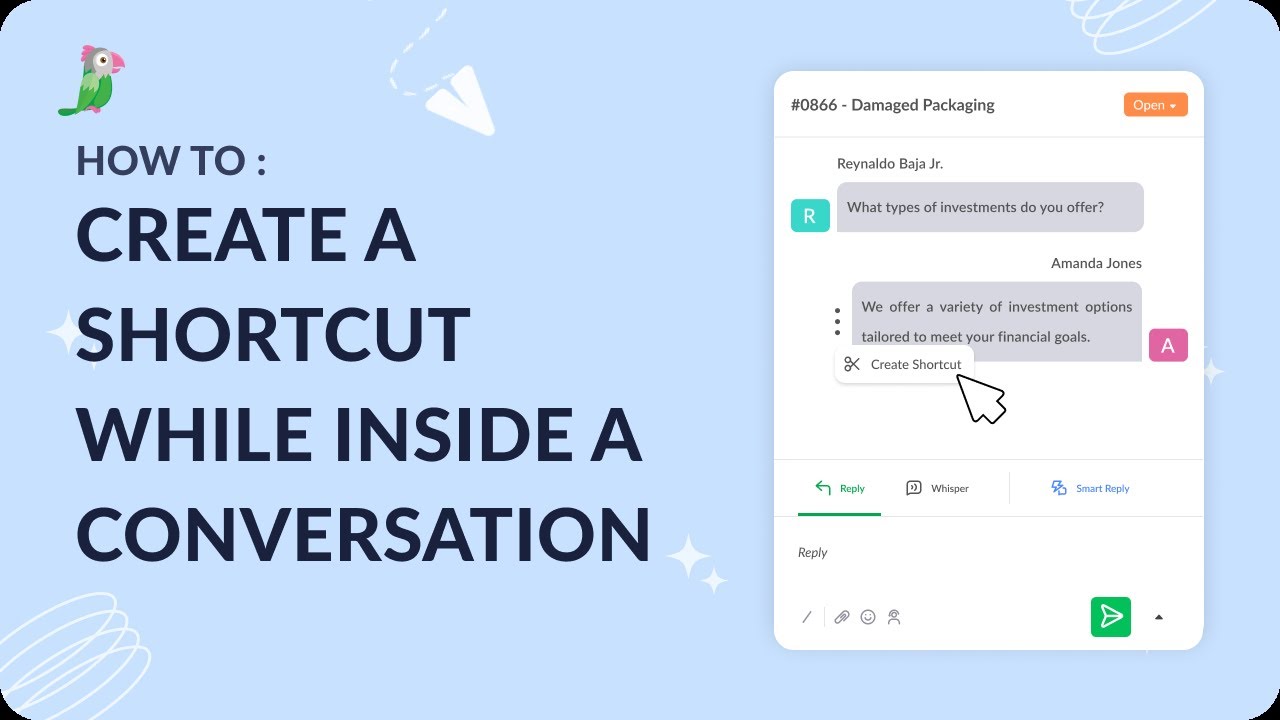
- Creating a shortcut while inside a conversation
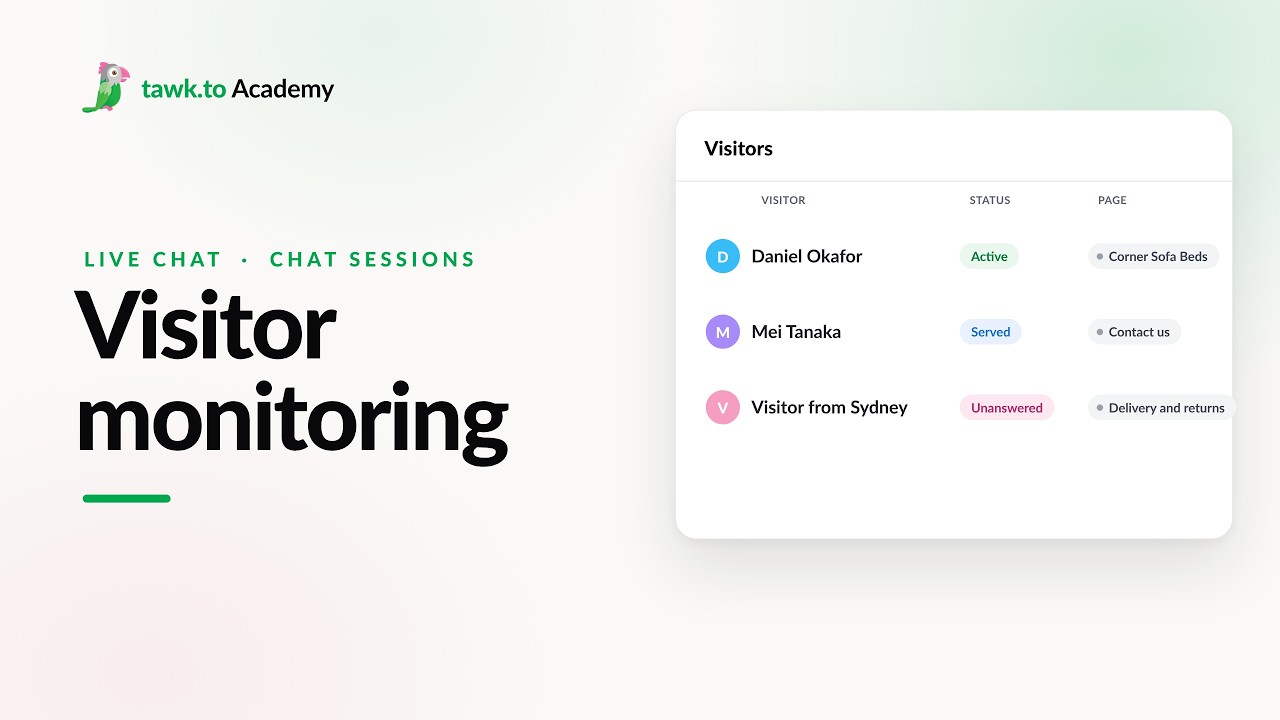
- Monitor Visitors on Your Site in Real Time
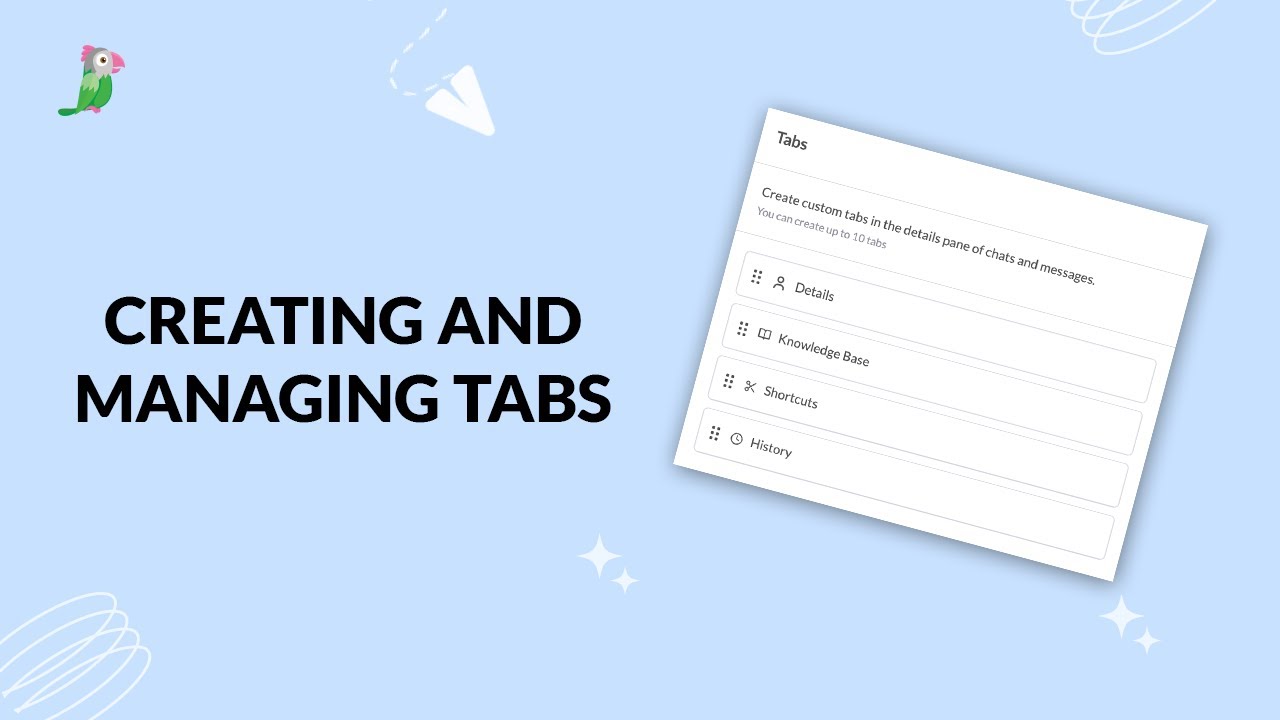
- Creating and managing tabs
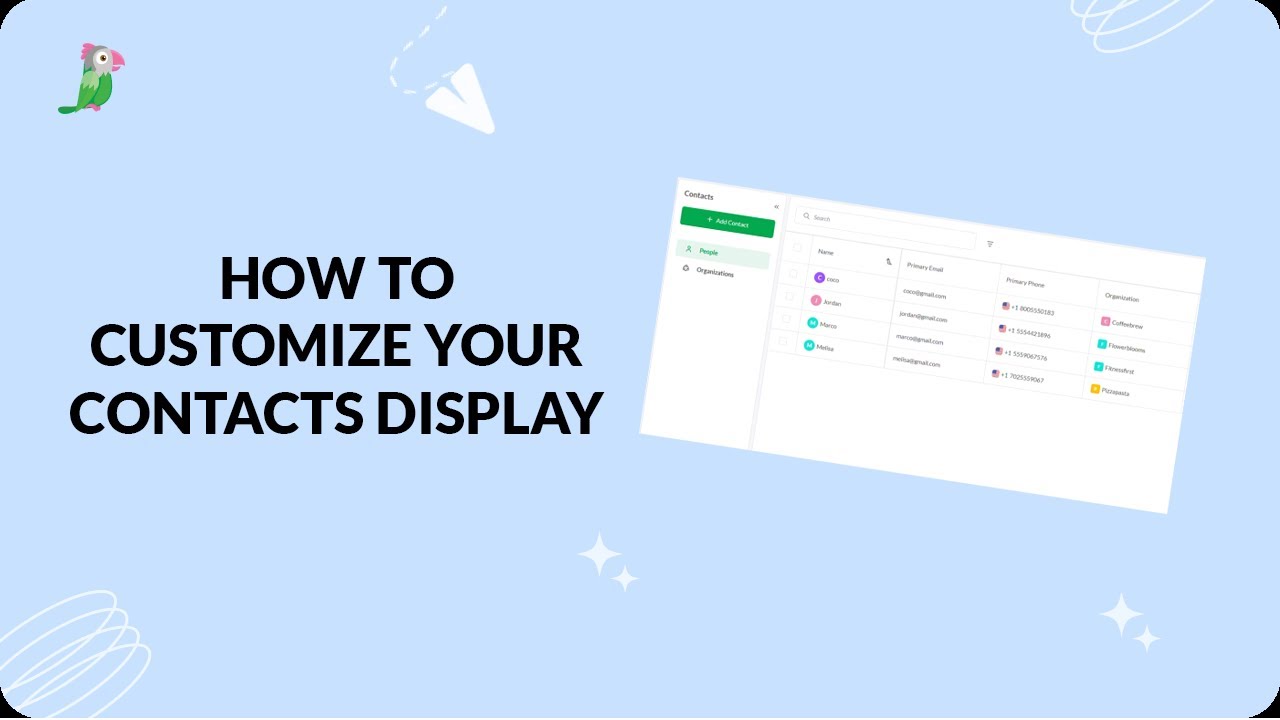
- Customize your tawk.to Contacts view
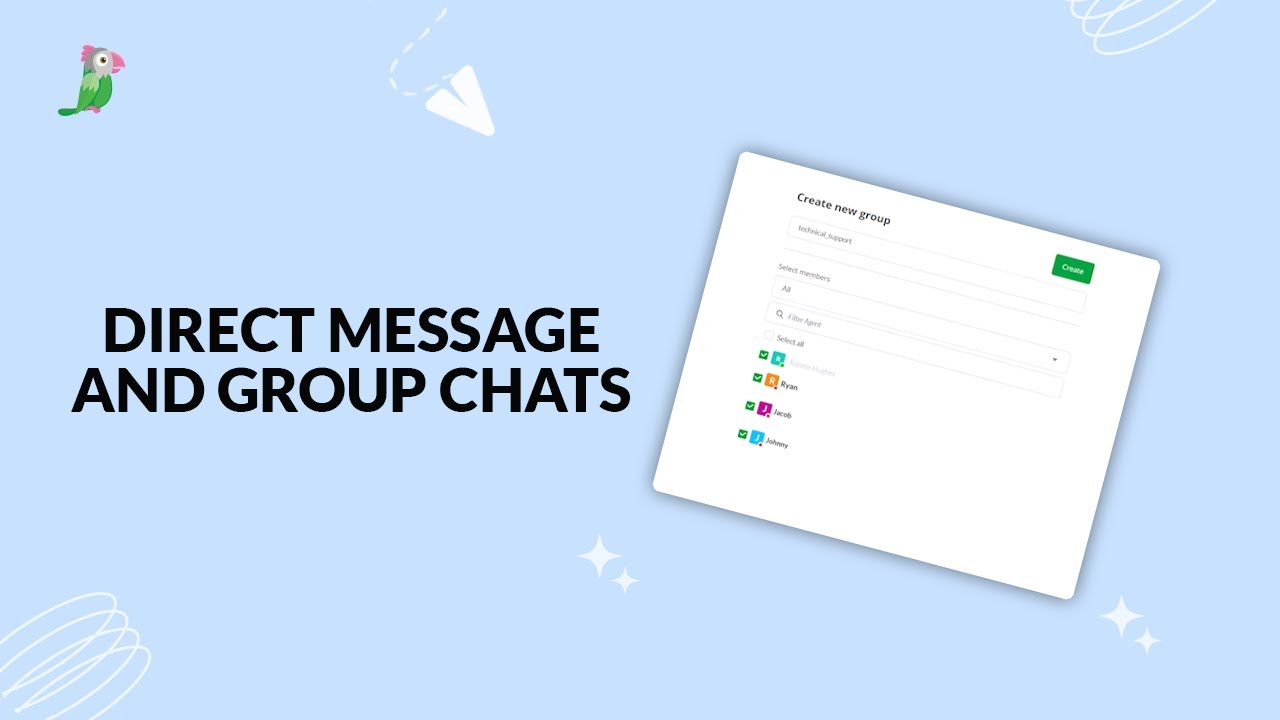
- Direct messages and group chats
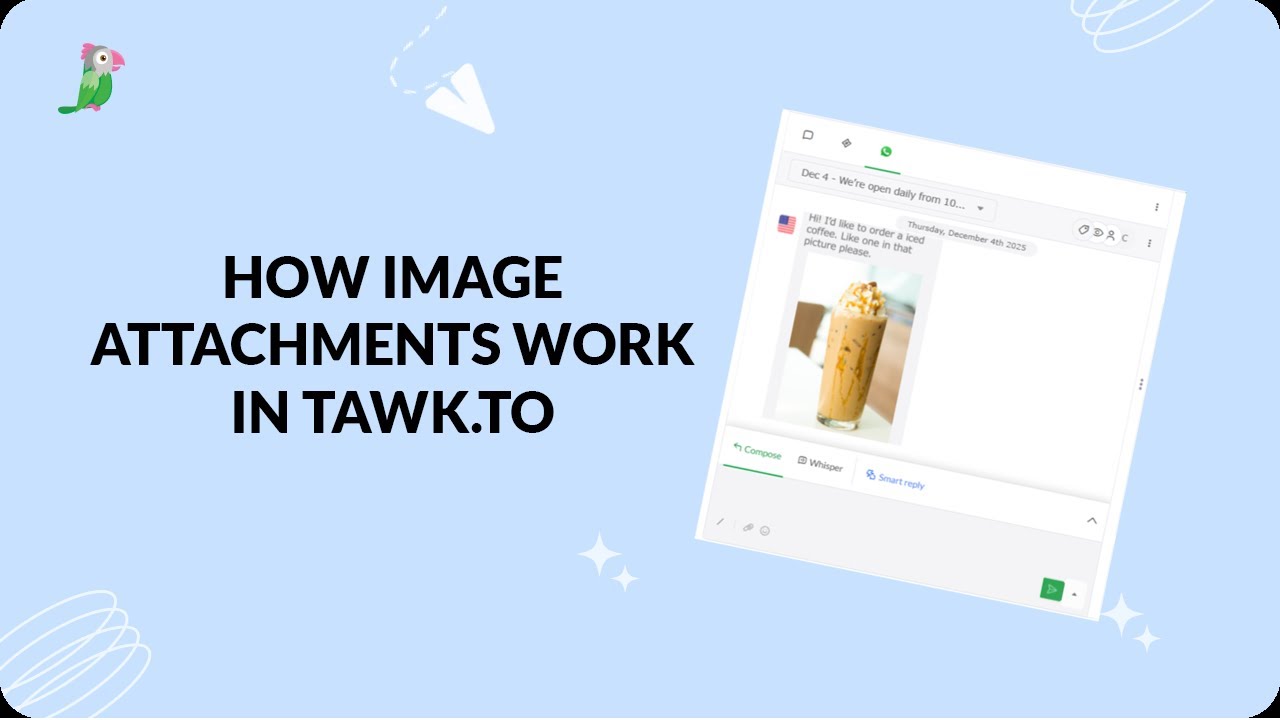
- How image attachment works in tawk.to
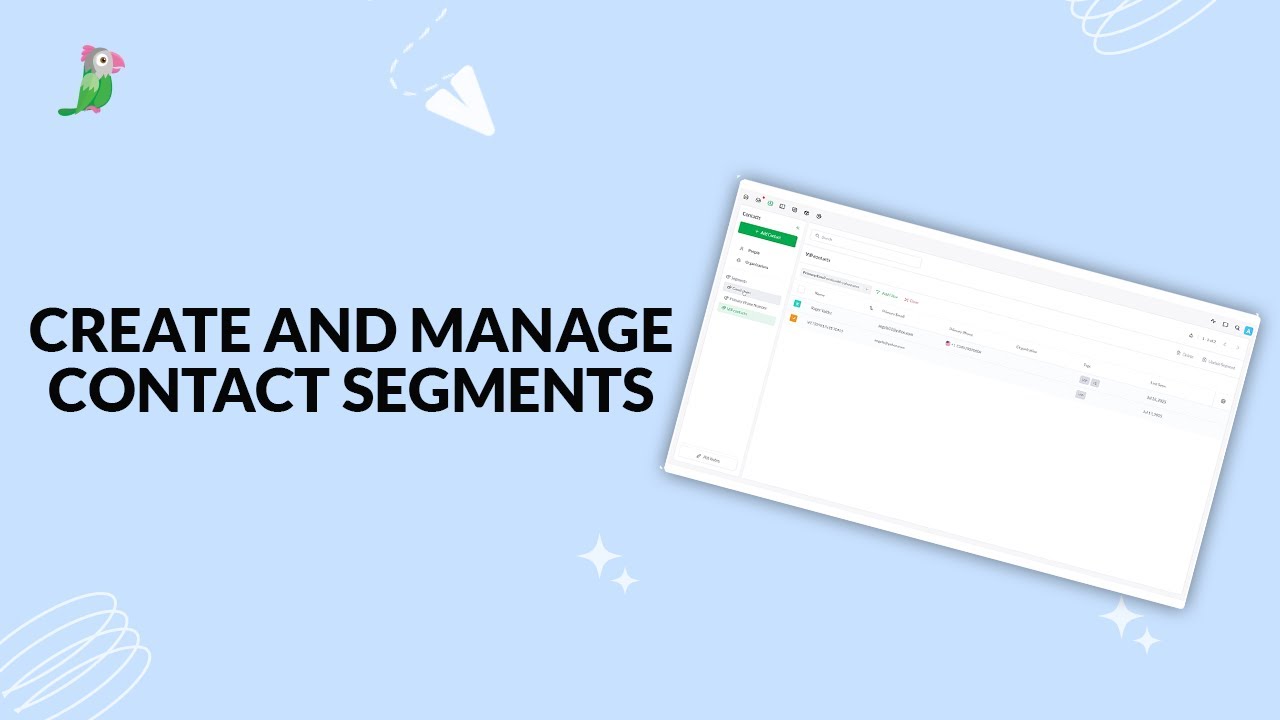
- Create and manage contact segments
Open the tawk.to Academy
Every topic and 220+ videos in one place.