
Delete and Restore Chats and Tickets
Tidying up your Inbox? Property admins can delete chats and tickets. This video shows how to delete and restore chats and tickets in tawk.to. Delete a conversation from the menu next to its status, or tick the checkbox beside each one to delete several at once, or select the whole page. Deleted conversations go to Trash, where you can restore the one you want back, or choose Delete forever from the same menu. For example, test tickets can be cleared out in one go, and a ticket deleted by mistake can be restored from Trash.
· Share this video
· More in this topic
Managing Conversations: Inbox, Chats & Contacts
- Adding direct messages and group chats to tabs
- Using the tawk.to Inbox
- Monitor Visitors on Your Site in Real Time
- Creating a shortcut while inside a conversation
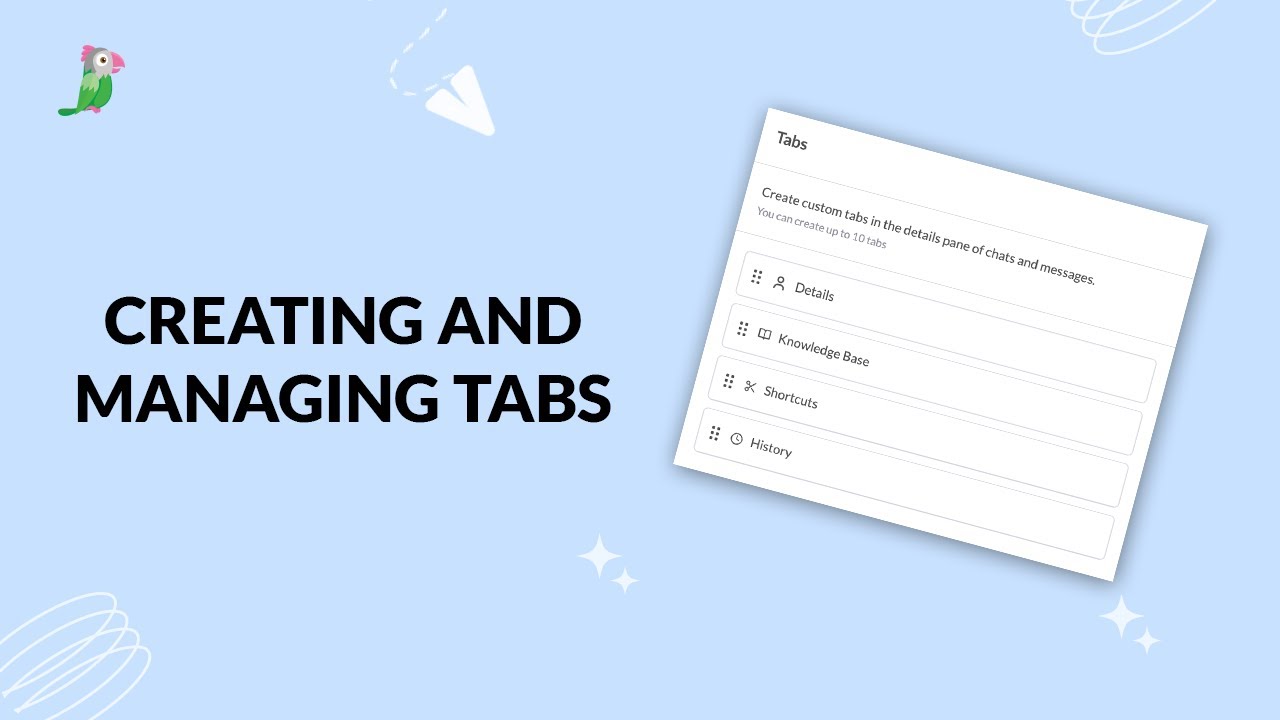
- Creating and managing tabs
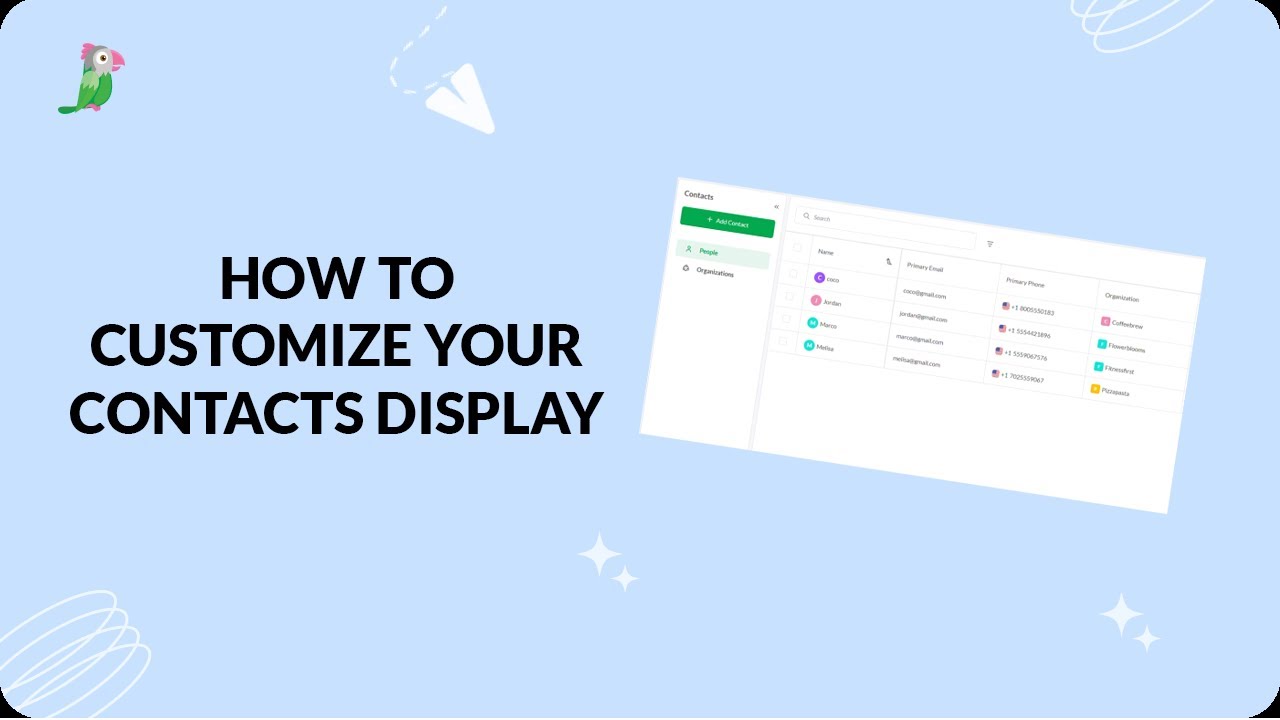
- Customize your tawk.to Contacts view
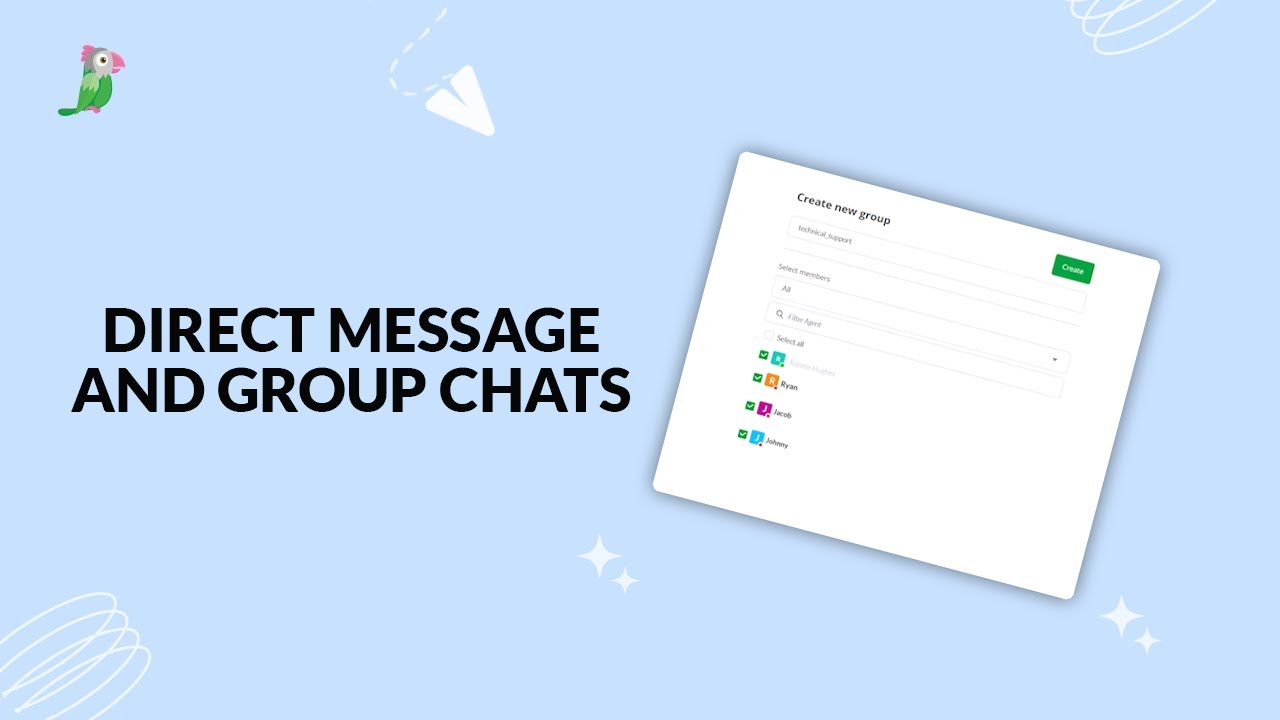
- Direct messages and group chats
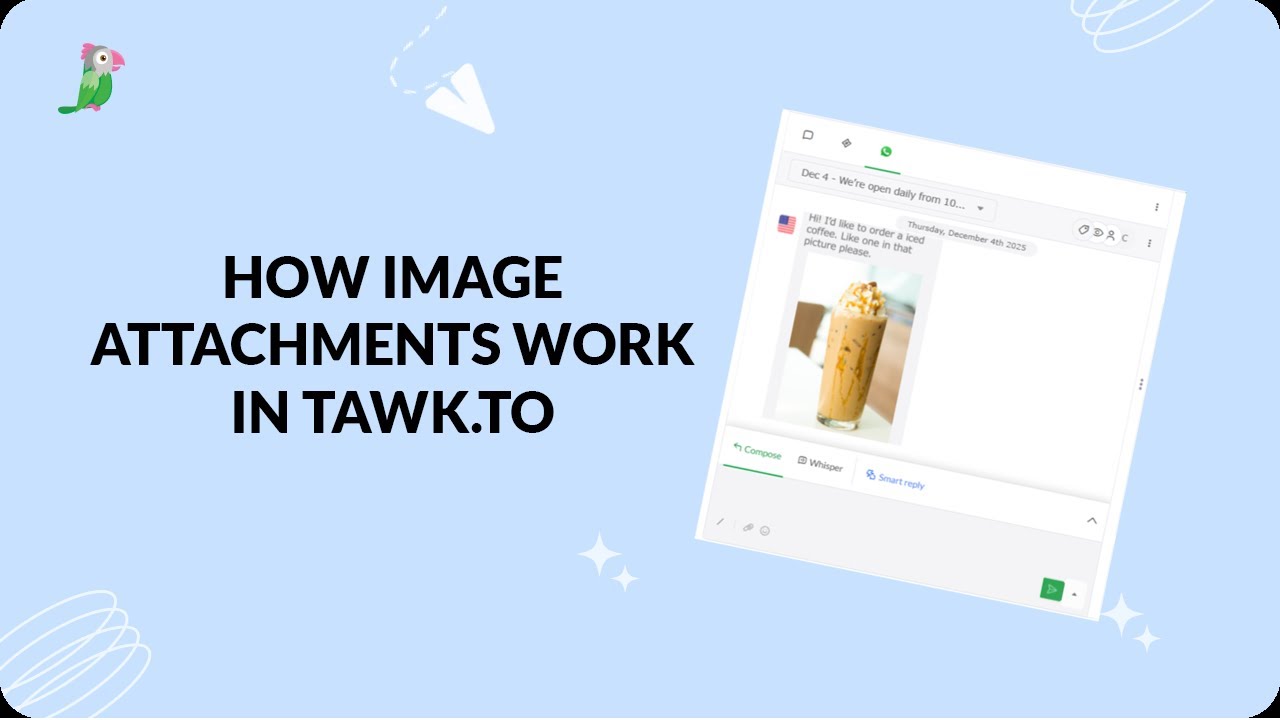
- How image attachment works in tawk.to
Open the tawk.to Academy
Every topic and 220+ videos in one place.