
Add a note to a contact
Some things about a customer should never live in your head. Put them where the whole team can see them. This video shows how to add a note to a contact from the details panel while you're in a chat, and save it so it stays on their record. You'll see that each note carries the teammate's name, the time and where it was written, and that the customer never sees it. It also covers the Whisper tab in the reply box for a private word inside a live conversation. For example, if a customer says they prefer email over phone, add that as a note and the next teammate who picks up the chat knows before they reply.
· Share this video
· More in this topic
Managing Conversations: Inbox, Chats & Contacts
- Adding direct messages and group chats to tabs
- Export your chats and tickets
- Transfer a chat to a teammate or department
- Delete and Restore Chats and Tickets
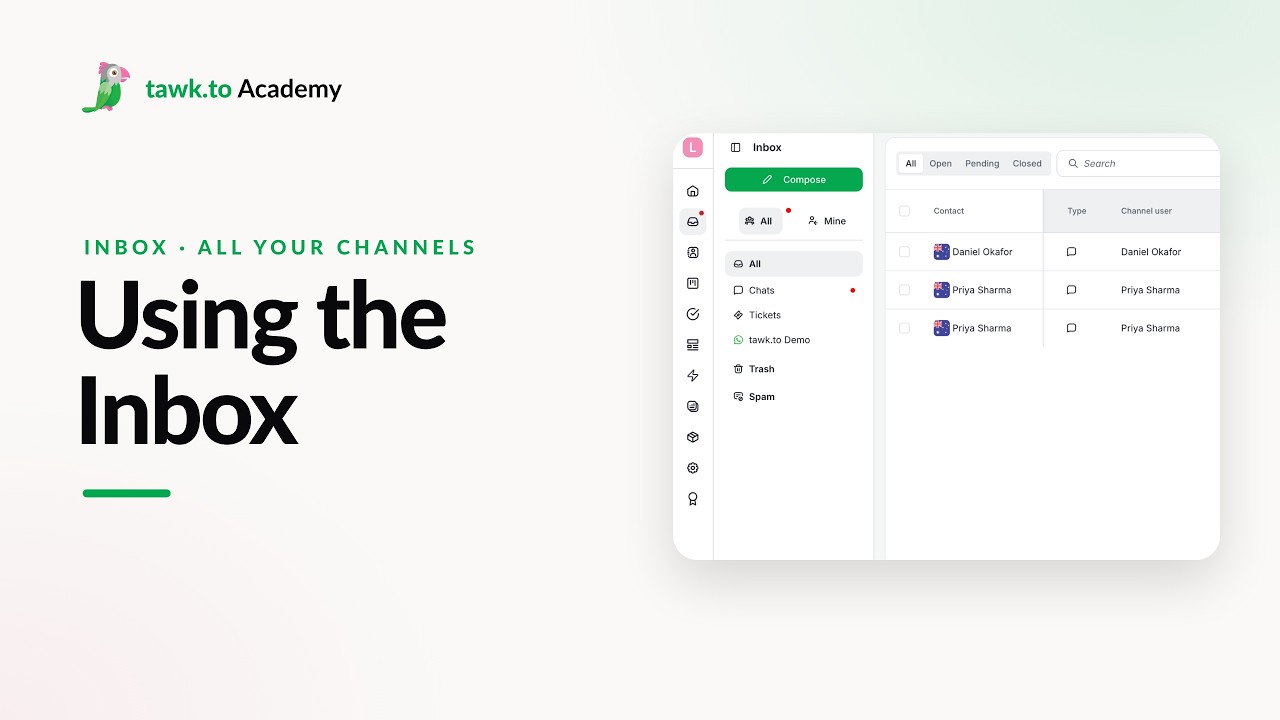
- Using the tawk.to Inbox
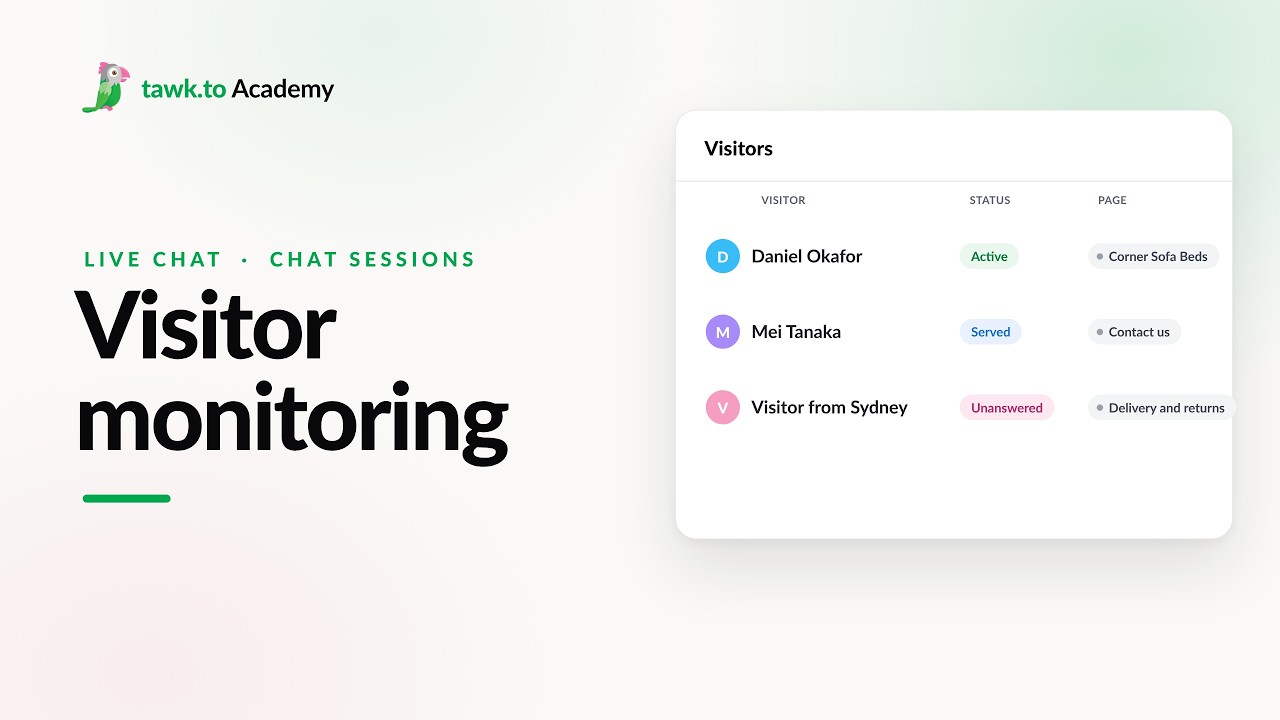
- Monitor Visitors on Your Site in Real Time
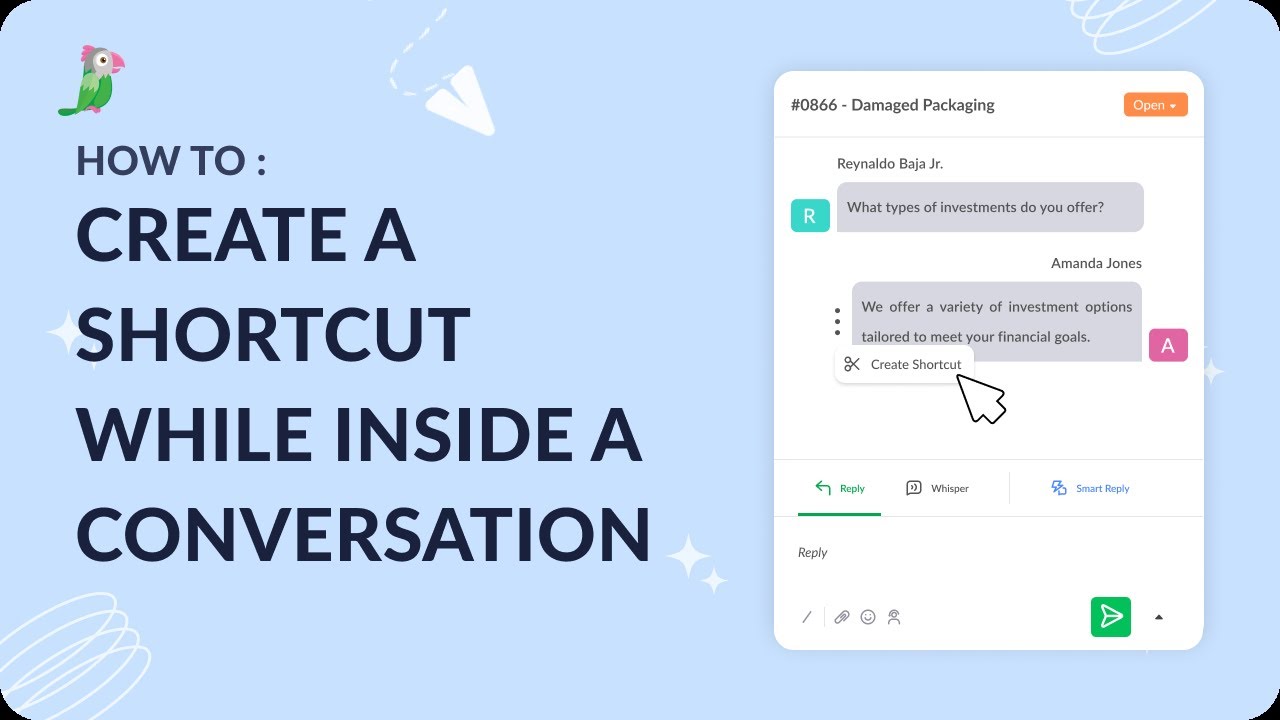
- Creating a shortcut while inside a conversation
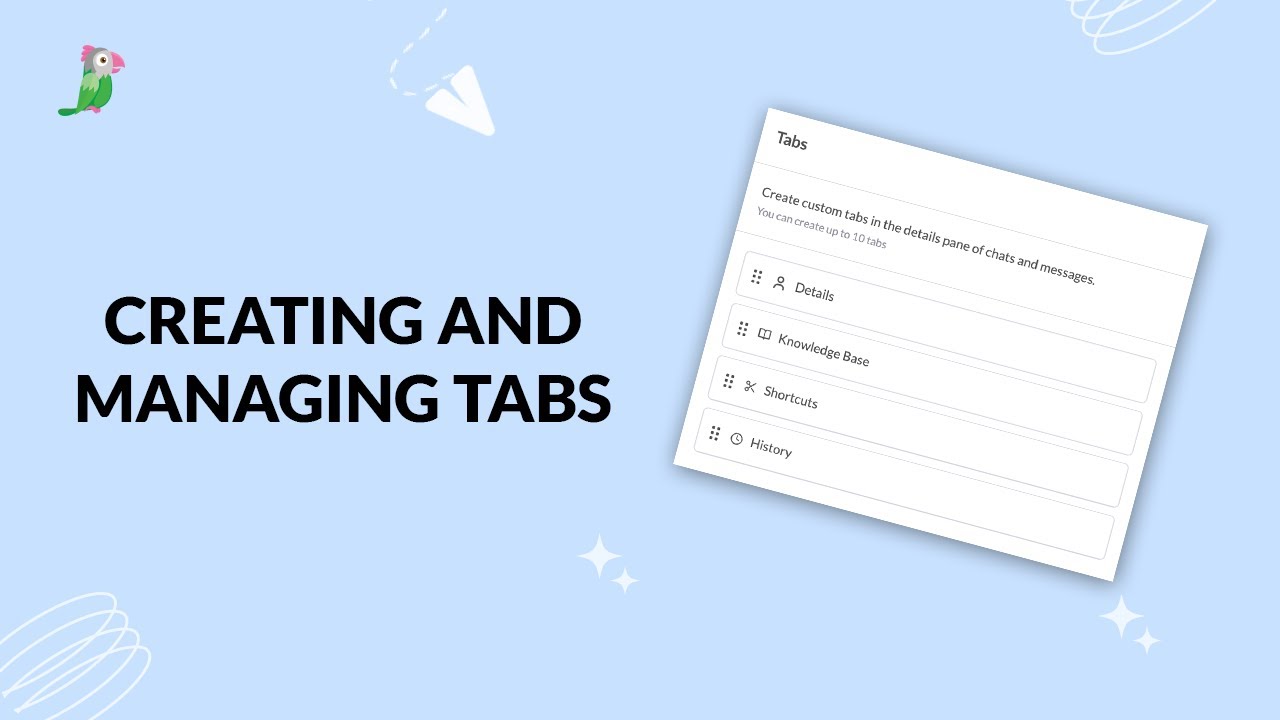
- Creating and managing tabs
Open the tawk.to Academy
Every topic and 220+ videos in one place.