
Using Runtime Data in Workflows
When a workflow runs, it picks up details along the way, like the title of the card that started it. These details are called runtime data, and later steps can use them to fill in tasks and messages for you. This video shows how to see what a step can use with Available runtime data, pick a detail from a field’s dropdown, and mix details with your own words using double curly brackets. You’ll also see how steps add their own details for the steps after them, how conditions can use them, and how to use an advanced field path when the detail you need isn’t listed. Then see it in action with a solar installer whose follow-up call includes the customer’s name from the card, so the sales manager knows who to ring at a glance.
Workflows
- Getting Started with Workflows
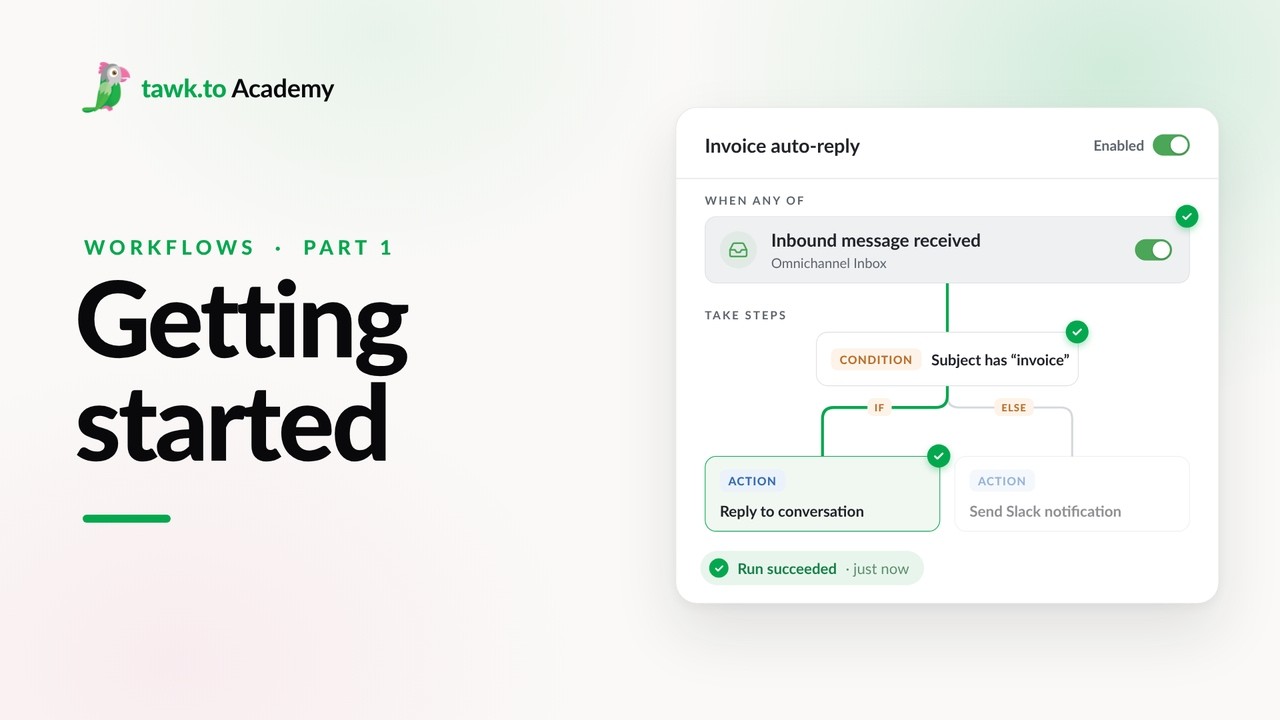
- Choosing a Workflow Trigger
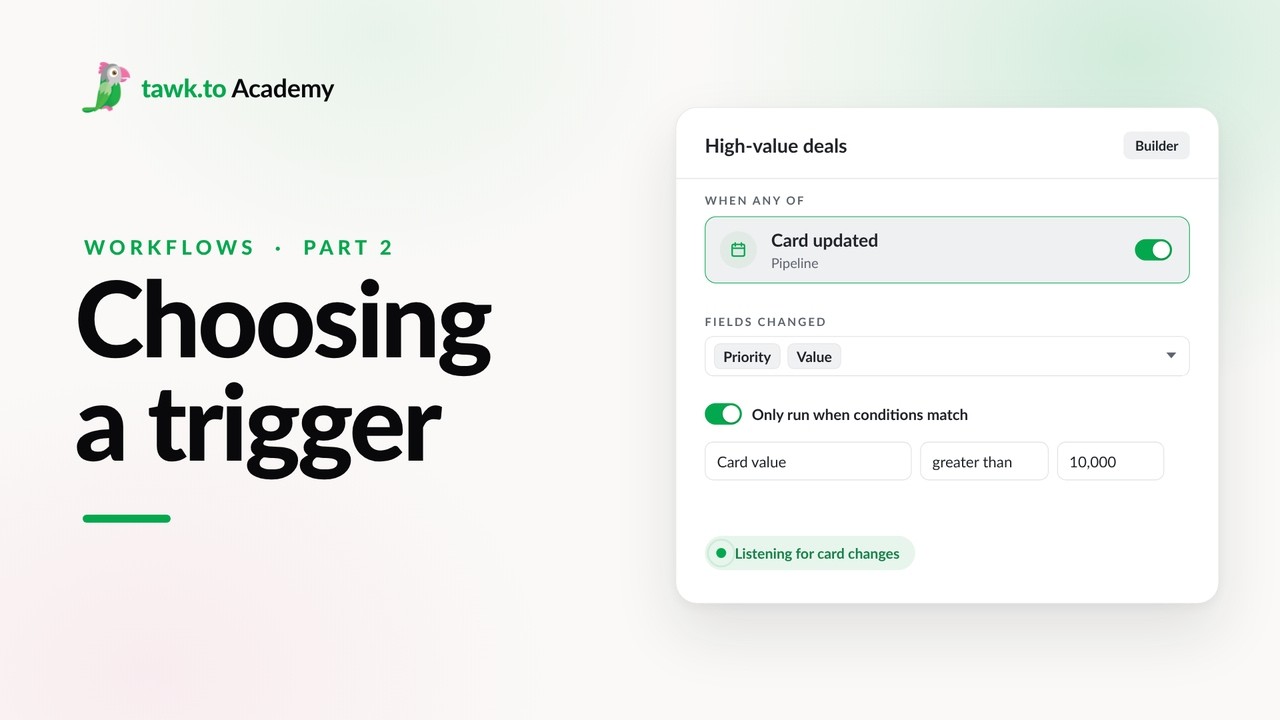
- Scheduled Workflows
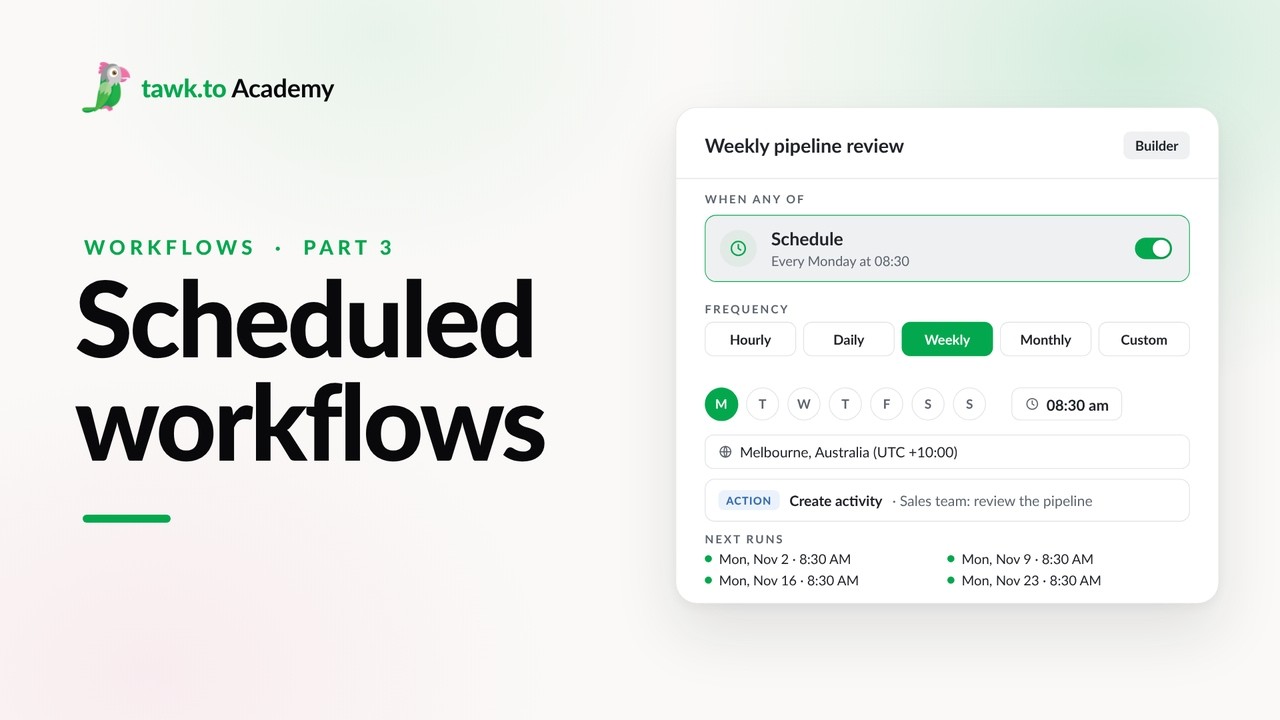
- Start a Workflow with a Webhook
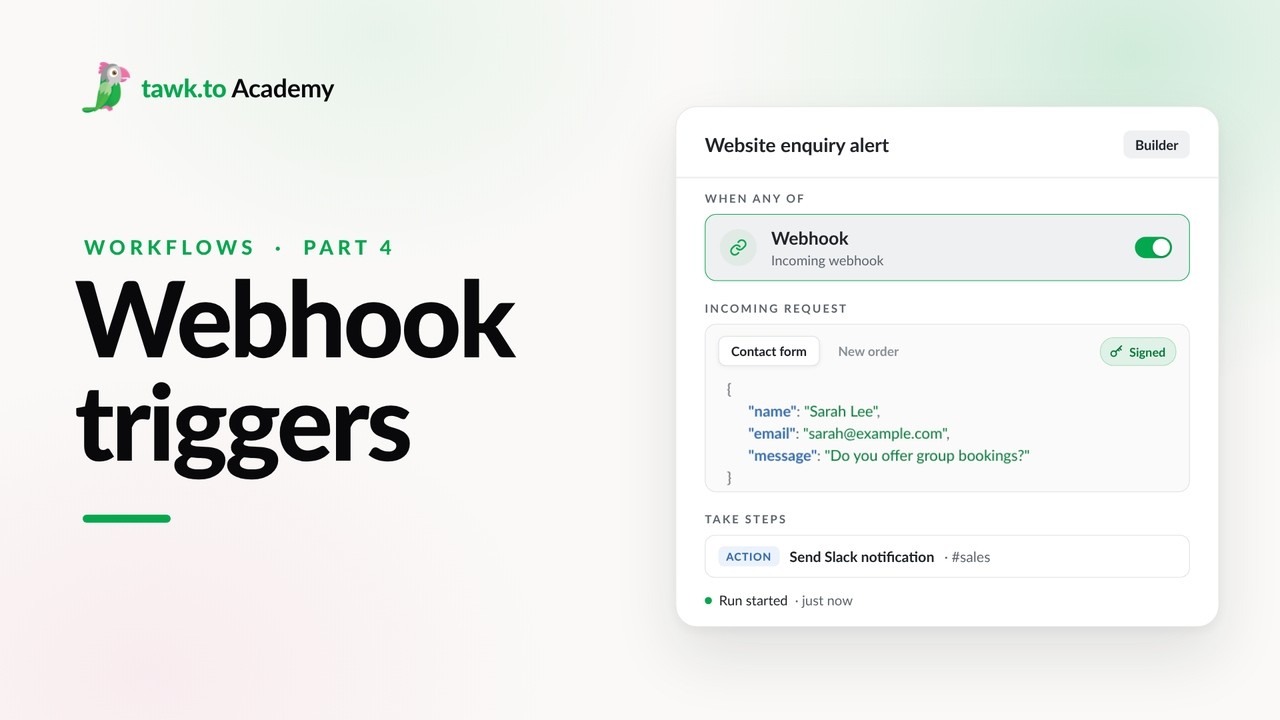
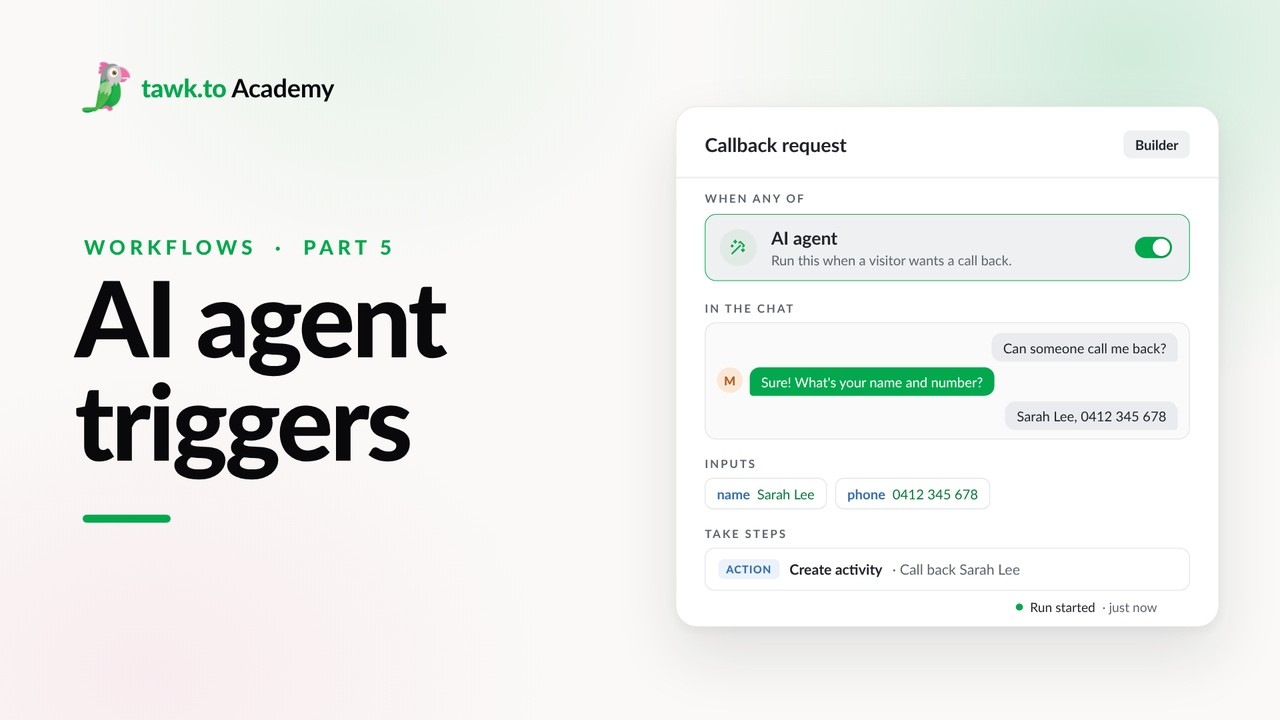
- Start a Workflow from an AI Agent
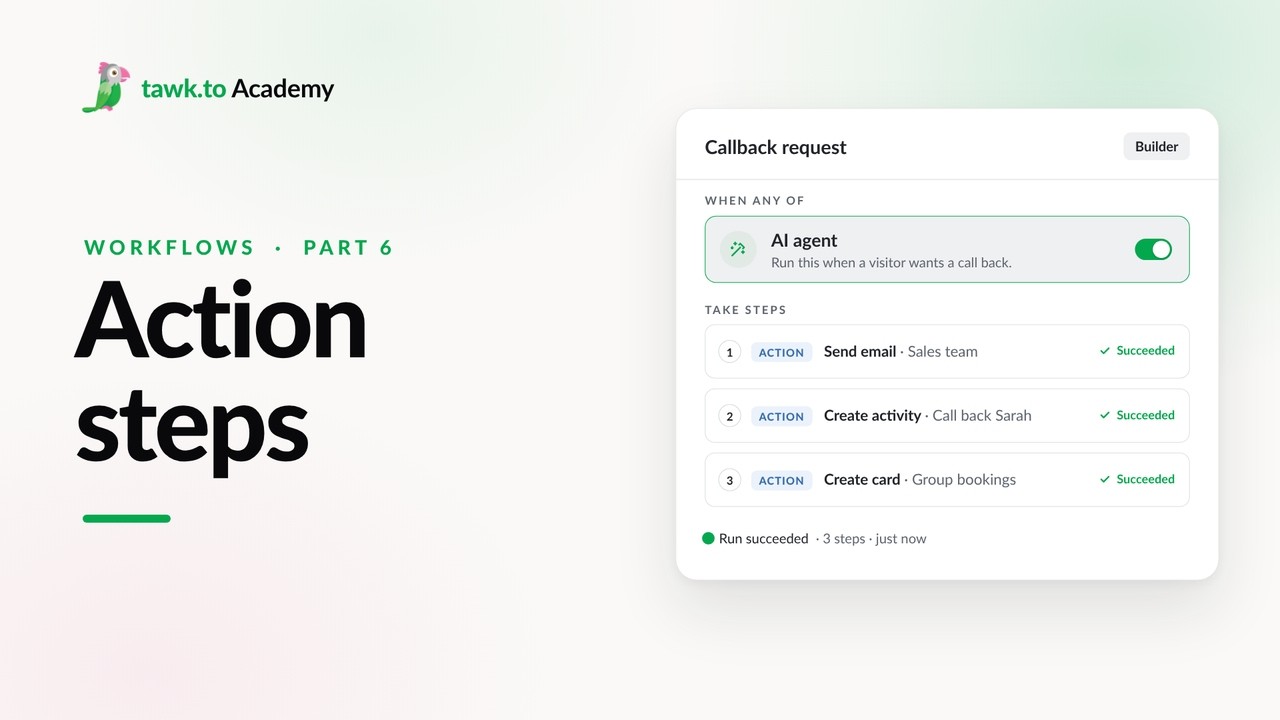
- Adding Actions to a Workflow
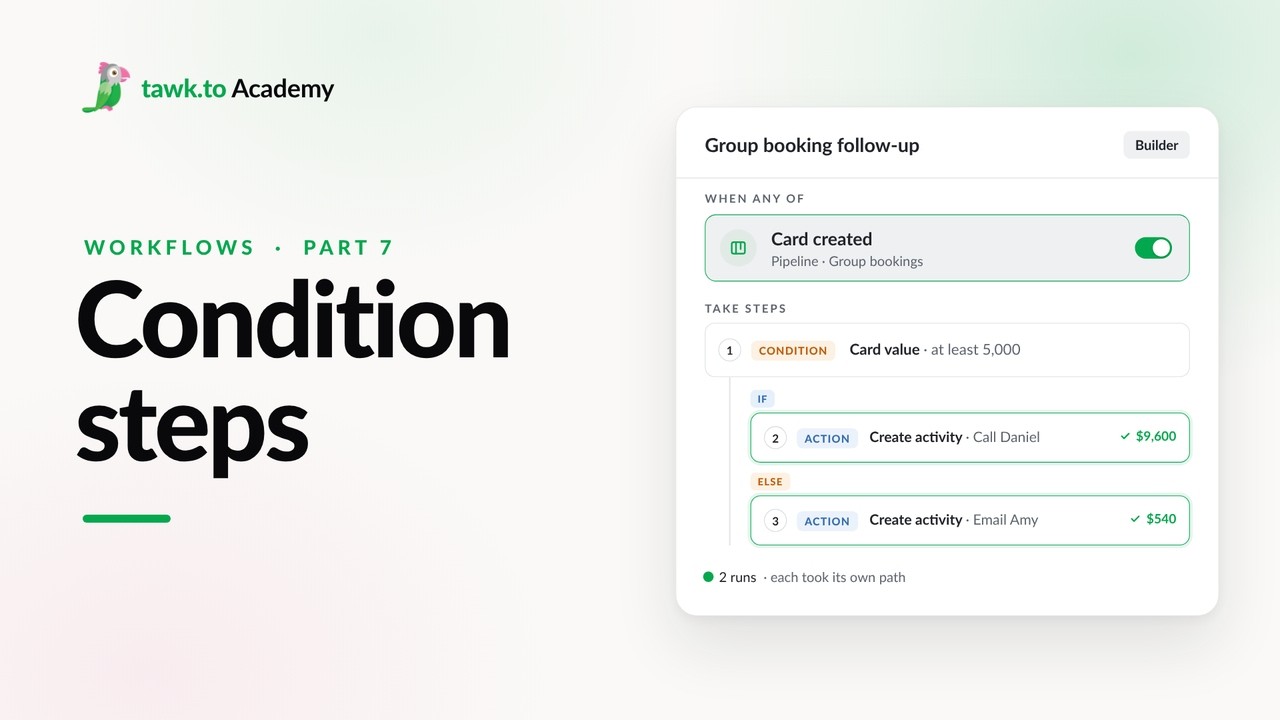
- Branching a Workflow with Conditions
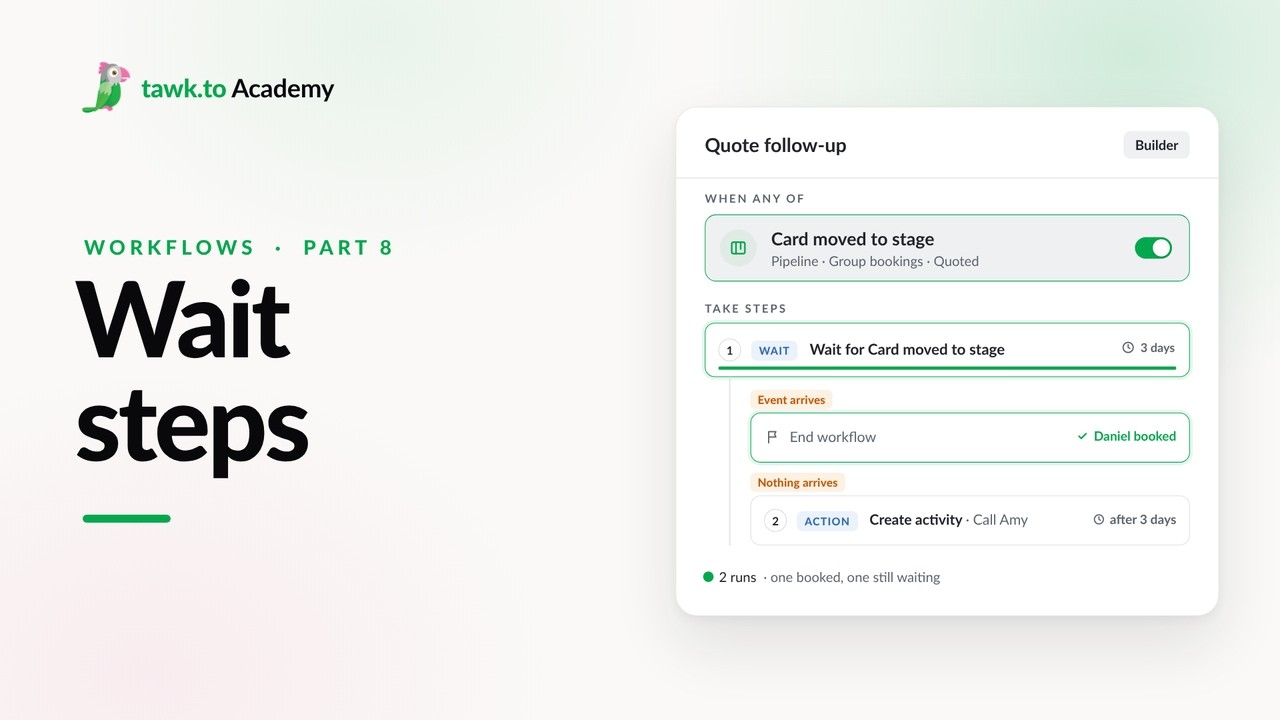
- Pausing a Workflow with Wait Steps
Open the tawk.to Academy
Every topic and 220+ videos in one place.