
Update Contacts with Workflows
Your workflow can add notes to the people and organisations in Contacts, and update their details, so every record has what your team needs without anyone typing it in. This video shows how to add a note to a contact or organisation, including details from the trigger or an earlier step. You’ll also see how to update a contact’s fields like name, job title and external user ID, how to clear a value, and how to update an organisation’s name and website. Then see it in action with an accounting firm whose workflow puts its onboarding checklist on every new client’s record, so the practice manager knows exactly what to send and ask for.
· Share this video
· More in this topic
Workflows
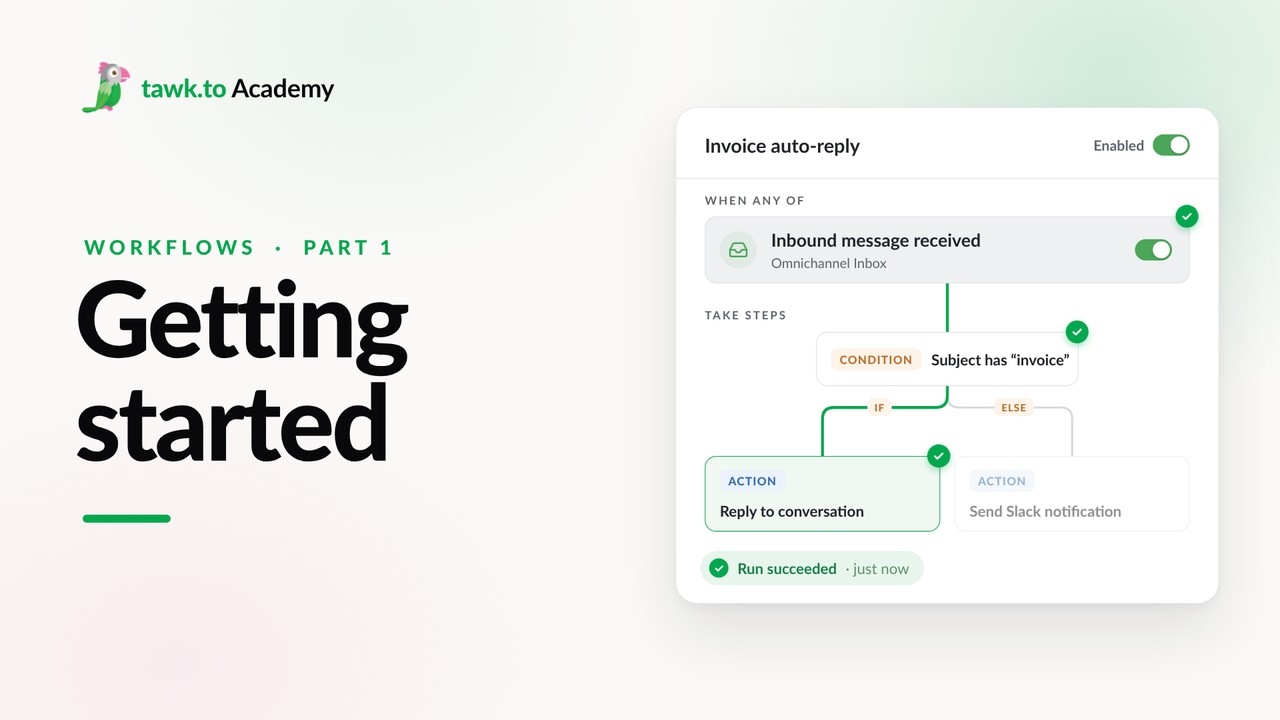
- Getting Started with Workflows
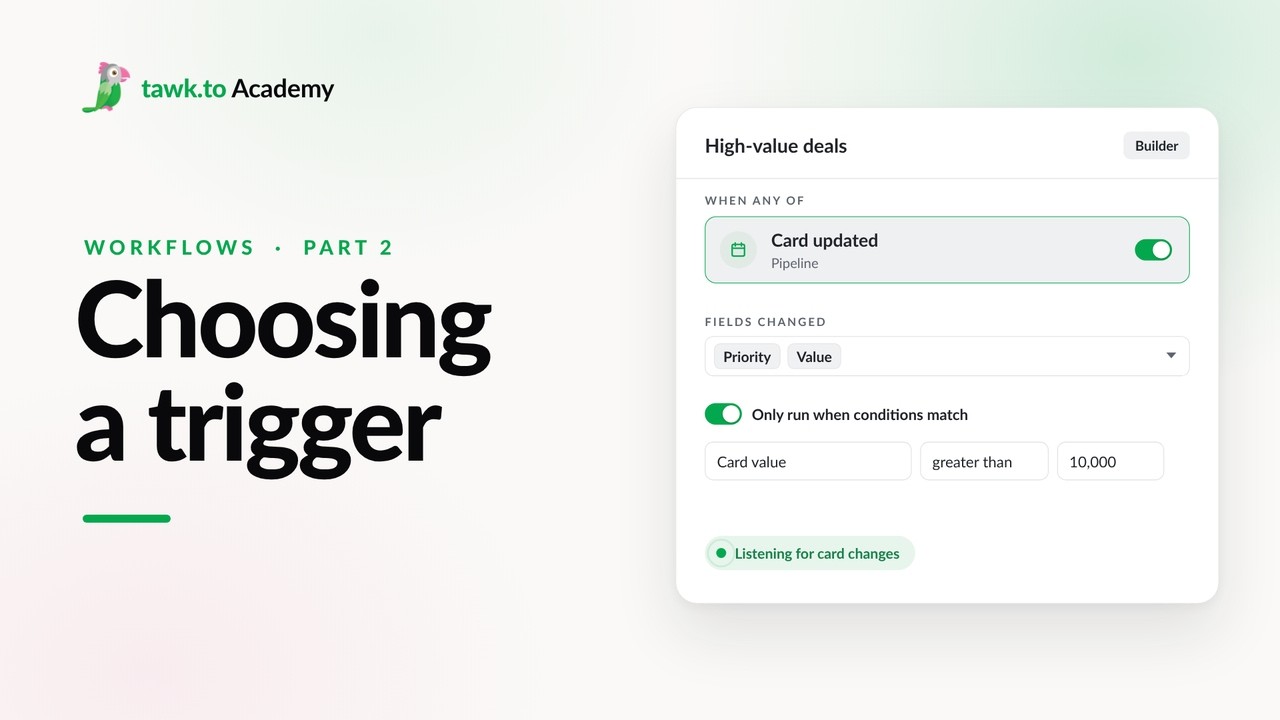
- Choosing a Workflow Trigger
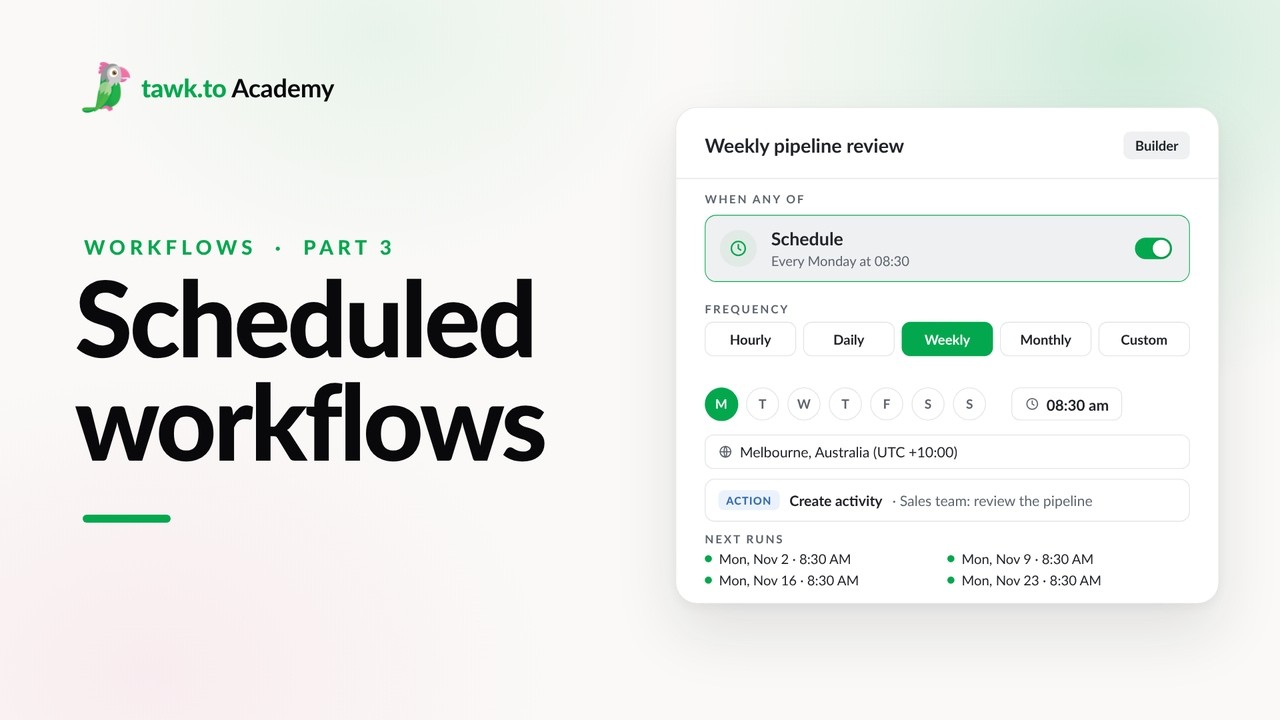
- Scheduled Workflows
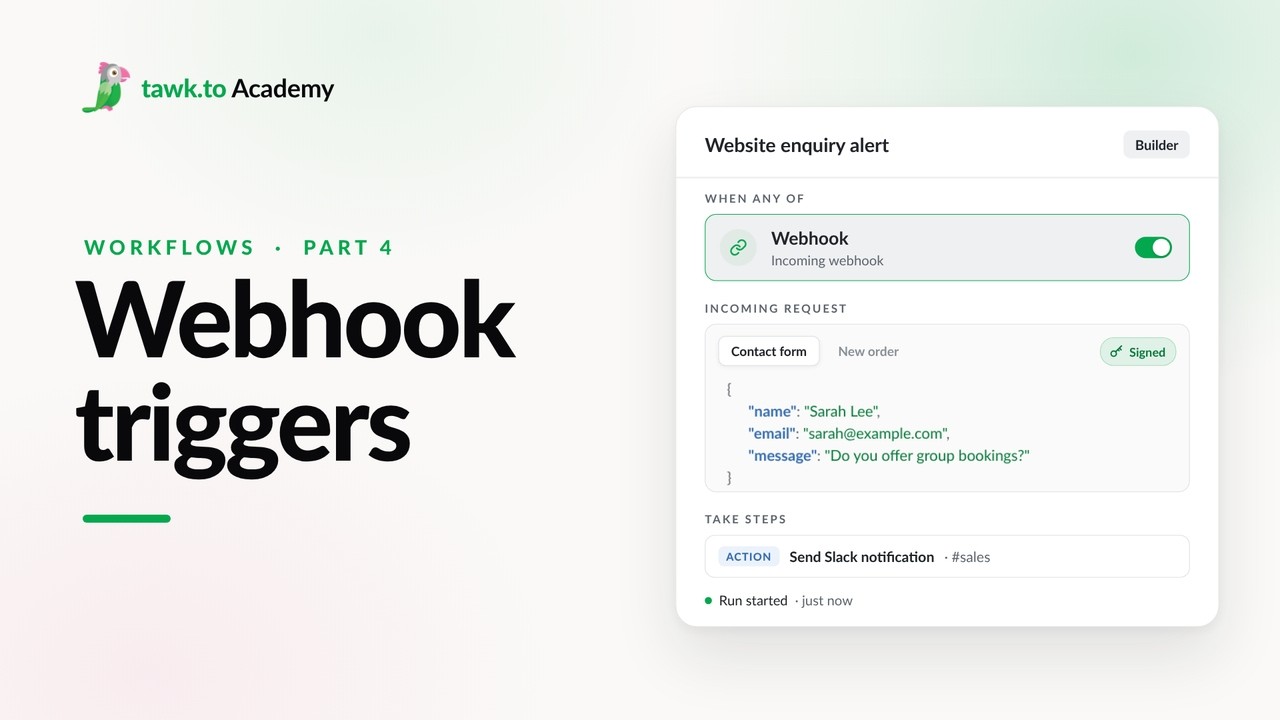
- Start a Workflow with a Webhook
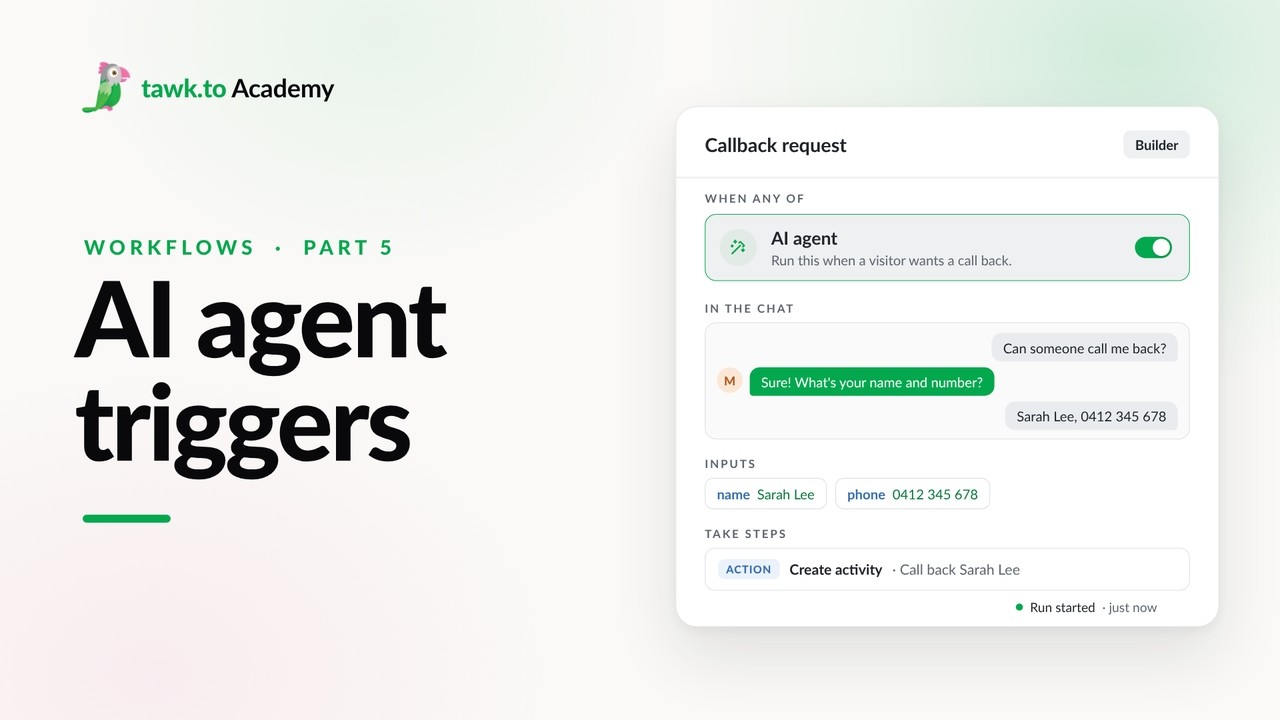
- Start a Workflow from an AI Agent
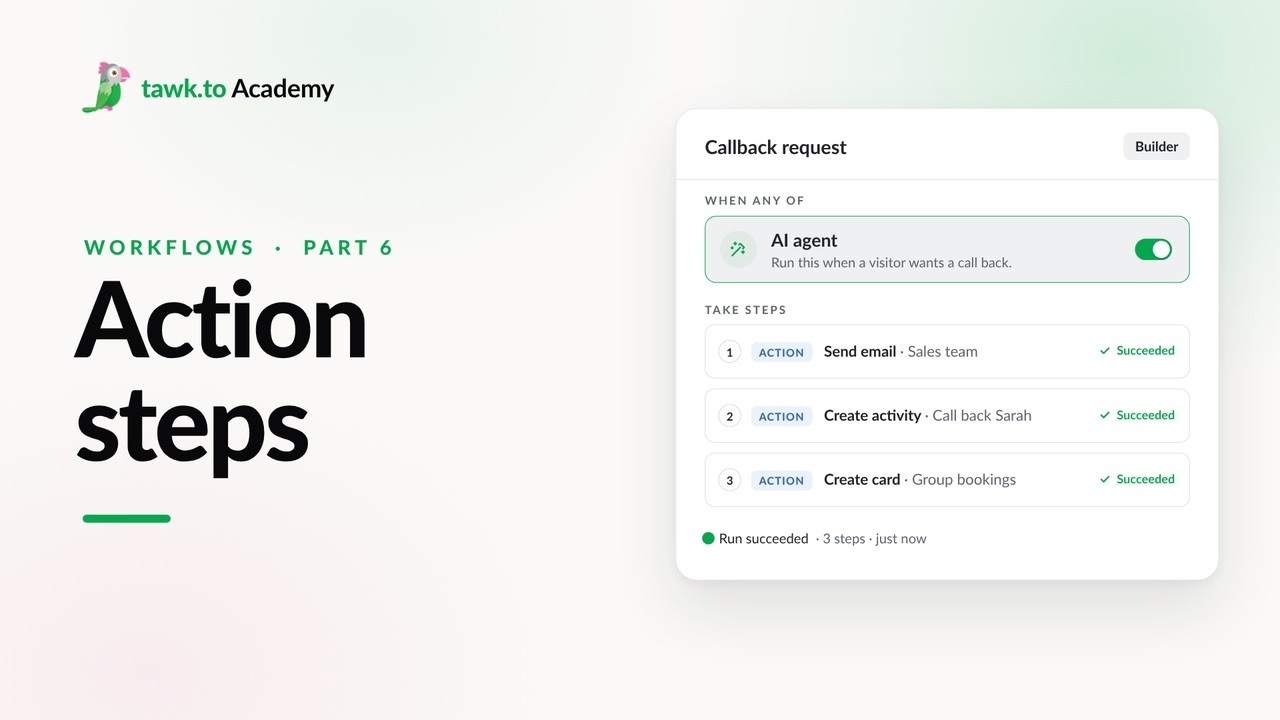
- Adding Actions to a Workflow
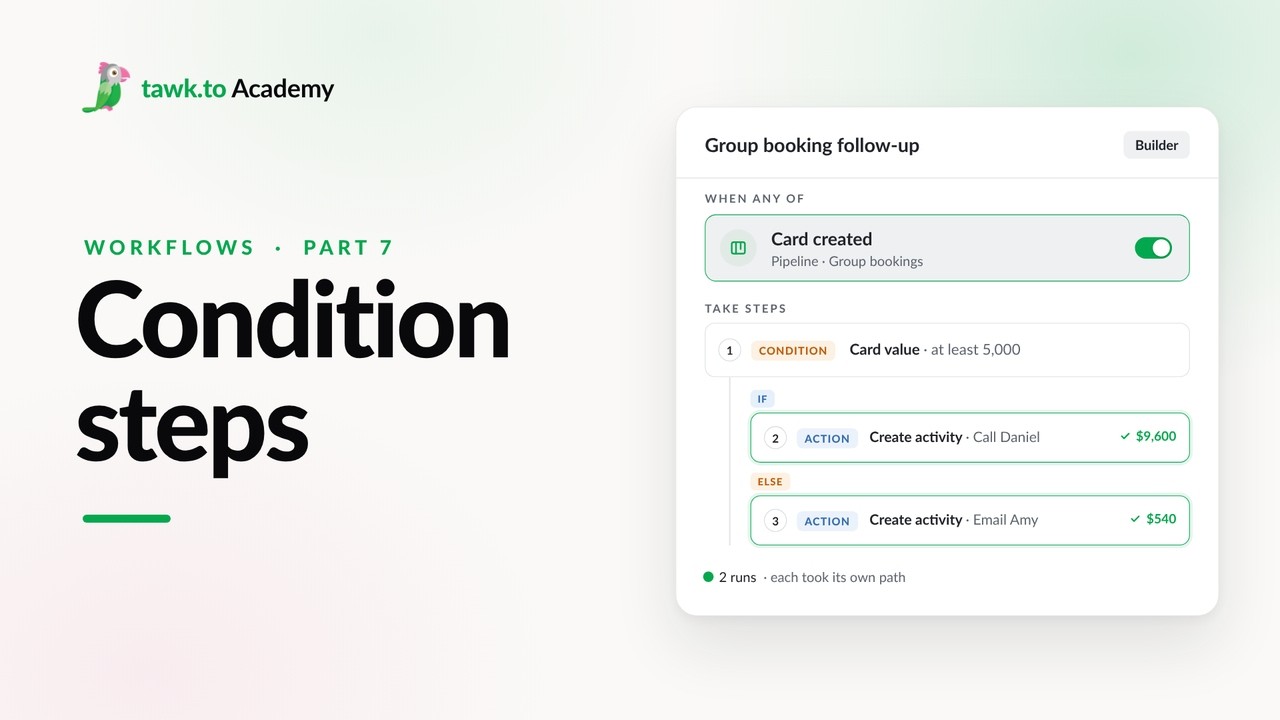
- Branching a Workflow with Conditions
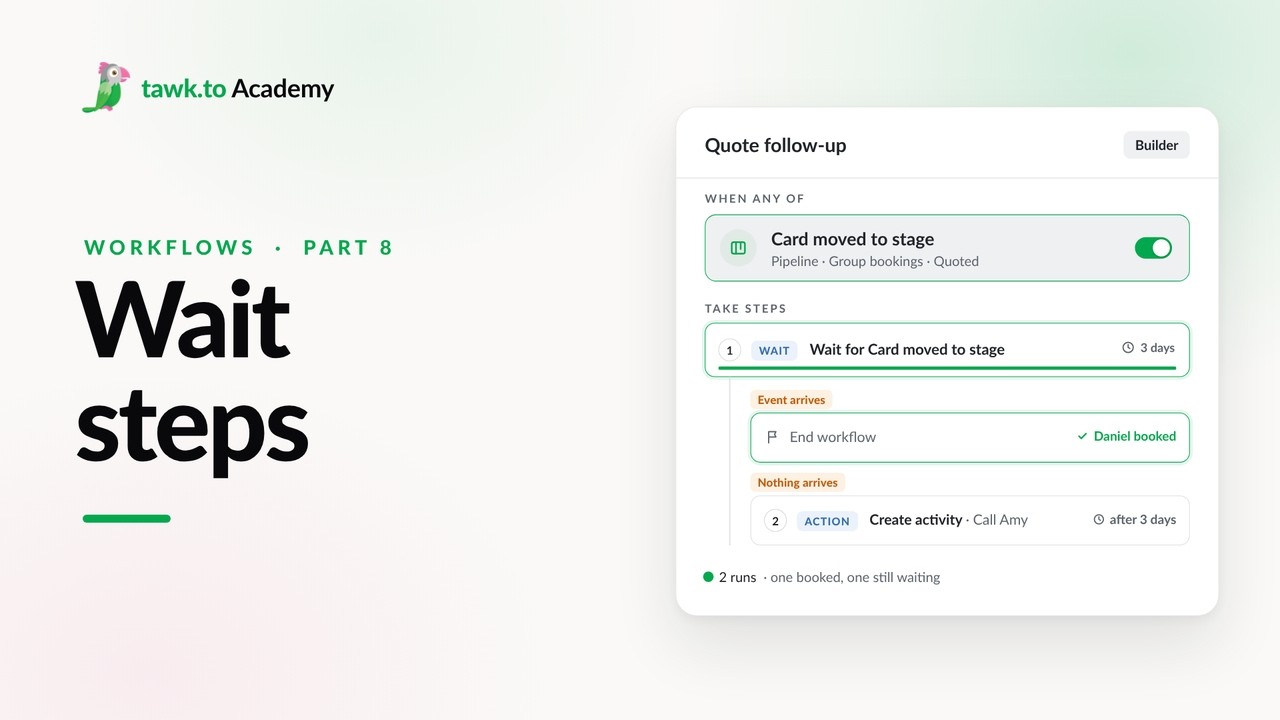
- Pausing a Workflow with Wait Steps
Open the tawk.to Academy
Every topic and 220+ videos in one place.