
Start a Workflow When an Organization Changes
Start a workflow when an organization changes. This video shows how to use the Organization updated trigger in tawk.to Workflows. Pick which fields start the workflow, such as Tags, Email addresses and Phone numbers (up to twenty-five fields), add a step, then test it from the organization record and check the new run in the Runs tab. For example, adding a tag to an organization creates a task called “Organization changed, please review”. Use it to route organizations by tag, or to react when one gets a new email address or phone number.
· Share this video
· More in this topic
Workflows
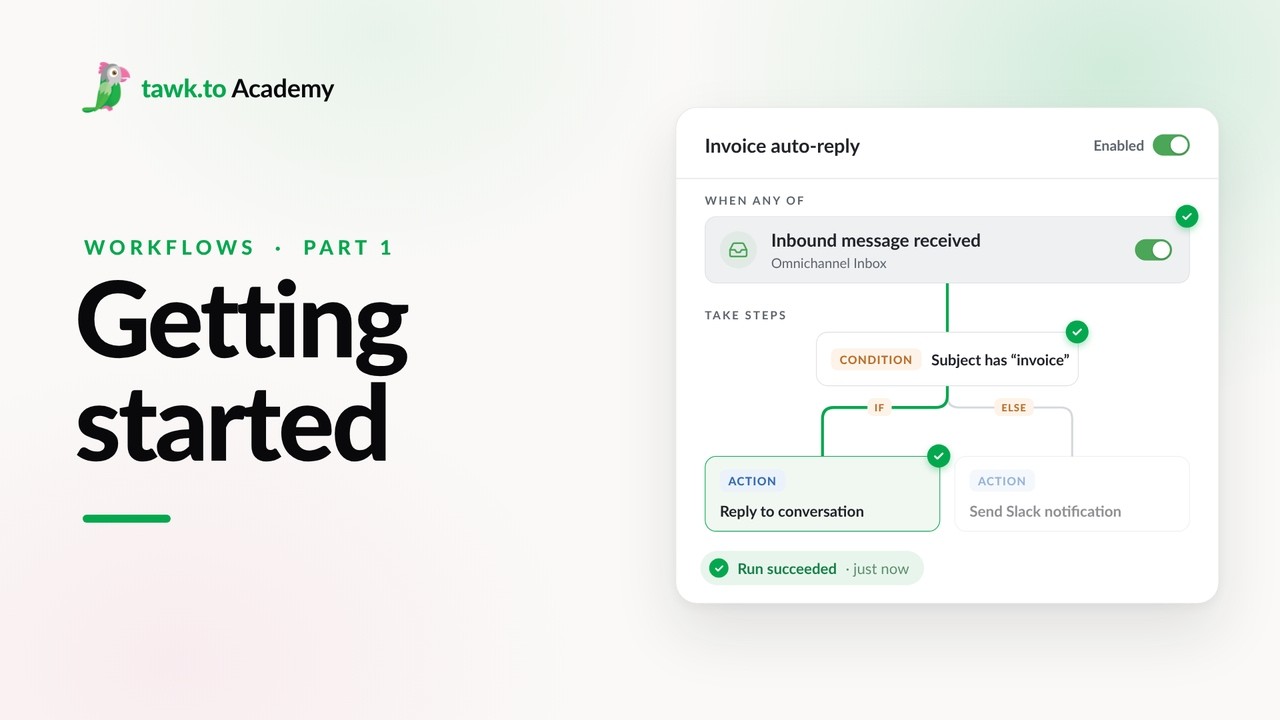
- Getting Started with Workflows
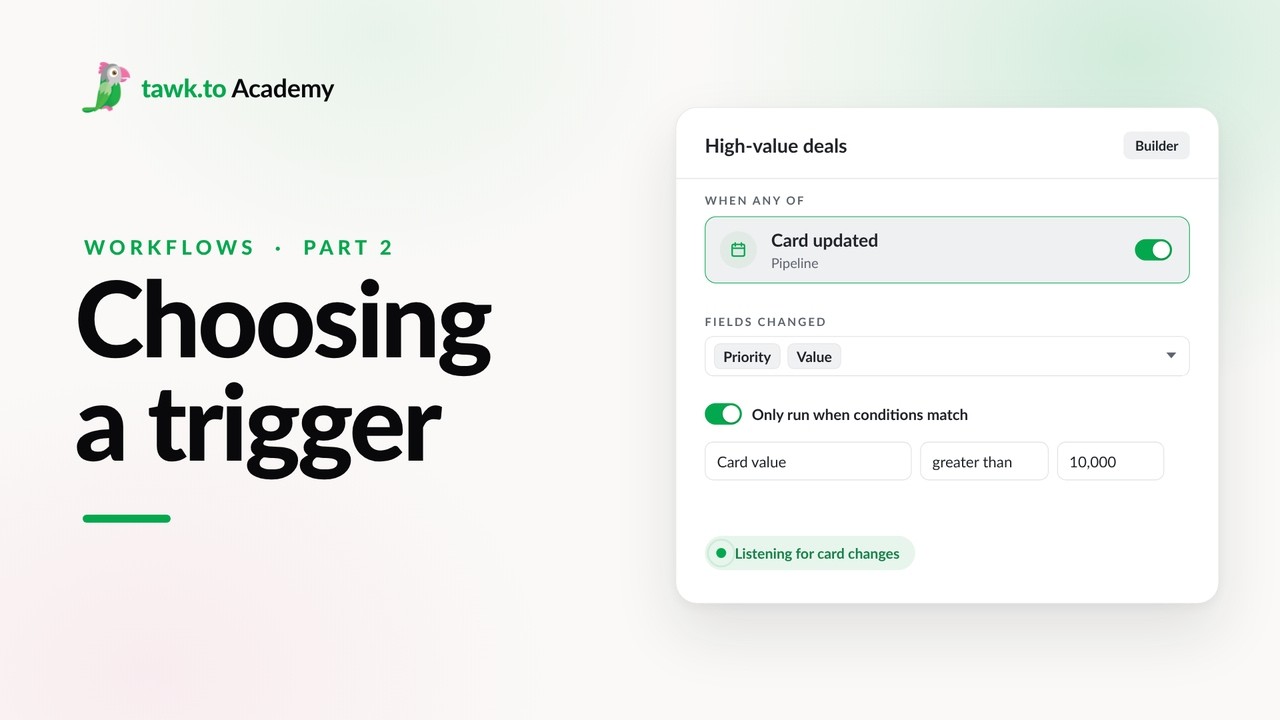
- Choosing a Workflow Trigger
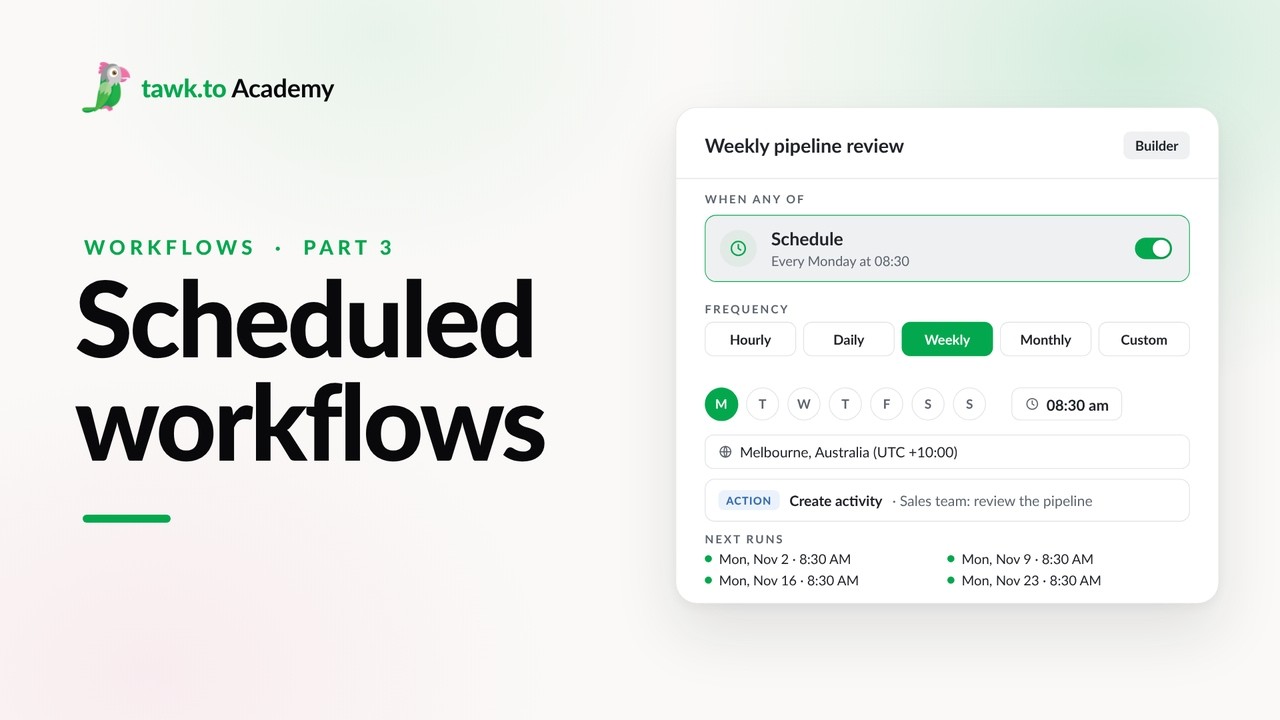
- Scheduled Workflows
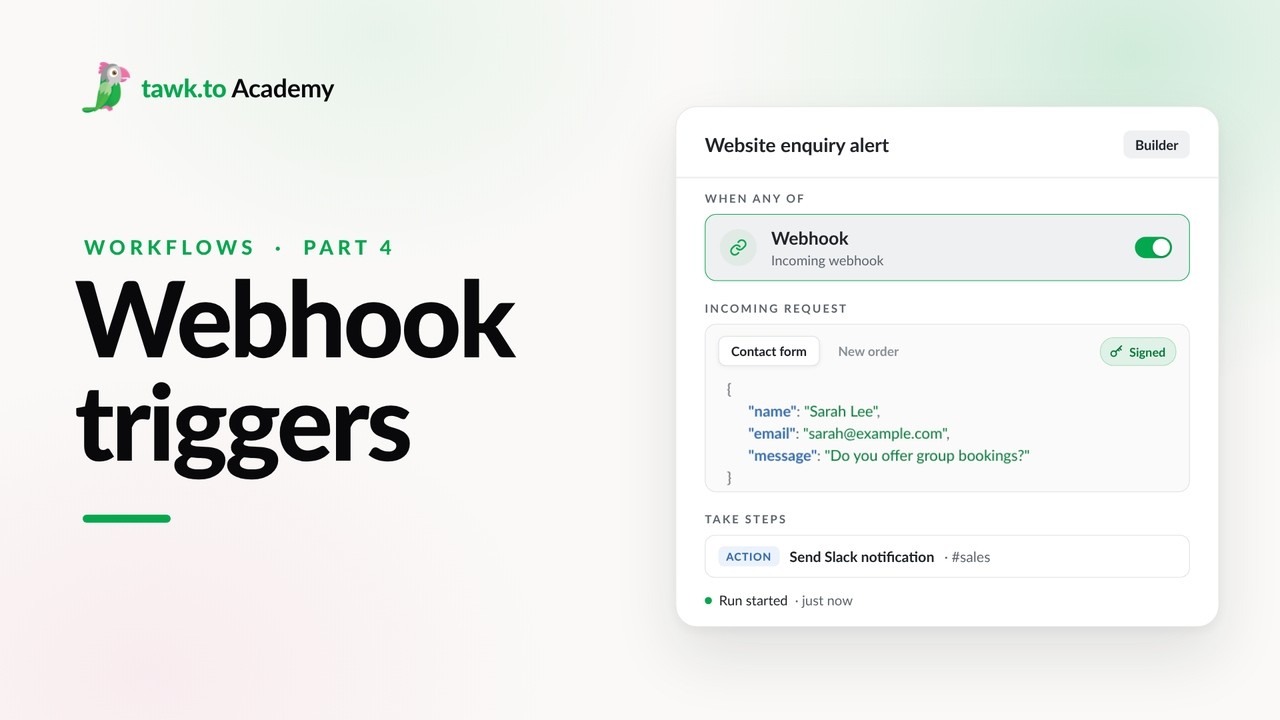
- Start a Workflow with a Webhook
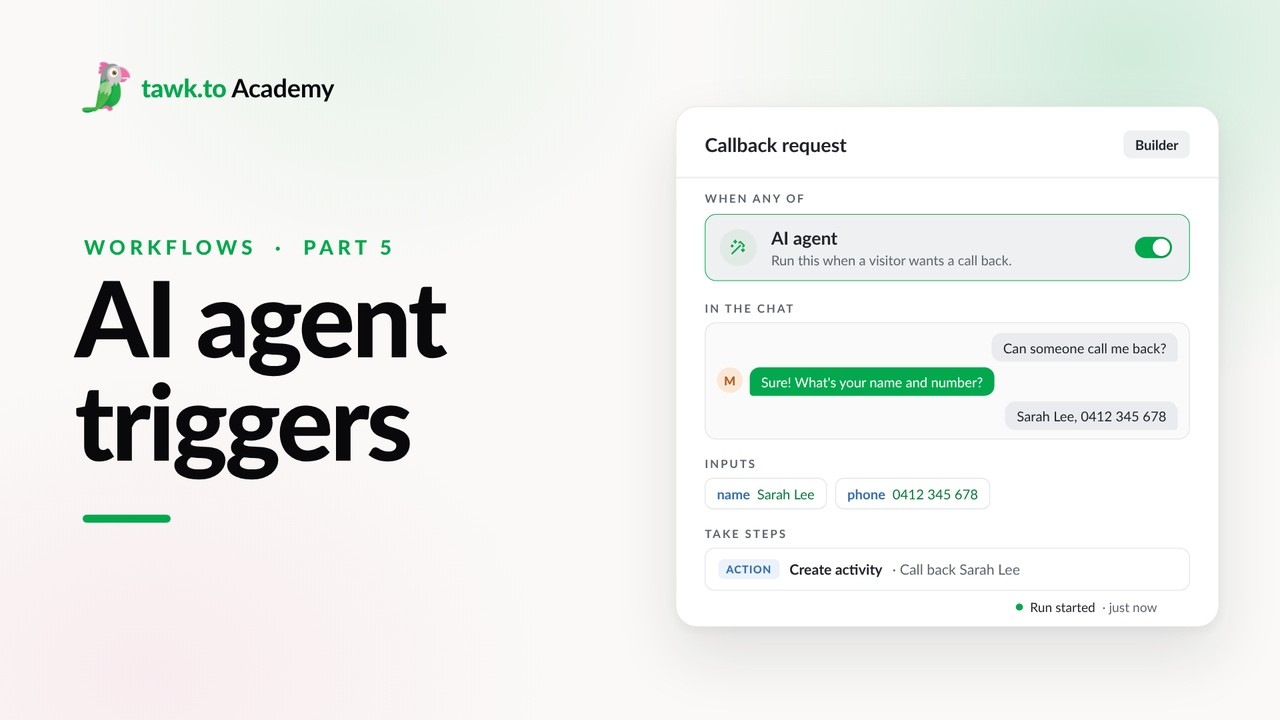
- Start a Workflow from an AI Agent
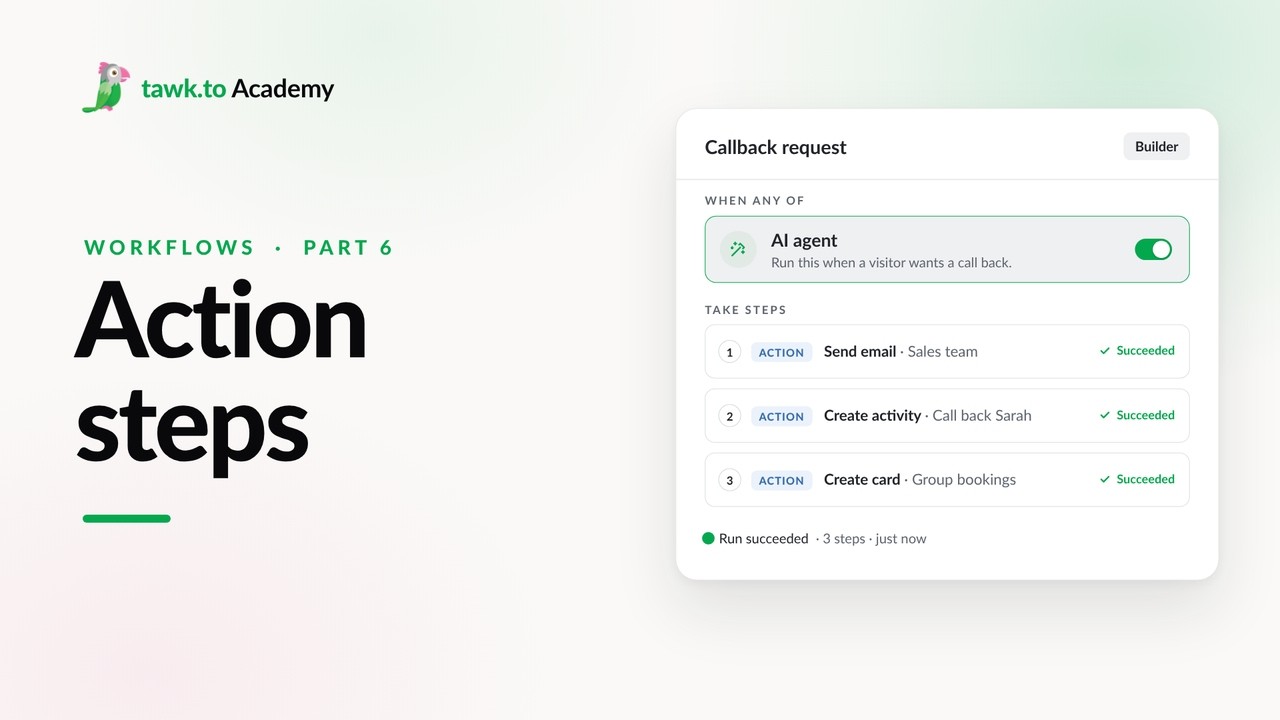
- Adding Actions to a Workflow
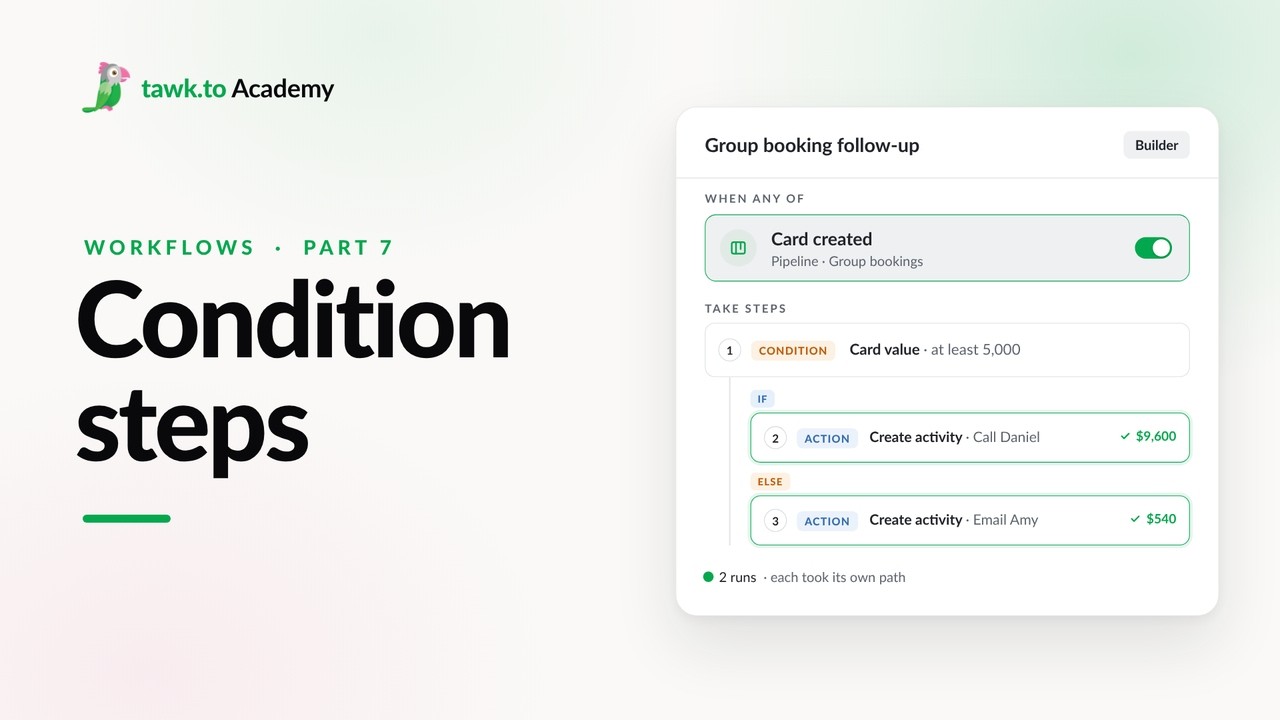
- Branching a Workflow with Conditions
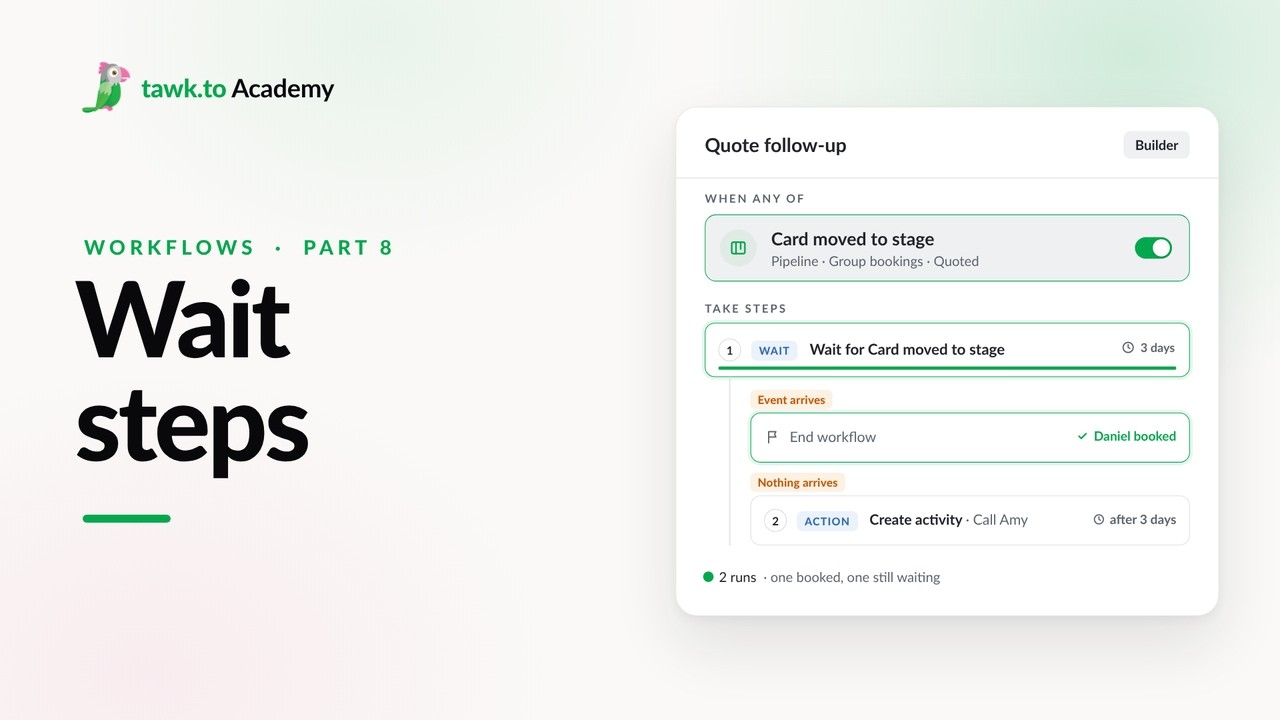
- Pausing a Workflow with Wait Steps
Open the tawk.to Academy
Every topic and 220+ videos in one place.