
Setting Up AI Assist In Under 4 minutes
Learn how to add an AI agent to your tawk.to account and get it ready to handle customer conversations, from first setup to first chat. This video walks through the full onboarding wizard: training your agent on your website and documents, choosing what it should help visitors do, reviewing the FAQs Apollo generates, setting your agent's persona and instructions, and connecting it to your channels. You'll also see how to test responses without using any credits and where to track your credit balance once you're live.
· Share this video
· More in this topic
AI Assist: Introduction & Basic Setup
- Adjusting your AI Agents Persona
- AI Assist Not Working? Start Here
- AI Assist FAQs: Your Questions Answered
- Assigning your AI Agent to Channels
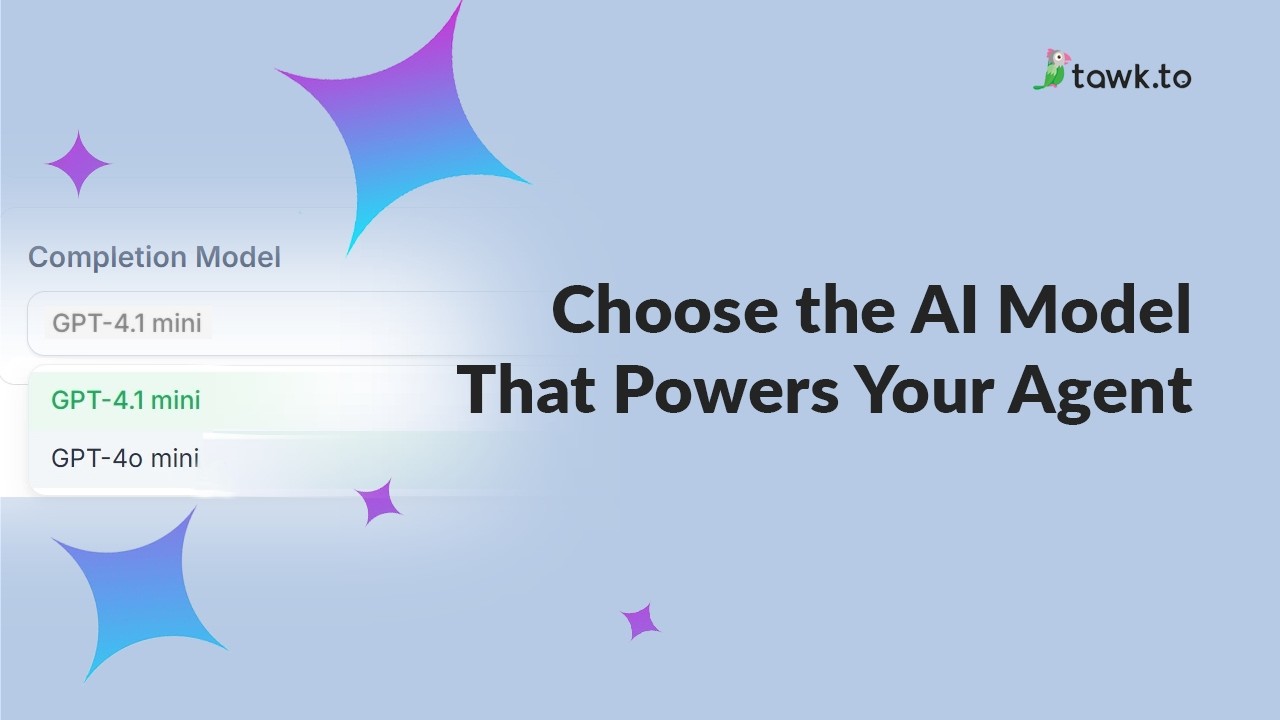
- Choose the AI Model that powers your Agent
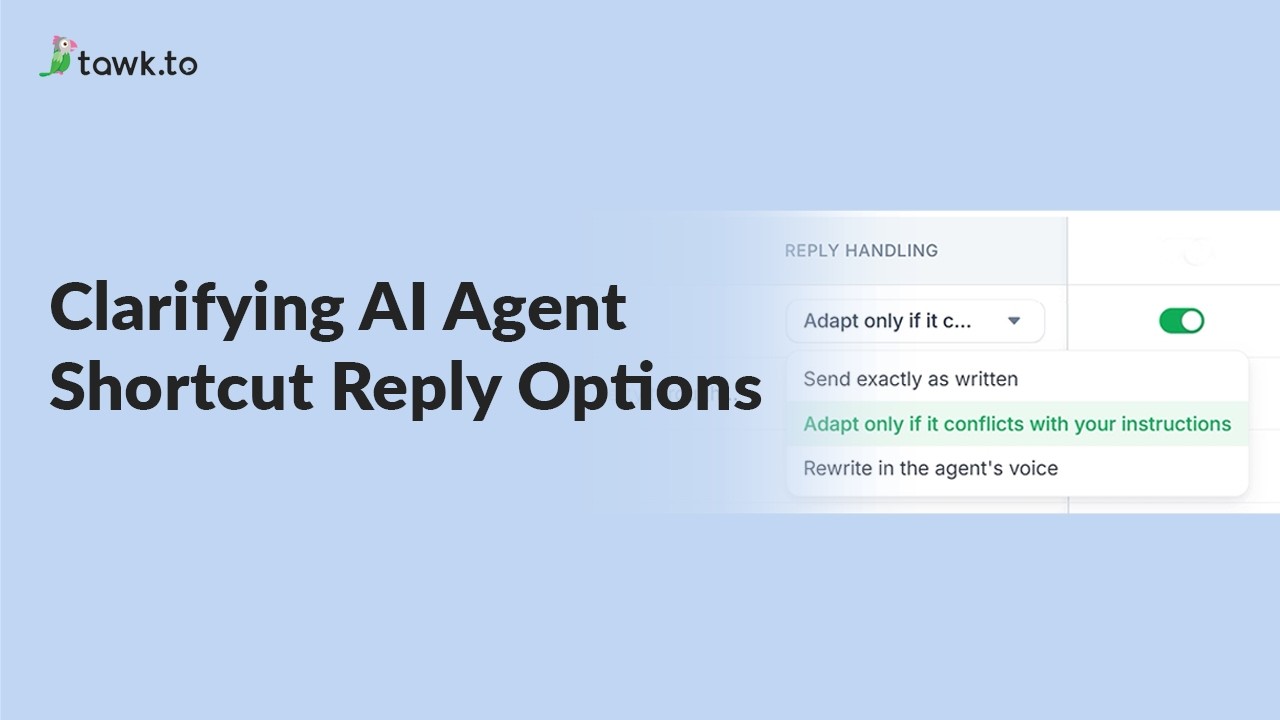
- Clarifying AI Agent shortcut reply options
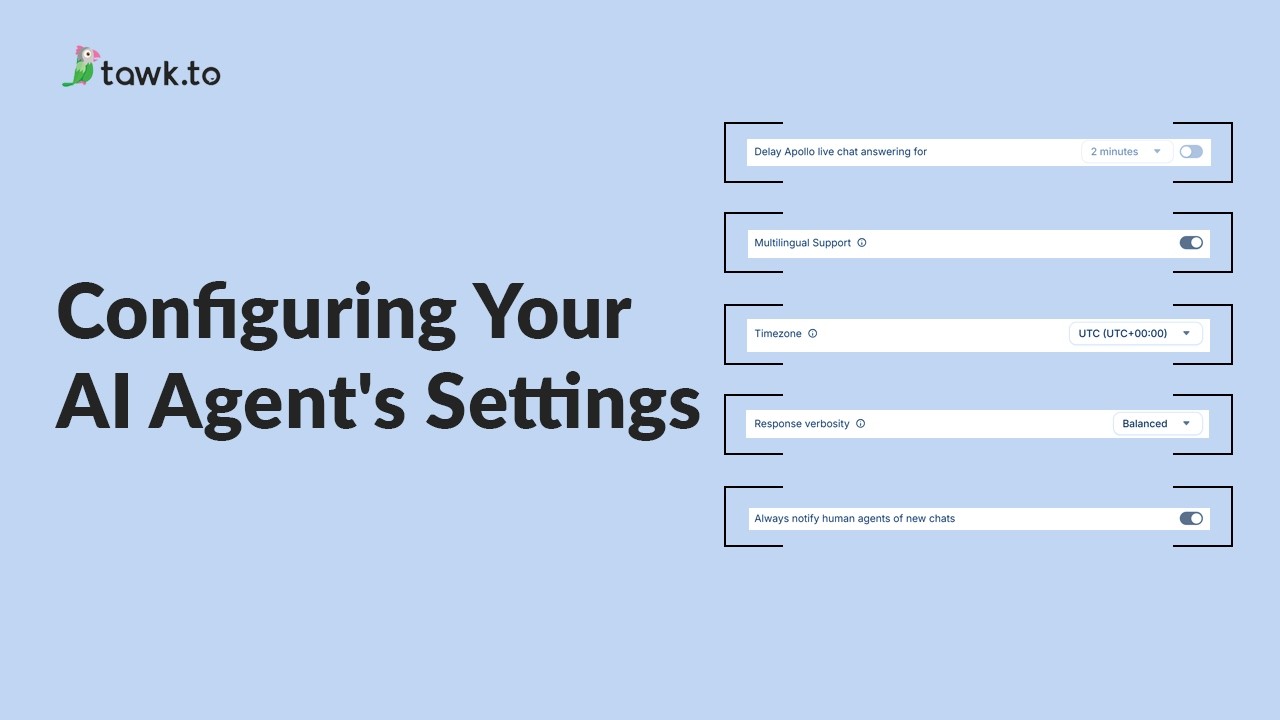
- Configuring your AI Agent's settings
- How AI assist decides which information to use
Open the tawk.to Academy
Every topic and 220+ videos in one place.