
Configuring your AI Agent's settings
Learn how to fine-tune your AI agent's day-to-day behaviour using the Settings area in tawk.to AI Assist. This video covers every option in the Settings screen: how to set a response delay so your team gets the first chance at incoming chats, how to keep human agents notified when your AI joins a conversation, how to enable multilingual support, and how to control response length using the verbosity setting. Small adjustments here can make a big difference to how your agent fits into your team's workflow.
· Share this video
· More in this topic
AI Assist: Introduction & Basic Setup
- Adjusting your AI Agents Persona
- AI Assist Not Working? Start Here
- AI Assist FAQs: Your Questions Answered
- Assigning your AI Agent to Channels
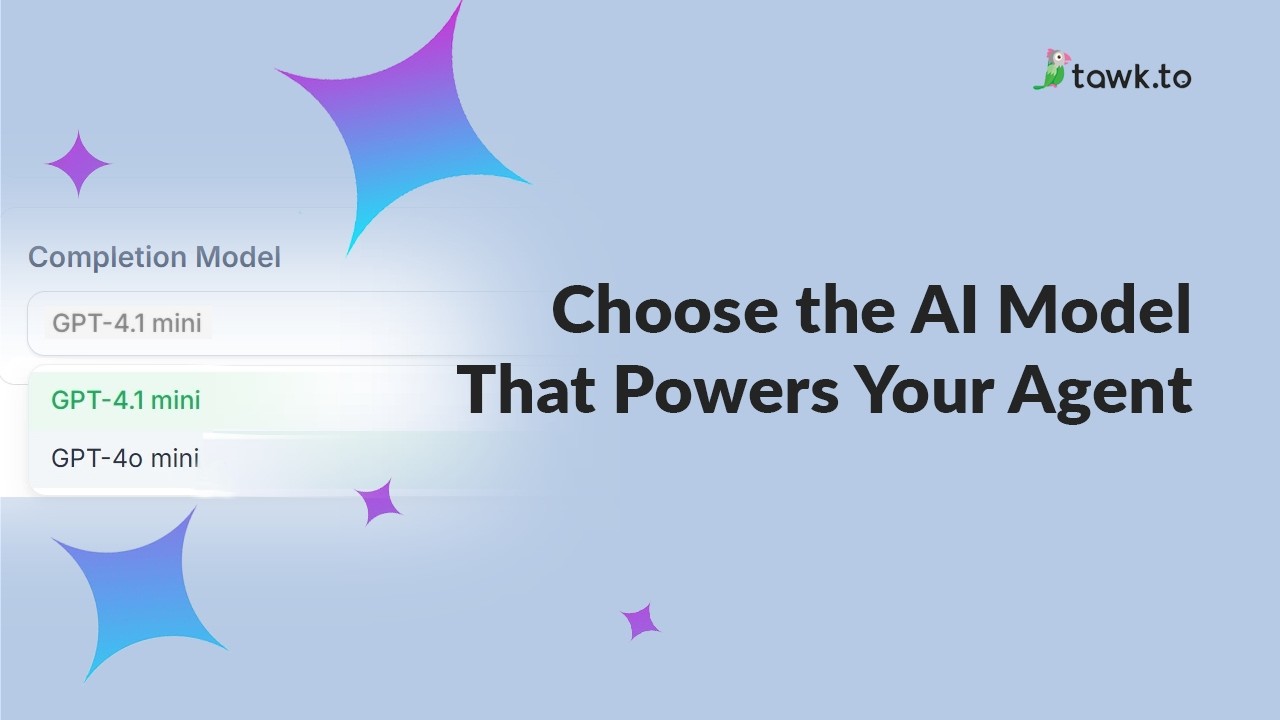
- Choose the AI Model that powers your Agent
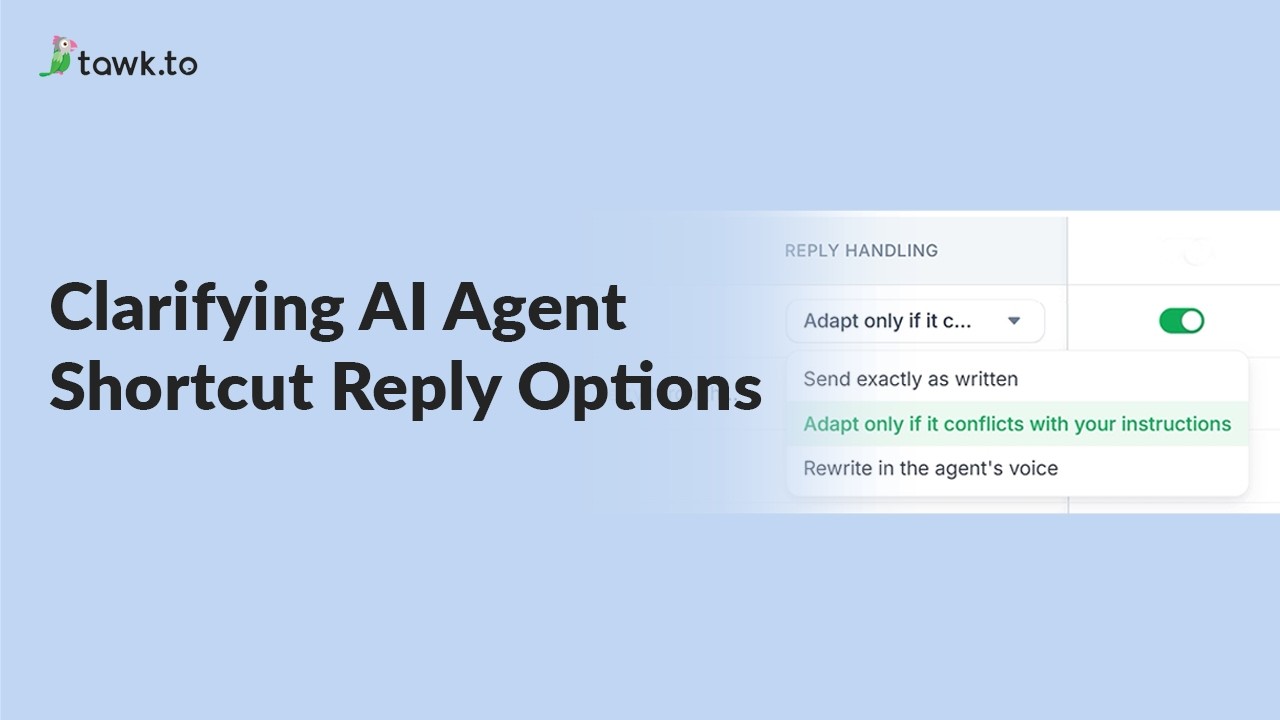
- Clarifying AI Agent shortcut reply options
- How AI assist decides which information to use
- How to add a new AI Agent
Open the tawk.to Academy
Every topic and 220+ videos in one place.