
How to add a new AI Agent
Learn how to add a new AI agent in tawk.to AI Assist and set it up to handle a dedicated channel like live chat, tickets, WhatsApp, or Facebook Messenger. This video walks you through the setup wizard, how channel assignment works, and how to customise each agent's instructions, persona, and knowledge sources independently. You'll also see how data sources are shared across agents by default and how to tailor what each one draws on, so one agent can focus on sales while another handles support.
· Share this video
· More in this topic
AI Assist: Introduction & Basic Setup
- Adjusting your AI Agents Persona
- AI Assist Not Working? Start Here
- AI Assist FAQs: Your Questions Answered
- Assigning your AI Agent to Channels
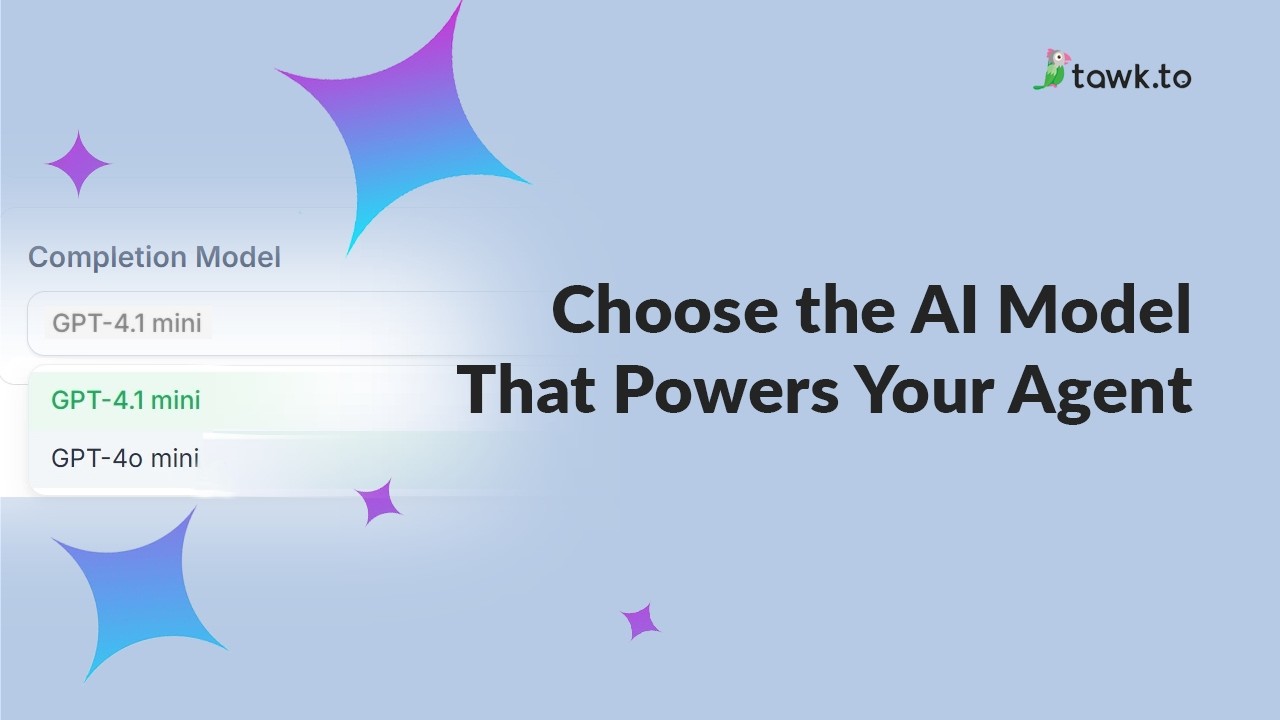
- Choose the AI Model that powers your Agent
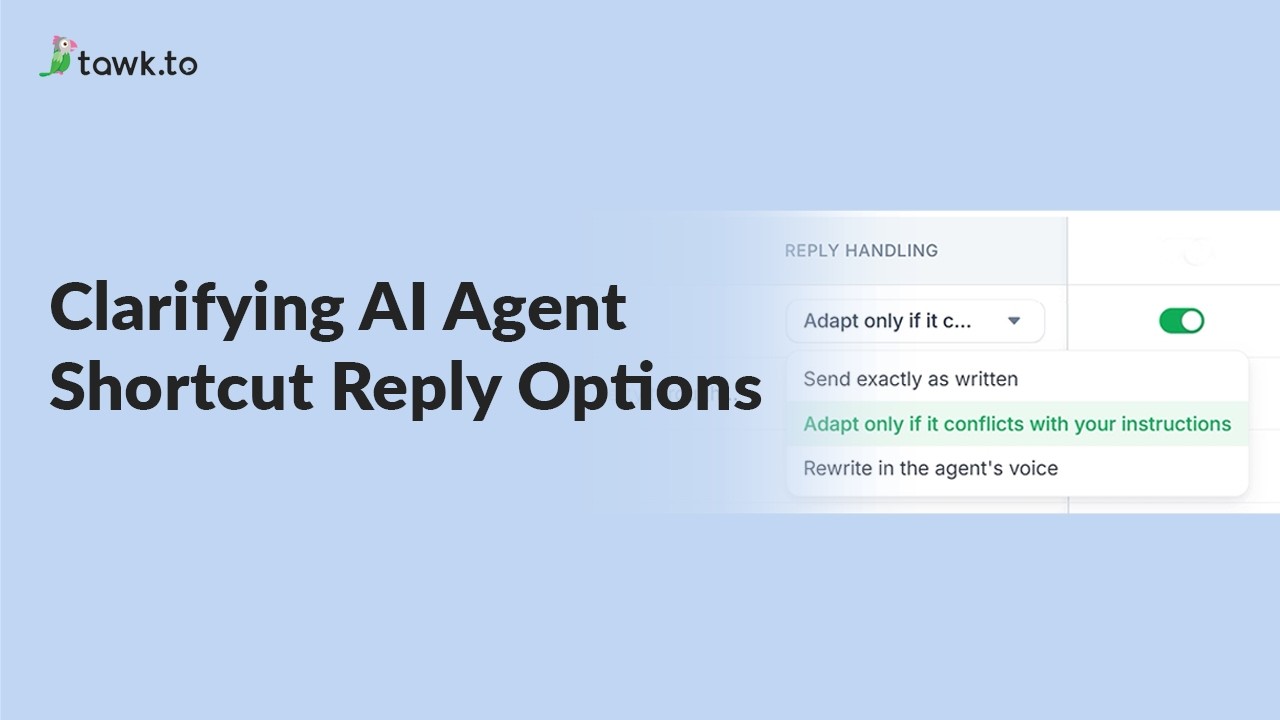
- Clarifying AI Agent shortcut reply options
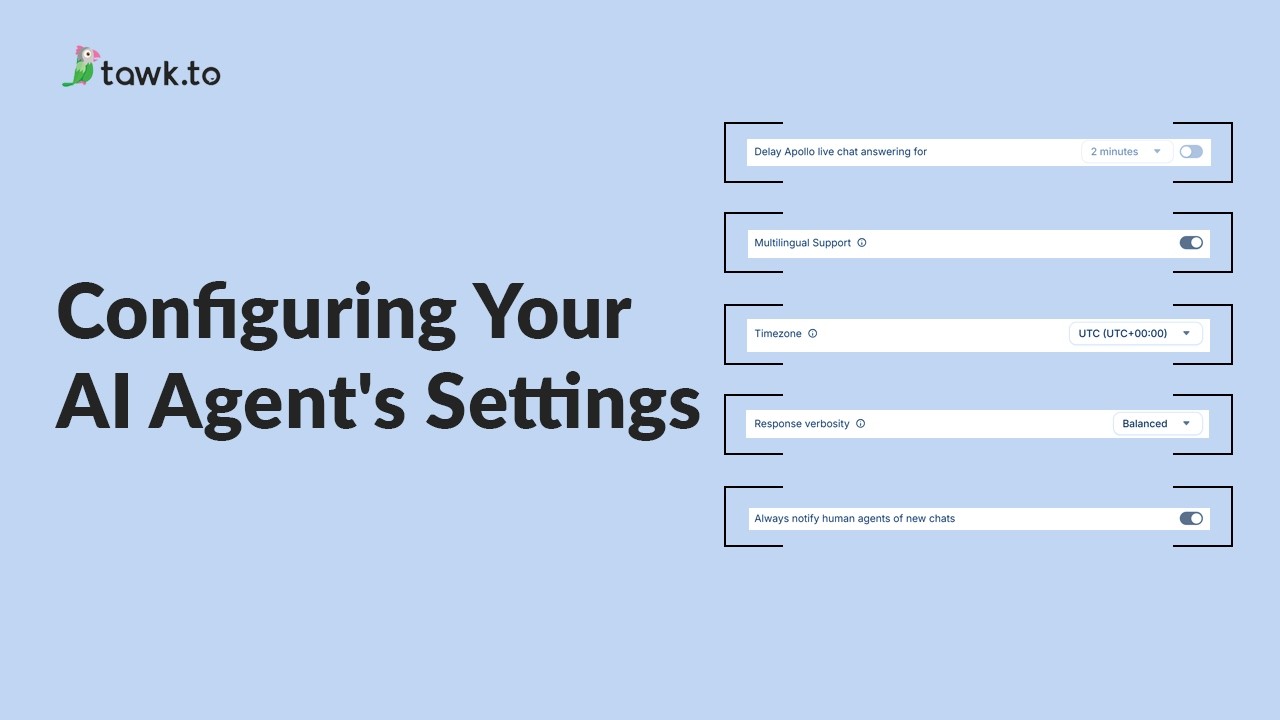
- Configuring your AI Agent's settings
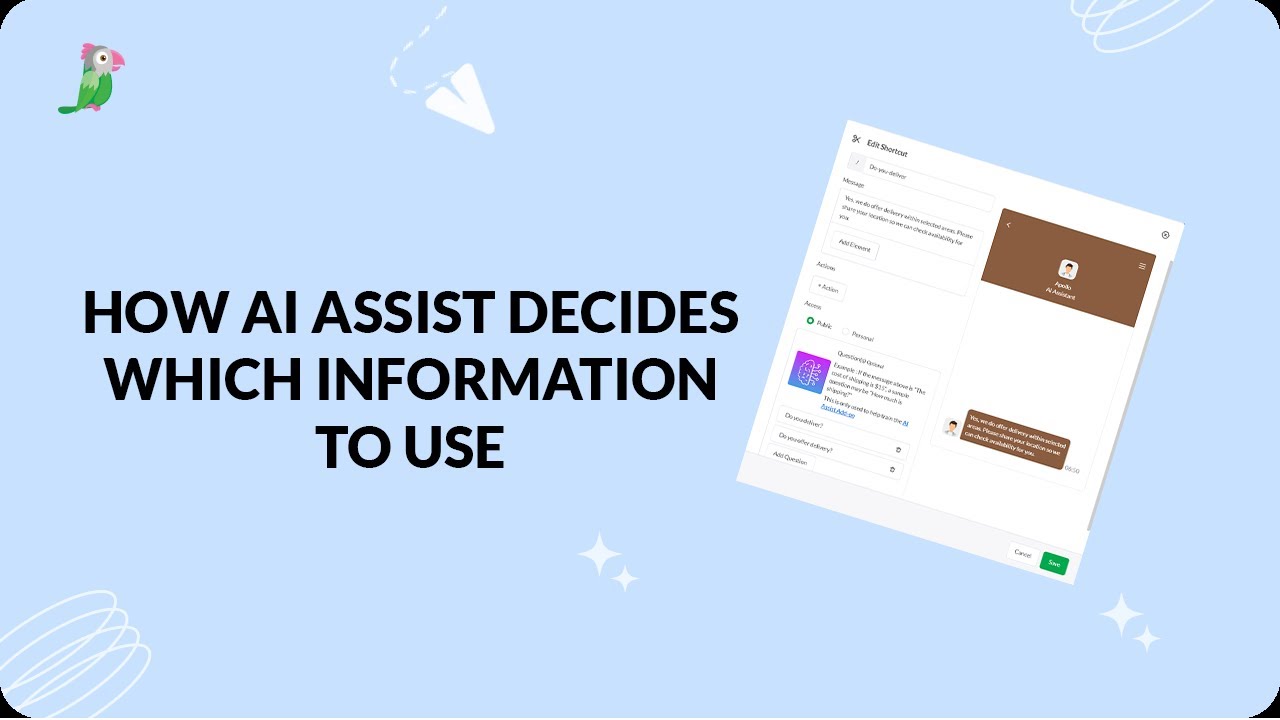
- How AI assist decides which information to use
Open the tawk.to Academy
Every topic and 220+ videos in one place.