
AI Assist Not Working? Start Here
Learn how to diagnose and resolve the most common issues with tawk.to AI Assist when your agent isn't responding the way you expect. This video walks you through everything worth checking: whether your agent has actually been created and enabled, whether it's assigned to the right channel and widget, whether Smart Reply and AI Commands are toggled on, and whether a response delay or widget scheduler is making it look inactive. You'll also see how to confirm your data sources are enabled and how to check your credit balance if your agent has stopped responding altogether.
· Share this video
· More in this topic
AI Assist: Introduction & Basic Setup
- Adjusting your AI Agents Persona
- AI Assist FAQs: Your Questions Answered
- Assigning your AI Agent to Channels
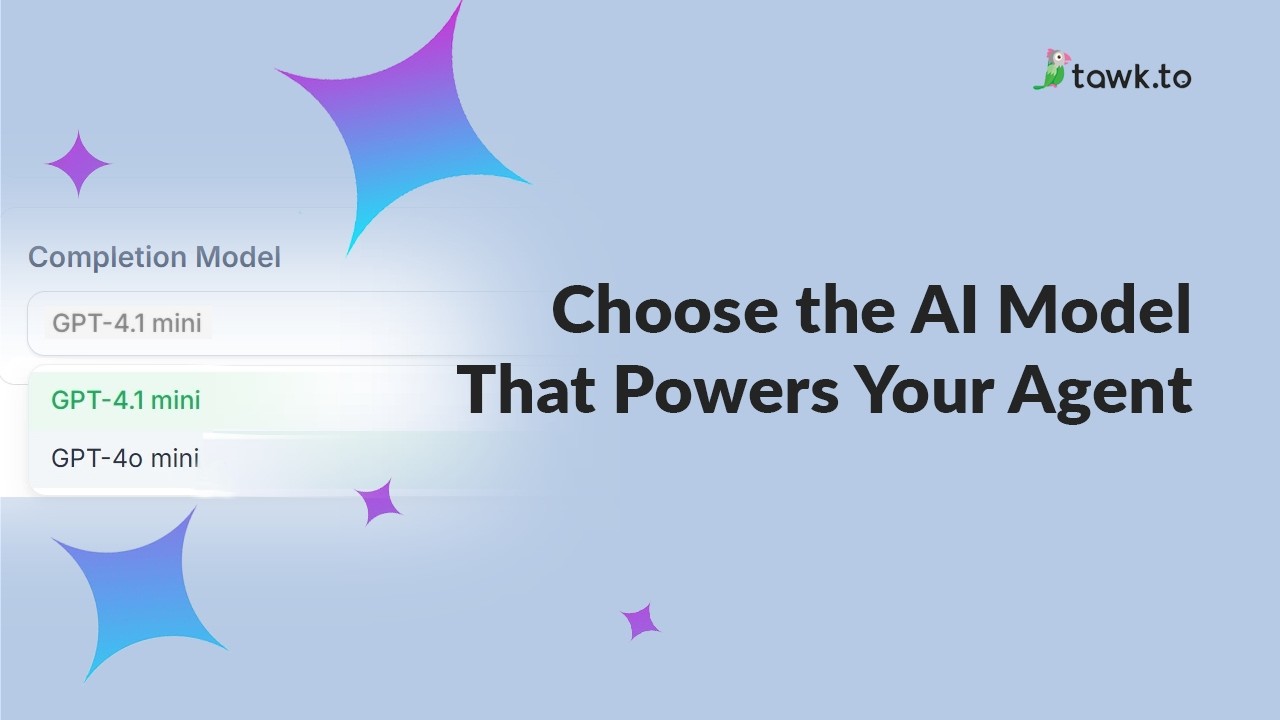
- Choose the AI Model that powers your Agent
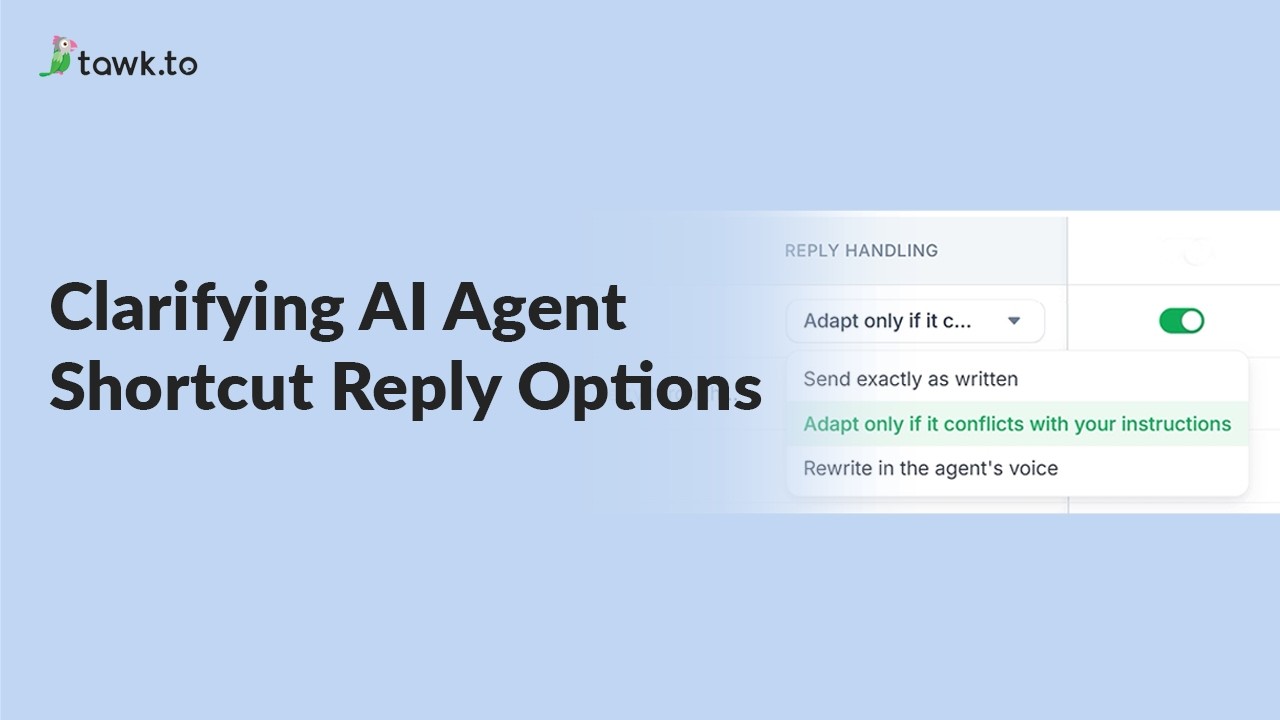
- Clarifying AI Agent shortcut reply options
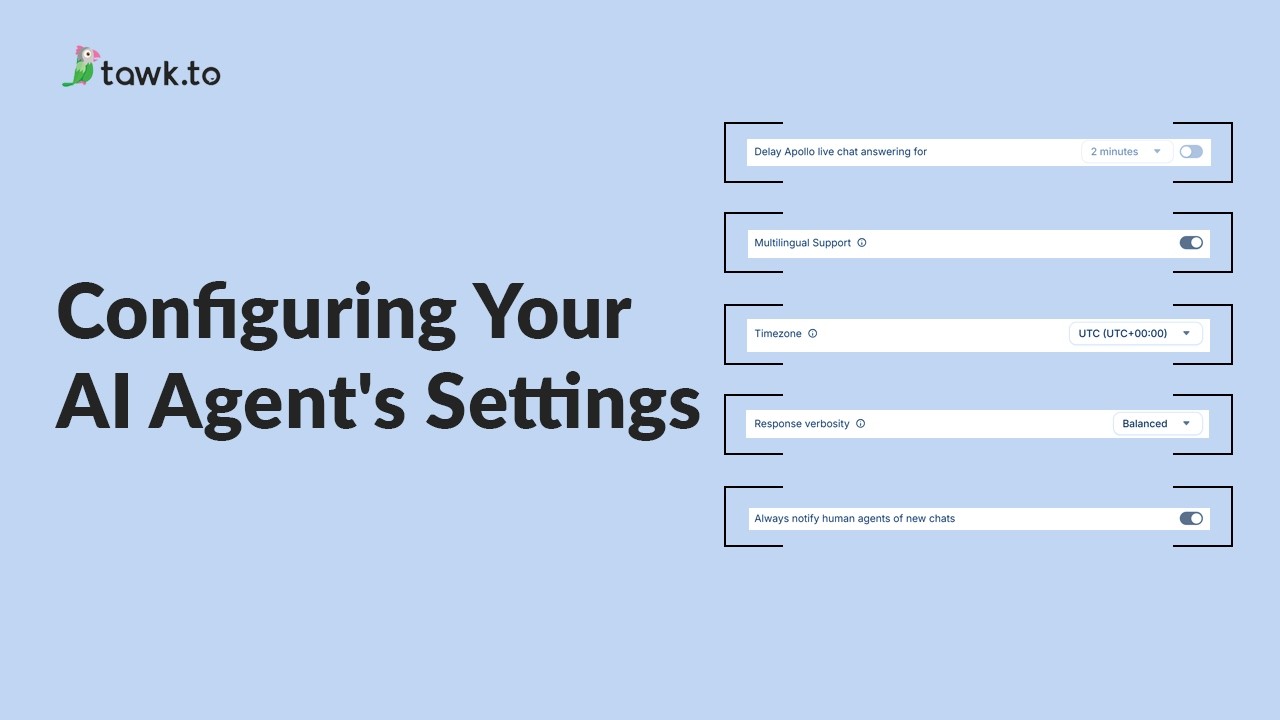
- Configuring your AI Agent's settings
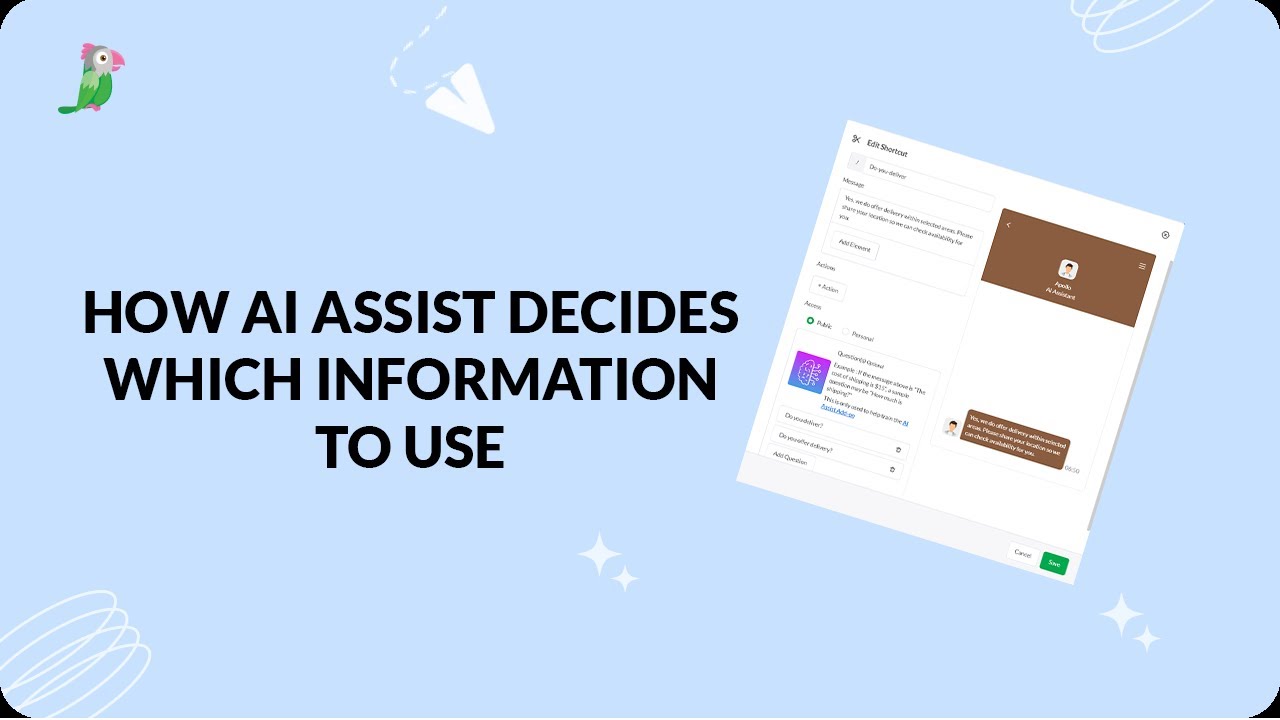
- How AI assist decides which information to use
- How to add a new AI Agent
Open the tawk.to Academy
Every topic and 220+ videos in one place.