
Assigning your AI Agent to Channels
Learn how to activate and manage the channels your AI agent uses to connect with customers in tawk.to AI Assist. This video covers how to turn on native channels like Live Chat, Ticketing, and your Knowledge Base, how to connect third-party channels including Facebook Messenger, WhatsApp, Telegram, and SMS, and how to assign different agents to different channels on paid plans. You'll also see how channel limits work across the free, Growth, Business, and Enterprise plans.
· Share this video
· More in this topic
AI Assist: Introduction & Basic Setup
- Adjusting your AI Agents Persona
- AI Assist Not Working? Start Here
- AI Assist FAQs: Your Questions Answered
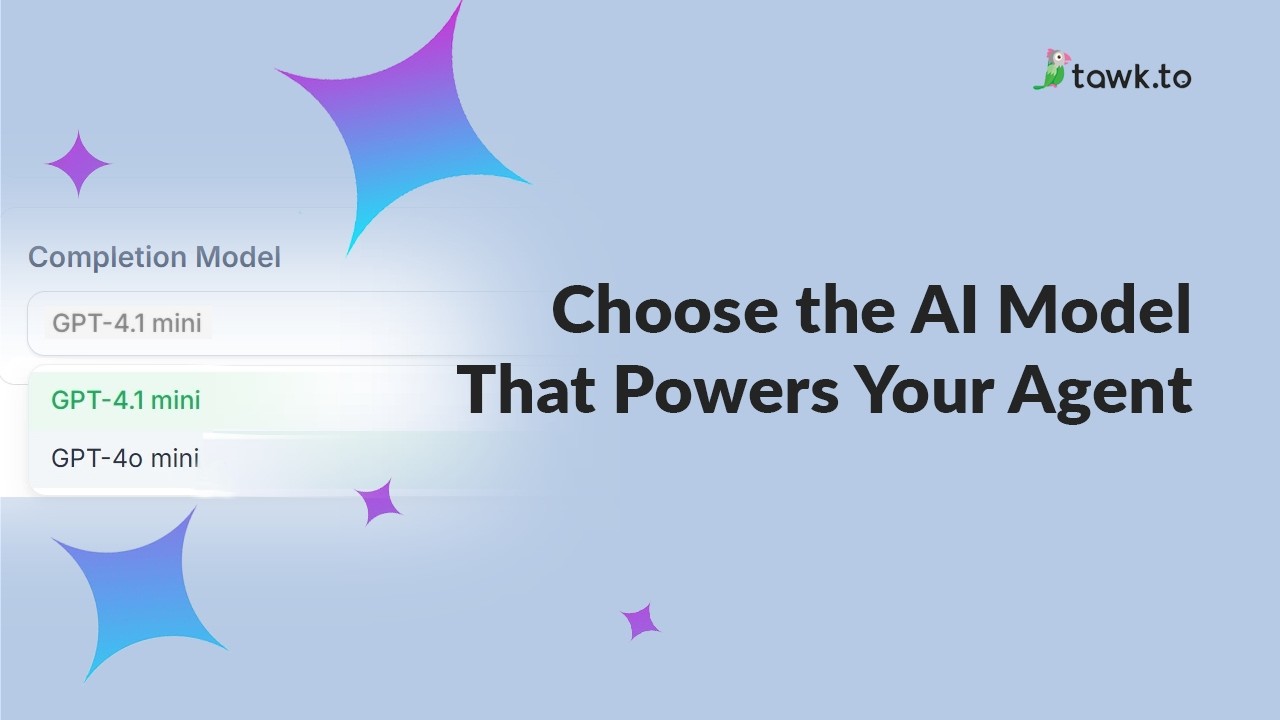
- Choose the AI Model that powers your Agent
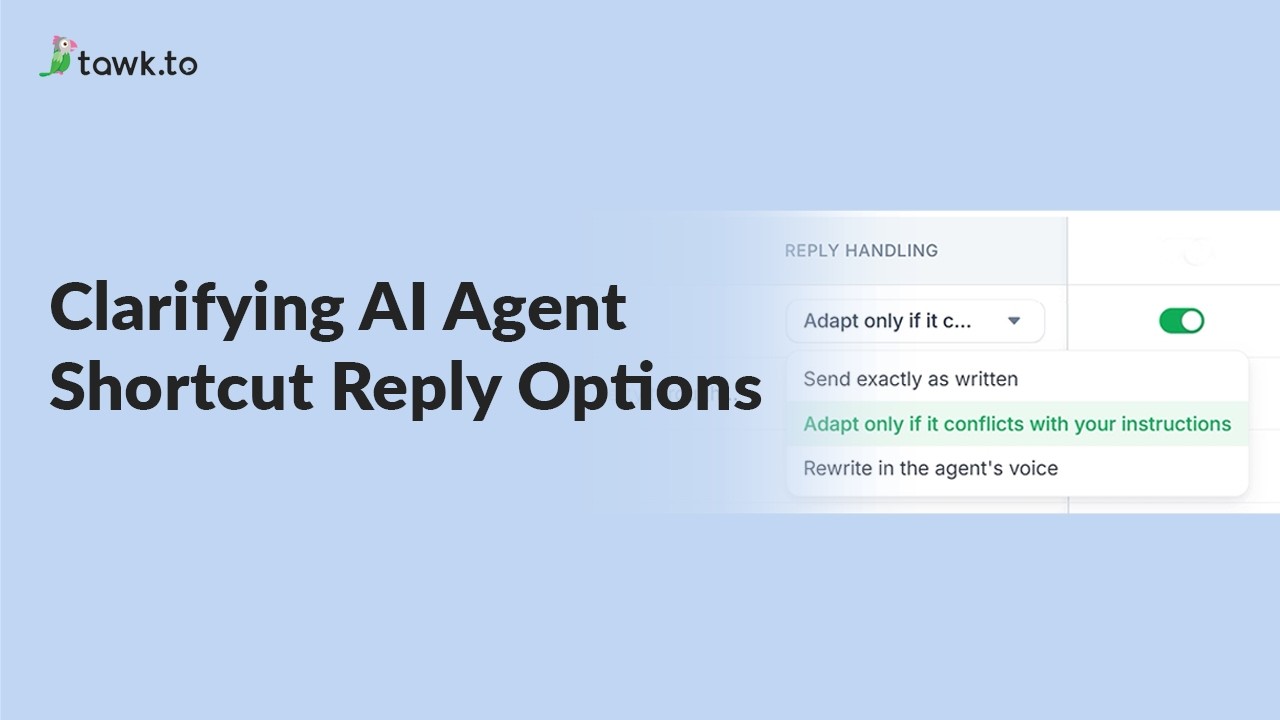
- Clarifying AI Agent shortcut reply options
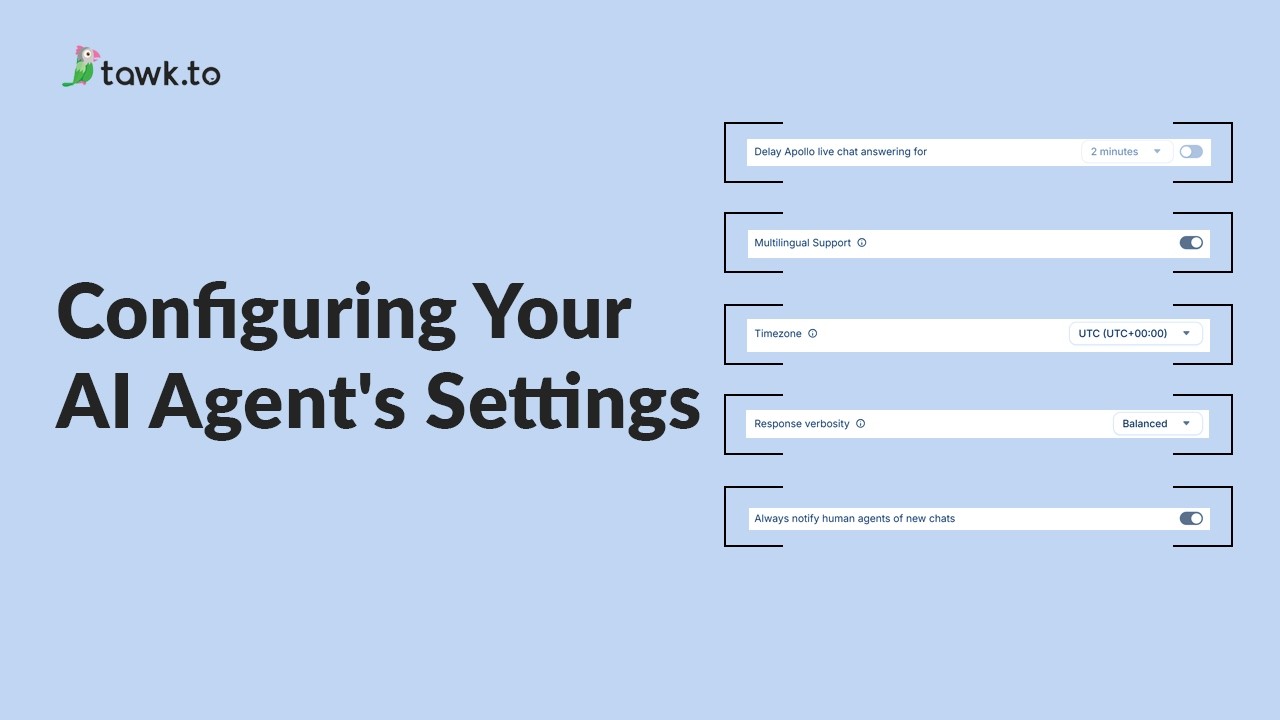
- Configuring your AI Agent's settings
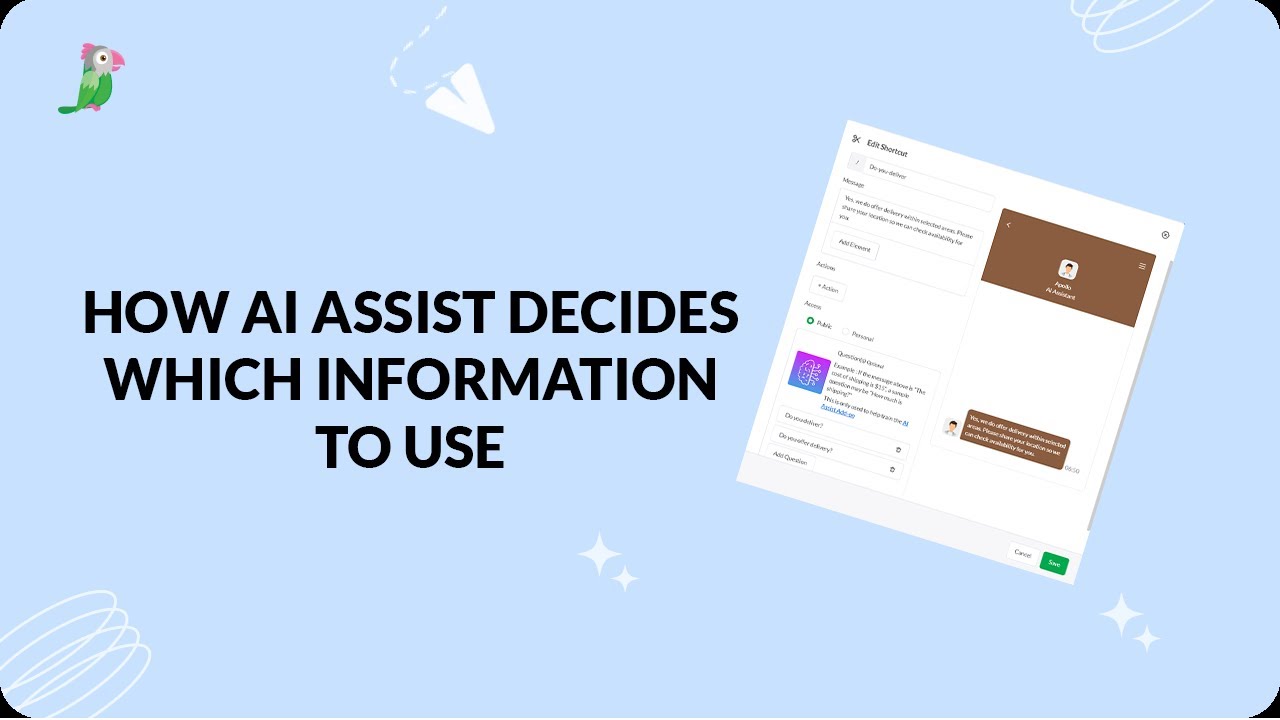
- How AI assist decides which information to use
- How to add a new AI Agent
Open the tawk.to Academy
Every topic and 220+ videos in one place.