
Sending Emails, SMS and WhatsApp from a Workflow
Want to confirm a booking as soon as it comes in? Your workflow can message the customer for you, by email, SMS or WhatsApp. This video shows how to add a Send email, Send SMS or Send WhatsApp message action, and personalise each one with details from your trigger. You’ll also see why WhatsApp needs a Meta-approved template to start a new conversation, which connected inbox or number each message sends from, and when to use Reply to inbox conversation instead. Then test it with Run now, with an example where a group dinner booking gets an instant confirmation email with the customer’s name, date and guest count.
· Share this video
· More in this topic
Workflows
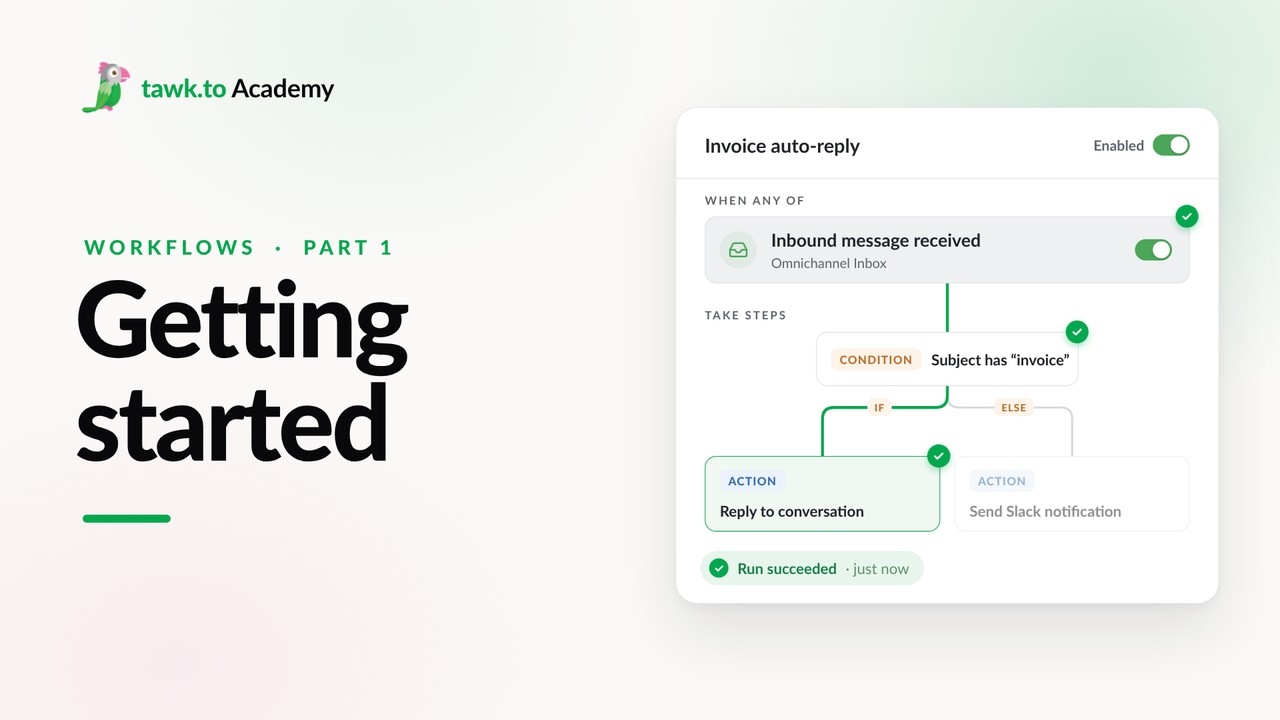
- Getting Started with Workflows
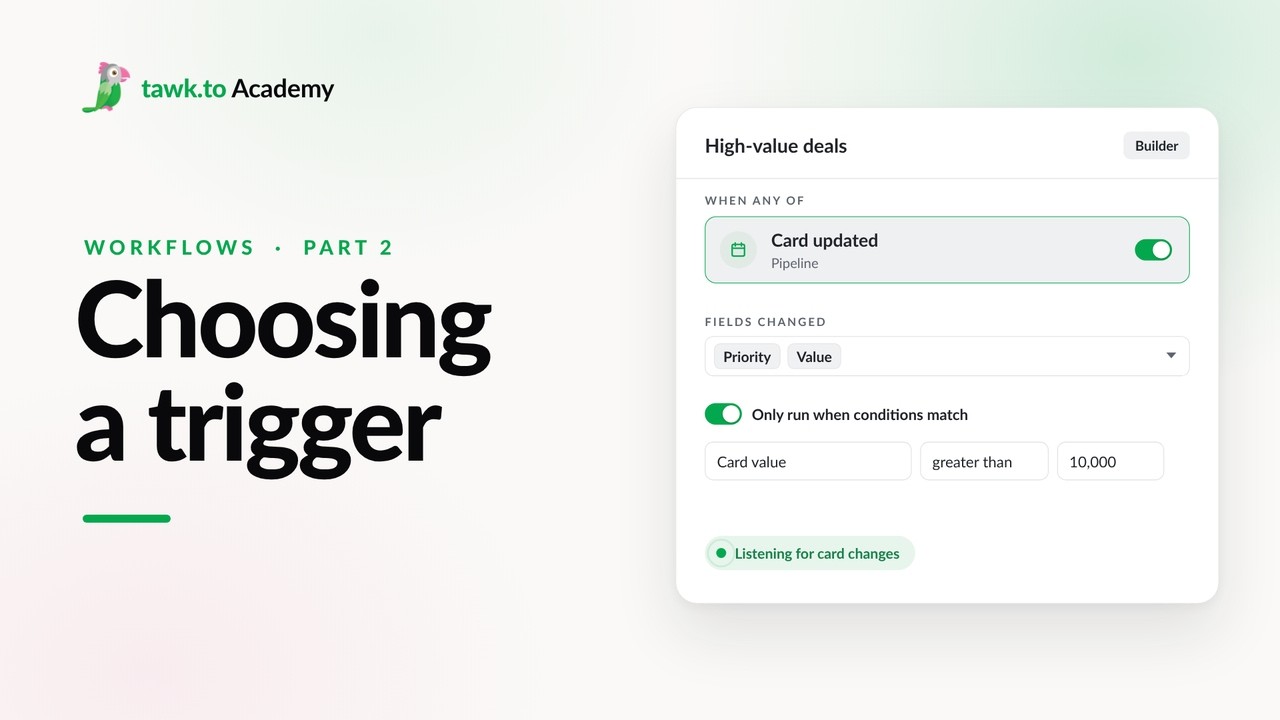
- Choosing a Workflow Trigger
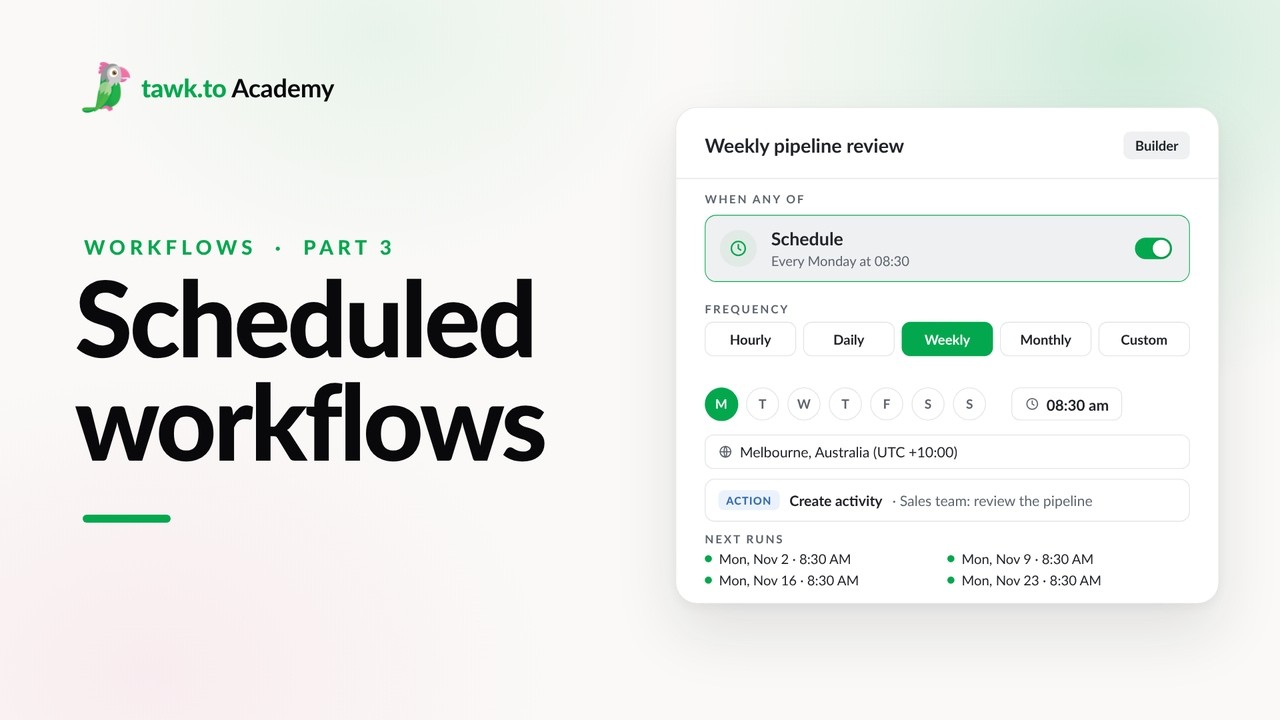
- Scheduled Workflows
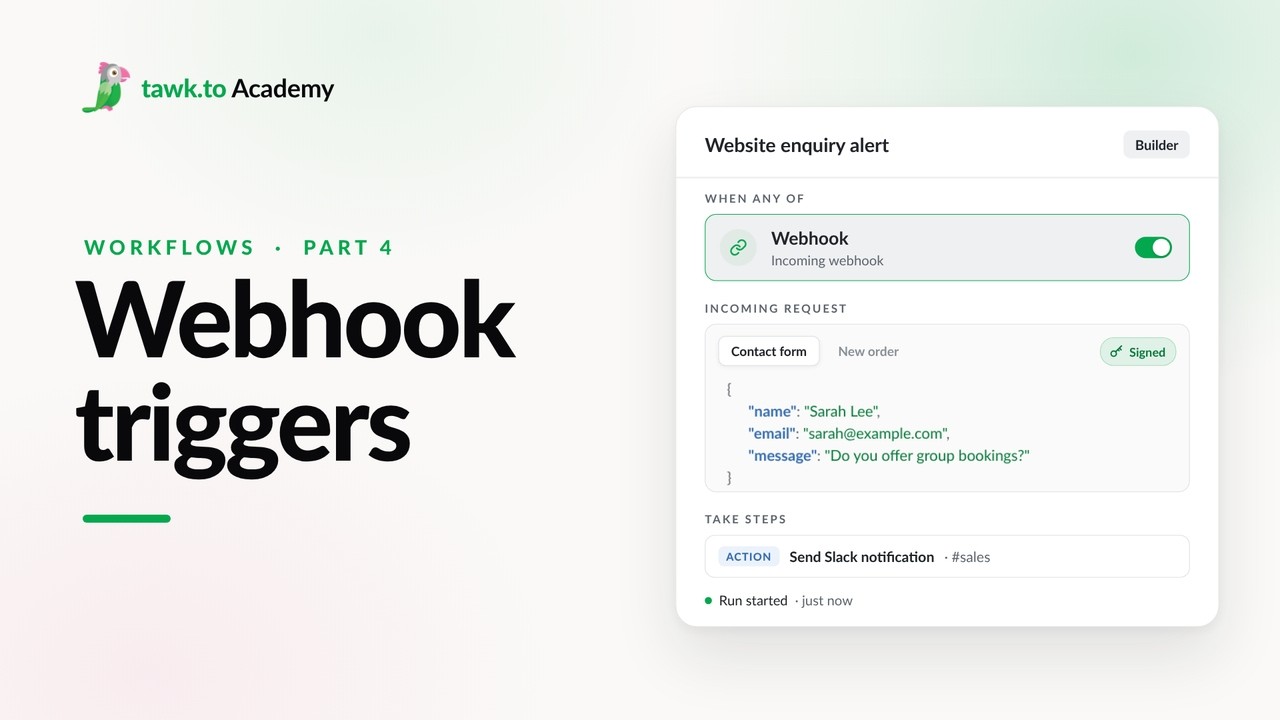
- Start a Workflow with a Webhook
- Start a Workflow from an AI Agent
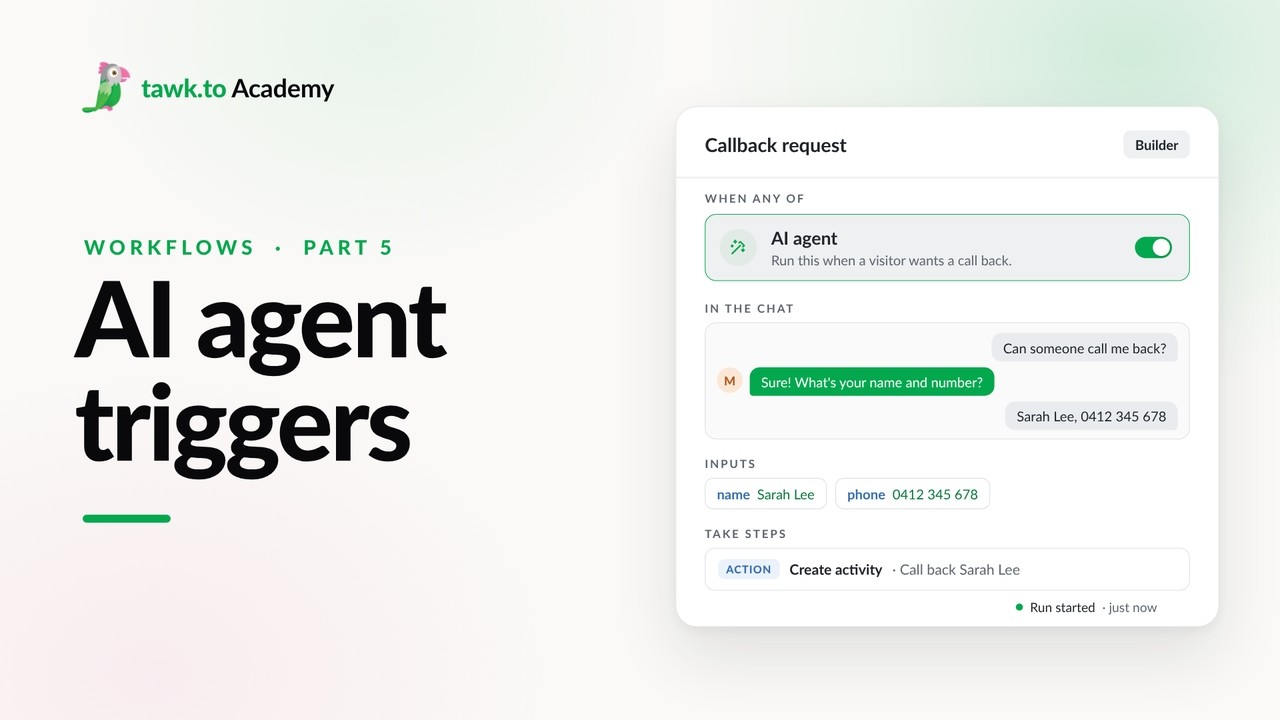
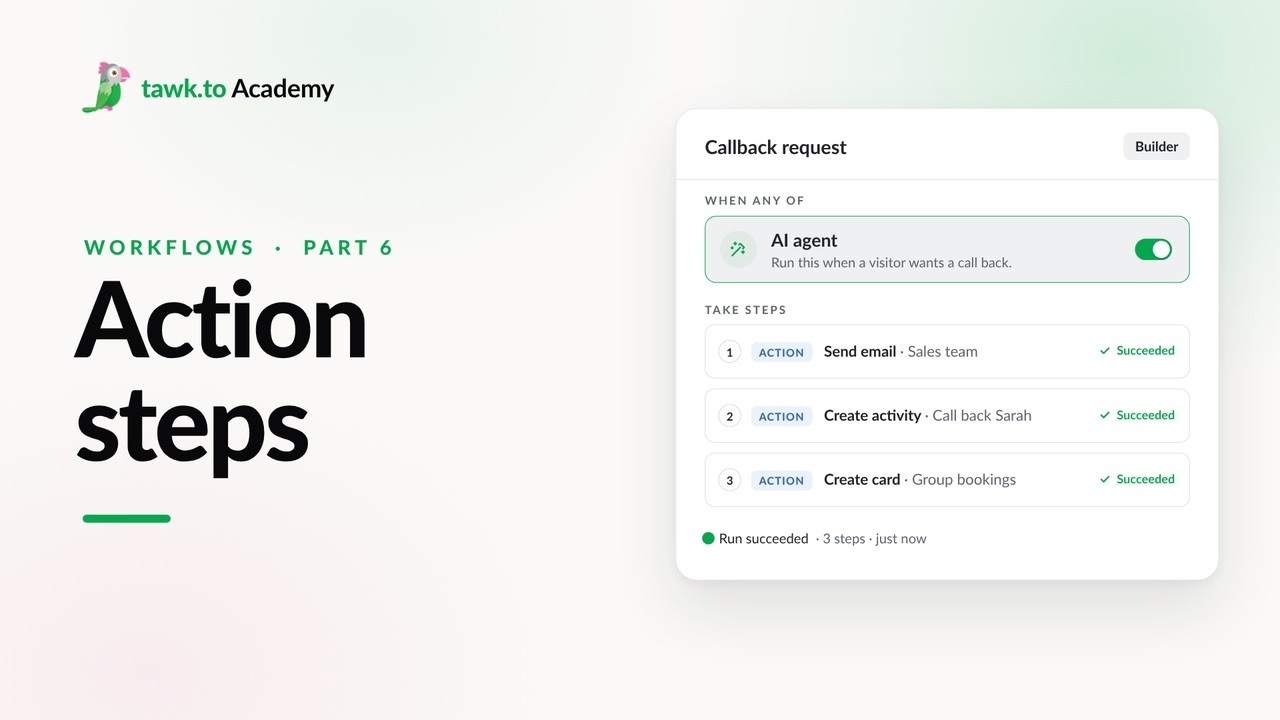
- Adding Actions to a Workflow
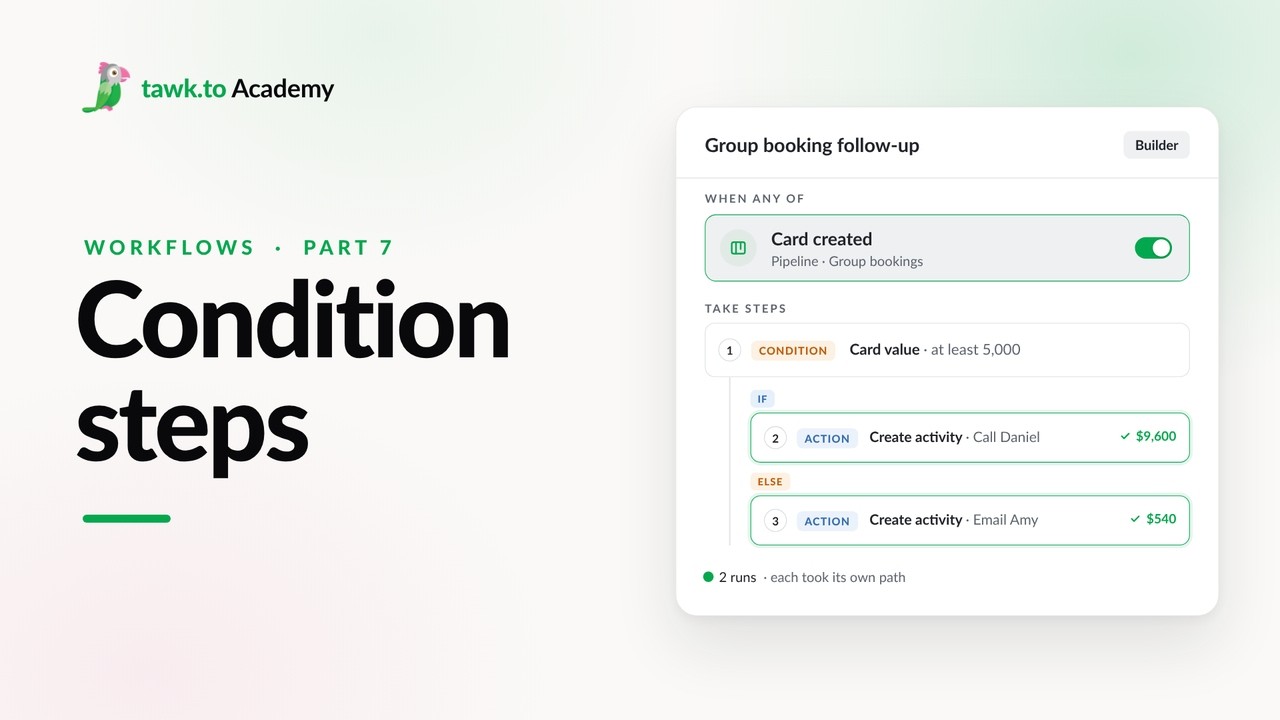
- Branching a Workflow with Conditions
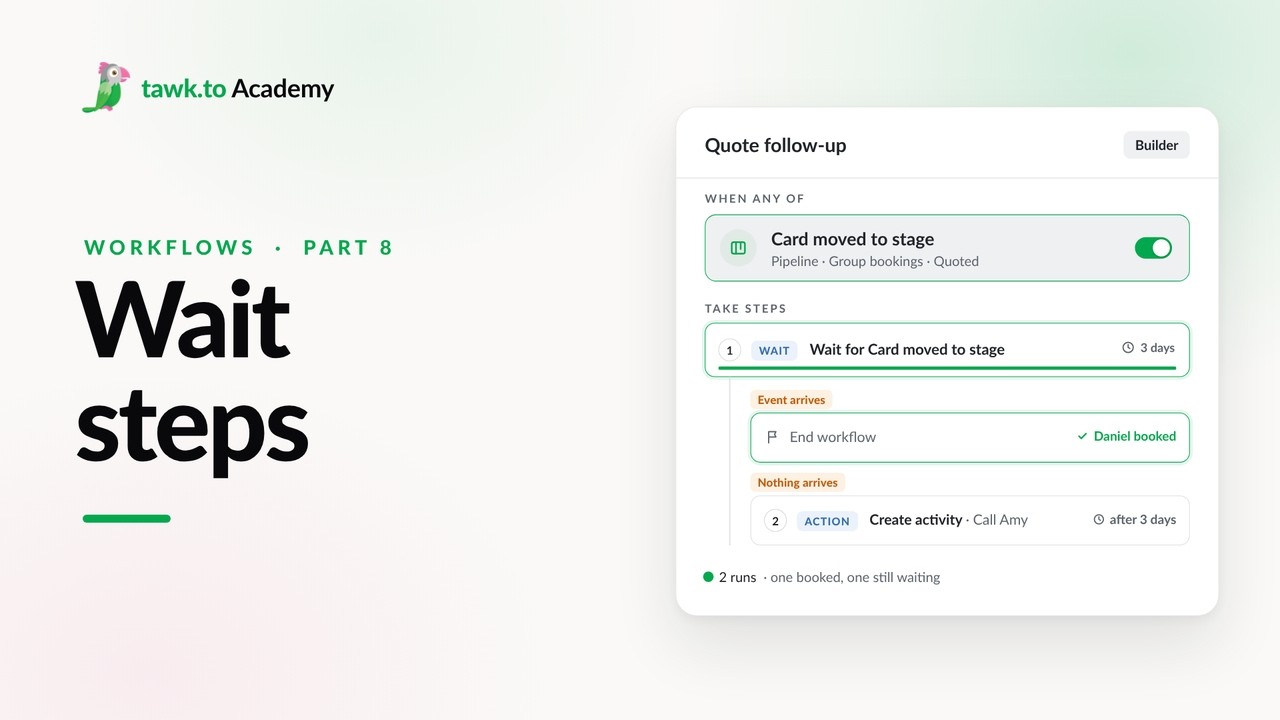
- Pausing a Workflow with Wait Steps
Open the tawk.to Academy
Every topic and 220+ videos in one place.