
Introducing tawk.to's AI Agent
Discover tawk.to’s AI Agent! In this video, I’ll guide you through activating the AI Assist feature and setting up multiple AI Agents to enhance your customer support. Learn how to assign agents to specific channels and widgets, streamline your workflow, and automate responses for chats and tickets. Whether you’re on the Growth, Business, or Enterprise plan, training your AI Agents has never been easier! For step-by-step instructions, check out the tawk.to AI Assist Academy. Don’t forget to like, subscribe, and hit the notification bell for more tips on optimizing your customer support with AI!
· Share this video
· More in this topic
AI Assist: Introduction & Basic Setup
- Adjusting your AI Agents Persona
- AI Assist Not Working? Start Here
- AI Assist FAQs: Your Questions Answered
- Assigning your AI Agent to Channels
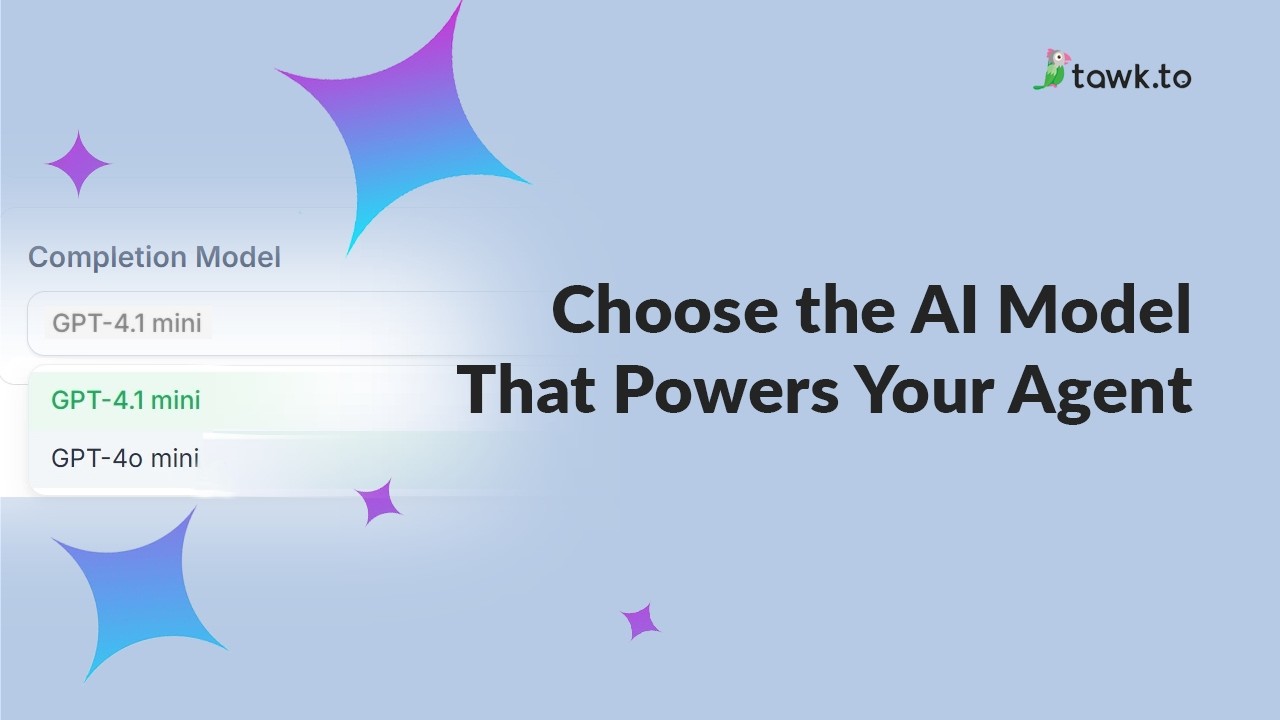
- Choose the AI Model that powers your Agent
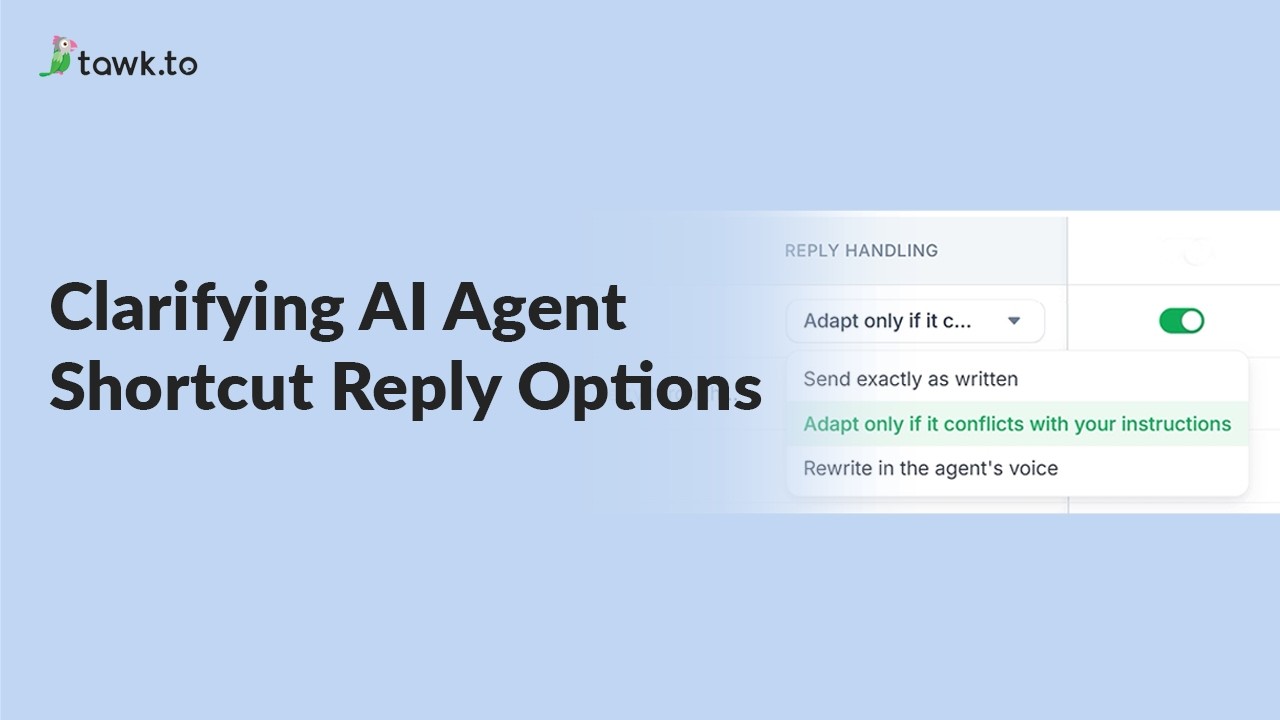
- Clarifying AI Agent shortcut reply options
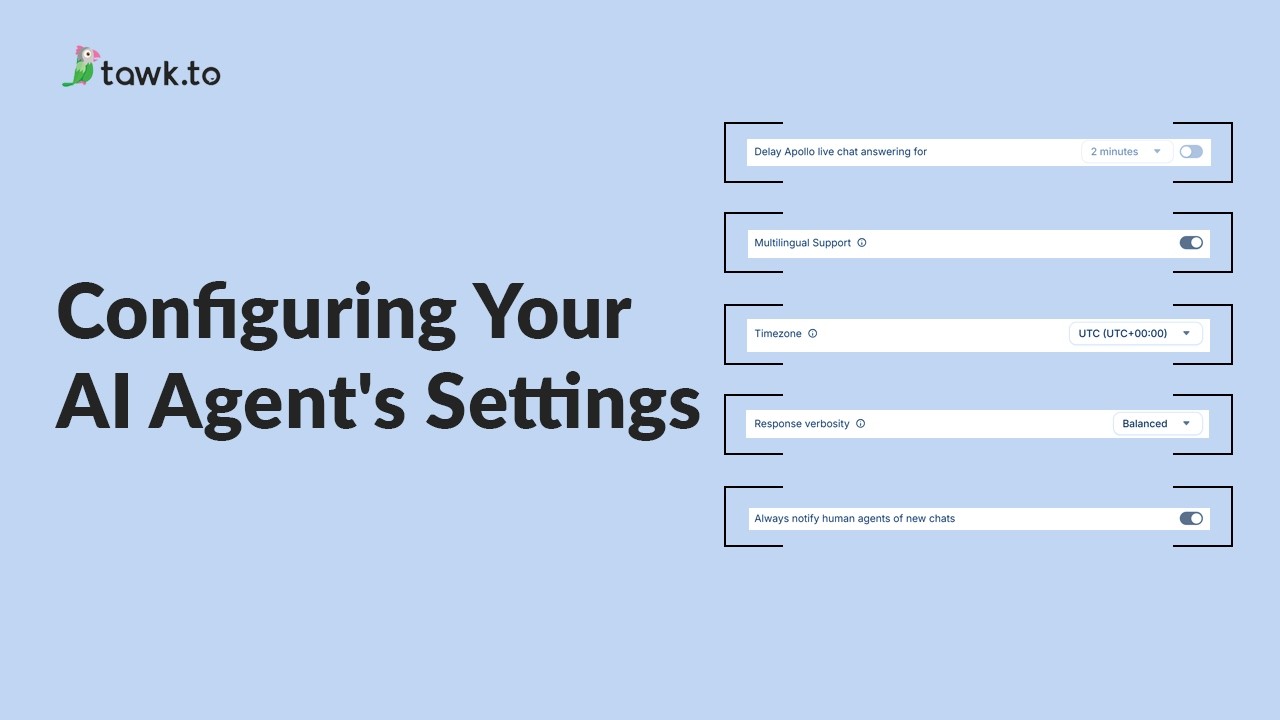
- Configuring your AI Agent's settings
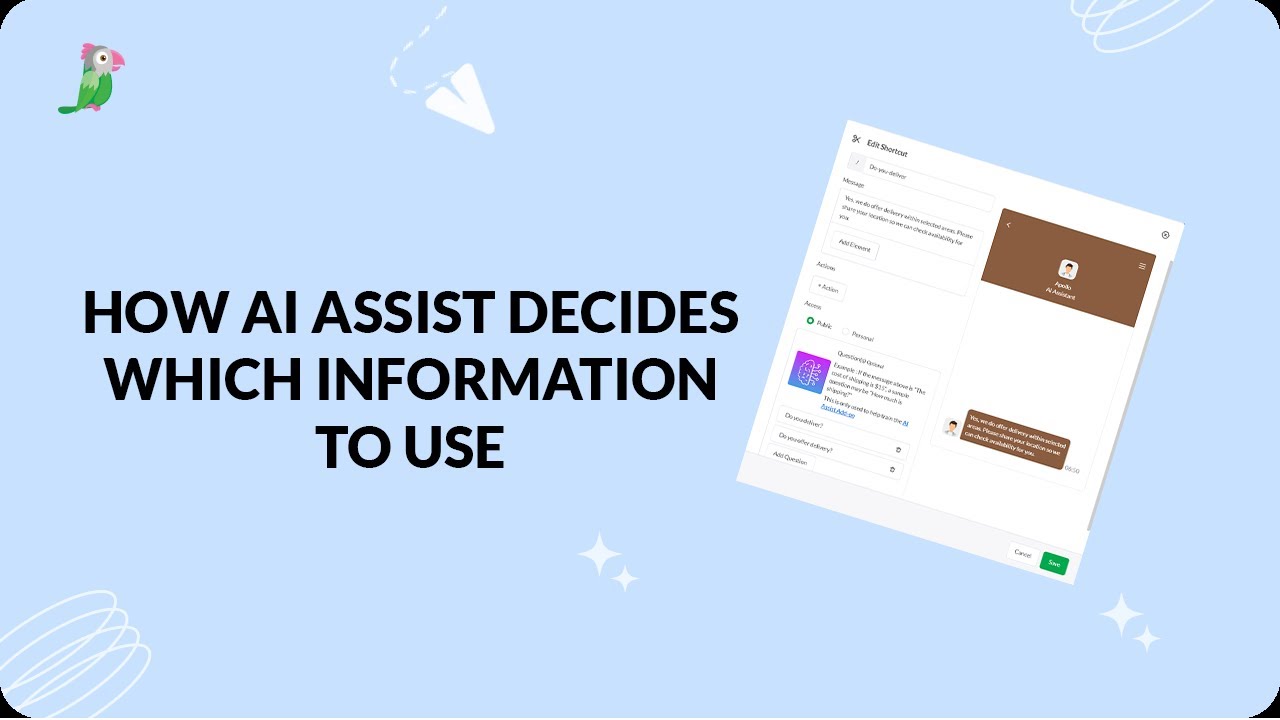
- How AI assist decides which information to use
Open the tawk.to Academy
Every topic and 220+ videos in one place.