
Setting your AI Agent's response length
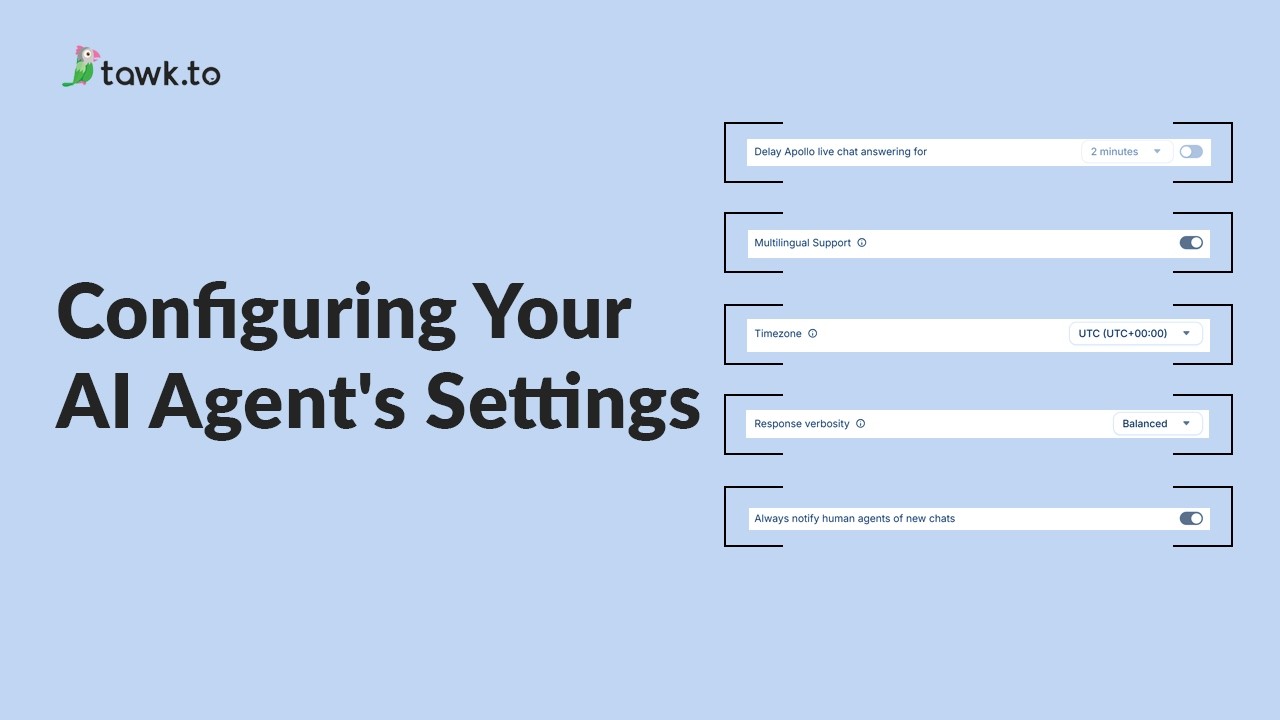
Learn how to control the length of your AI agent's replies in tawk.to AI Assist using the Response Verbosity setting. This video shows you where to find the setting, what each option does, and when you'd choose Concise, Balanced, or Detailed depending on your support style. Each agent has its own verbosity setting, so you can fine-tune the feel of every conversation without touching your Instructions or prompts.
· Share this video
· More in this topic
AI Assist: Introduction & Basic Setup
- Adjusting your AI Agents Persona
- AI Assist Not Working? Start Here
- AI Assist FAQs: Your Questions Answered
- Assigning your AI Agent to Channels
- Choose the AI Model that powers your Agent
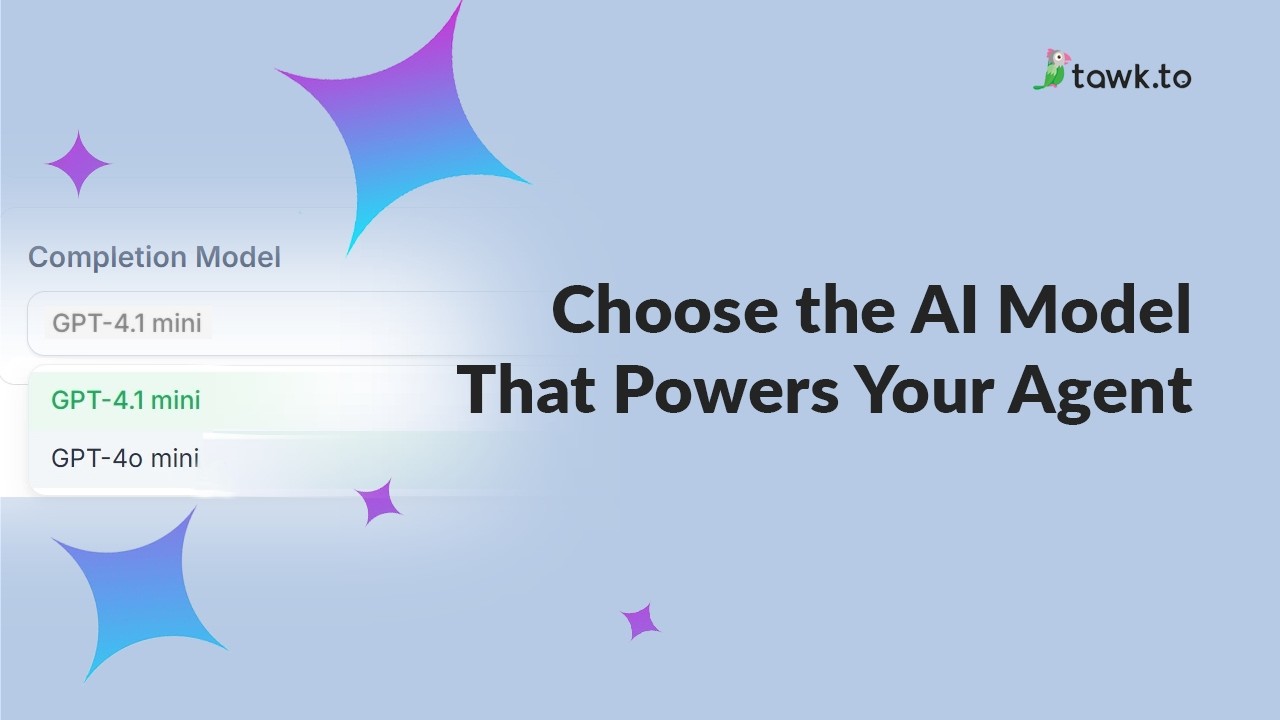
- Clarifying AI Agent shortcut reply options
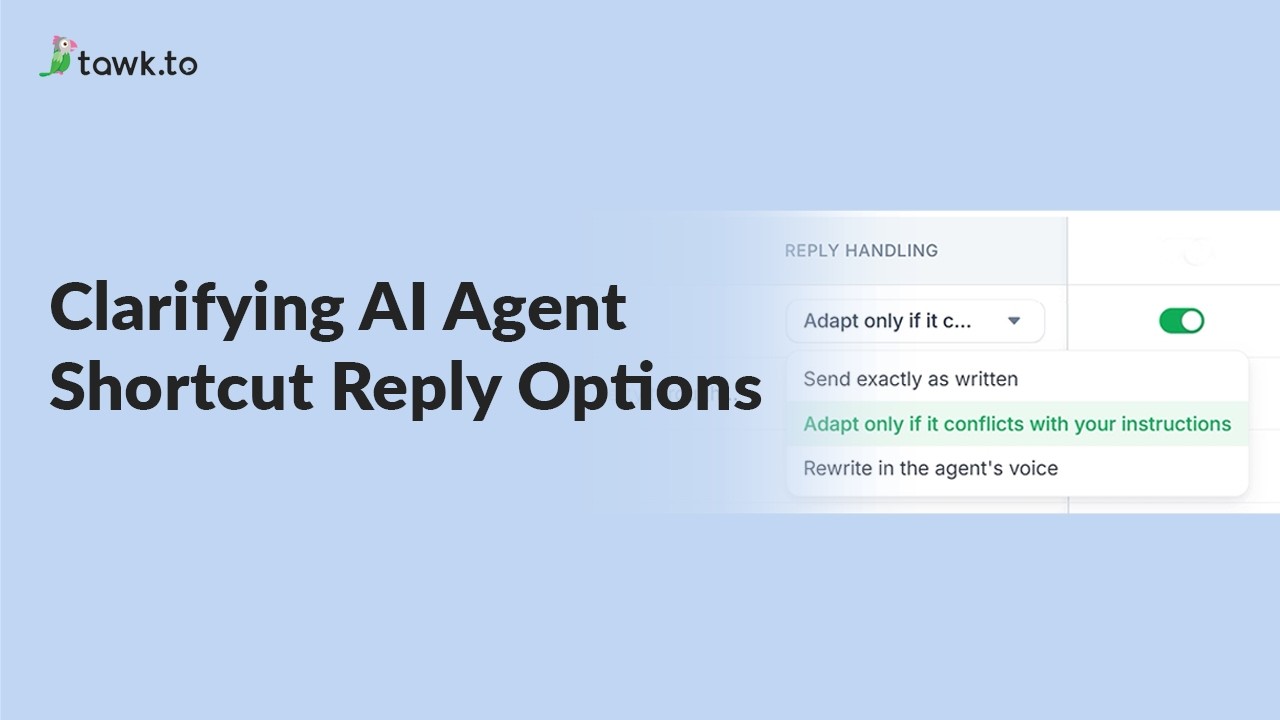
- Configuring your AI Agent's settings
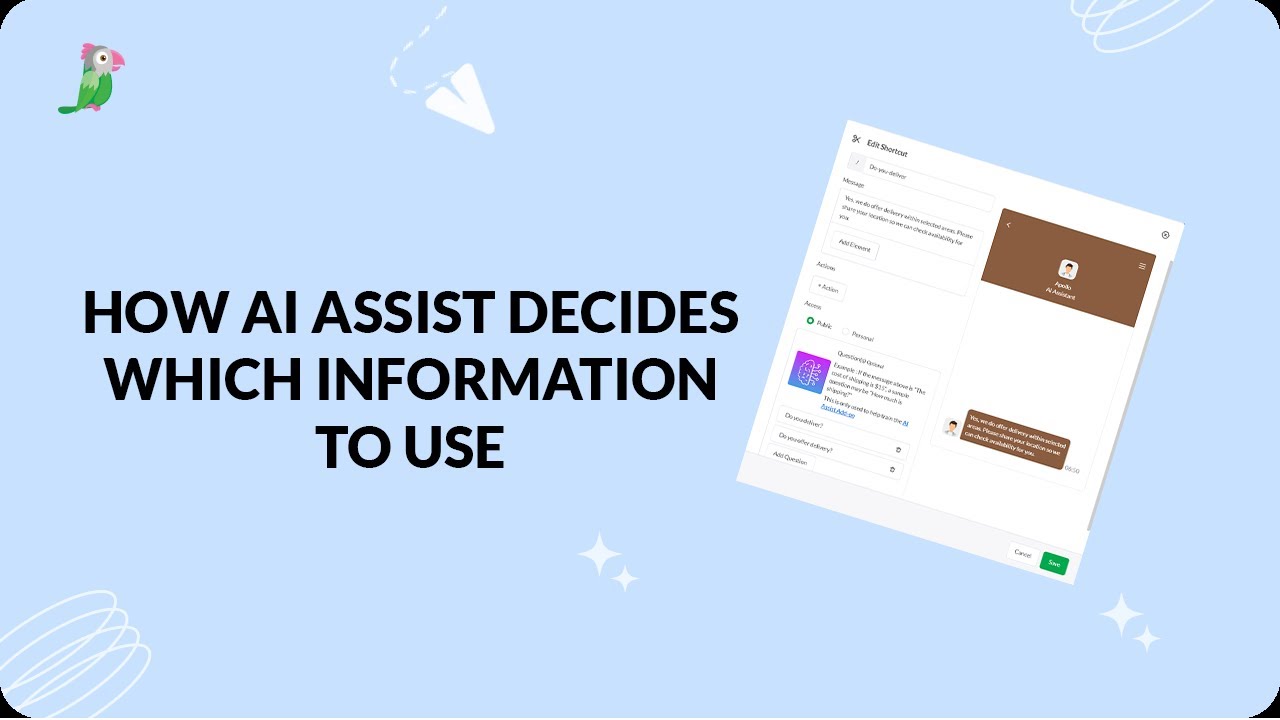
- How AI assist decides which information to use
Open the tawk.to Academy
Every topic and 220+ videos in one place.