
Choosing Your AI Agent's Model
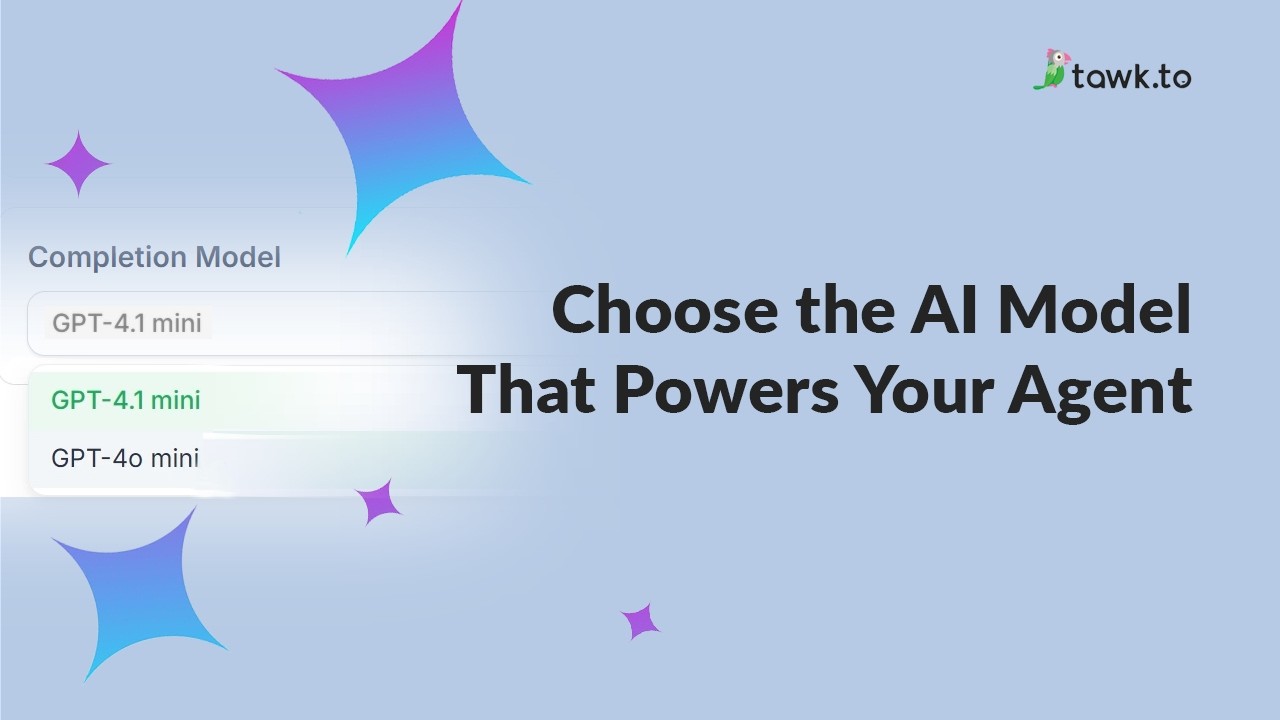
You can now choose the AI model your AI agent uses to write its replies. Each model uses a different number of credits per reply, so you can pick the one that suits your needs and your budget. This video shows where to find the Completion Model setting, who can change it, and how the credit cost appears next to every model in the list. You’ll also see how a change takes effect straight away, how to test it in the preview, and how to track credit use by model in Reporting. Then see it in action with an accounting firm that asks the same question on two models, and decides the better answer is worth the extra credits.
· Share this video
· More in this topic
AI Assist: Introduction & Basic Setup
- Adjusting your AI Agents Persona
- AI Assist Not Working? Start Here
- AI Assist FAQs: Your Questions Answered
- Assigning your AI Agent to Channels
- Choose the AI Model that powers your Agent
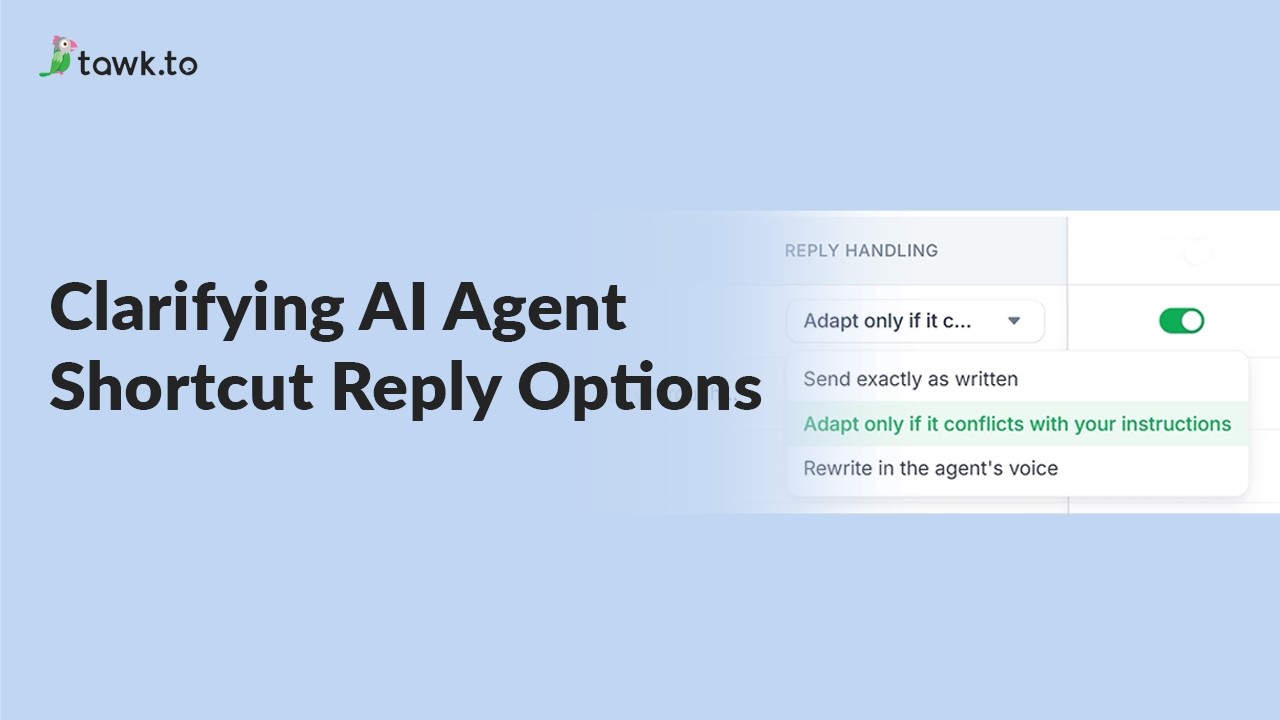
- Clarifying AI Agent shortcut reply options
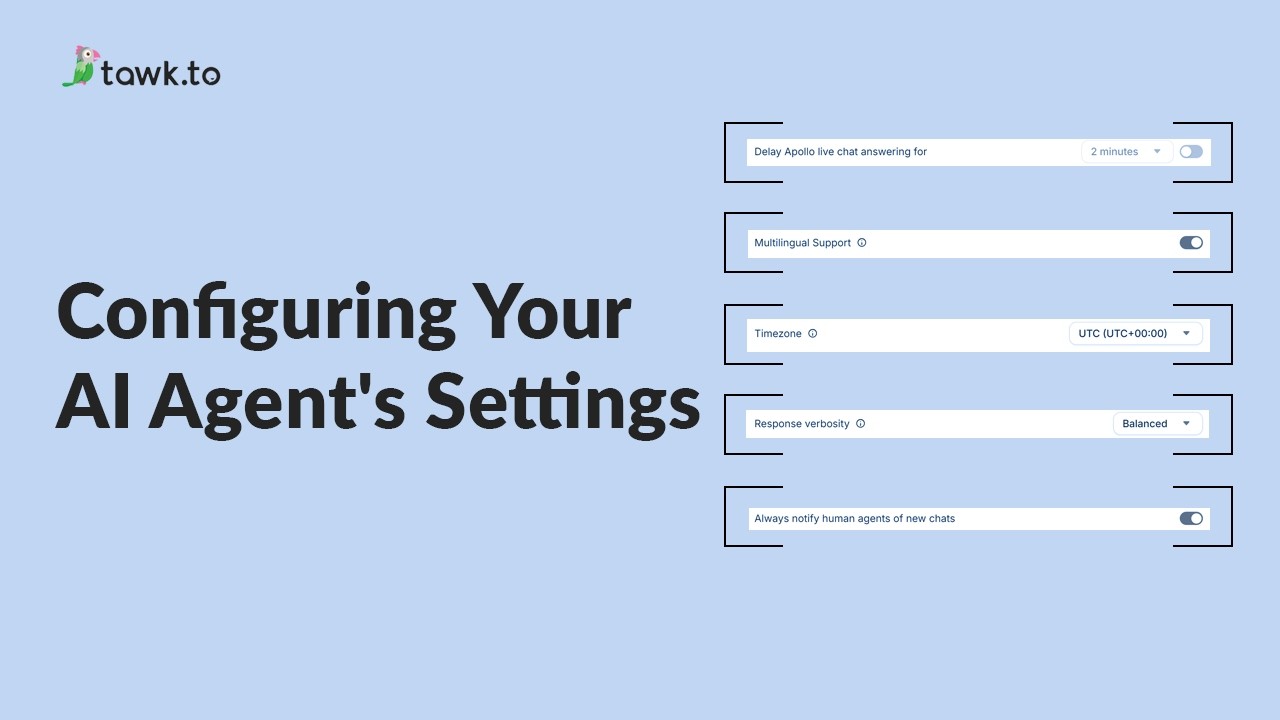
- Configuring your AI Agent's settings
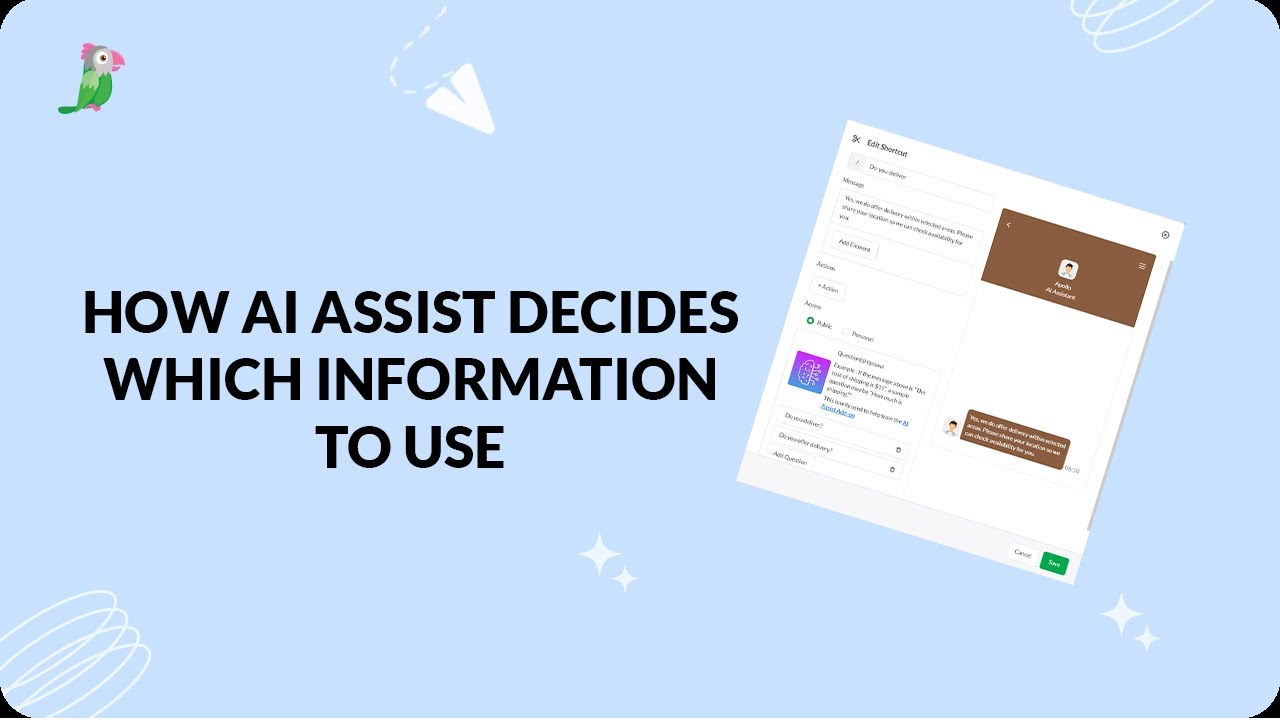
- How AI assist decides which information to use
Open the tawk.to Academy
Every topic and 220+ videos in one place.