
Capture Leads Automatically with Workflows
Add people to your Leads automatically so no lead gets missed. This video shows how to use tawk.to Workflows to capture leads without manual entry. Start from a ready-made Leads template, such as offline messages, WhatsApp contacts, missed calls or an AI agent capturing a lead. Or build your own with a trigger like Person created, then add the Mark as lead and Set lead status steps. You can also add a Slack notification, and see every workflow that captures leads from the Lead sources menu.
· Share this video
· More in this topic
Workflows
- Getting Started with Workflows
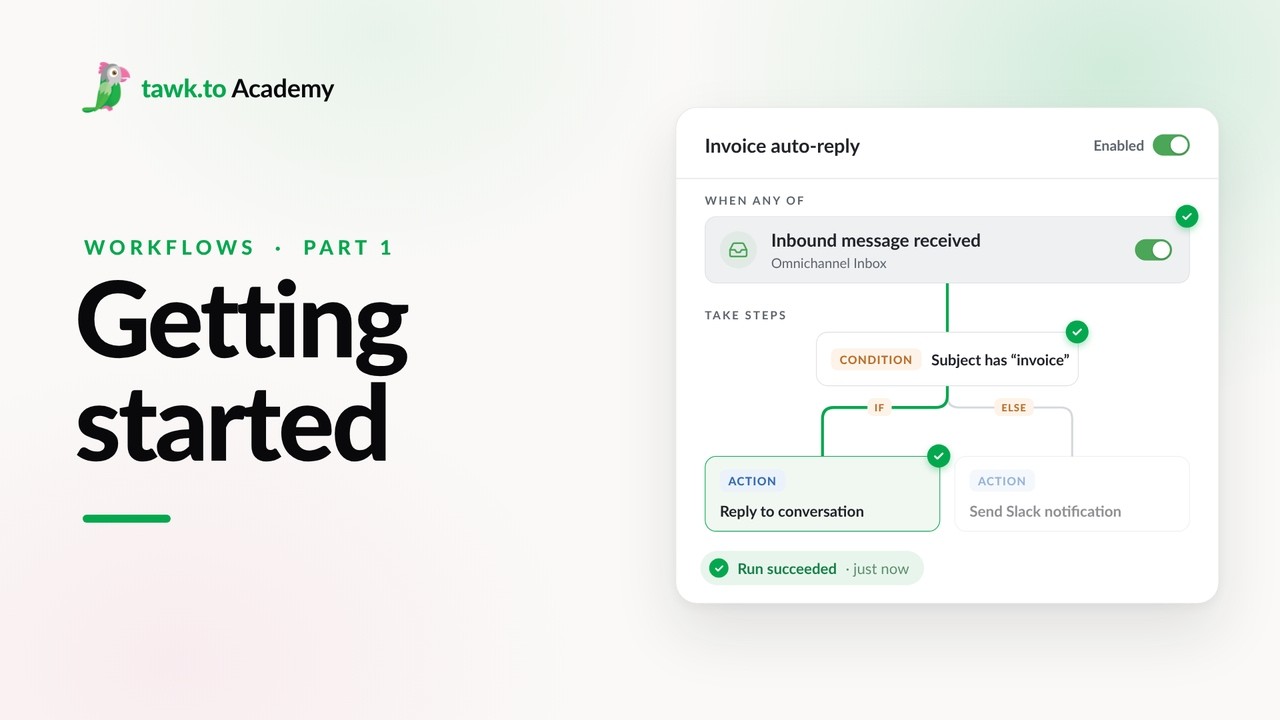
- Choosing a Workflow Trigger
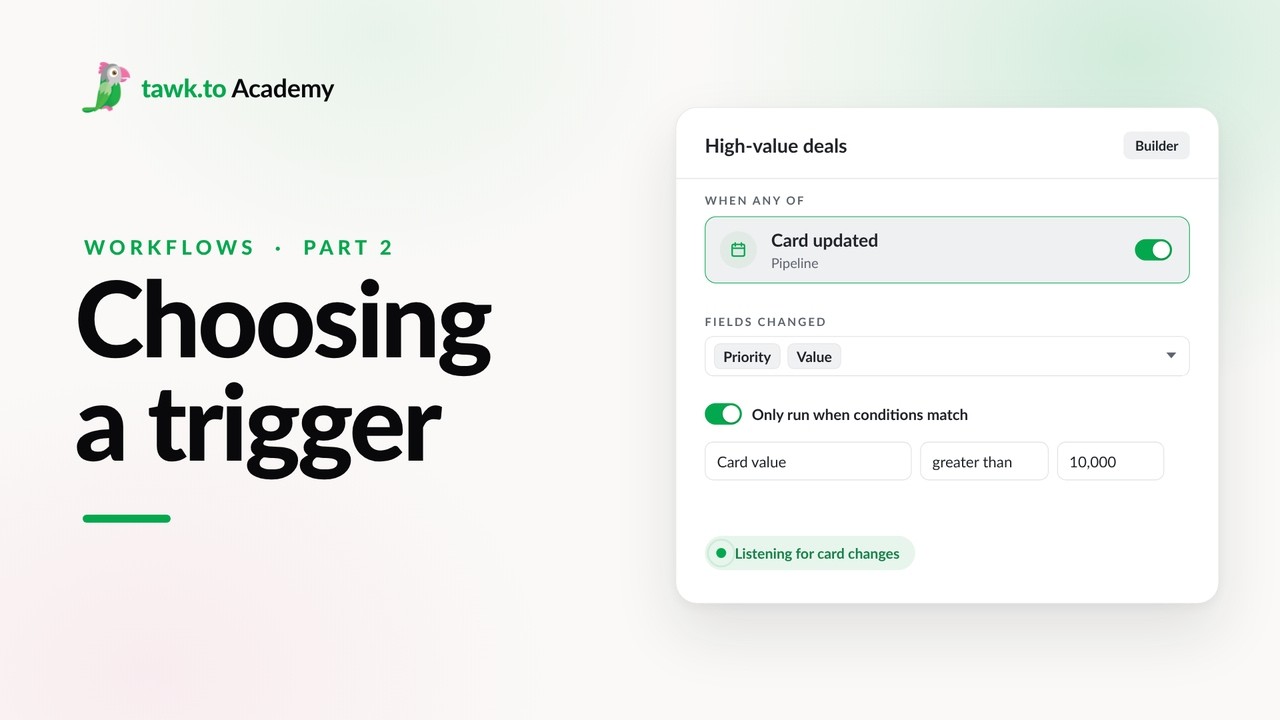
- Scheduled Workflows
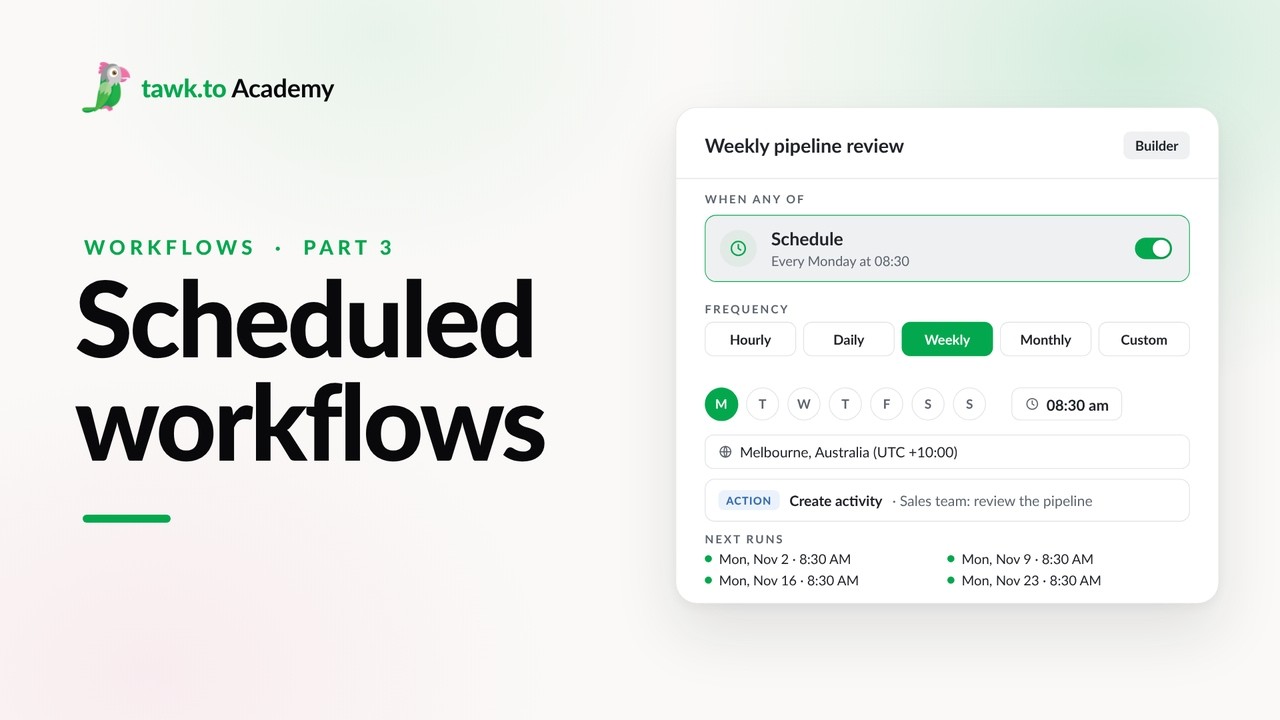
- Start a Workflow with a Webhook
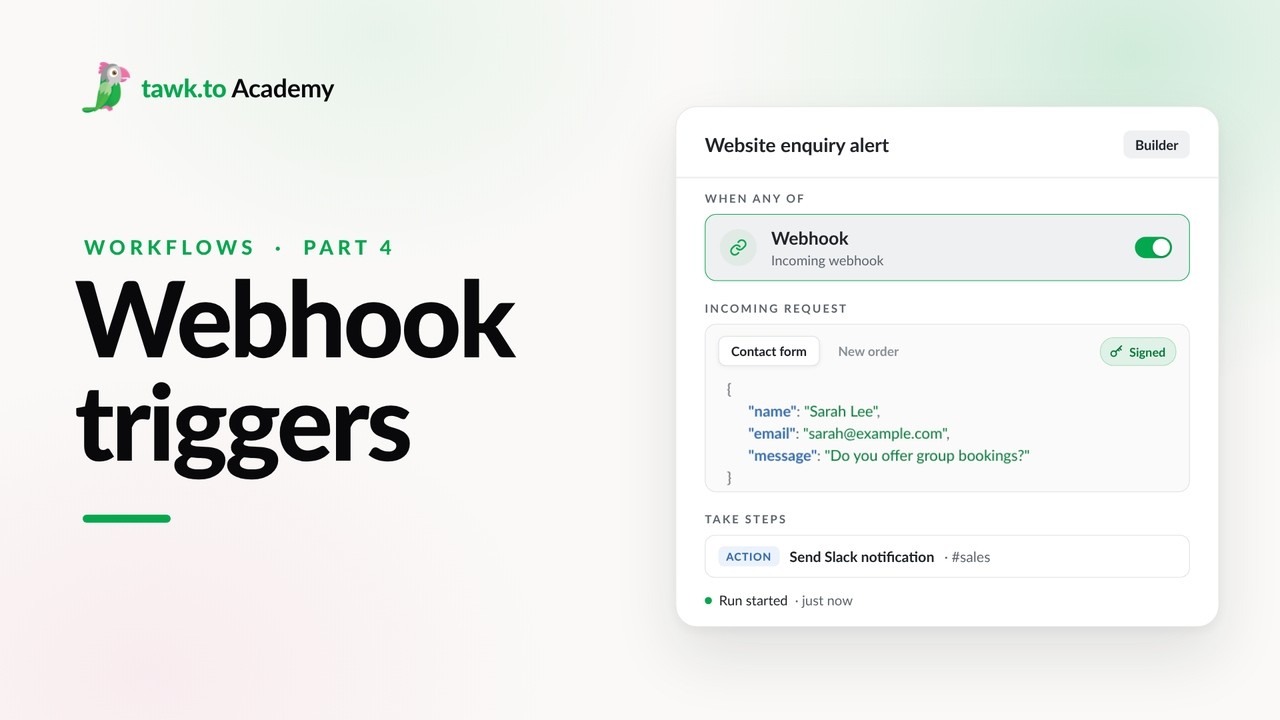
- Start a Workflow from an AI Agent
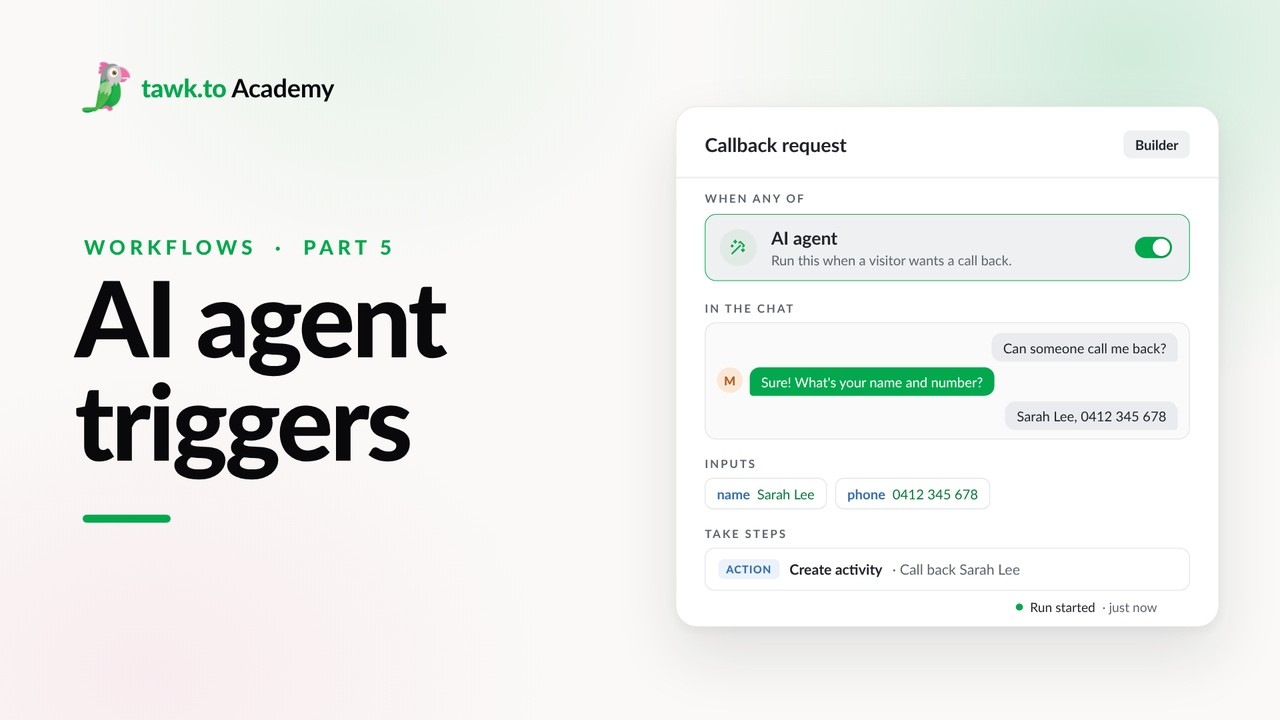
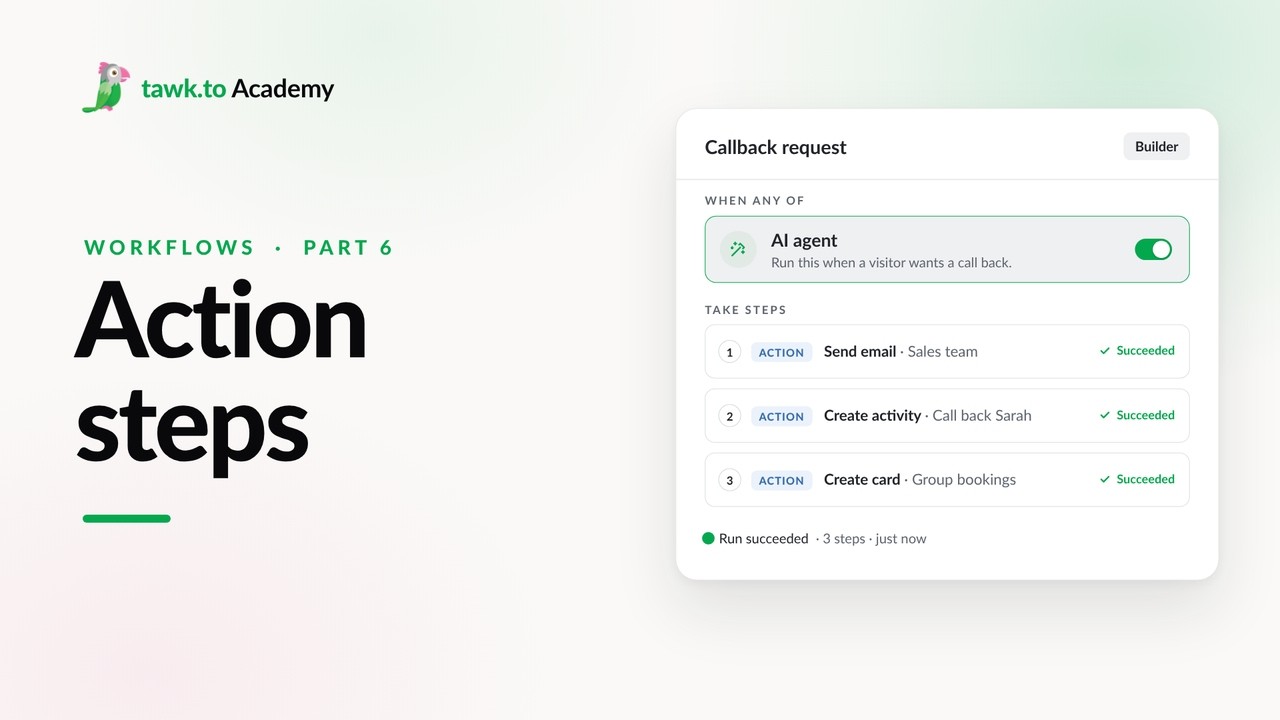
- Adding Actions to a Workflow
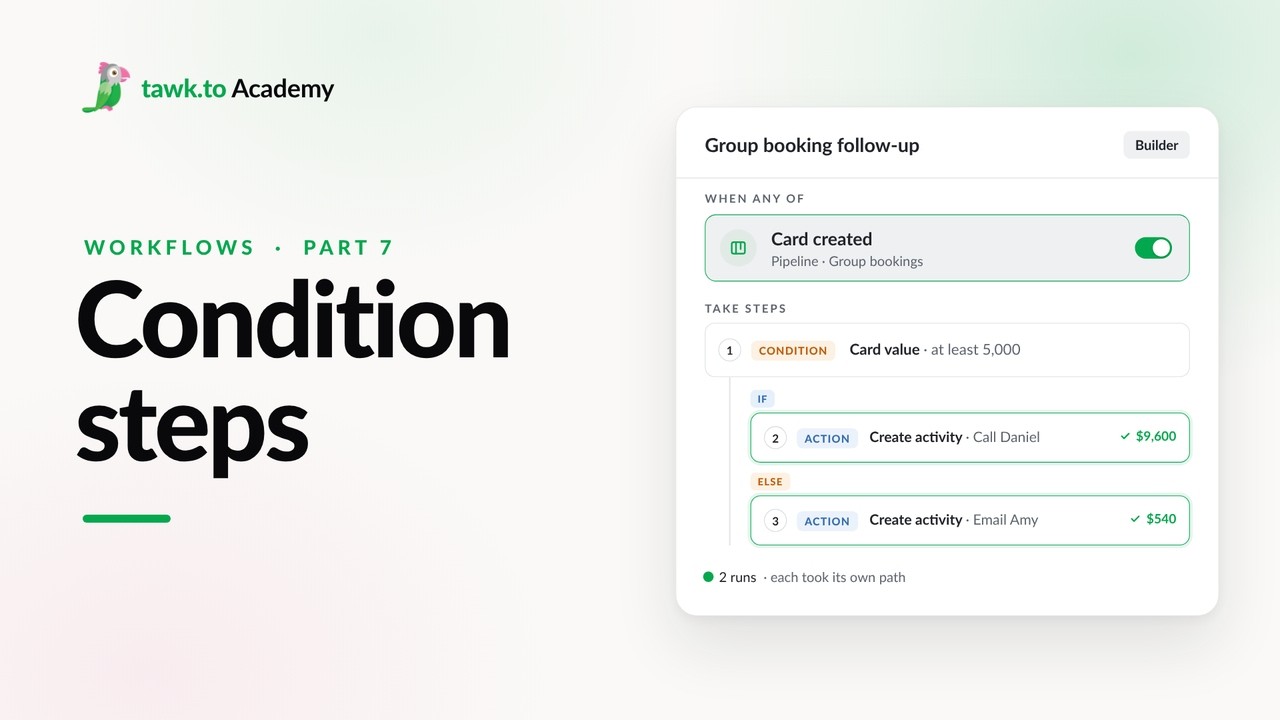
- Branching a Workflow with Conditions
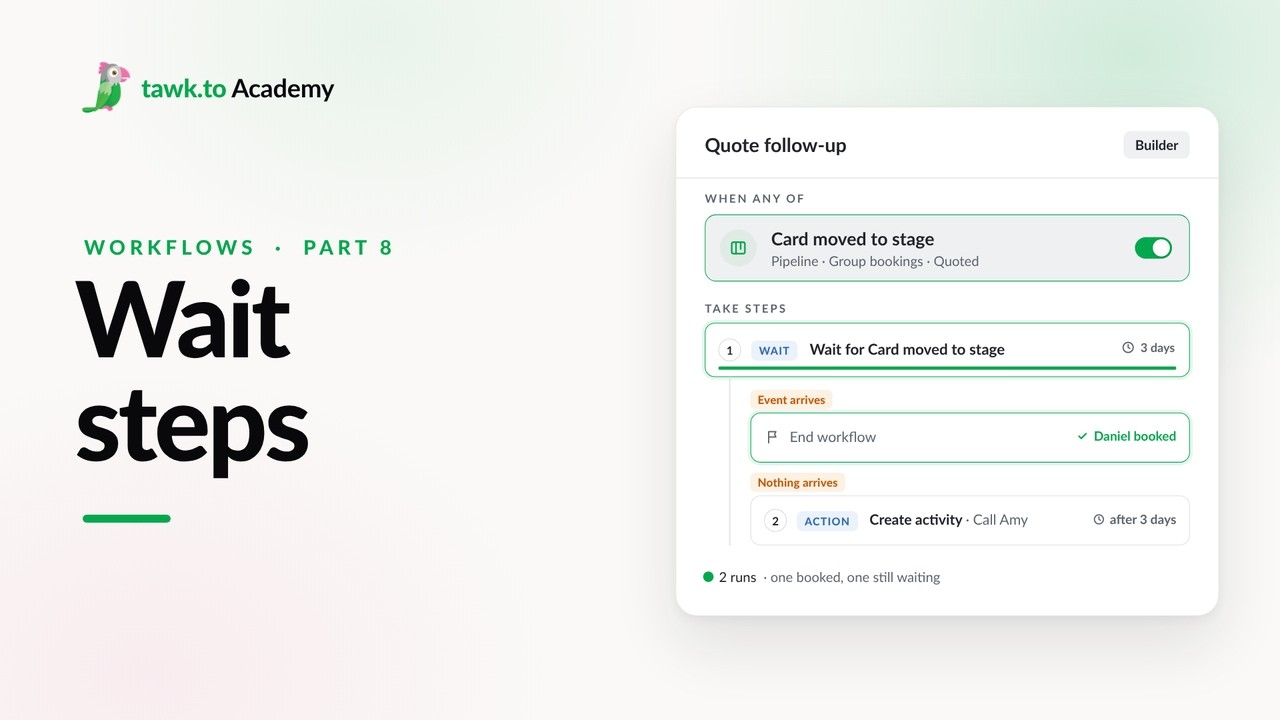
- Pausing a Workflow with Wait Steps
Open the tawk.to Academy
Every topic and 220+ videos in one place.