
Call Other Apps from a Workflow
Your workflow can call other apps and services with an HTTP request, to send them details or get information back, even when there’s no step for them. This video shows how to add an HTTP request action, enter a URL, and choose between GET and POST. You’ll also see how to add an API key as a hidden secret header, send a JSON body with details from earlier steps, and keep your workflow running if a request fails. Then test it with Run now and check the status and response in the Runs tab, with an example where a workflow checks for public holidays every morning and updates a closed notice, so the firm’s AI agent always tells clients the right thing.
· Share this video
· More in this topic
Workflows
- Getting Started with Workflows
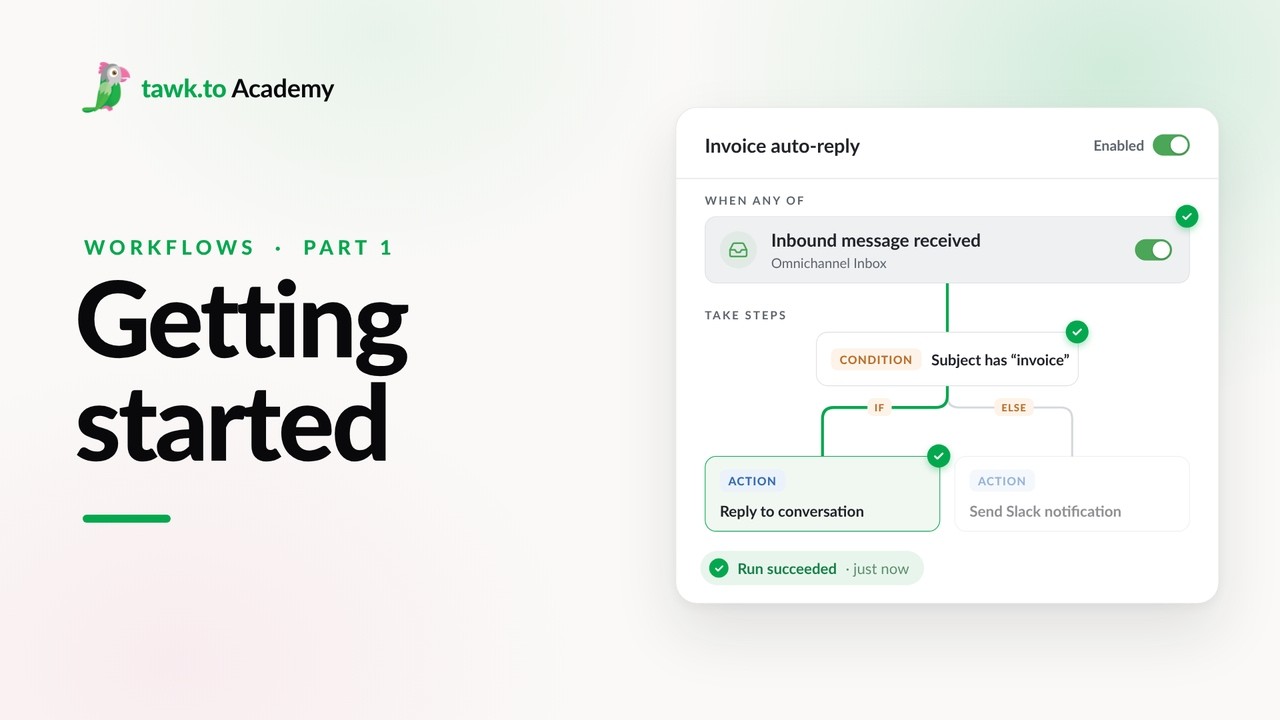
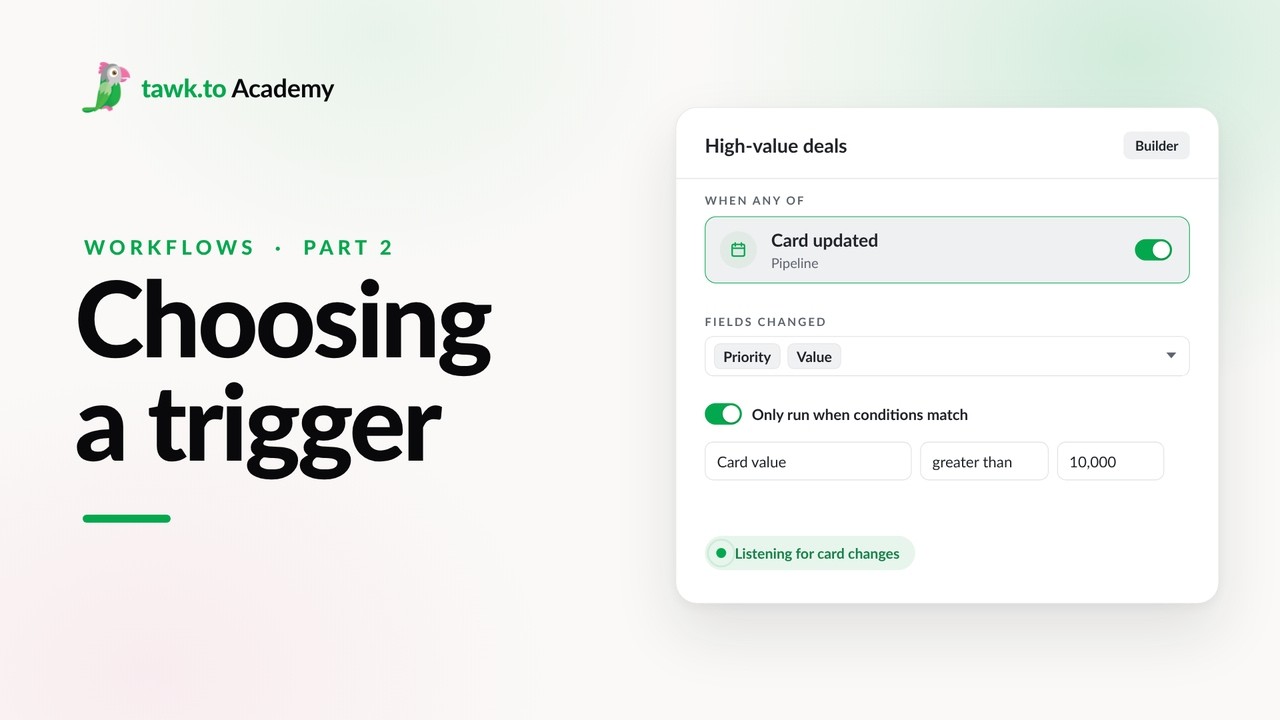
- Choosing a Workflow Trigger
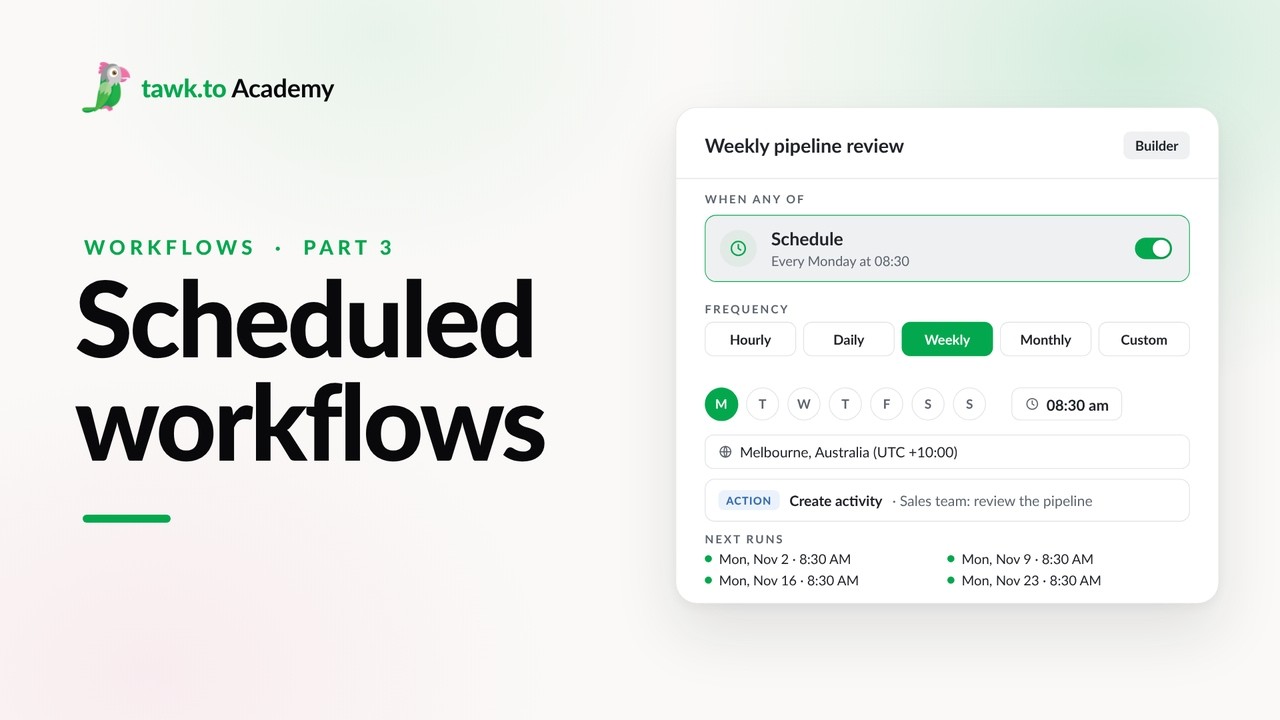
- Scheduled Workflows
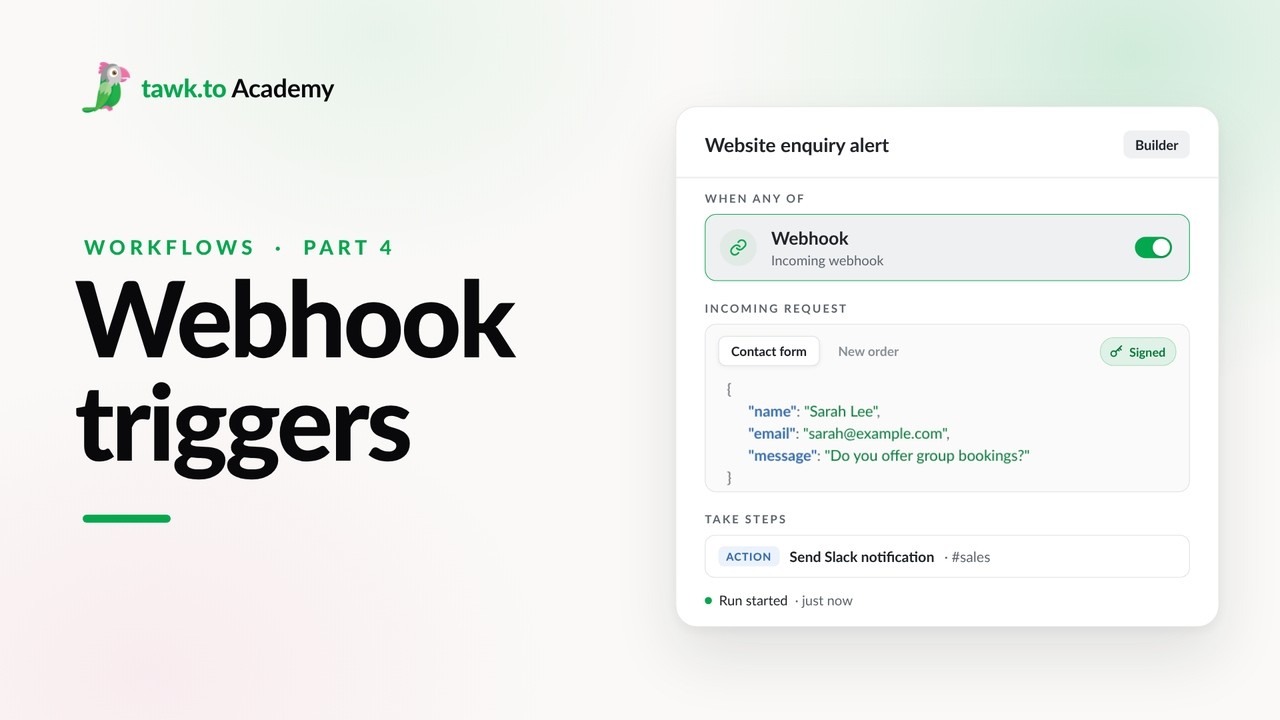
- Start a Workflow with a Webhook
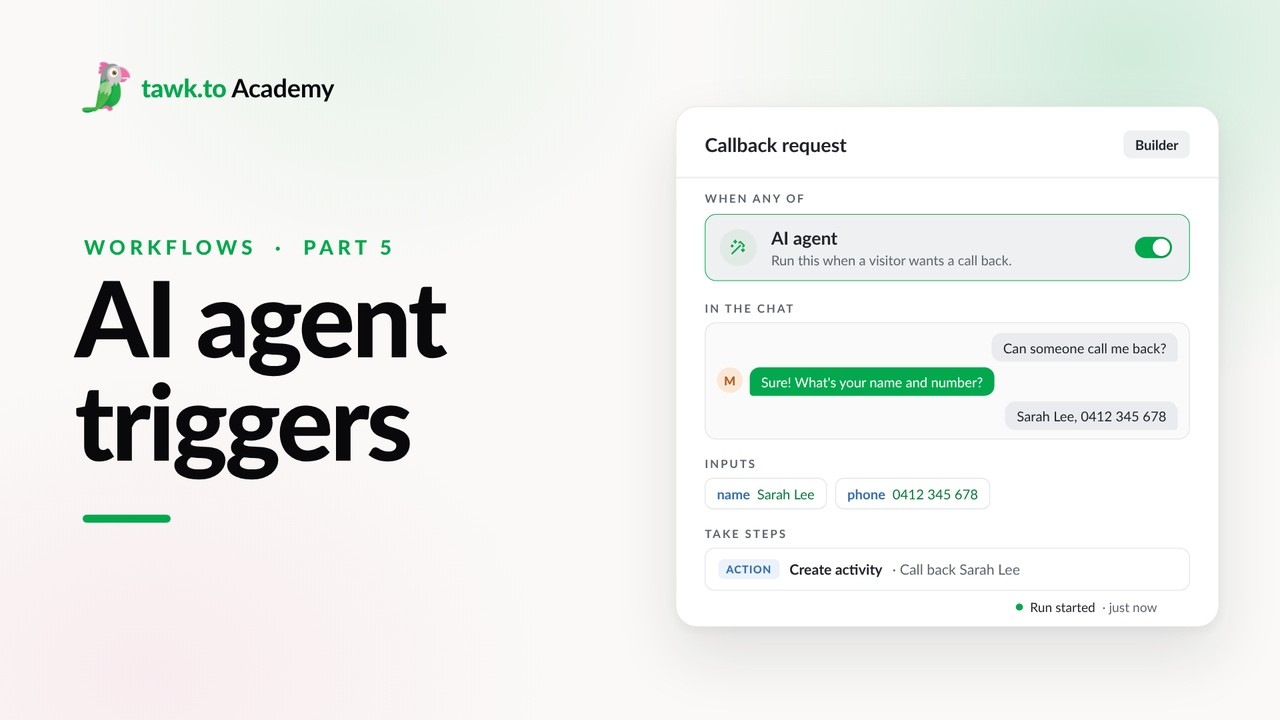
- Start a Workflow from an AI Agent
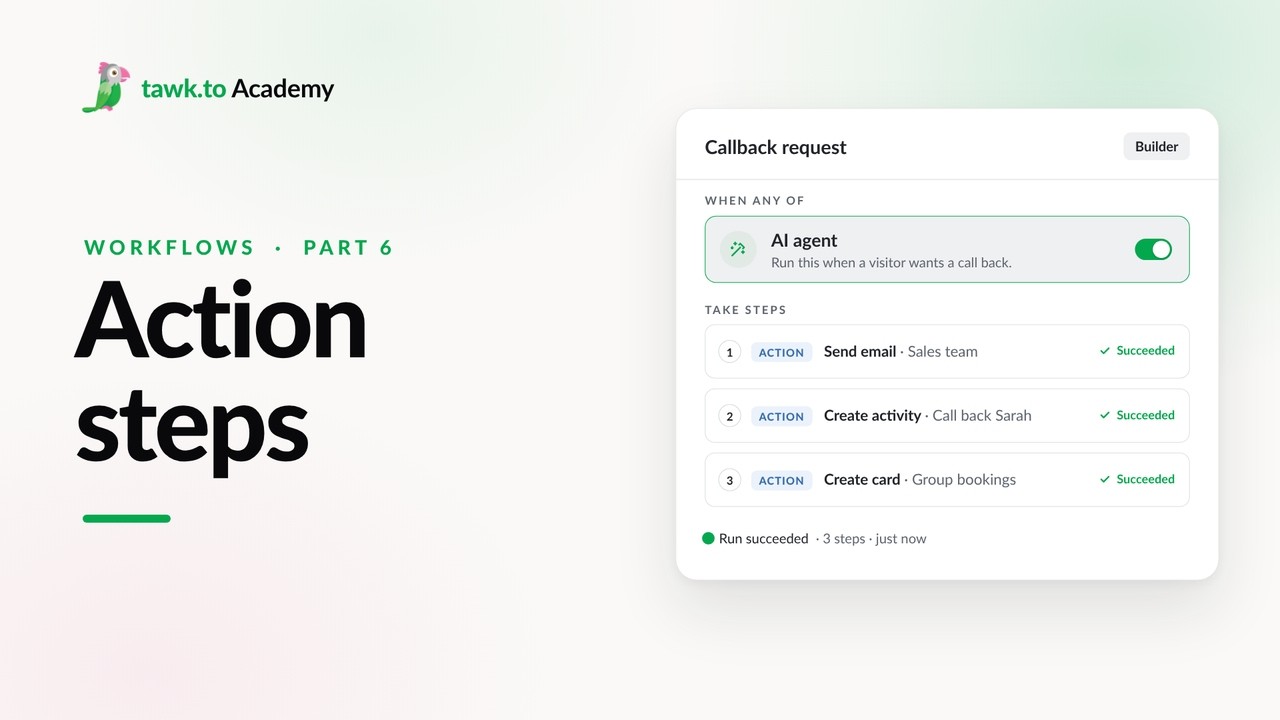
- Adding Actions to a Workflow
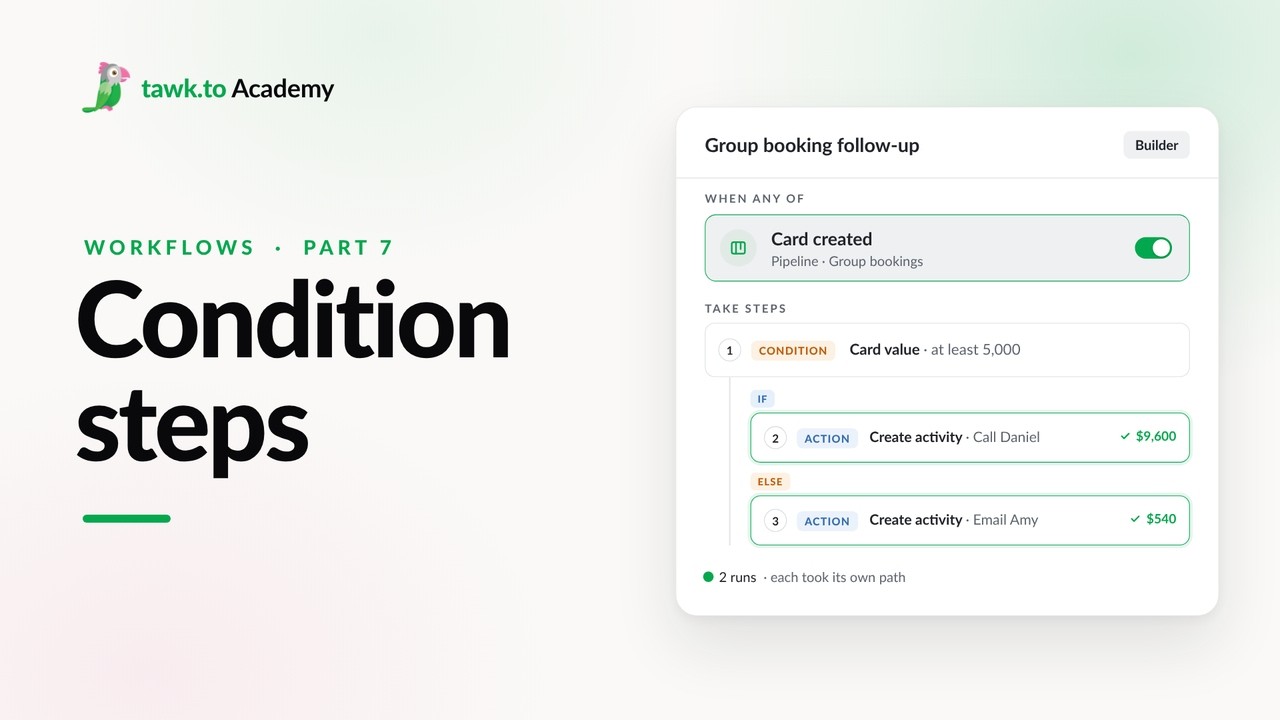
- Branching a Workflow with Conditions
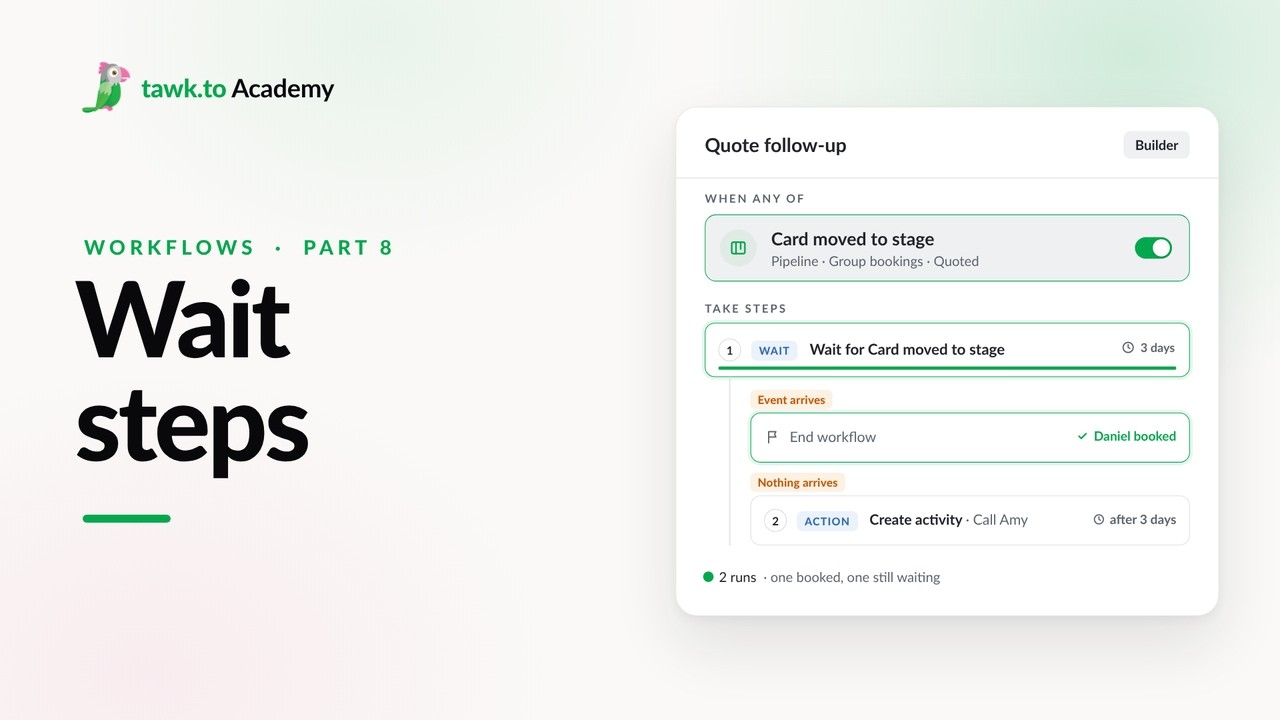
- Pausing a Workflow with Wait Steps
Open the tawk.to Academy
Every topic and 220+ videos in one place.