
Automate Your Changelog with a Workflow
Your workflow can turn the work you’ve shipped into a changelog update, written for you, so your customers always know what’s new. This video shows how to start from the Weekly product update template, choose your roadmap and the column your finished work moves to, and how it only picks up approved issues so nothing is announced twice. You’ll also see how an AI step writes the title, summary and full post, how to save it as a draft or publish right away, and what to do if you don’t use the Slack step. Then see it in action with a booking software company whose workflow writes up the new CSV export every Friday, so the product manager only has to read it over.
· Share this video
· More in this topic
Workflows
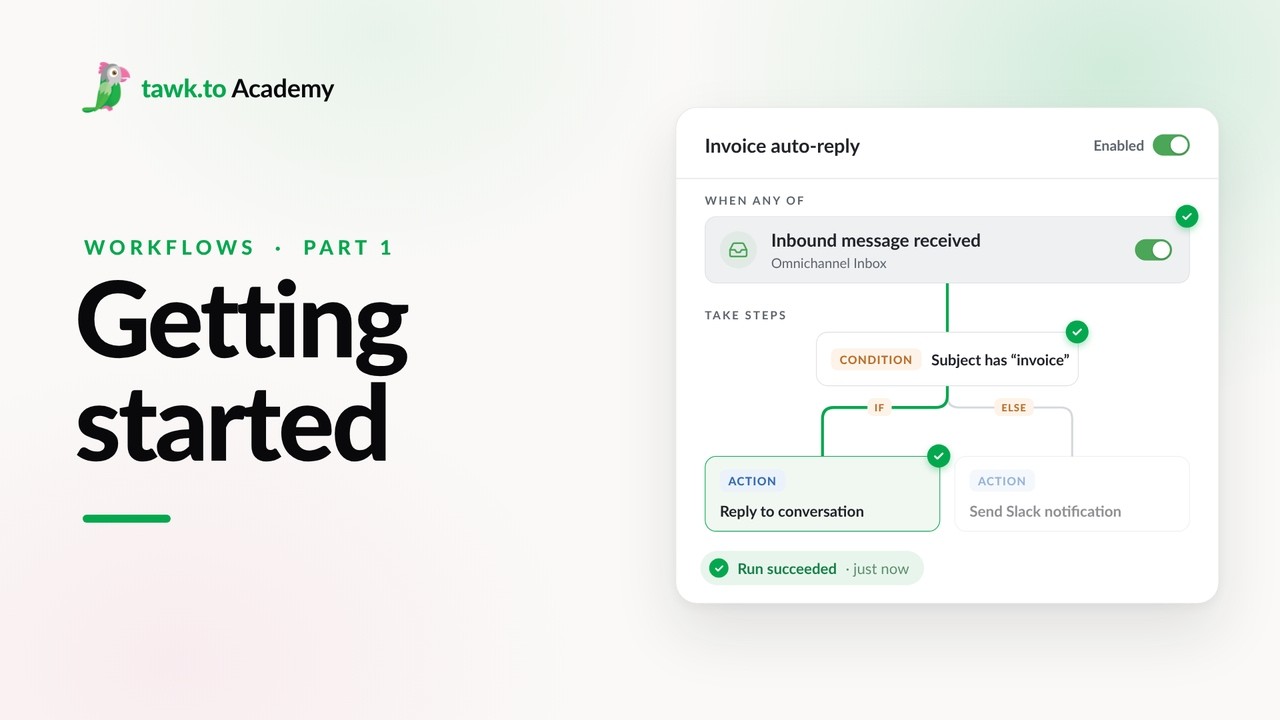
- Getting Started with Workflows
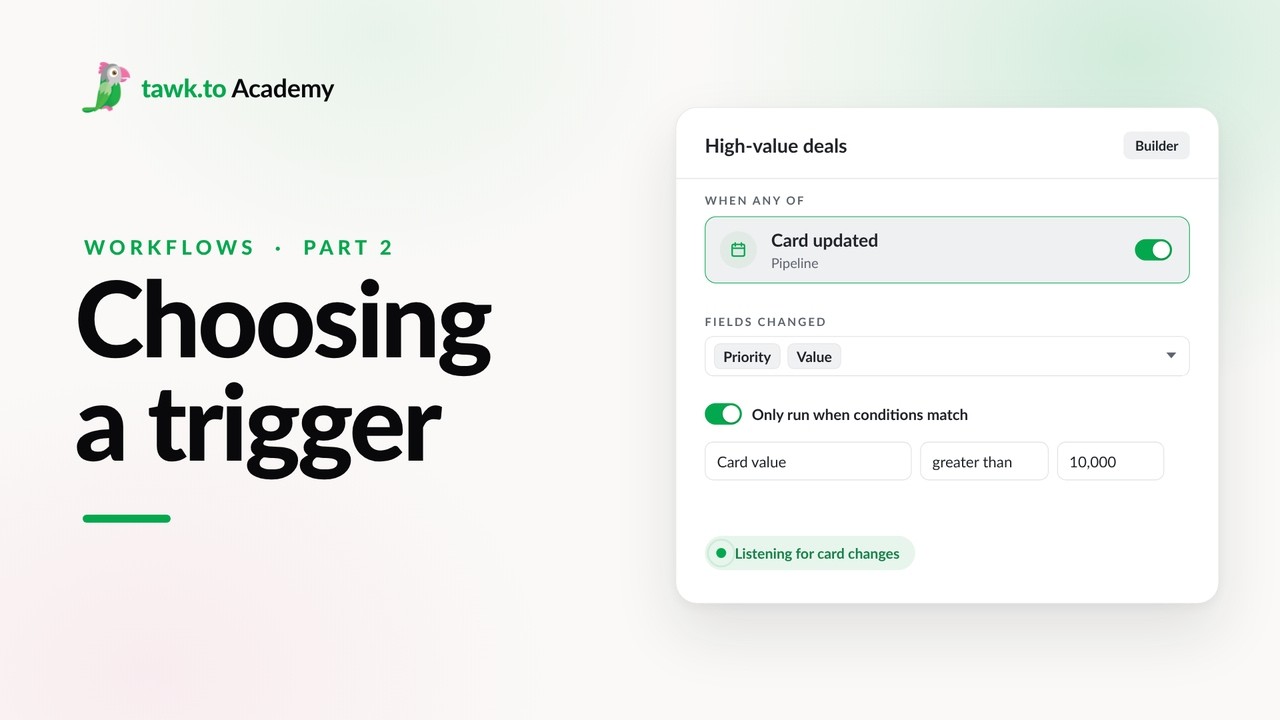
- Choosing a Workflow Trigger
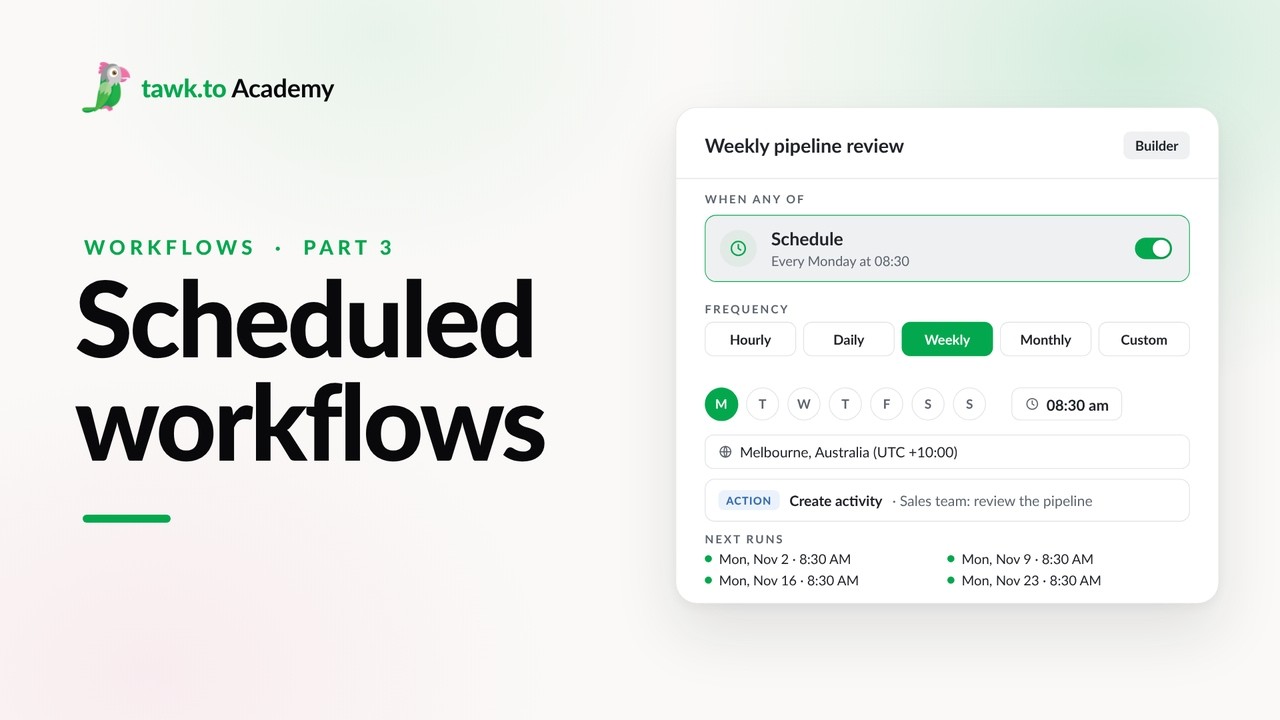
- Scheduled Workflows
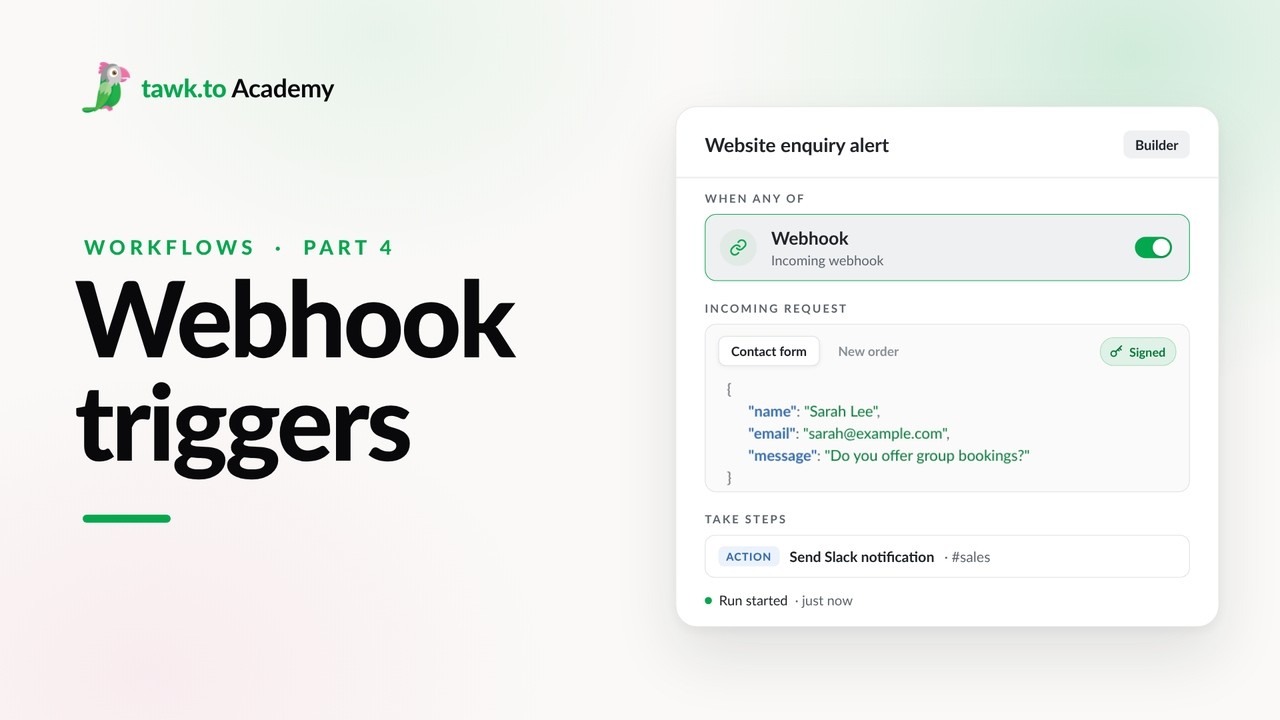
- Start a Workflow with a Webhook
- Start a Workflow from an AI Agent
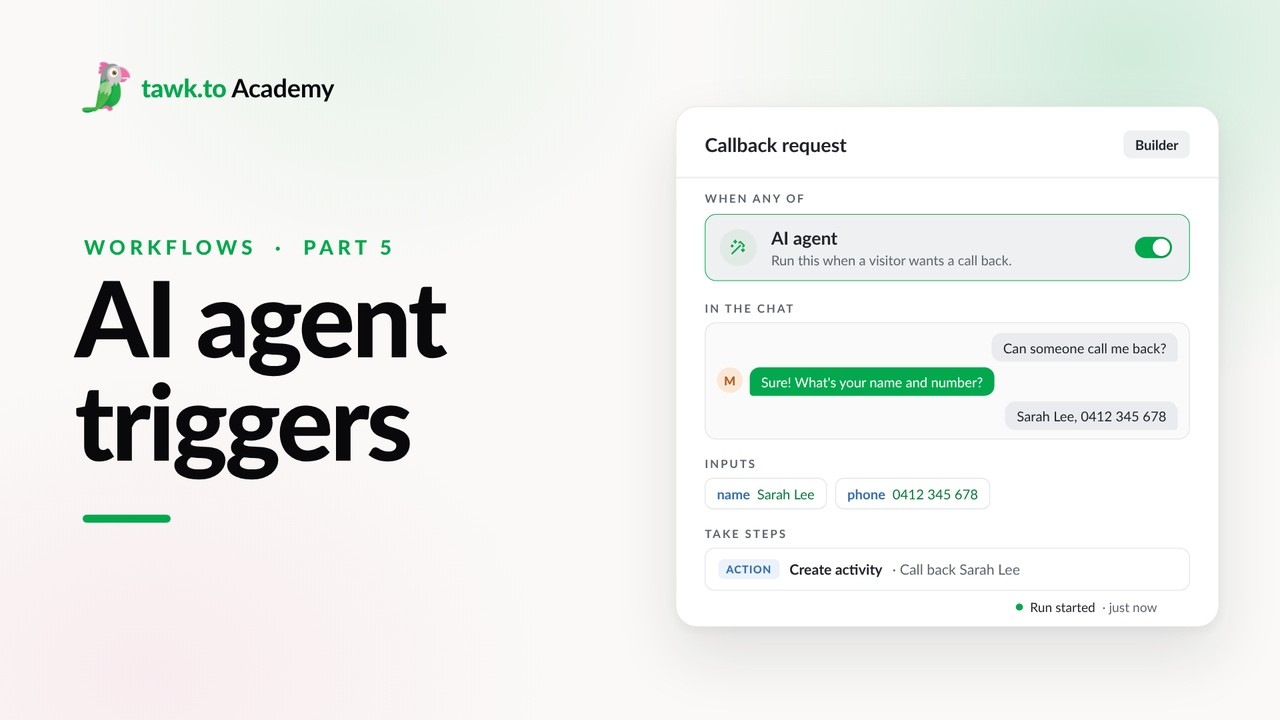
- Adding Actions to a Workflow
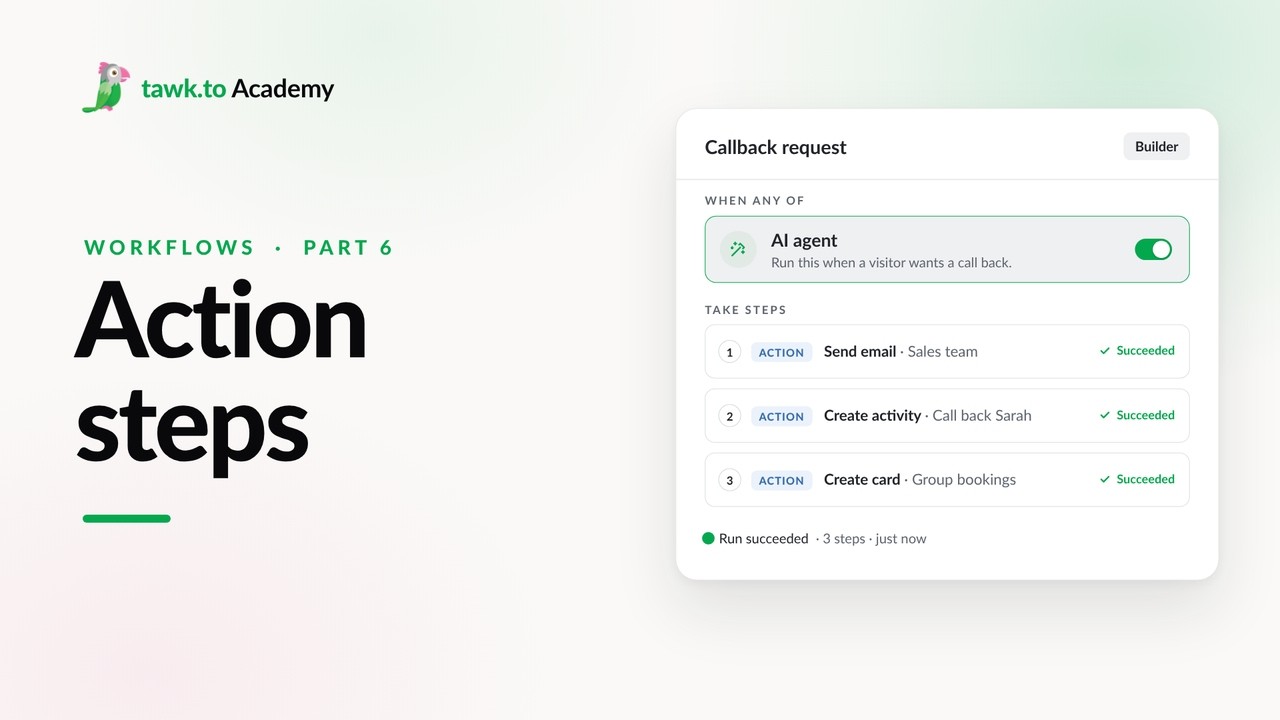
- Branching a Workflow with Conditions
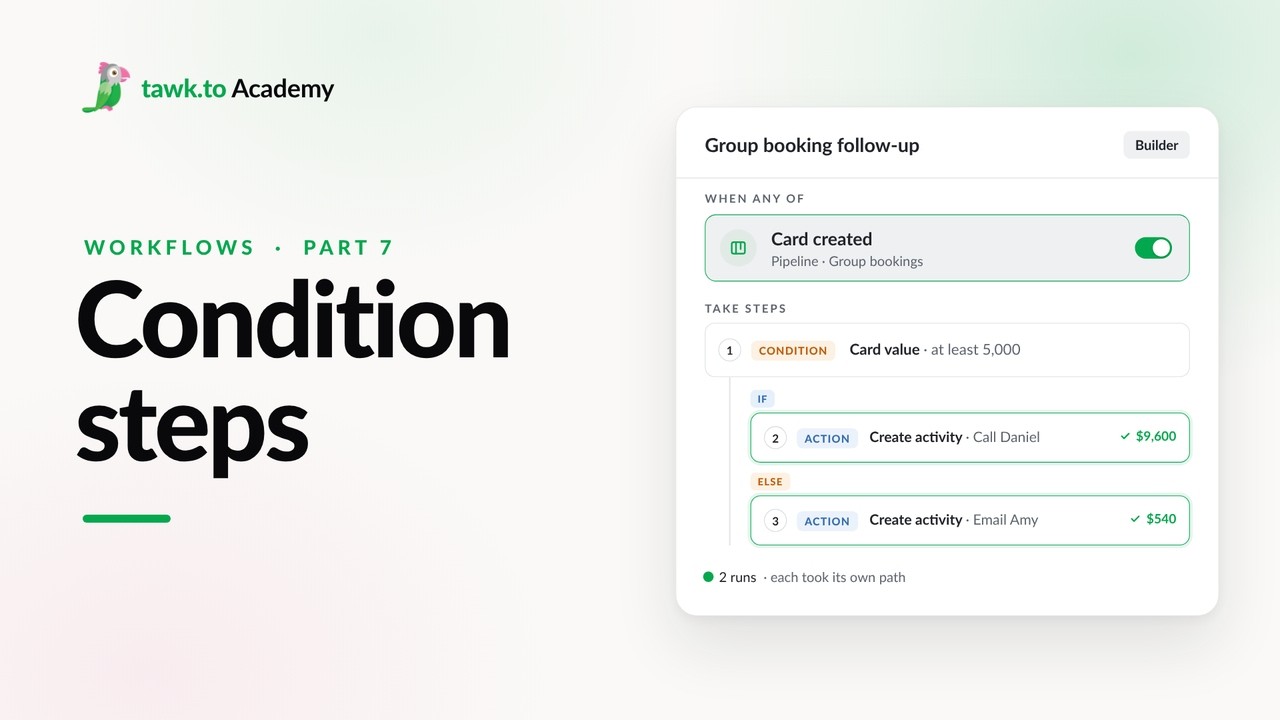
- Pausing a Workflow with Wait Steps
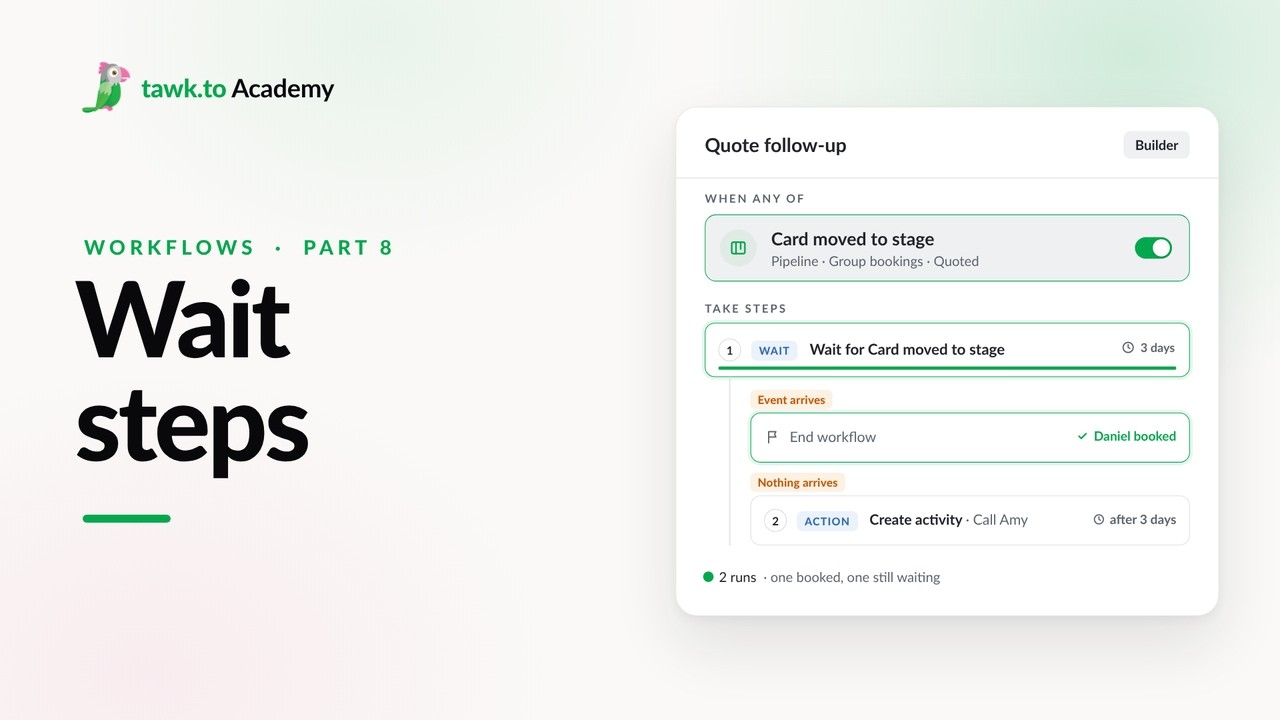
Open the tawk.to Academy
Every topic and 220+ videos in one place.