
Automate Activities with Workflows
Your workflow can add calls, tasks and meetings to Activities for you. It can also update an activity, or complete and delete one it created, so nobody has to keep the list up to date by hand. This video shows how to add a Create activity step and fill in the details, from activity type and priority to assignee, linked records and meeting links. You’ll also see how to update an activity, including the one that triggered the run, and how to complete or delete one made by an earlier step. Then see it in action with an accounting firm whose workflow creates a follow-up call for the practice manager the moment a proposal is sent.
· Share this video
· More in this topic
Workflows
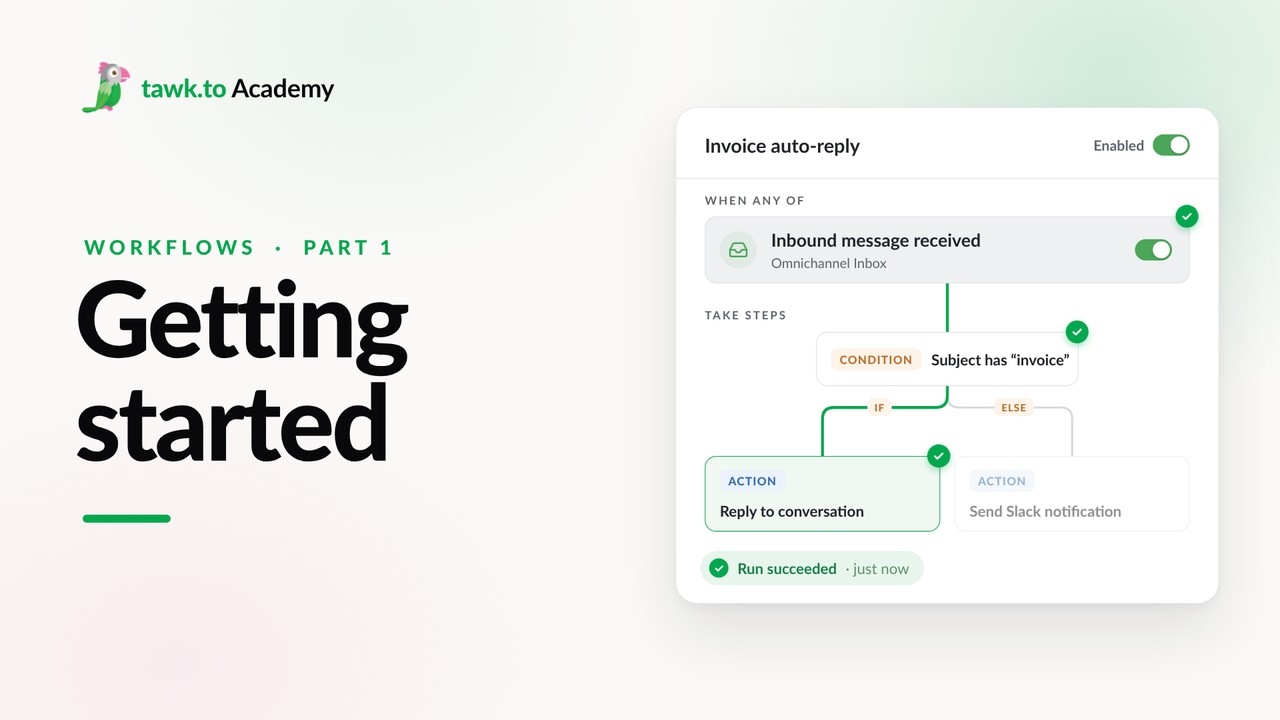
- Getting Started with Workflows
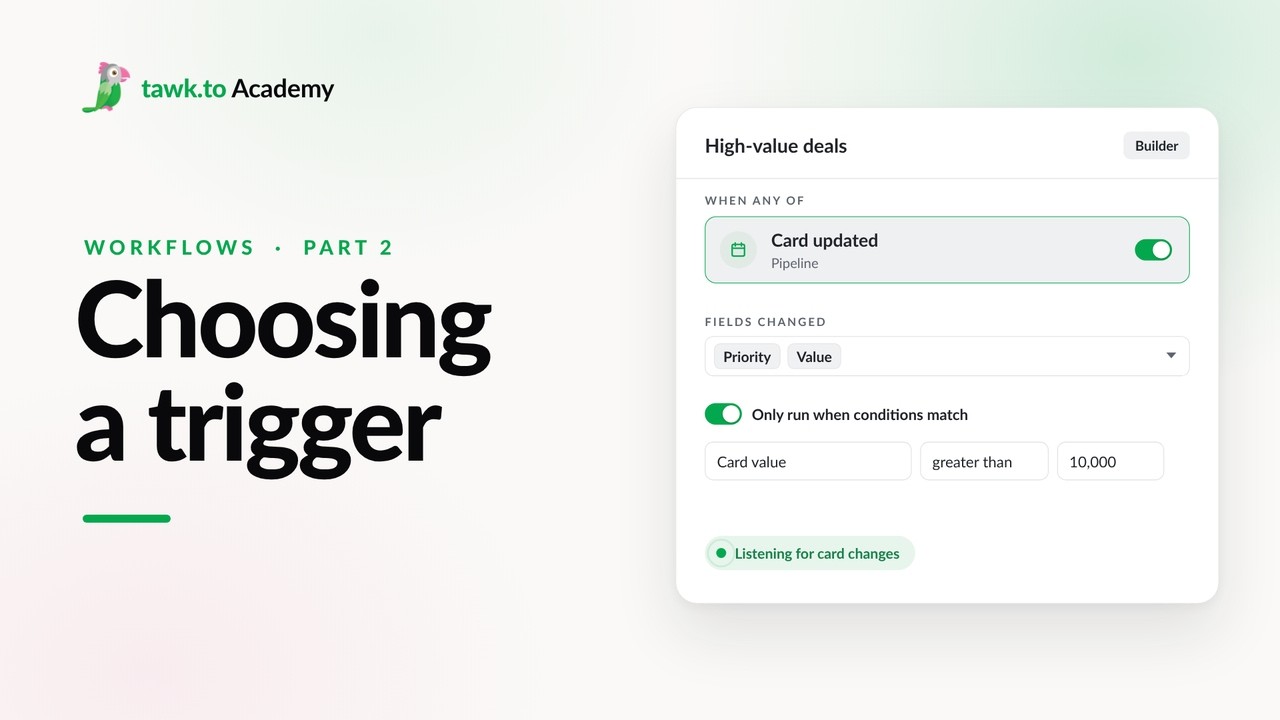
- Choosing a Workflow Trigger
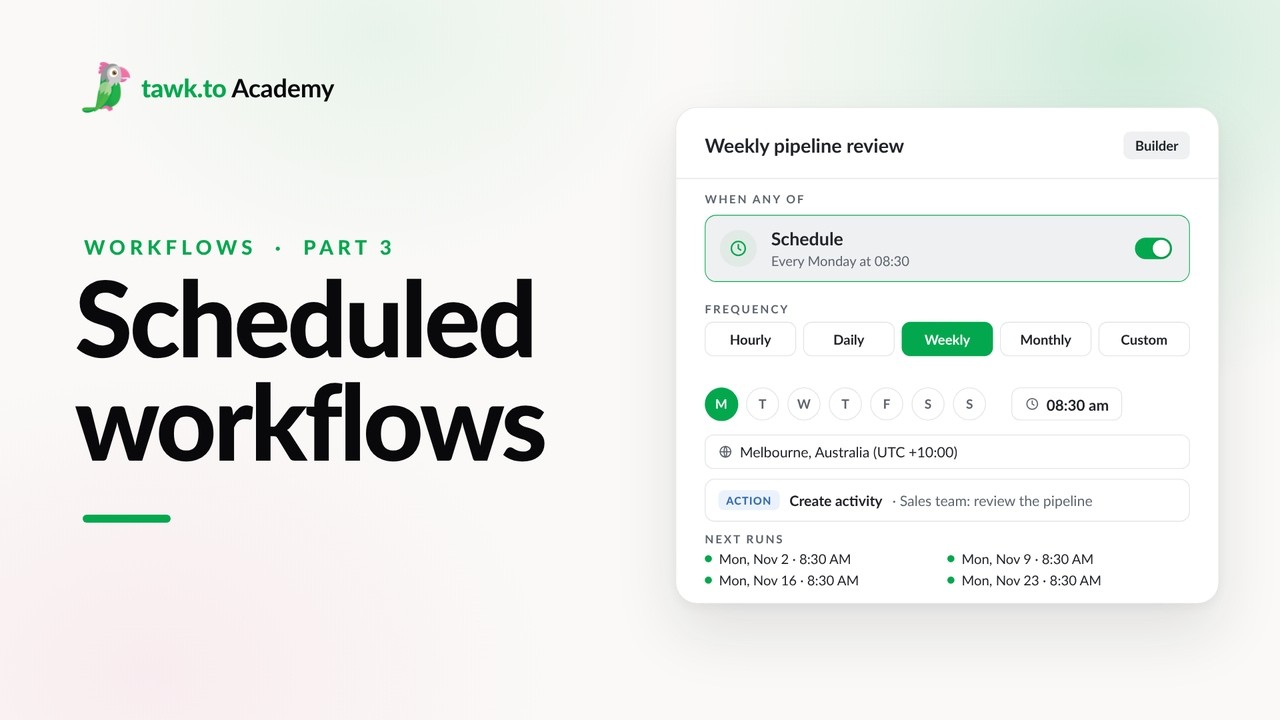
- Scheduled Workflows
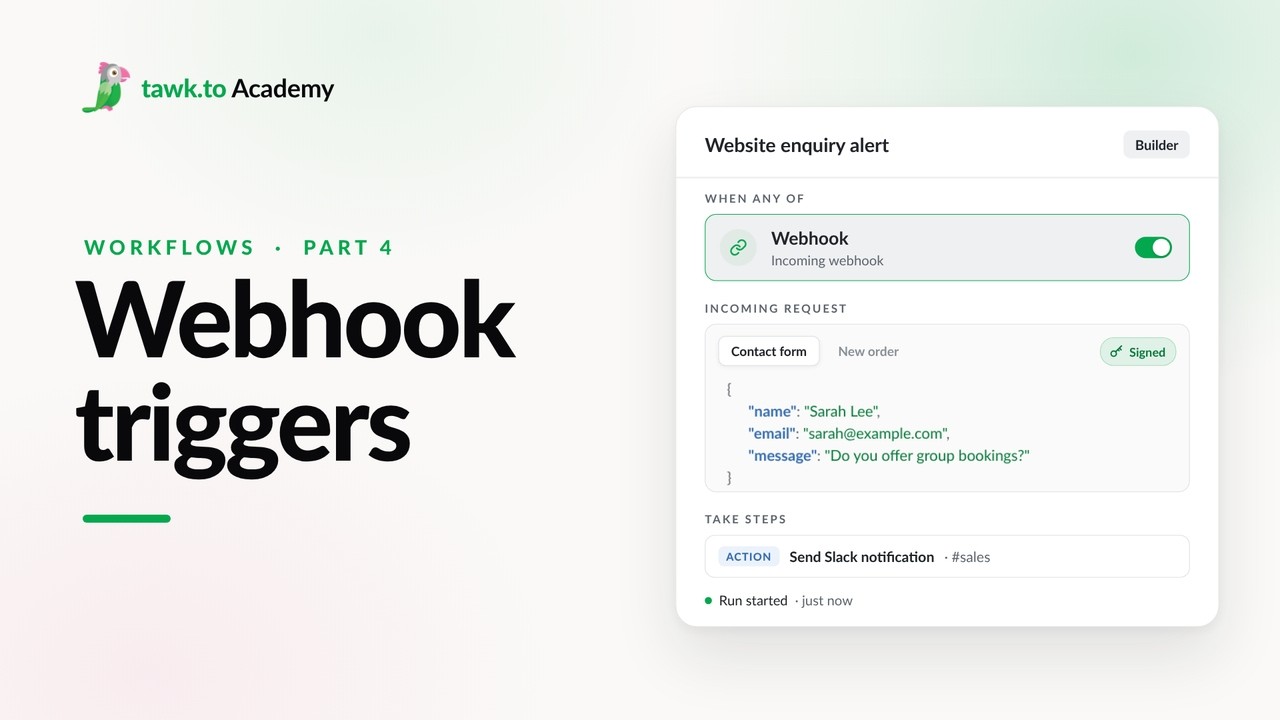
- Start a Workflow with a Webhook
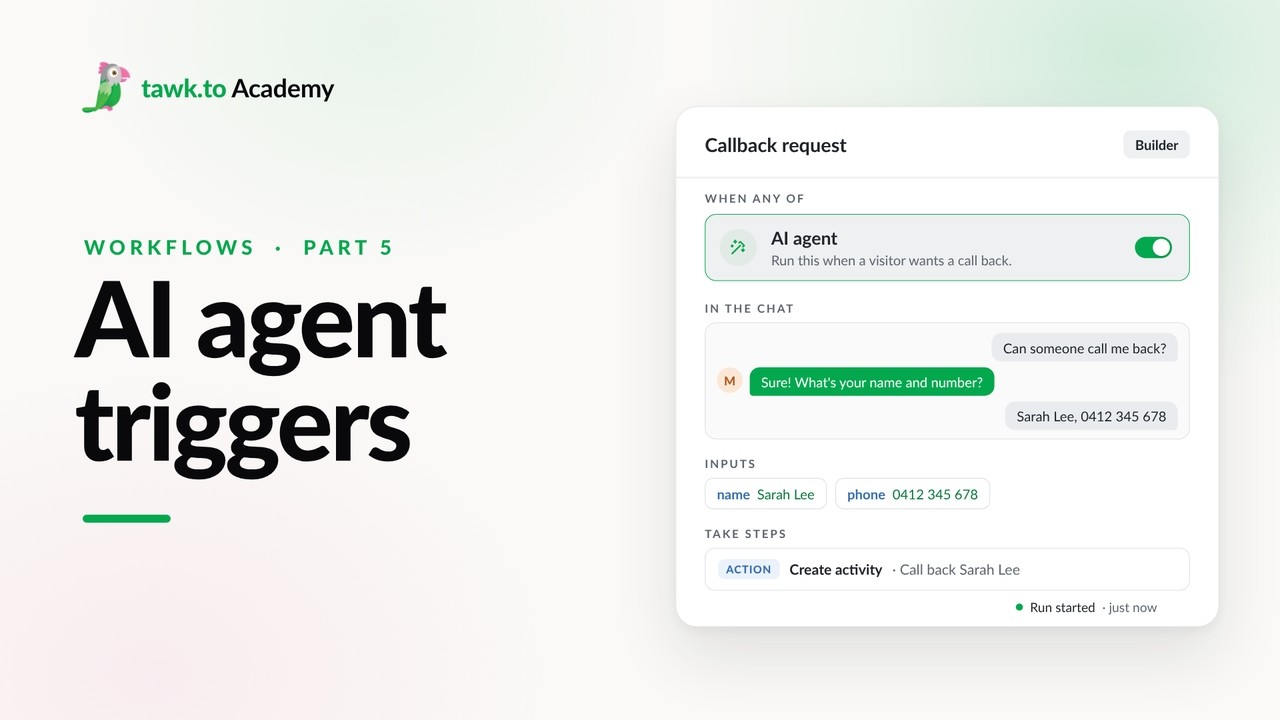
- Start a Workflow from an AI Agent
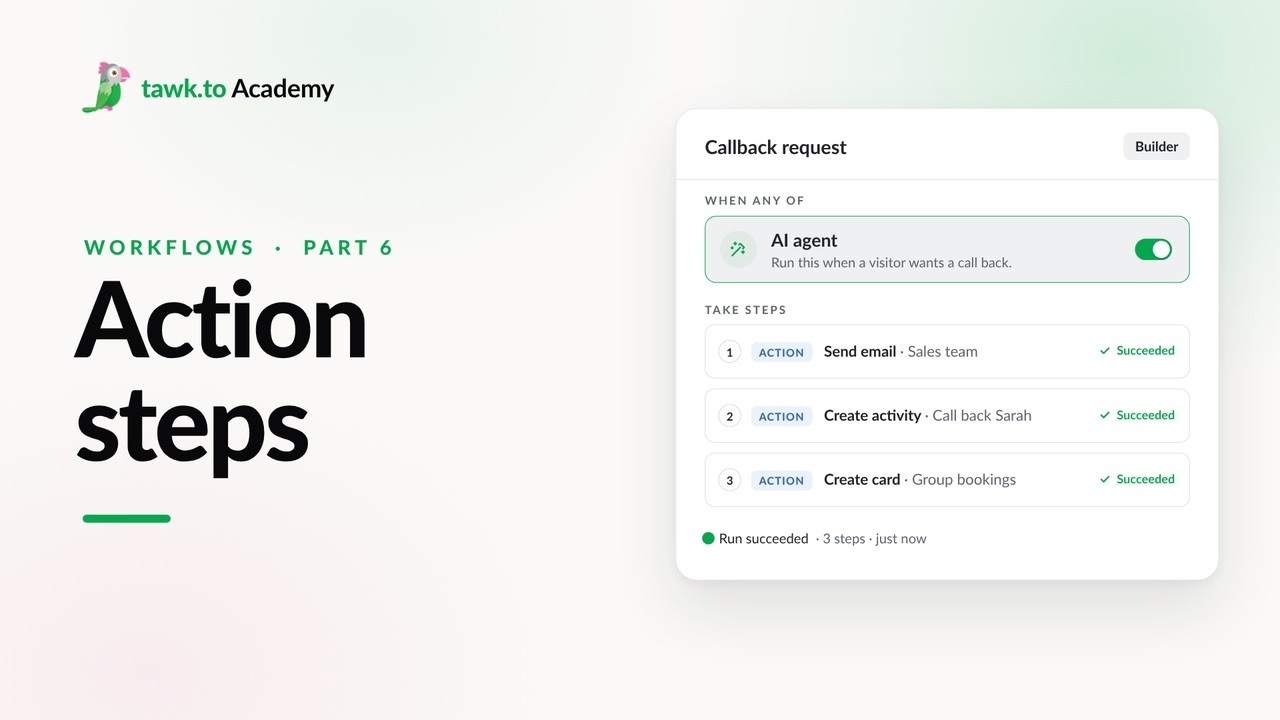
- Adding Actions to a Workflow
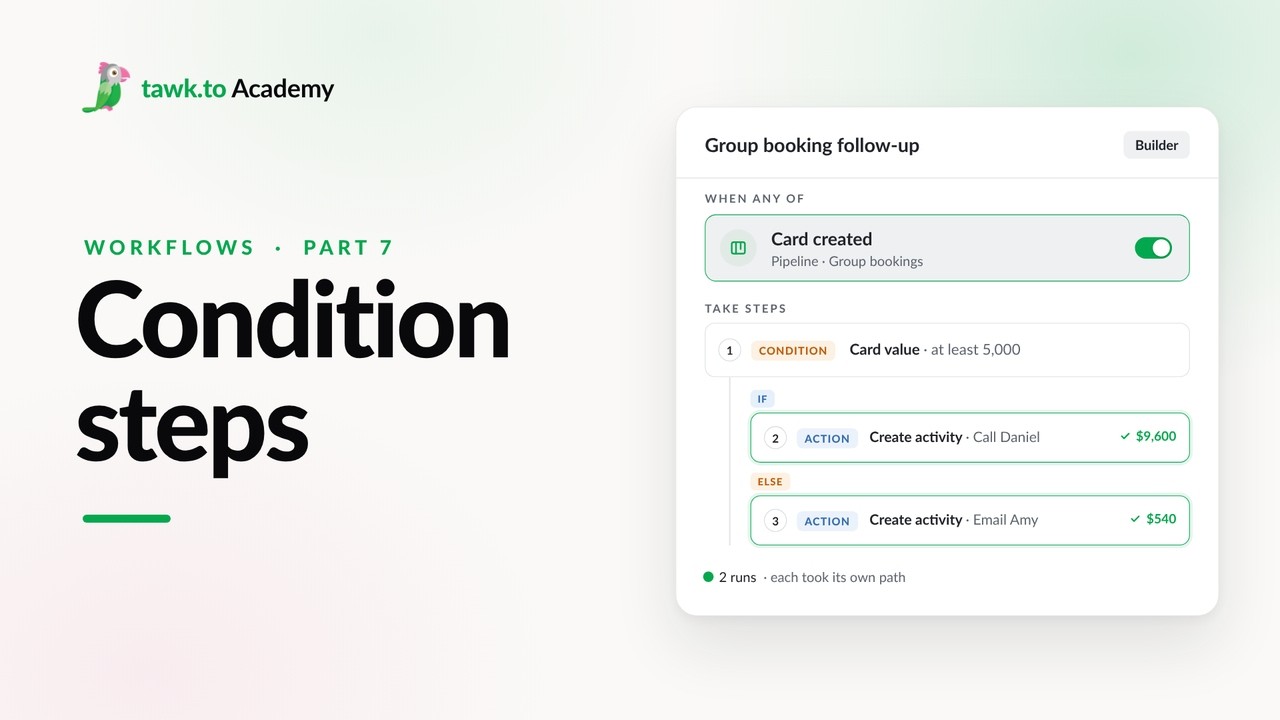
- Branching a Workflow with Conditions
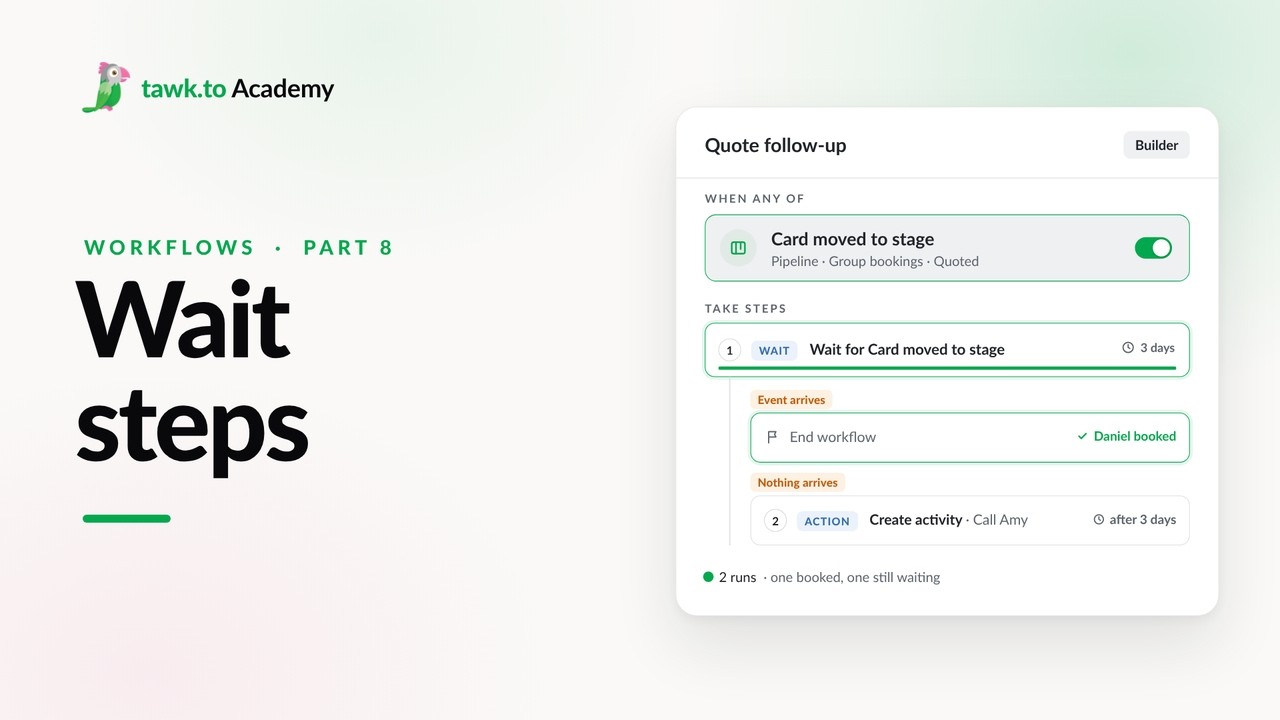
- Pausing a Workflow with Wait Steps
Open the tawk.to Academy
Every topic and 220+ videos in one place.