
Auto-Reply to Emails with a Workflow
Connected your email to tawk.to? Let a workflow answer every new email the moment it arrives, with the right reply for each one. This video shows how to set up the Inbound message received trigger for your email inbox and add a condition so it only answers new emails, not replies. You’ll also see how to use a Condition step to send booking emails down their own path, add a Reply to inbox conversation step on each path, and create a card for every booking. Then test it by sending an email to your inbox, with an example where a birthday dinner enquiry gets a reply within seconds and a new card in Group bookings.
· Share this video
· More in this topic
Workflows
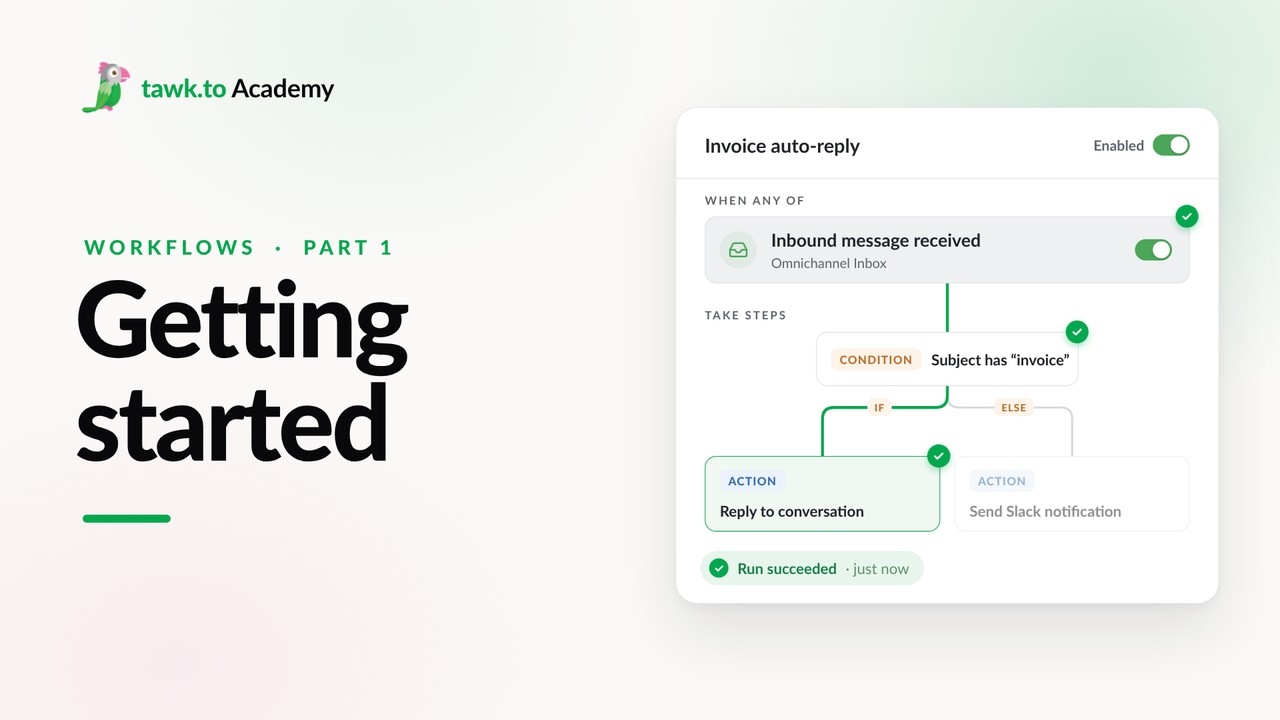
- Getting Started with Workflows
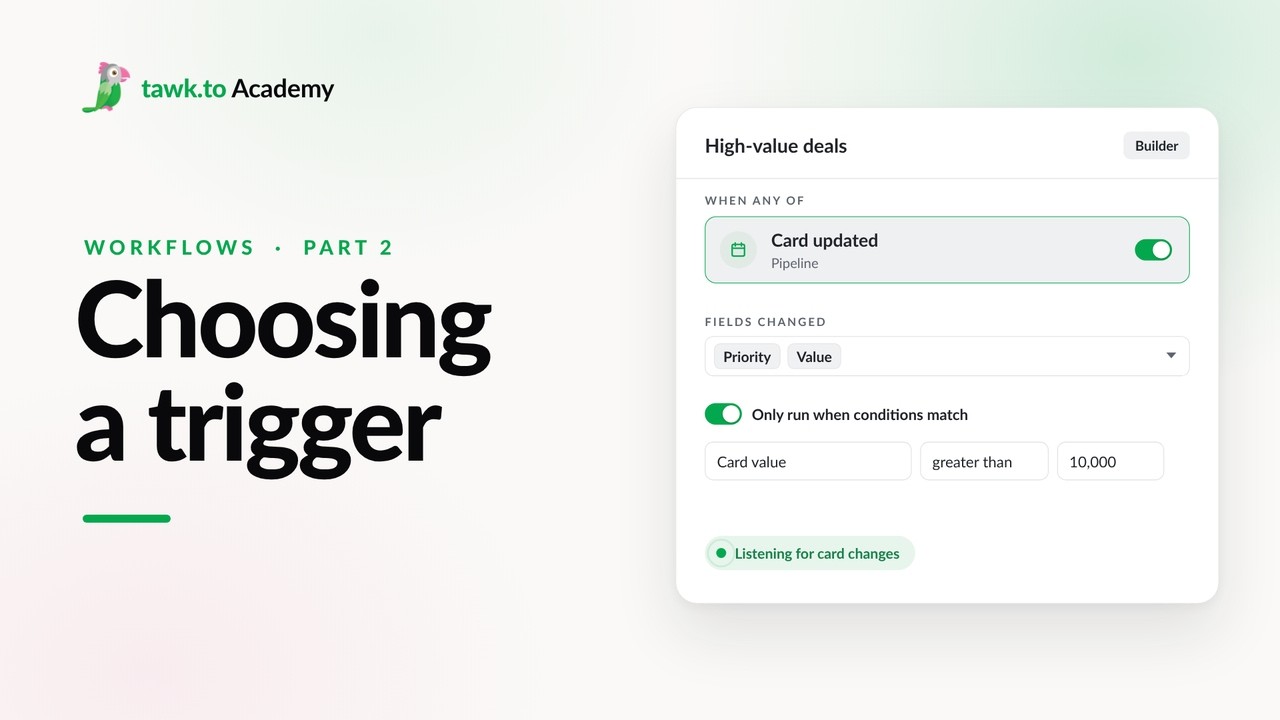
- Choosing a Workflow Trigger
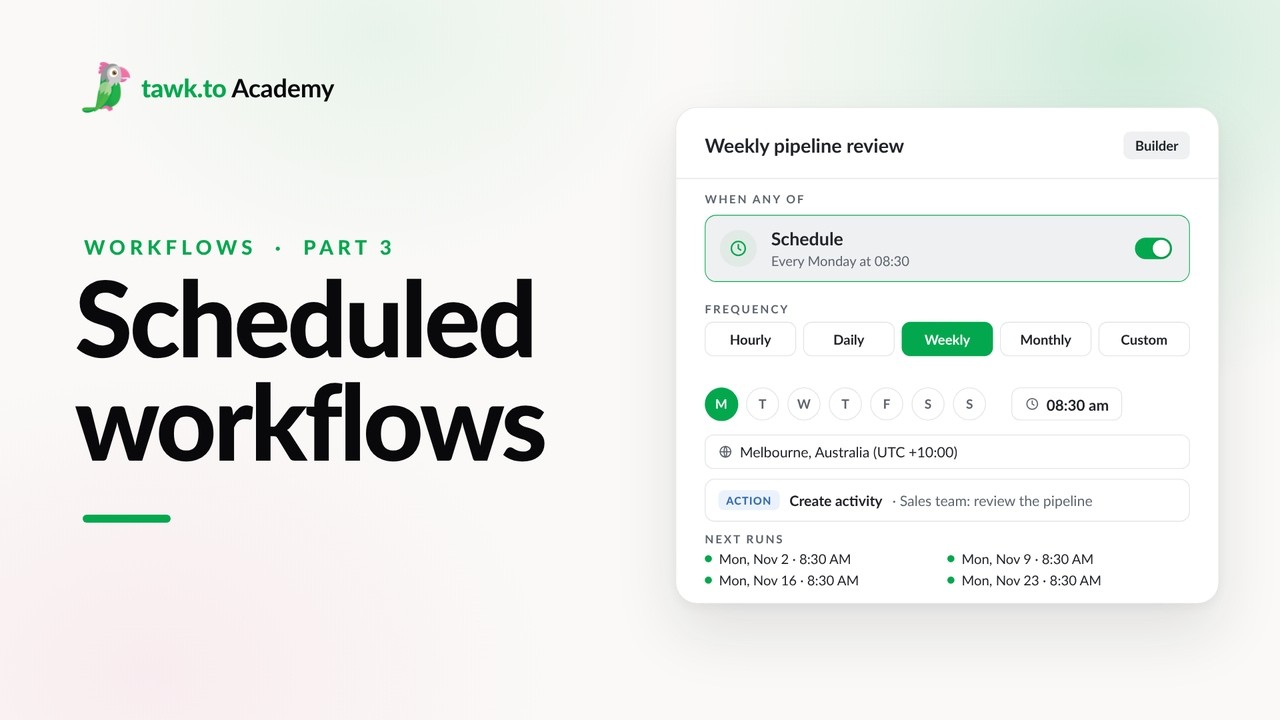
- Scheduled Workflows
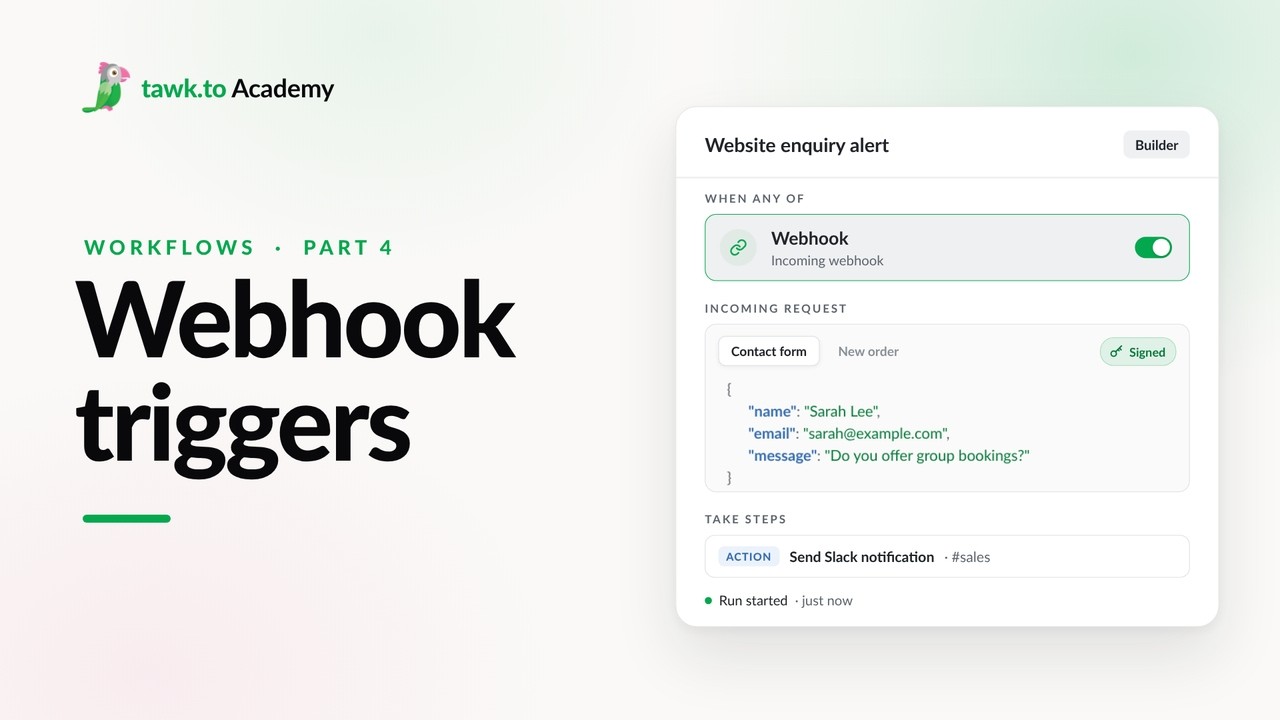
- Start a Workflow with a Webhook
- Start a Workflow from an AI Agent
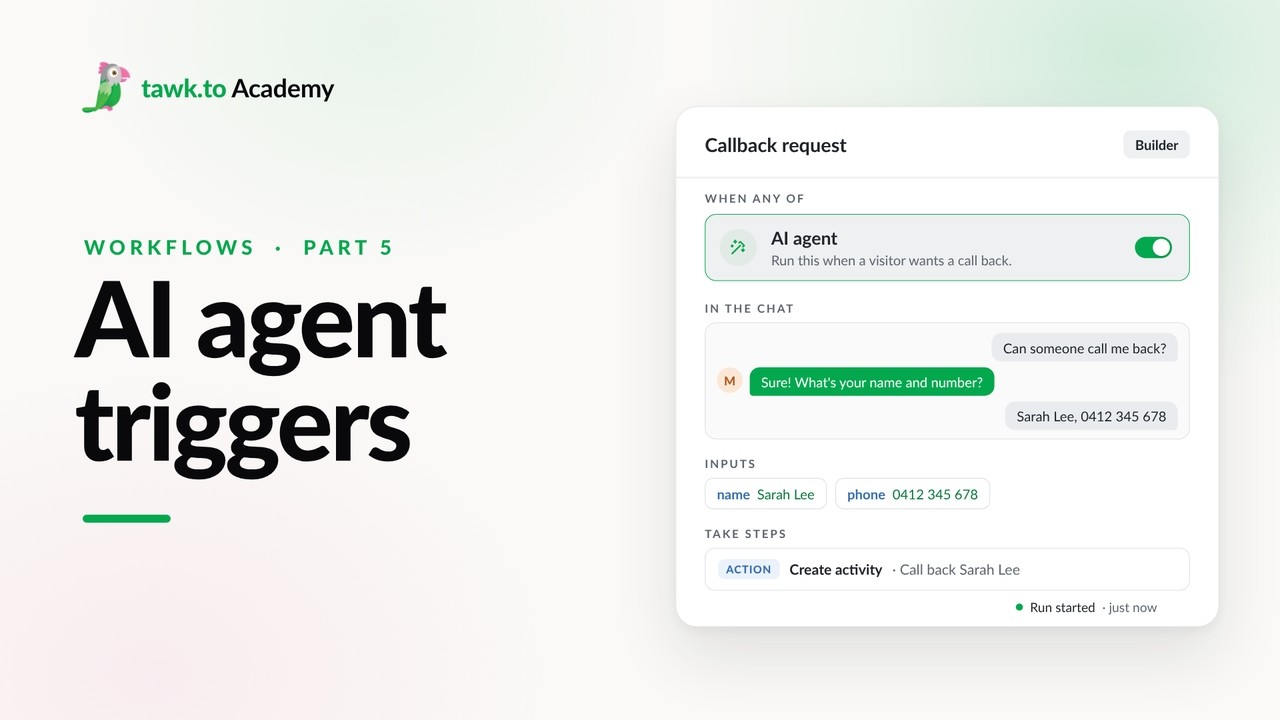
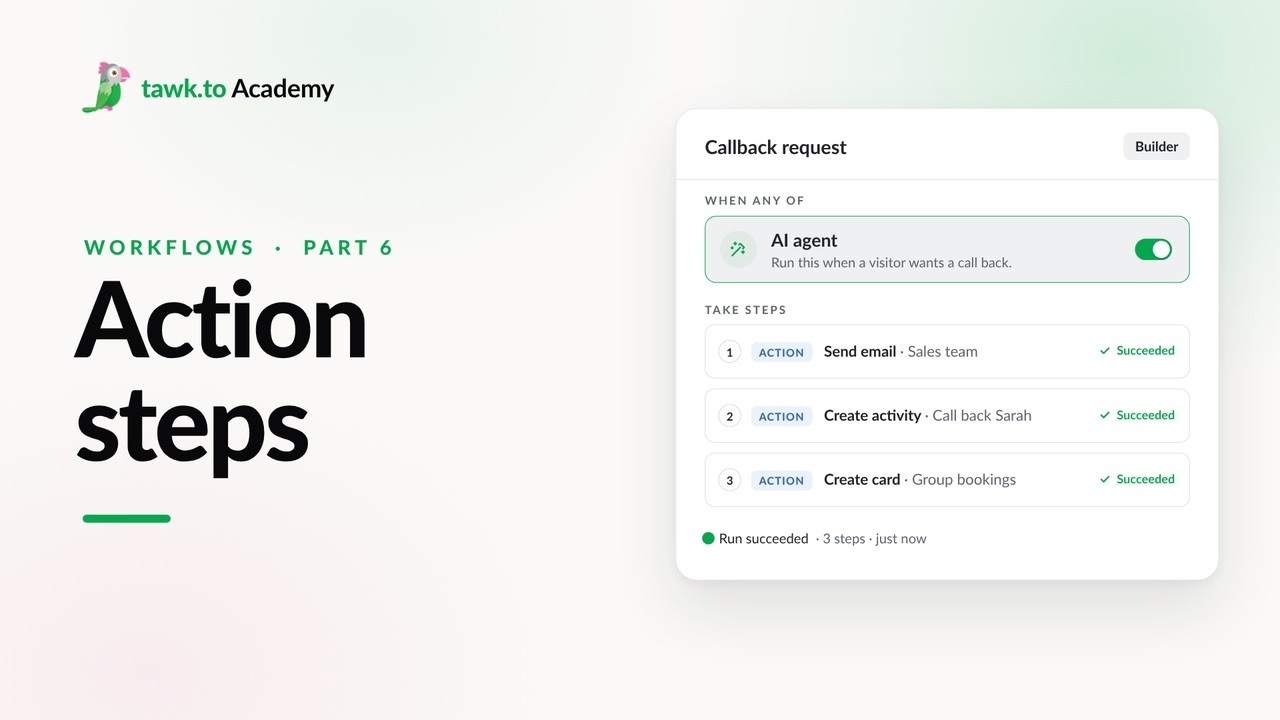
- Adding Actions to a Workflow
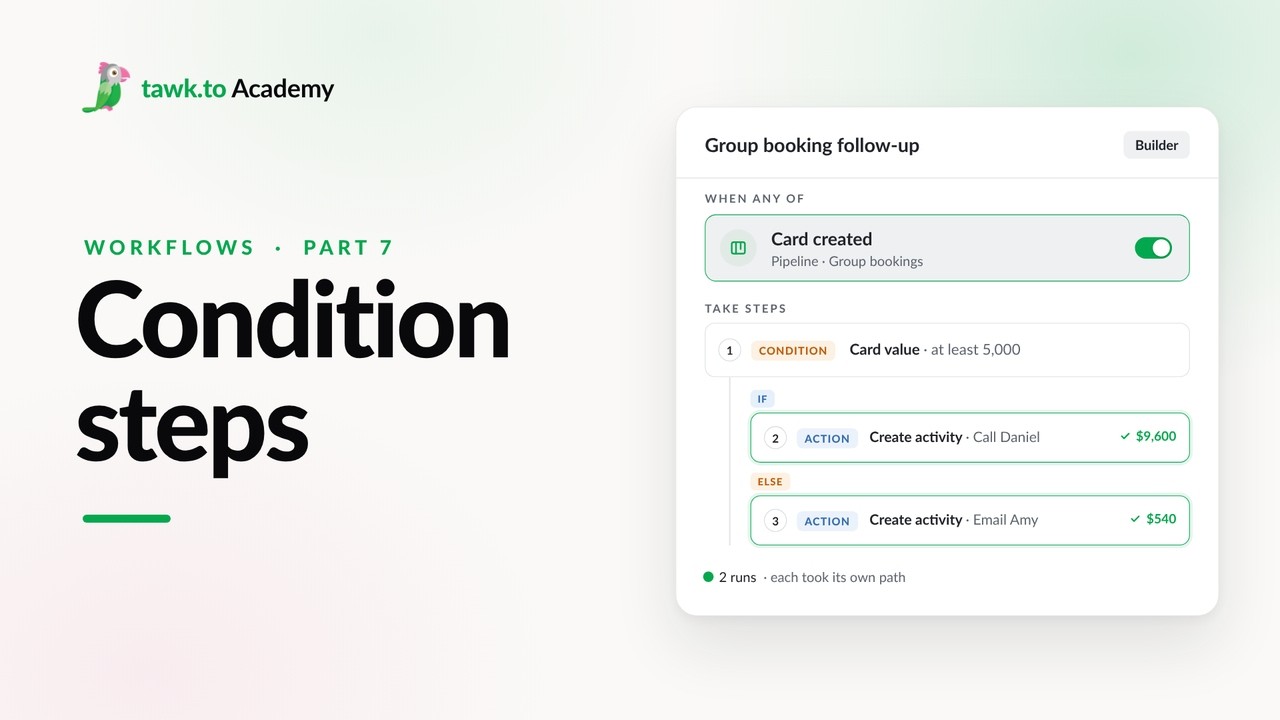
- Branching a Workflow with Conditions
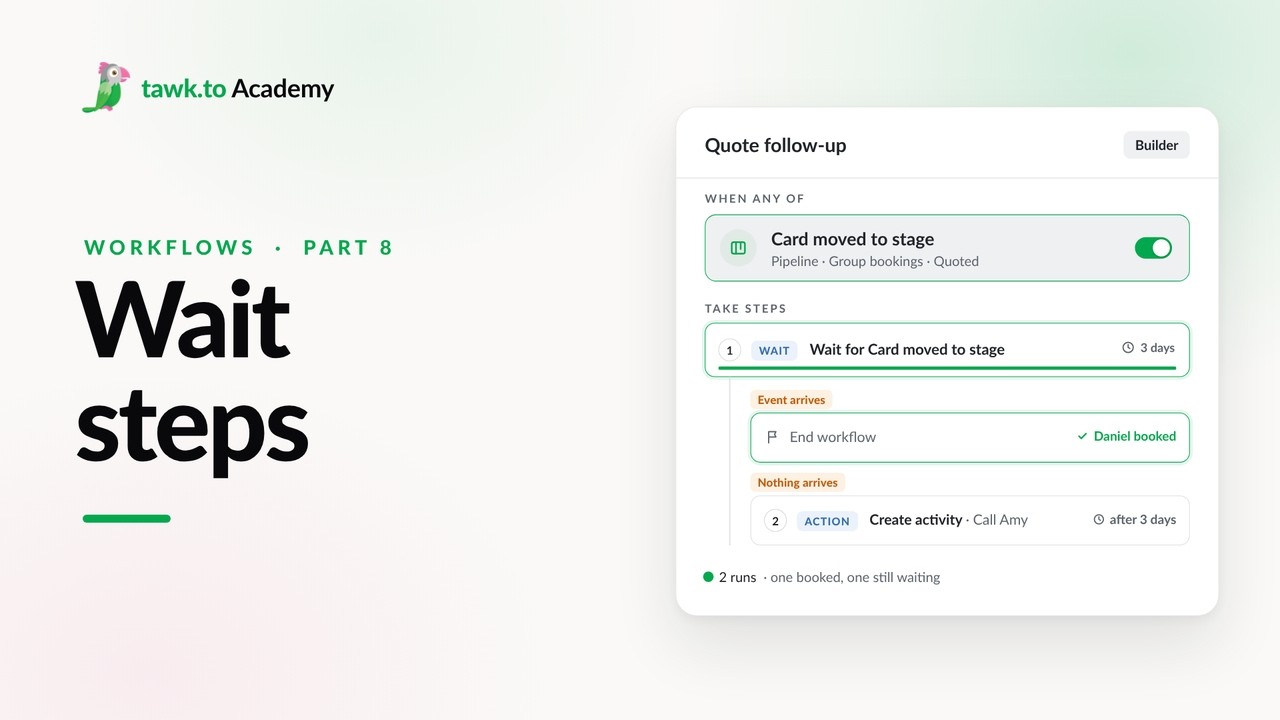
- Pausing a Workflow with Wait Steps
Open the tawk.to Academy
Every topic and 220+ videos in one place.