
How to make the widget appear after a trigger
In this video, you’ll learn how to keep the tawk.to widget hidden on page load, then reveal it only after a trigger message fires using the JavaScript API. We walk through where to paste the API snippet inside your widget script, how onBeforeLoad can hide the widget, and how callbacks like onChatMessageSystem can show it again when your trigger message arrives. We also cover optional checks to show it only for specific messages, plus a few key testing and consent considerations before going live.
· Share this video
· More in this topic
Triggers & Proactive Engagement
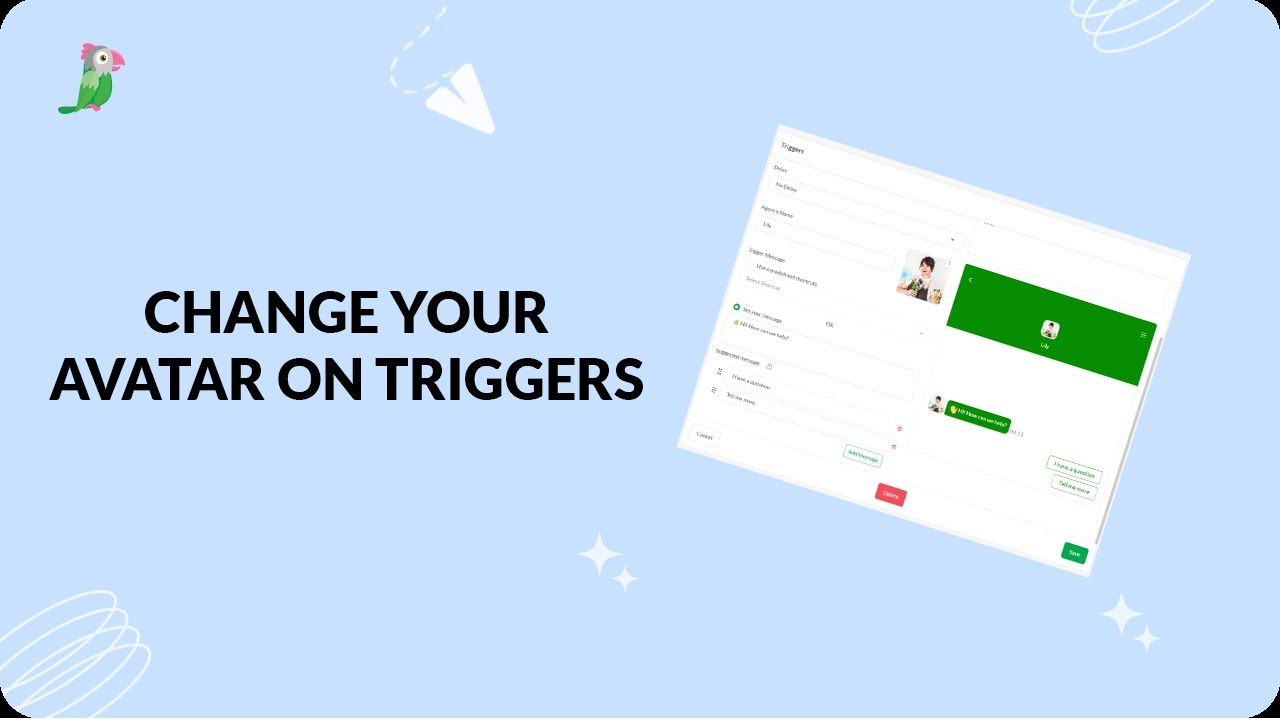
- Changing the avatar on your triggers
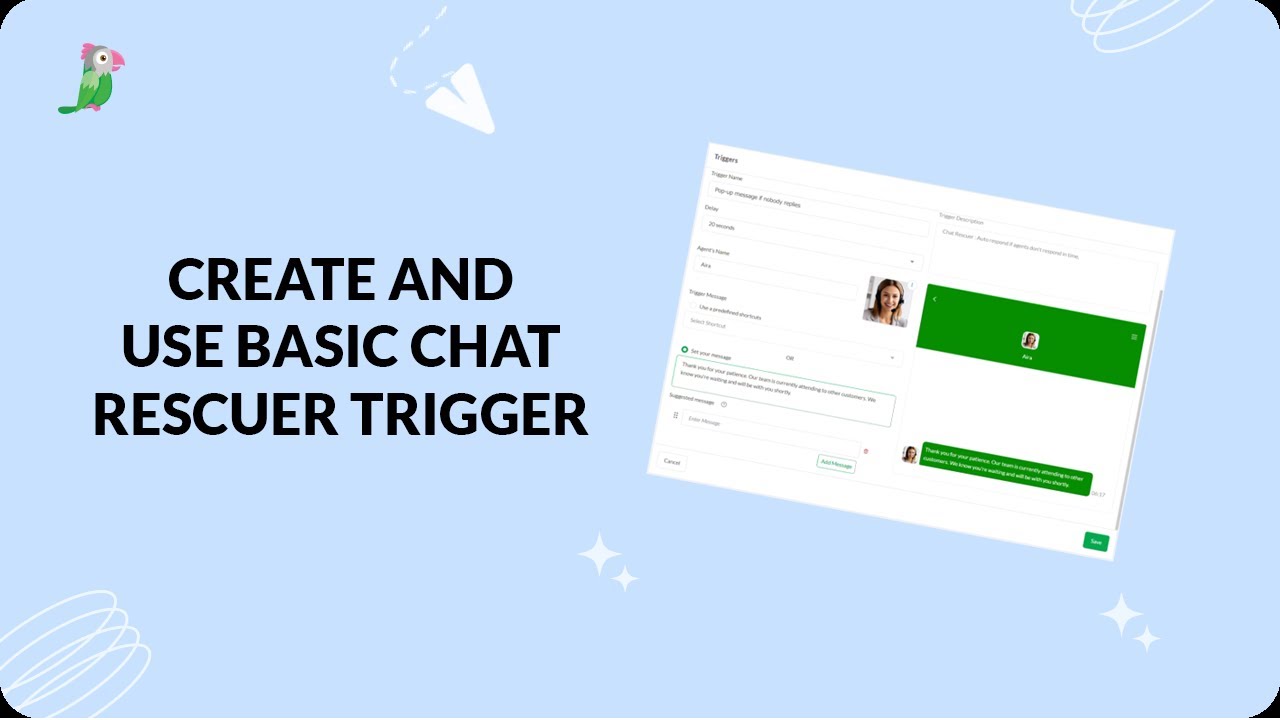
- Create a basic chat rescuer trigger in tawk.to
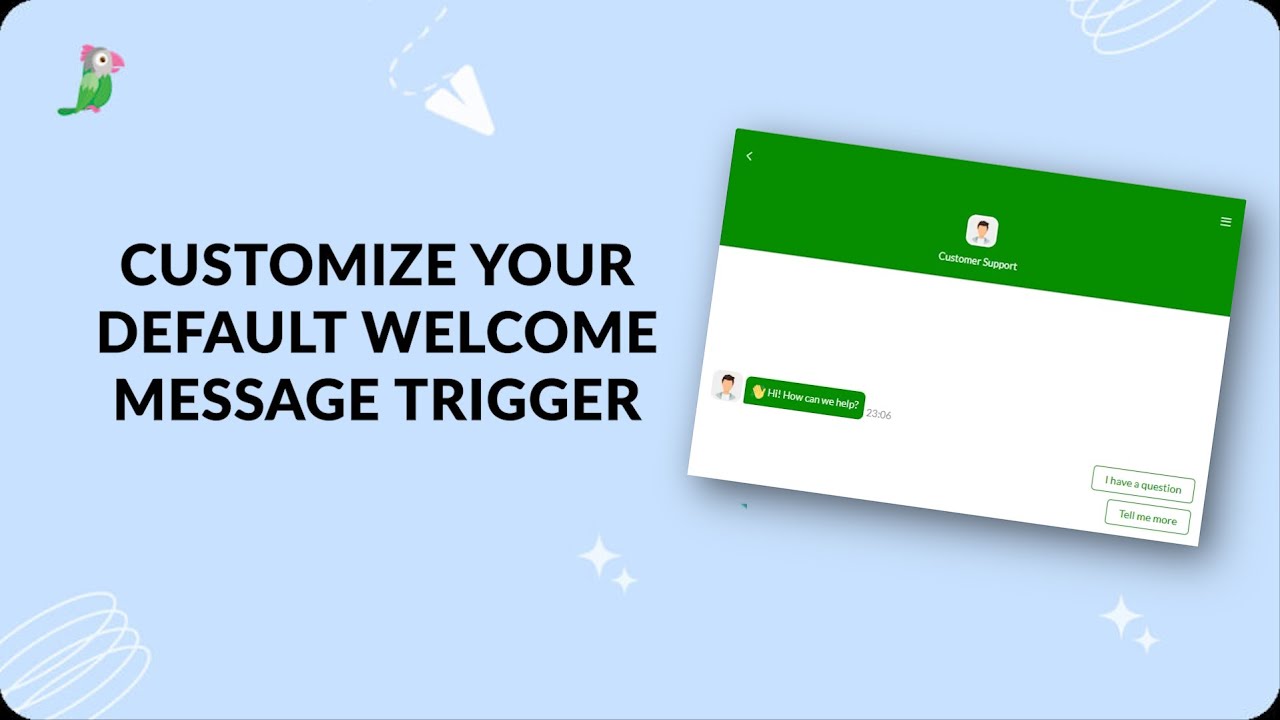
- Customize Your Basic Site Notification Trigger
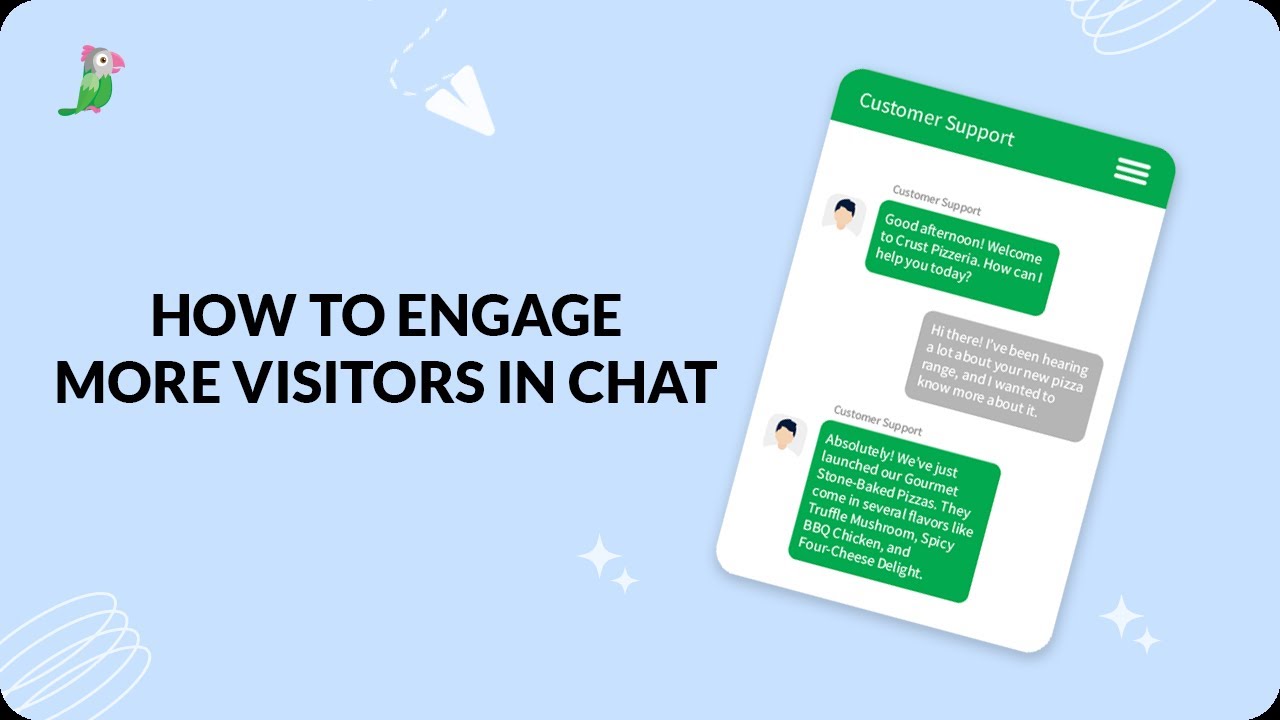
- Engage More Visitors In Chat Revised
- How to maximize the widget when a website loads
- Send a followup message using advanced triggers
- Setting up advanced triggers in tawk to
- Setting Up The Widget Maximized Trigger
Open the tawk.to Academy
Every topic and 220+ videos in one place.