
Send a followup message using advanced triggers
In this video, you’ll learn how to create an Advanced Trigger in tawk.to that sends a follow-up message to visitors who are still browsing your site but haven’t started a chat. It’s a simple way to re-engage visitors after your welcome message, prompt a conversation, and offer help at the right moment without being intrusive.
· Share this video
· More in this topic
Triggers & Proactive Engagement
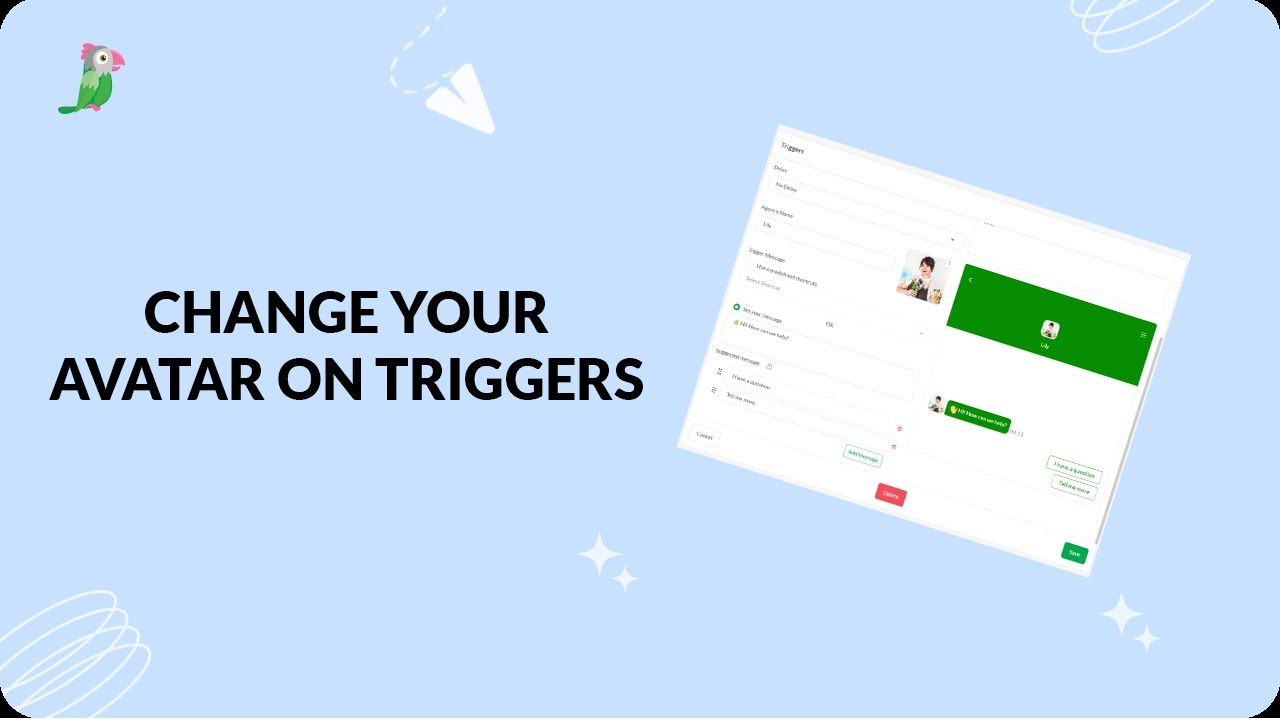
- Changing the avatar on your triggers
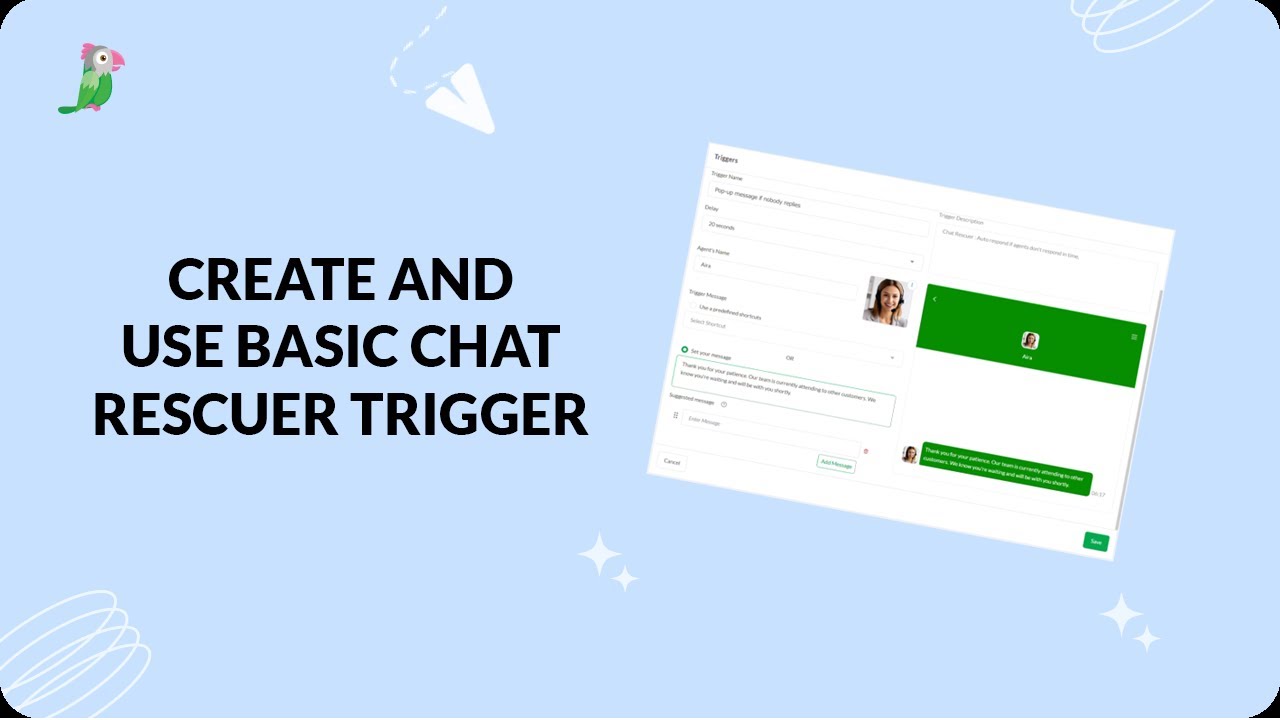
- Create a basic chat rescuer trigger in tawk.to
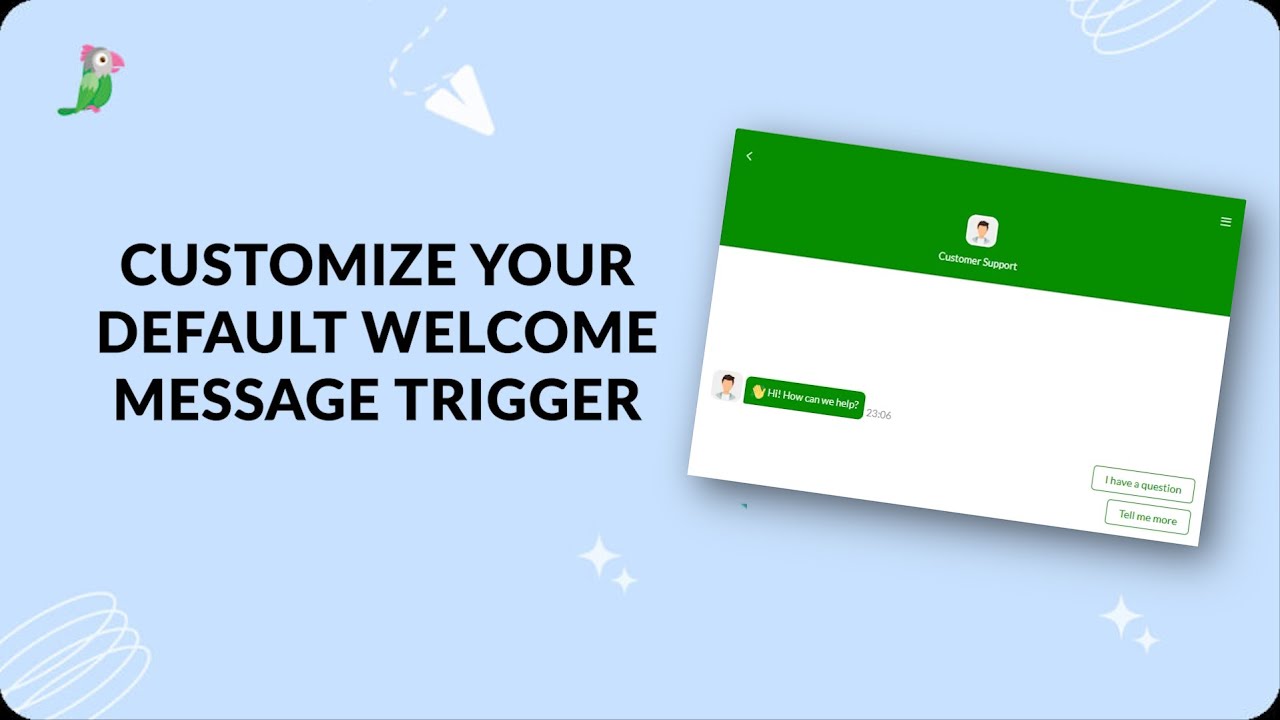
- Customize Your Basic Site Notification Trigger
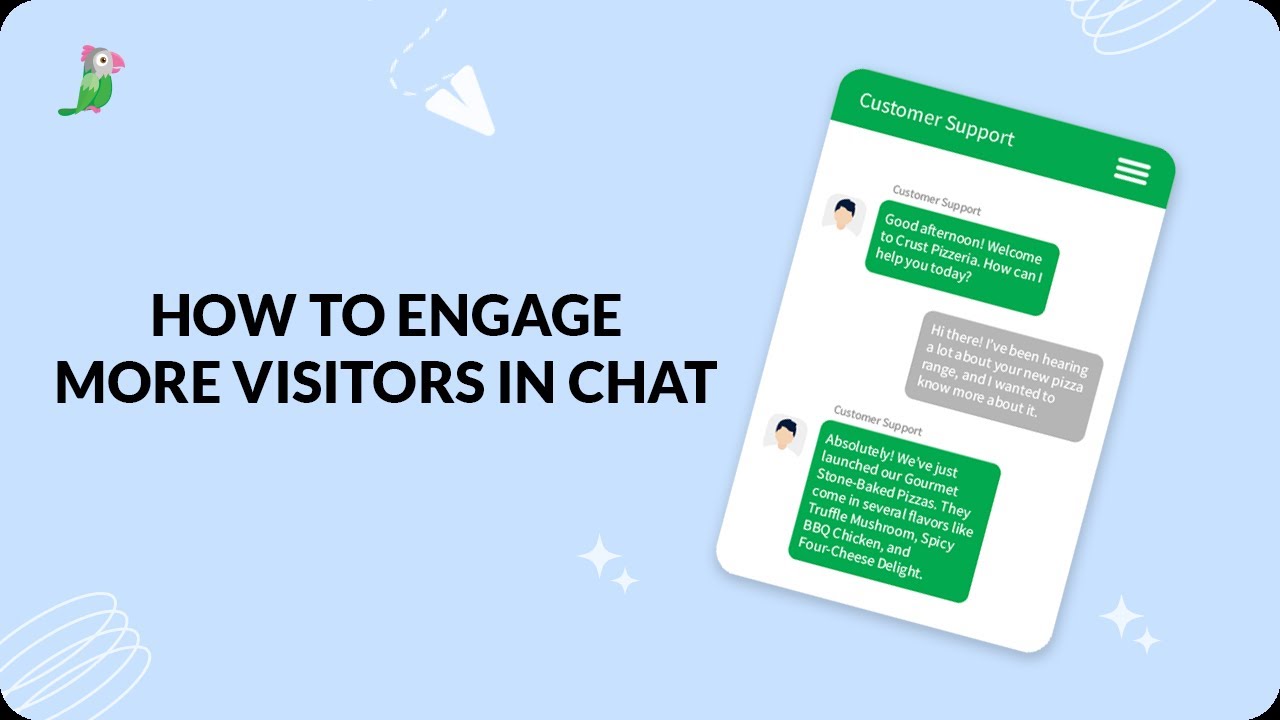
- Engage More Visitors In Chat Revised
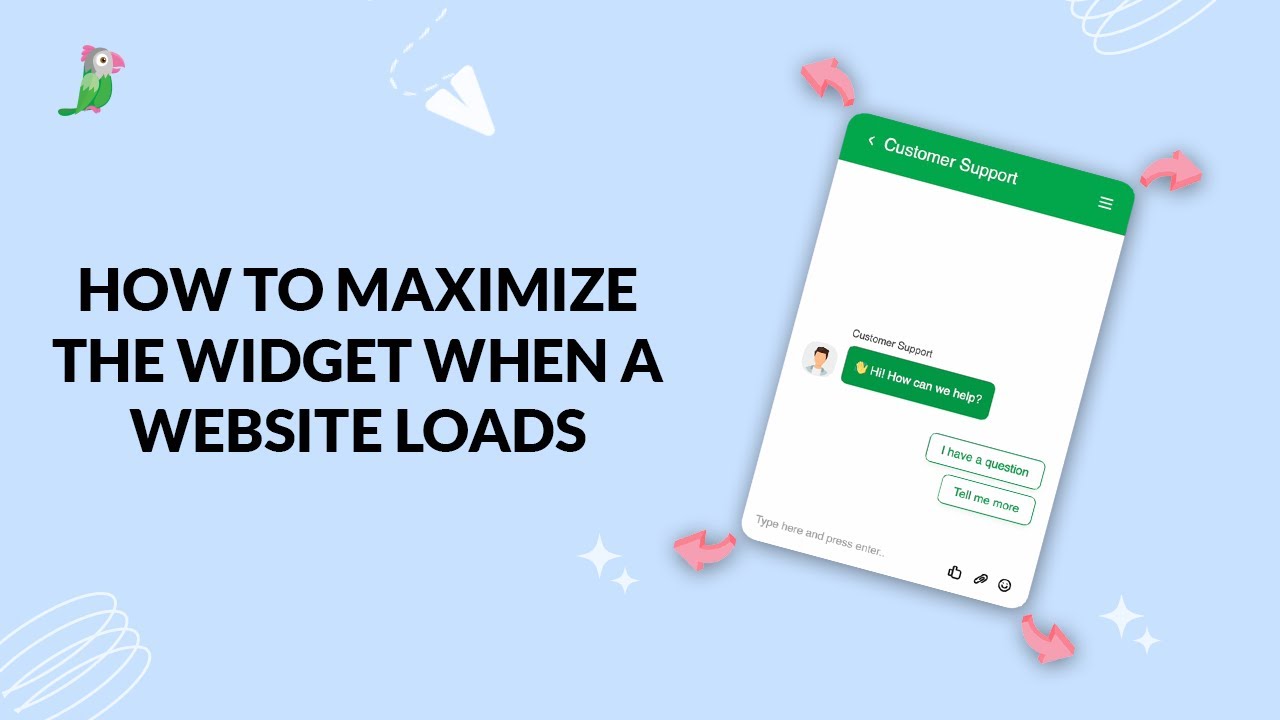
- How to maximize the widget when a website loads
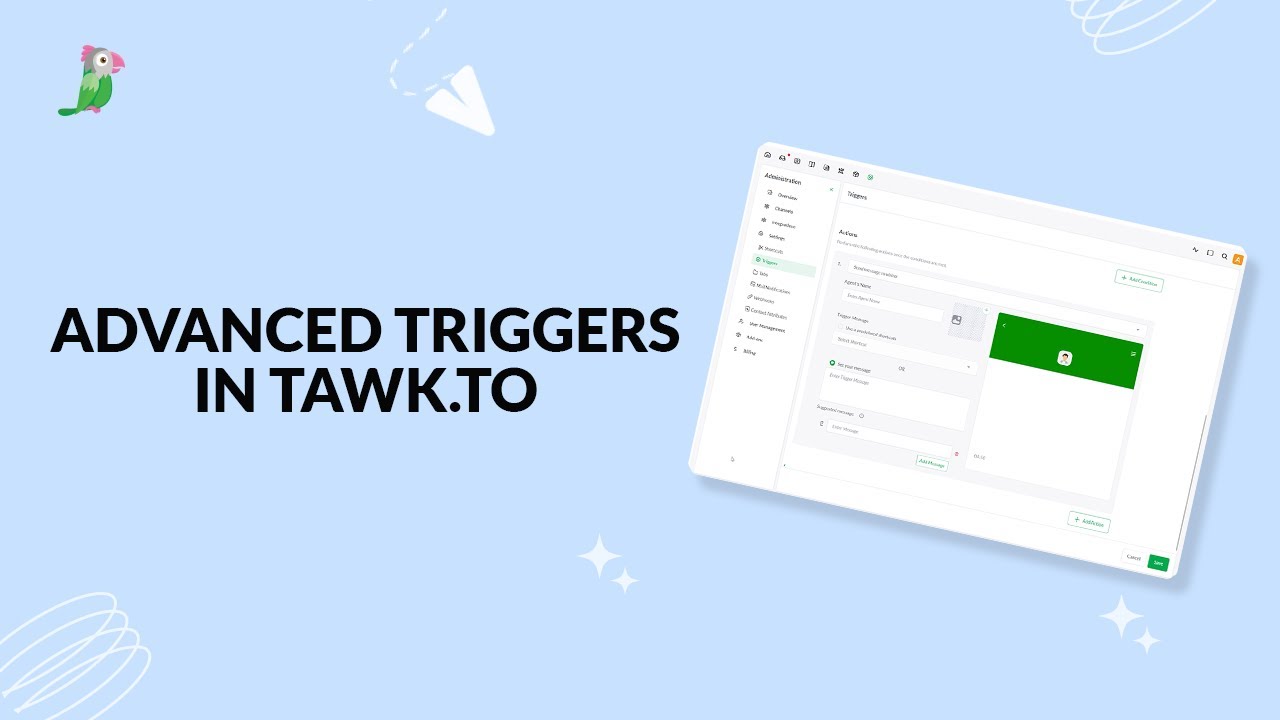
- Setting up advanced triggers in tawk to
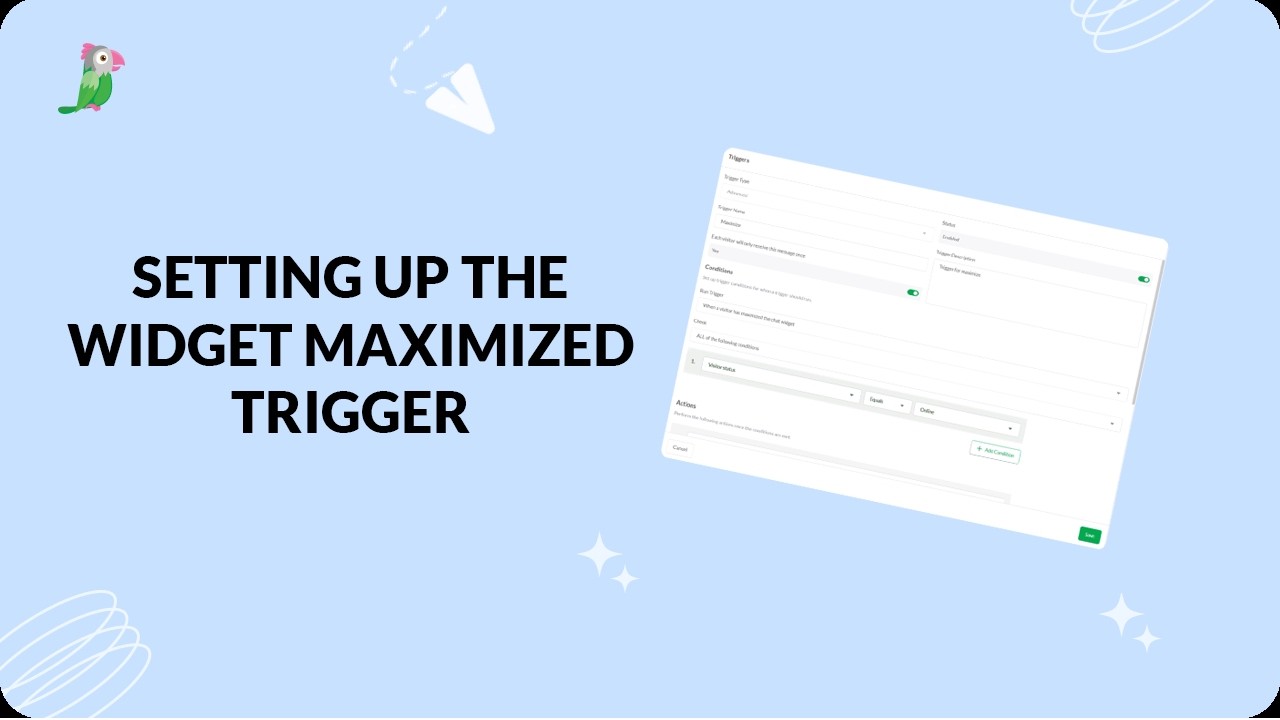
- Setting Up The Widget Maximized Trigger
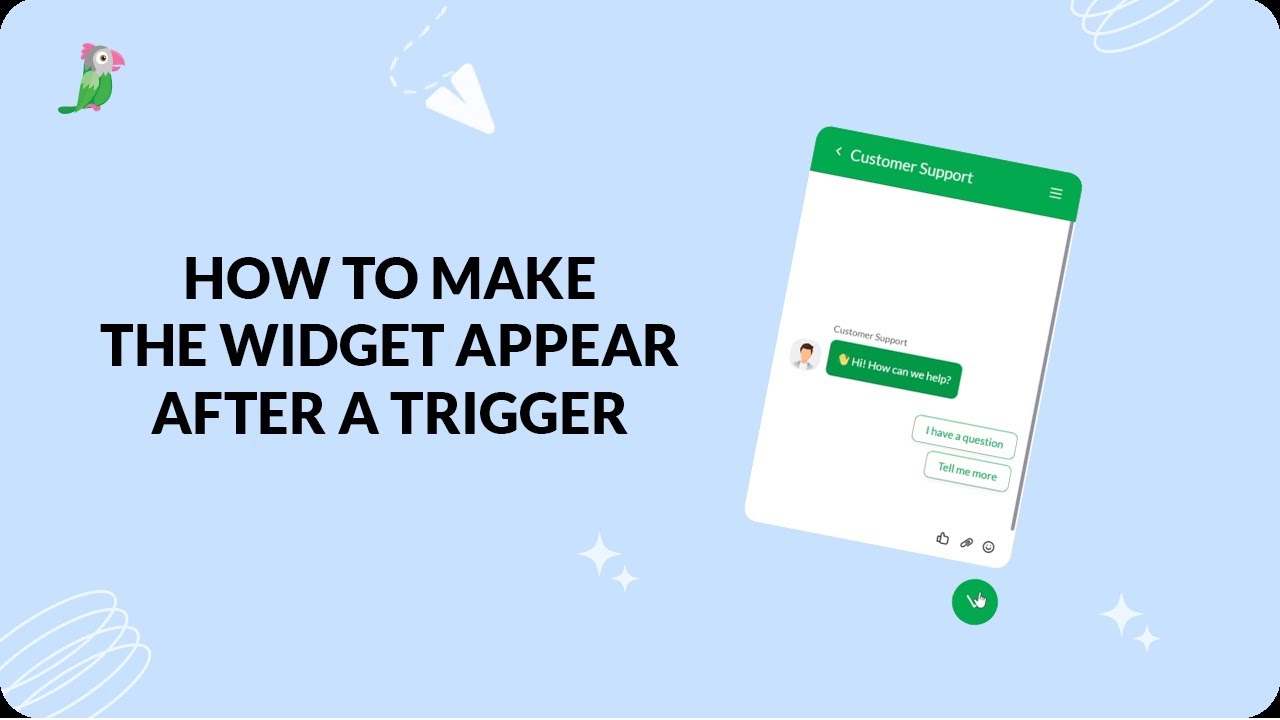
- How to make the widget appear after a trigger
Open the tawk.to Academy
Every topic and 220+ videos in one place.