
Setting Up The Widget Maximized Trigger
Learn how to set up the “Widget Maximized” trigger in tawk.to to send a message the exact moment a visitor opens your chat widget. This video covers both the pre-built template and advanced setup options, how to control when the trigger fires, and how to avoid conflicts with existing site notifications so your widget behaves exactly the way you intend.
· Share this video
· More in this topic
Triggers & Proactive Engagement
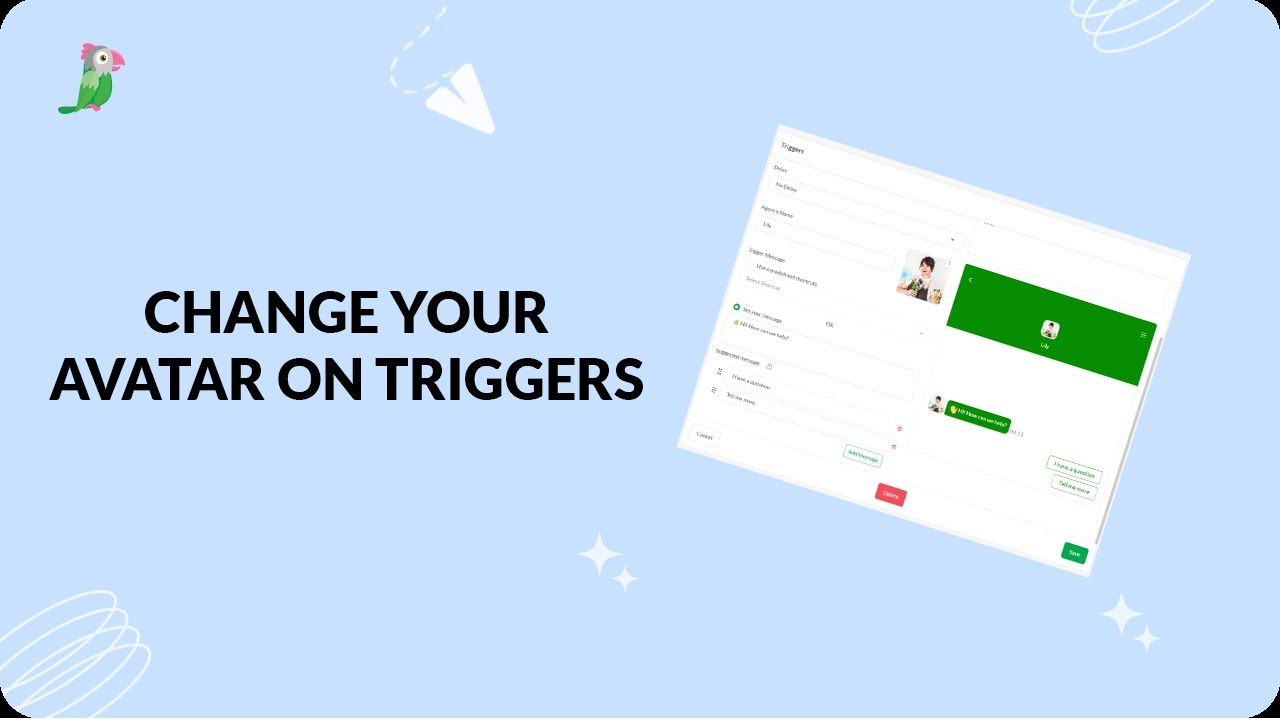
- Changing the avatar on your triggers
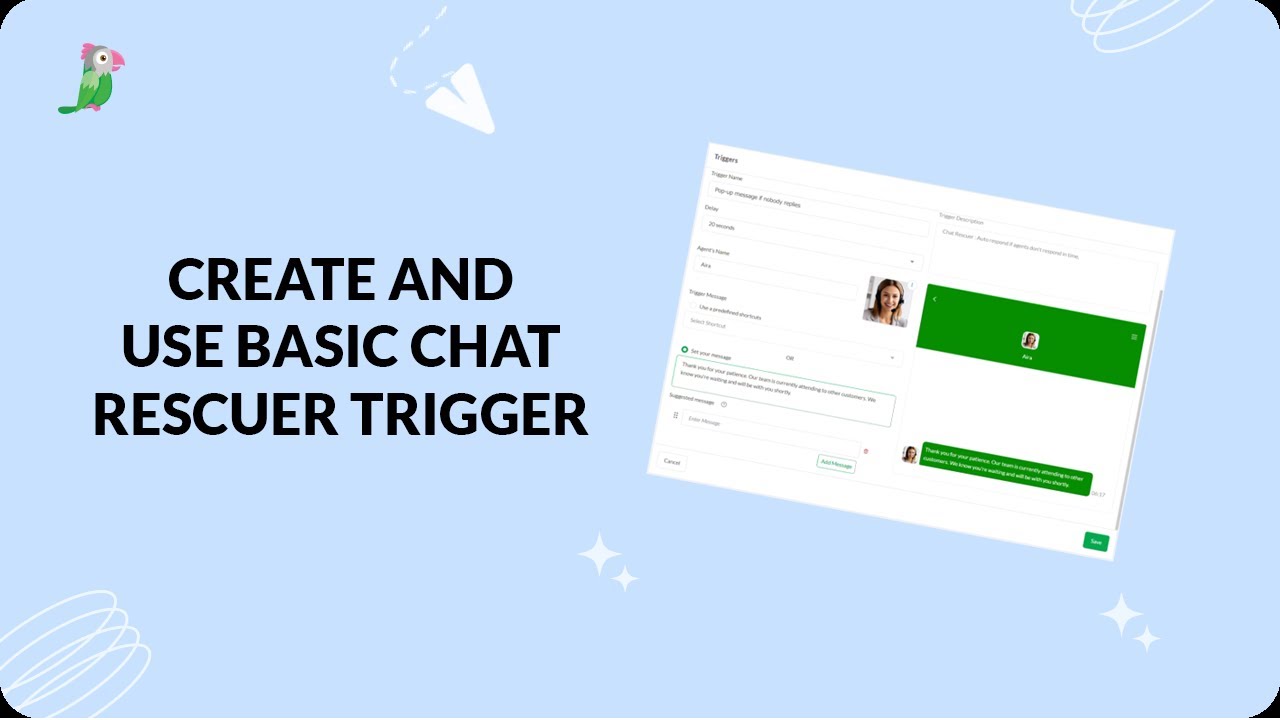
- Create a basic chat rescuer trigger in tawk.to
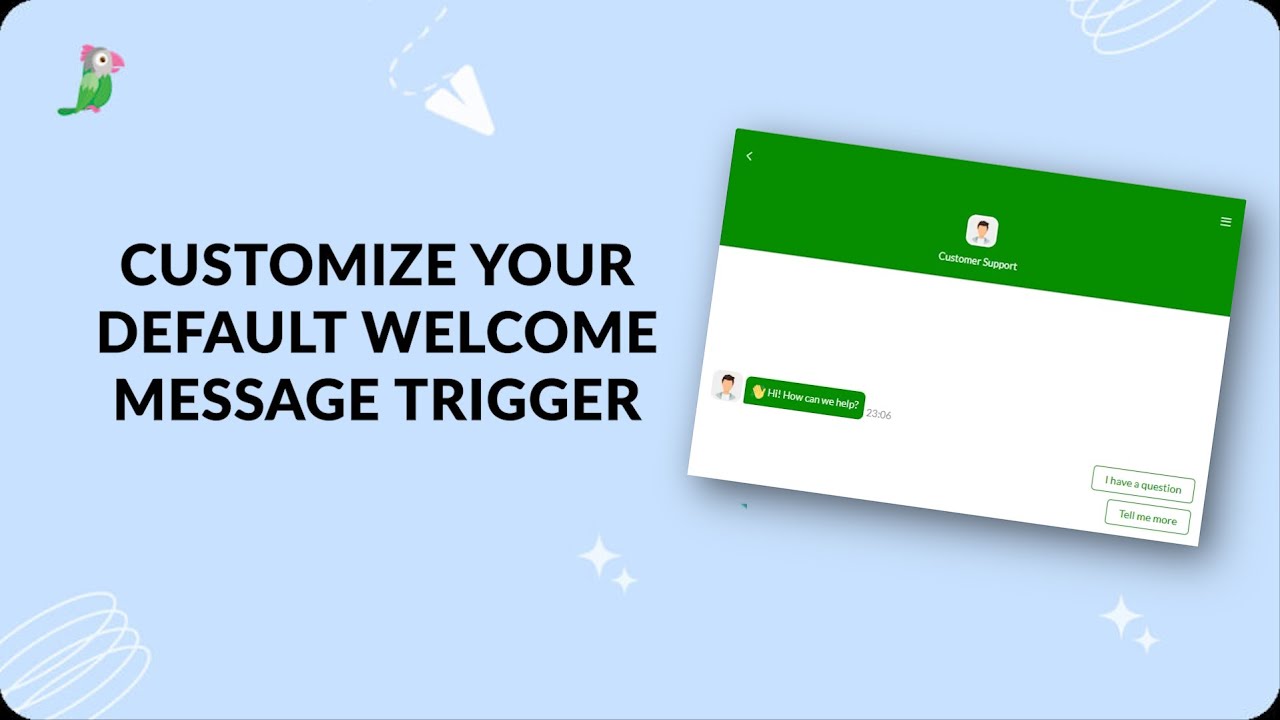
- Customize Your Basic Site Notification Trigger
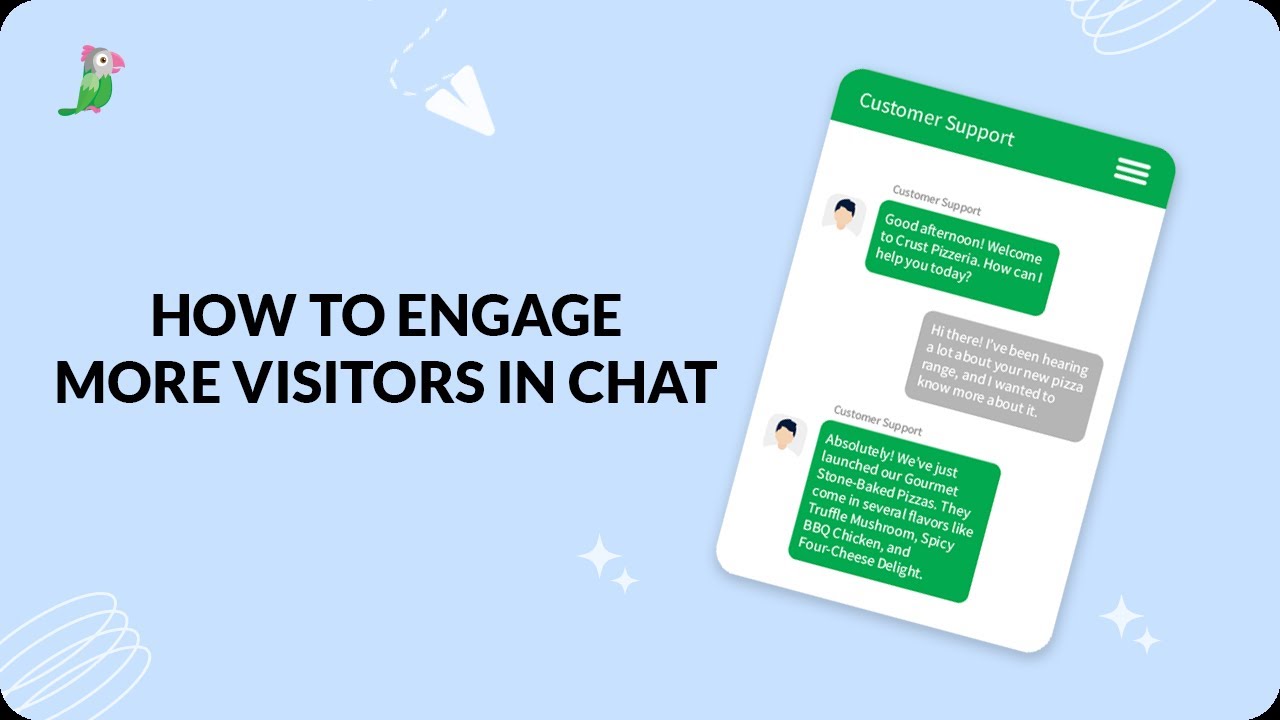
- Engage More Visitors In Chat Revised
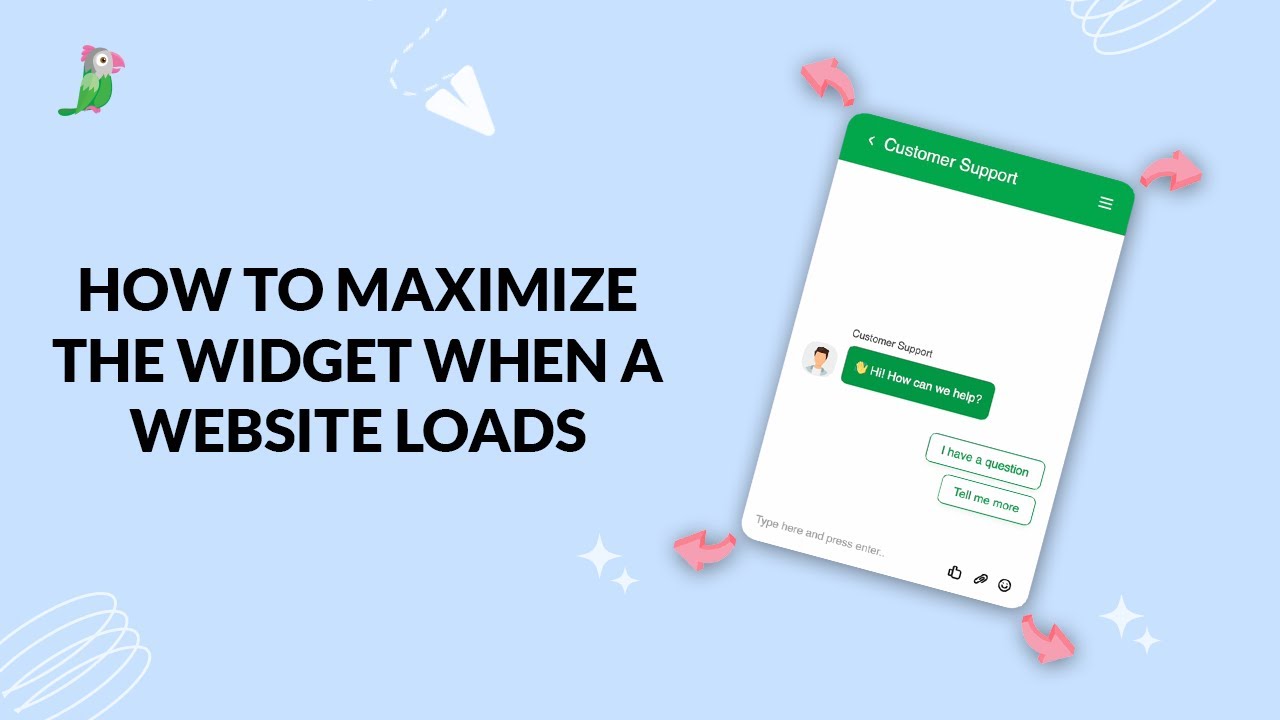
- How to maximize the widget when a website loads
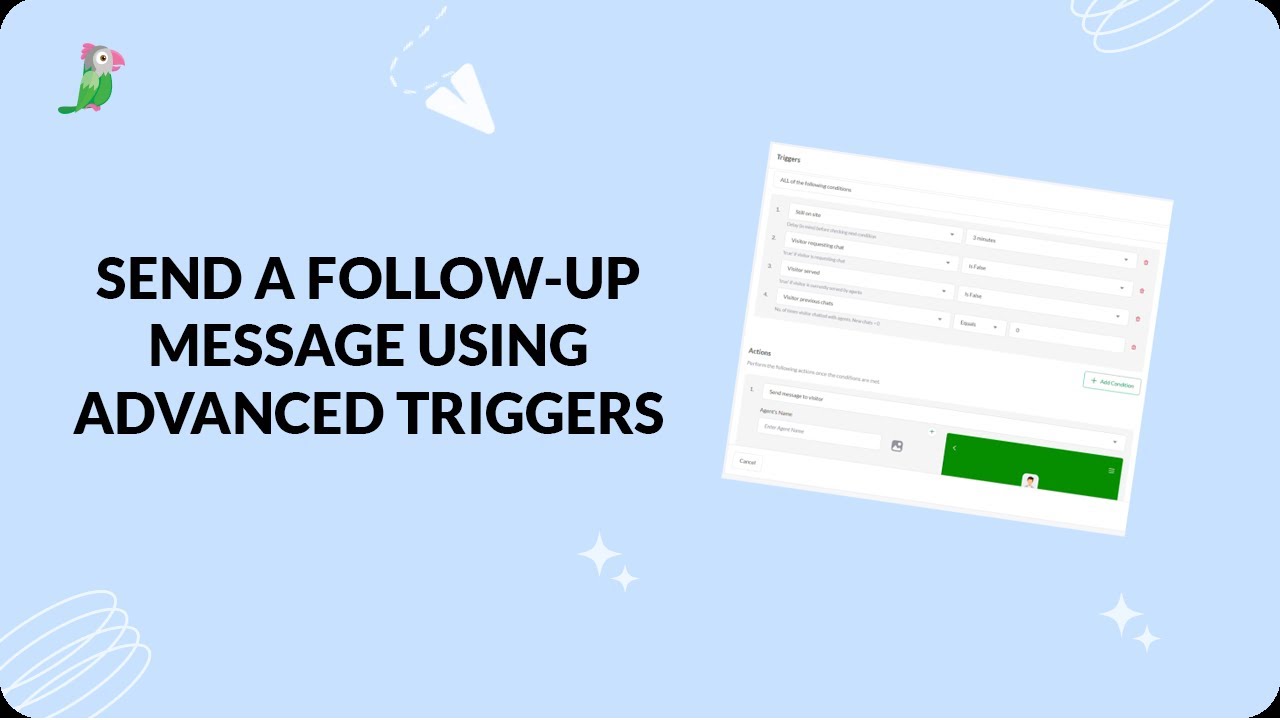
- Send a followup message using advanced triggers
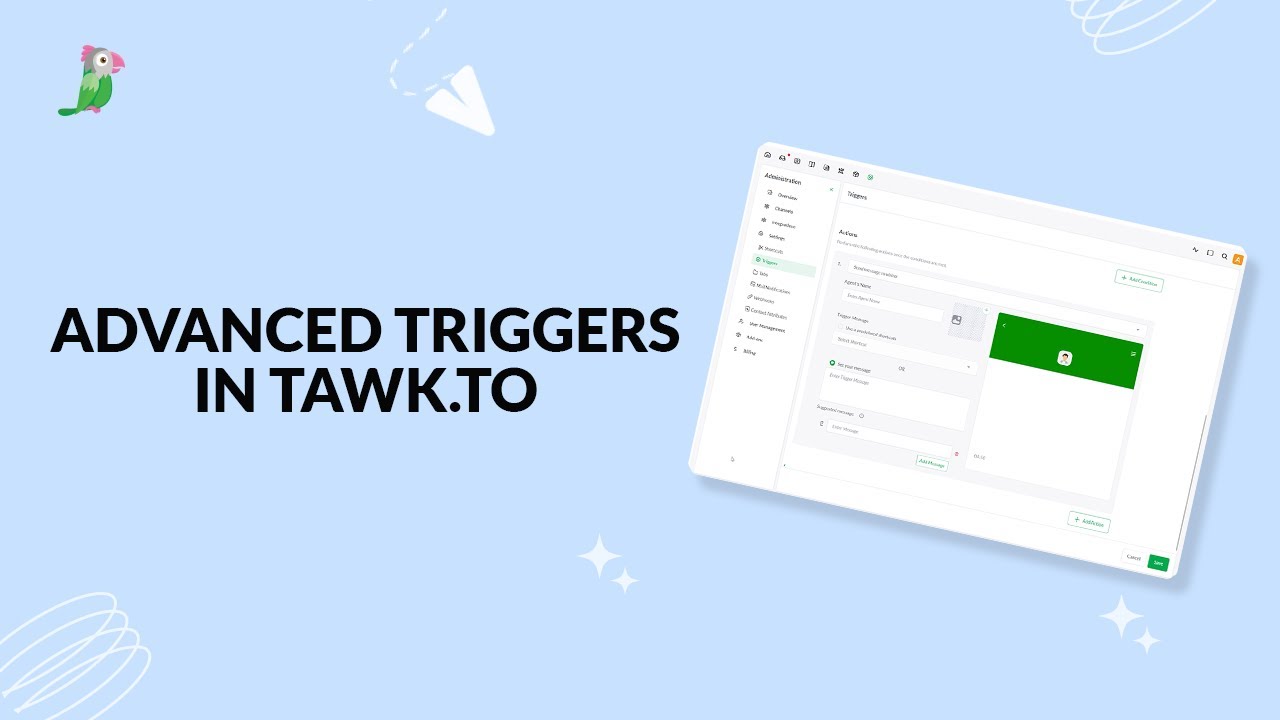
- Setting up advanced triggers in tawk to
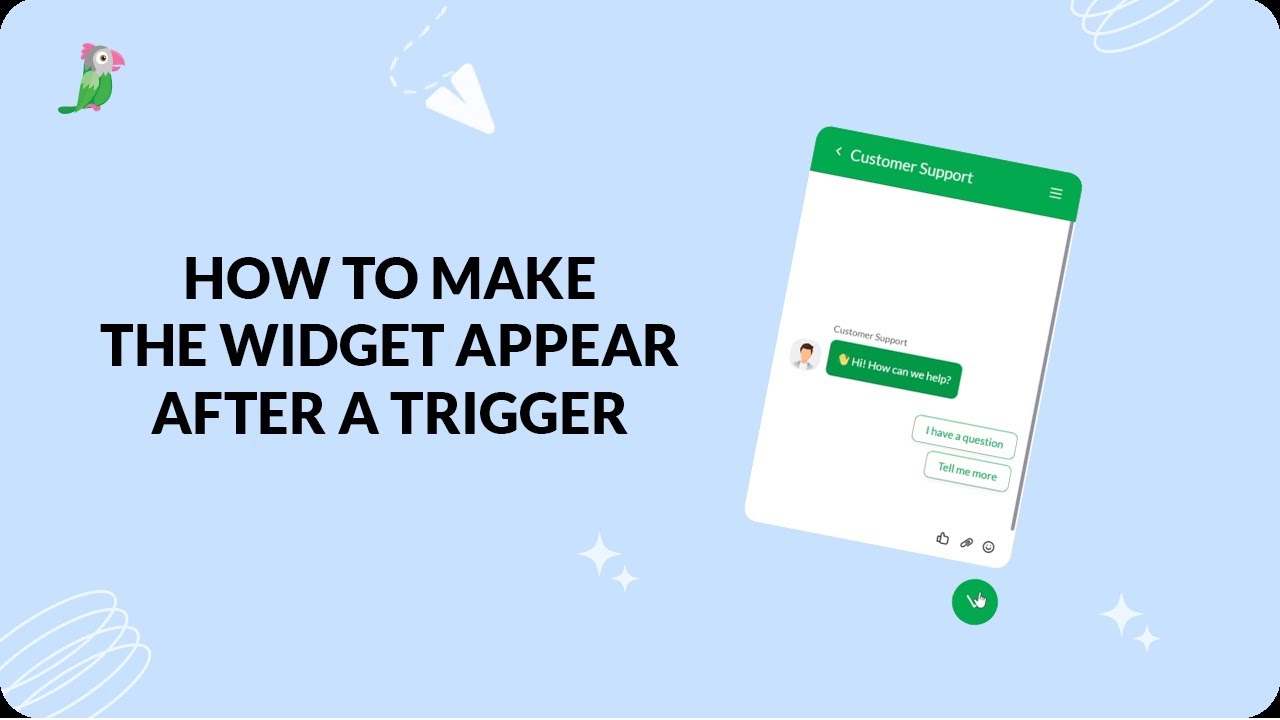
- How to make the widget appear after a trigger
Open the tawk.to Academy
Every topic and 220+ videos in one place.