
Customize Your Basic Site Notification Trigger
Want to make your chat widget feel more personal? In this video, tawk.to Head of Customer Success, Kristaps Beinerts, walks you through how to edit the default Welcome Message Trigger in your dashboard. Learn how to update your greeting, add suggested messages for common questions, and even link AI Assist to automatically reply — so your visitors always get instant, friendly support.
· Share this video
· More in this topic
Triggers & Proactive Engagement
- Changing the avatar on your triggers
- Create a basic chat rescuer trigger in tawk.to
- Engage More Visitors In Chat Revised
- How to maximize the widget when a website loads
- Send a followup message using advanced triggers
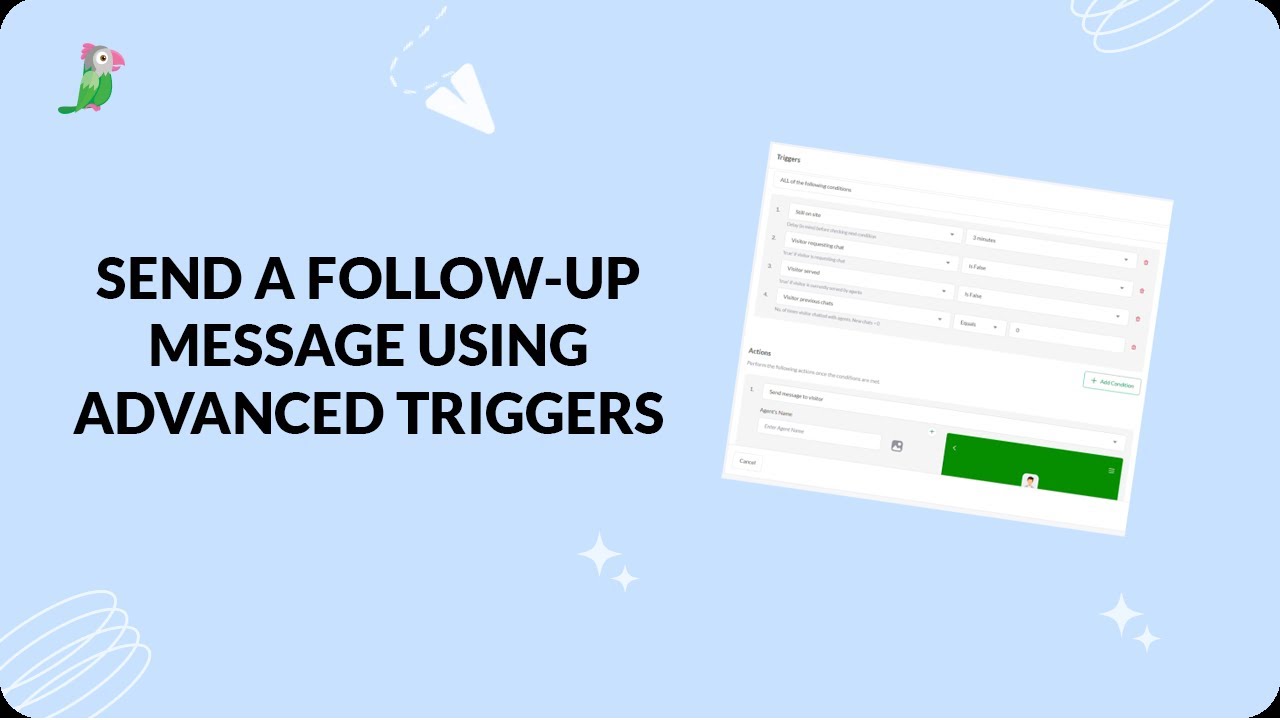
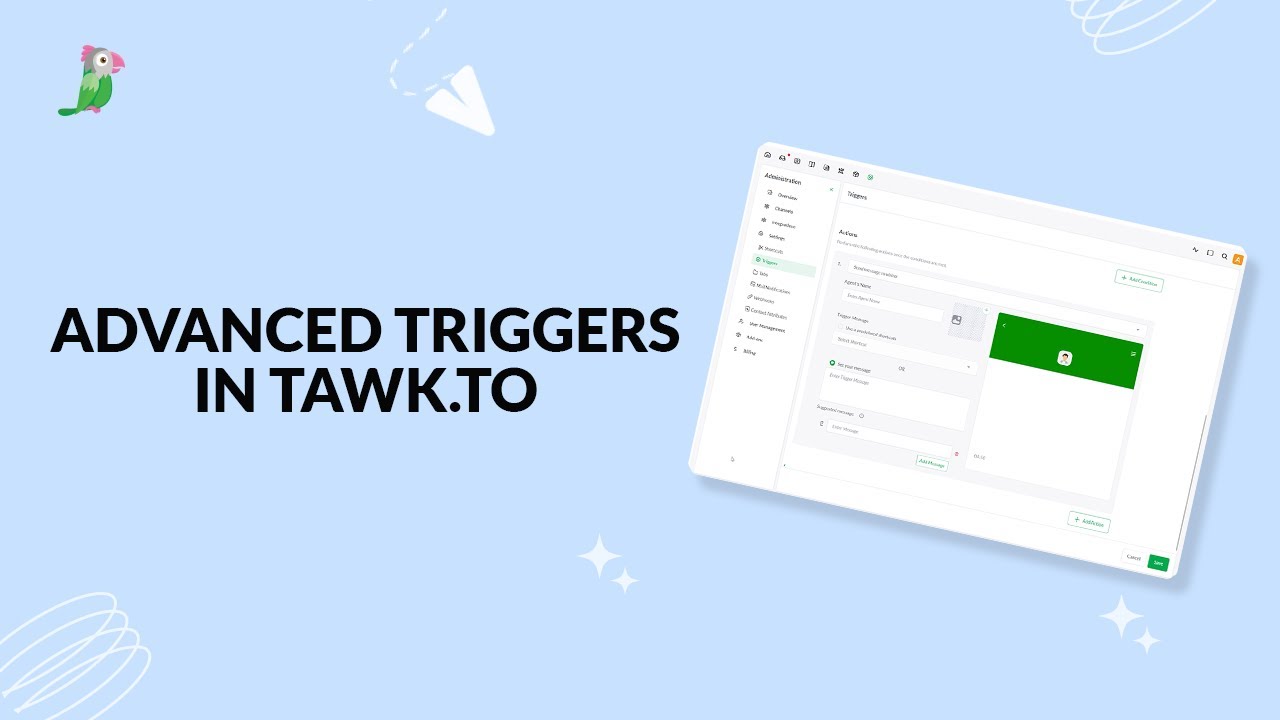
- Setting up advanced triggers in tawk to
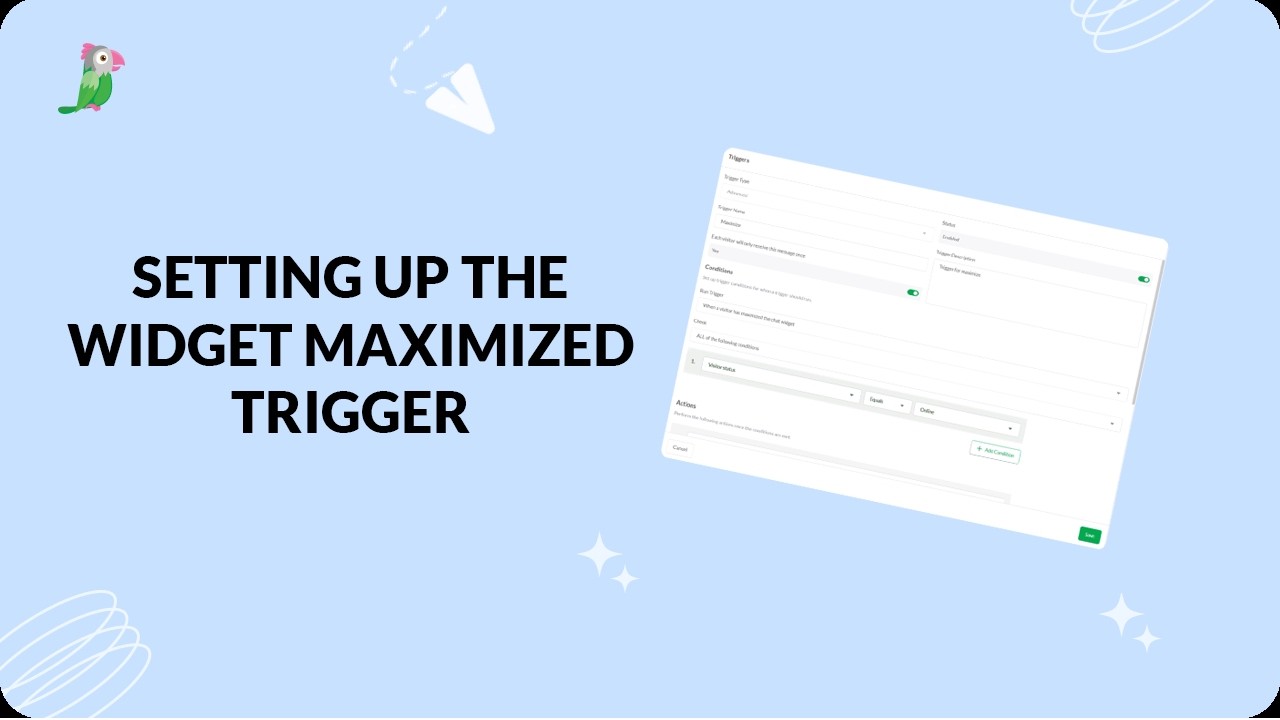
- Setting Up The Widget Maximized Trigger
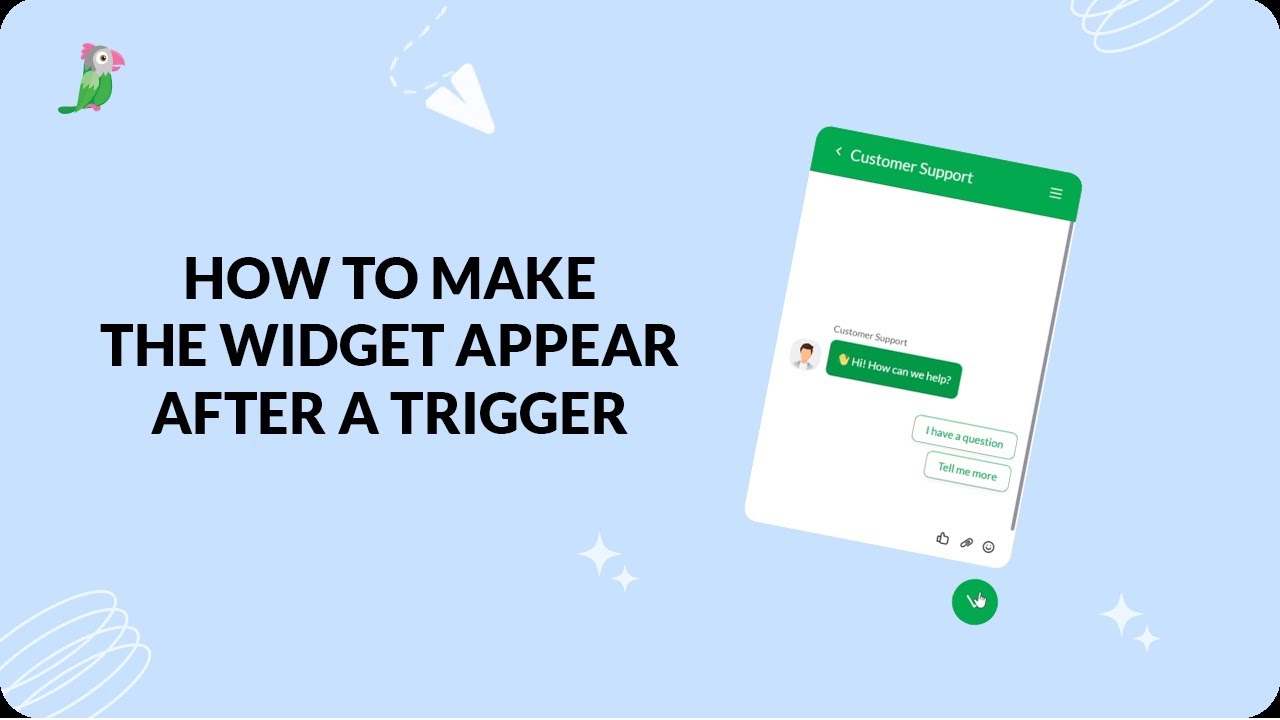
- How to make the widget appear after a trigger
Open the tawk.to Academy
Every topic and 220+ videos in one place.