
Updating Your Email Inbox Settings
Learn how to manage the settings for each email inbox connected to tawk.to, including what you can change while an inbox is connected and what requires disconnecting first. This video covers how to rename an inbox, transfer ownership, update a password when your mailbox credentials change, and adjust visibility for your team. You'll also see why server details can only be edited while disconnected, what happens when you change visibility on an existing inbox, and why the email address itself can never be changed once connected.
· Share this video
· More in this topic
Managing Conversations: Inbox, Chats & Contacts
- Adding direct messages and group chats to tabs
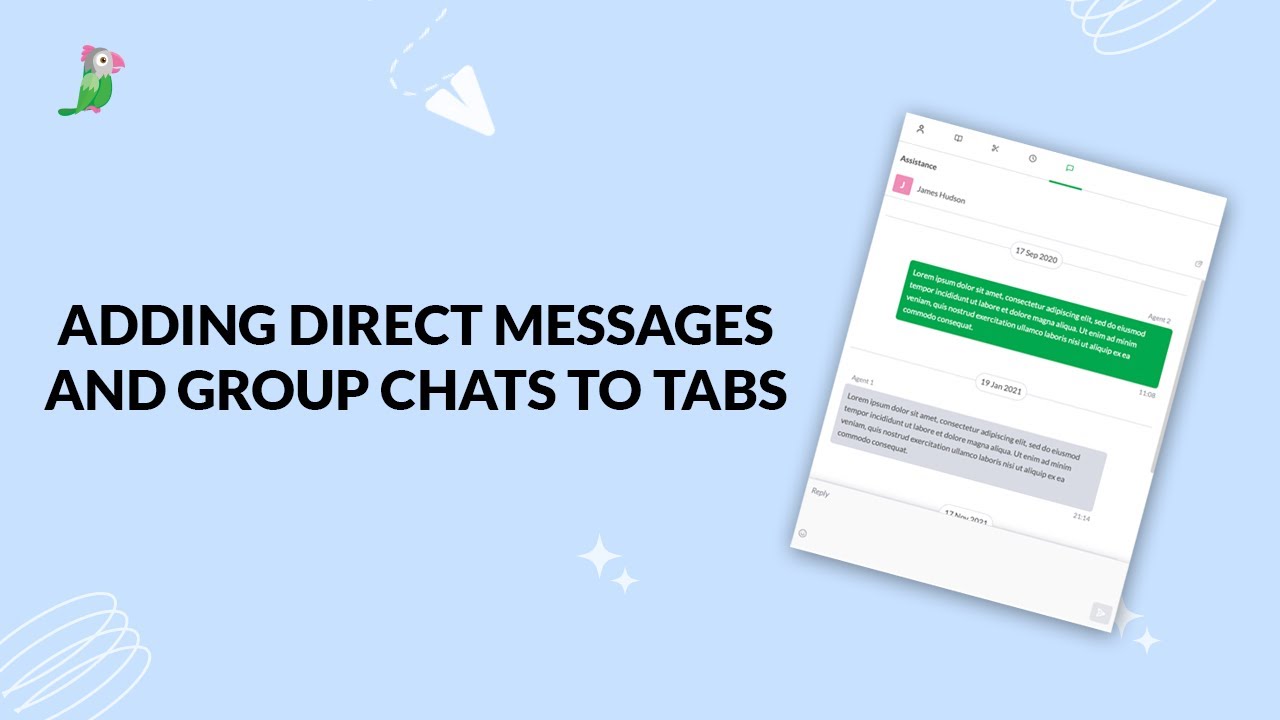
- Creating a shortcut while inside a conversation
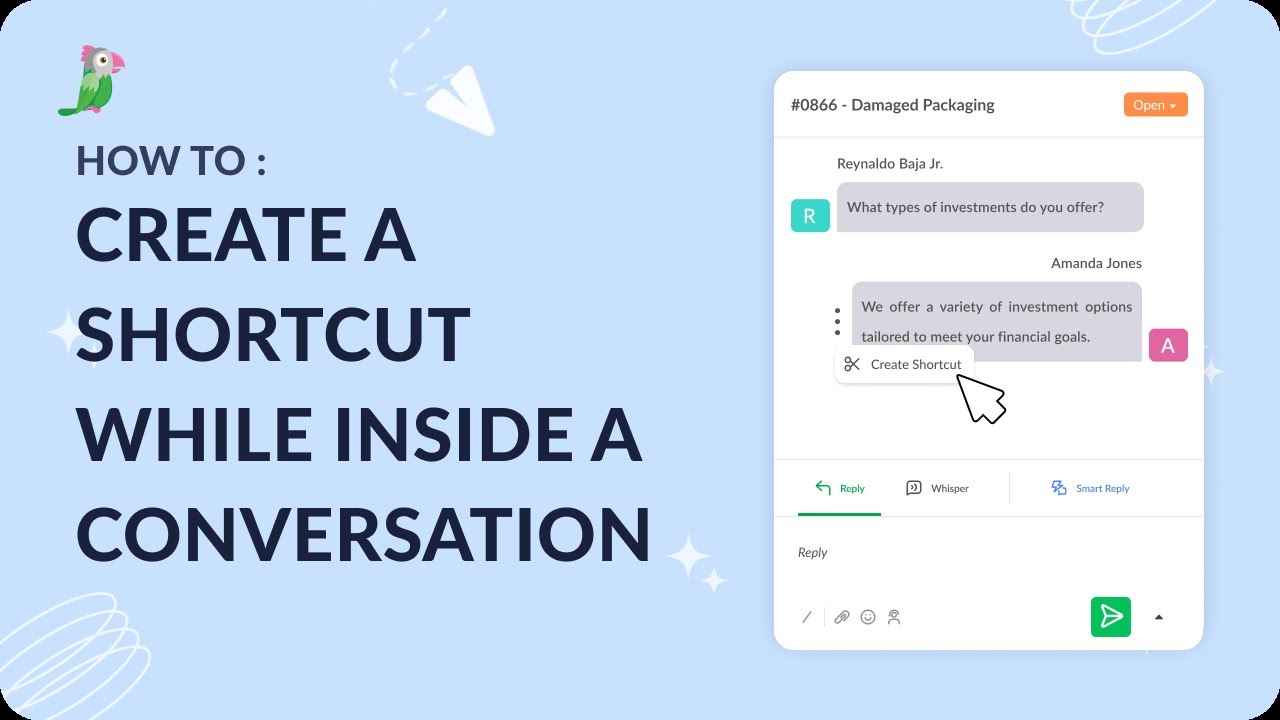
- Creating and managing tabs
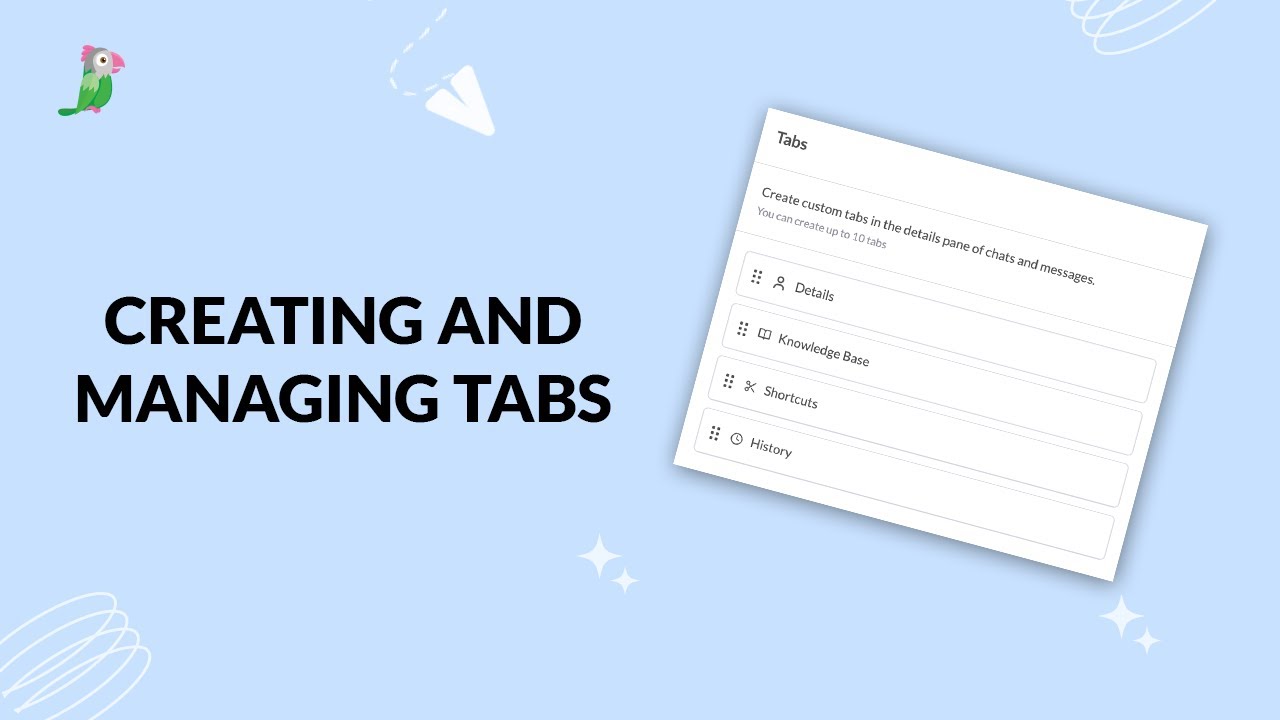
- Customize your tawk.to Contacts view
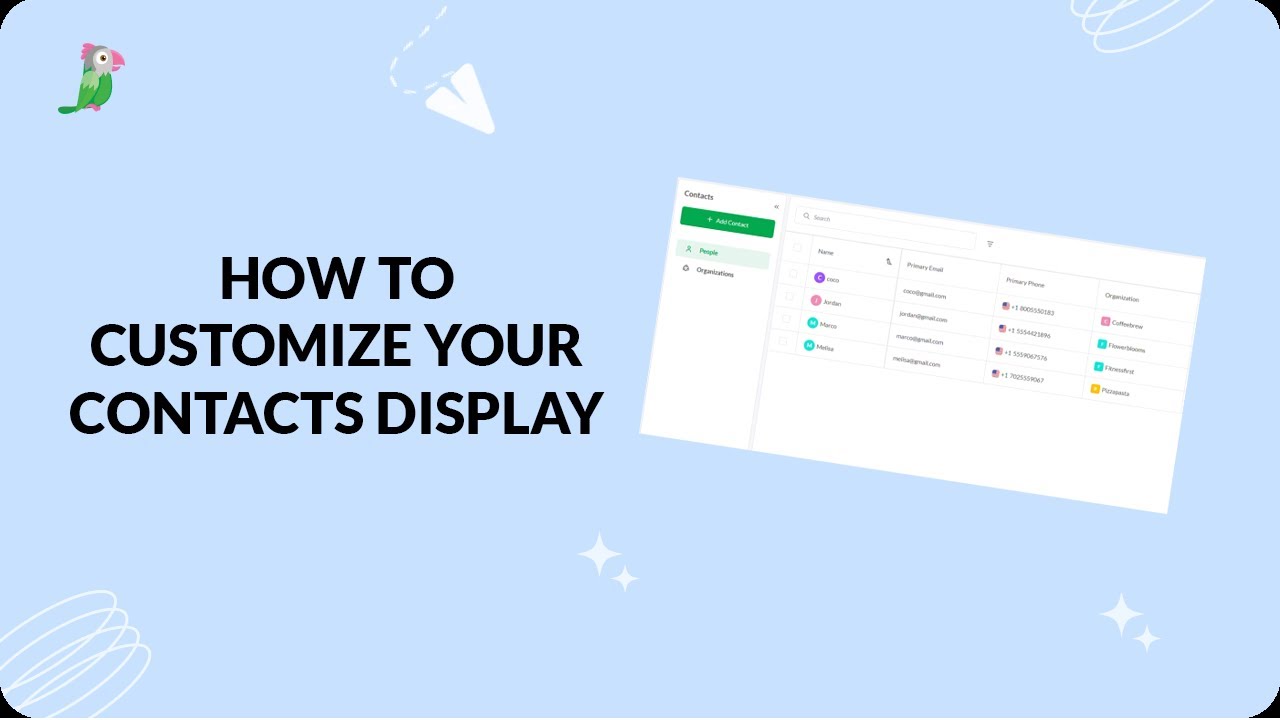
- Direct messages and group chats
- Getting started with the tawk to Inbox
- How image attachment works in tawk.to
- Create and manage contact segments
Open the tawk.to Academy
Every topic and 220+ videos in one place.