
Understanding the Email Channel
Learn how the tawk.to email channel works and what it means for your team's inbox. Connect almost any email account and mail from your support, sales, or billing addresses lands alongside your chats, with your team replying from one screen. This video covers how the email channel differs from email forwarding, how conversation controls like status, assignees, and tags work across email threads, how visibility is managed per inbox, and how your AI agent can handle email replies the same way it handles live chat.
· Share this video
· More in this topic
Managing Conversations: Inbox, Chats & Contacts
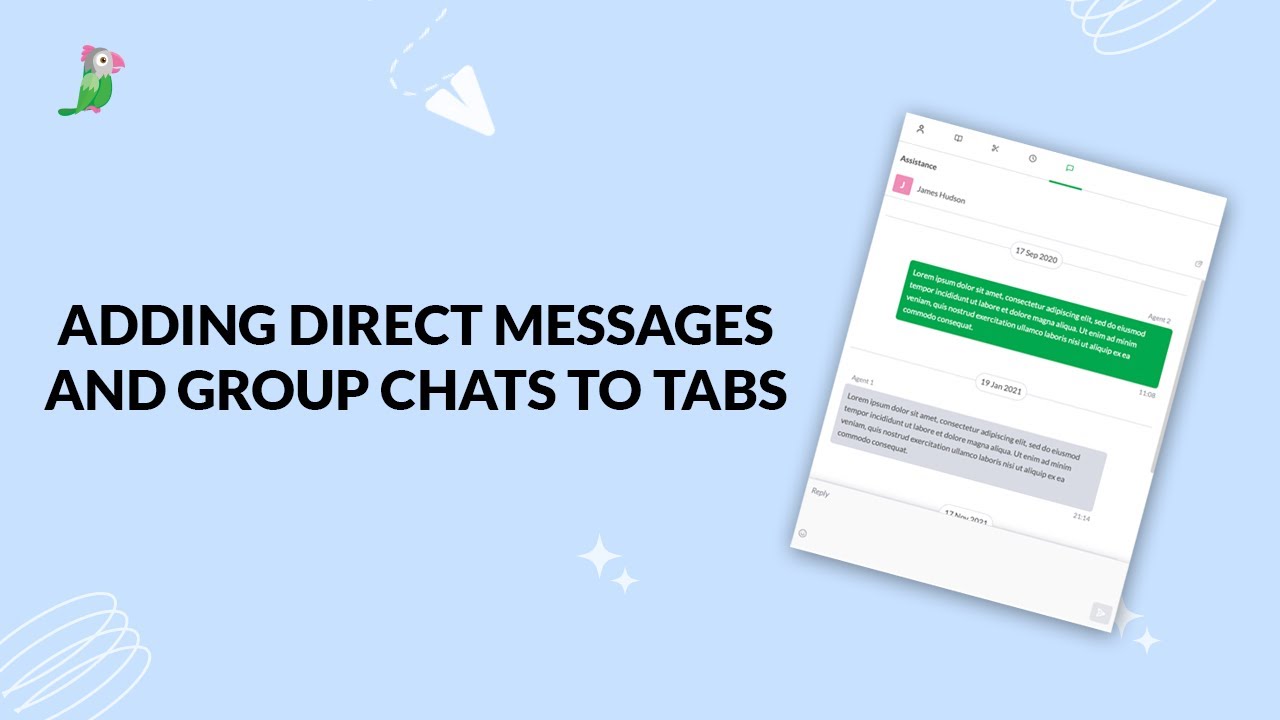
- Adding direct messages and group chats to tabs
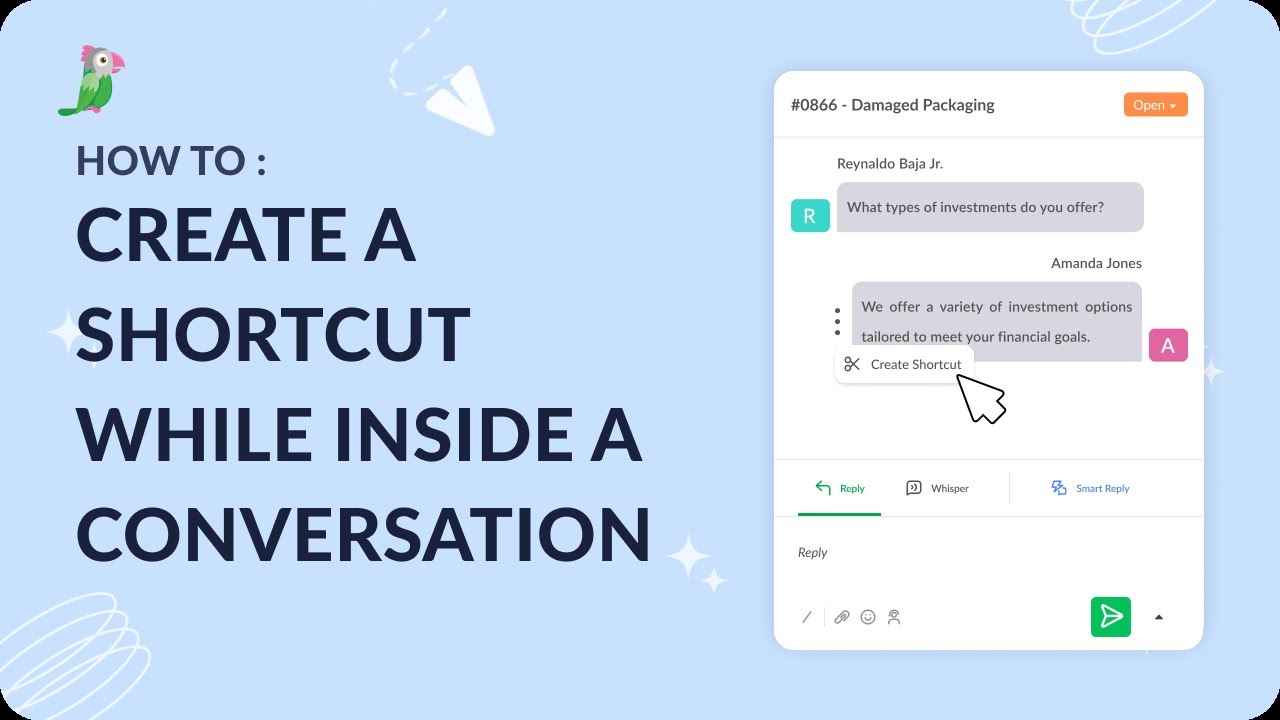
- Creating a shortcut while inside a conversation
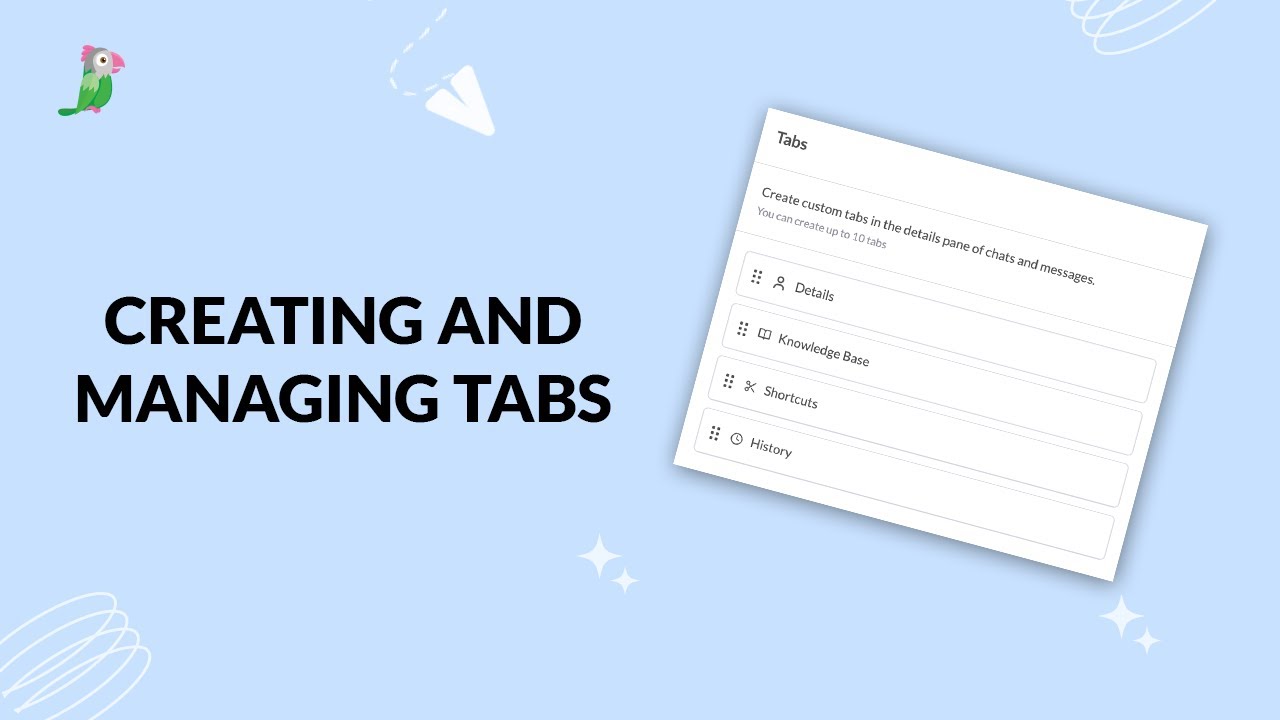
- Creating and managing tabs
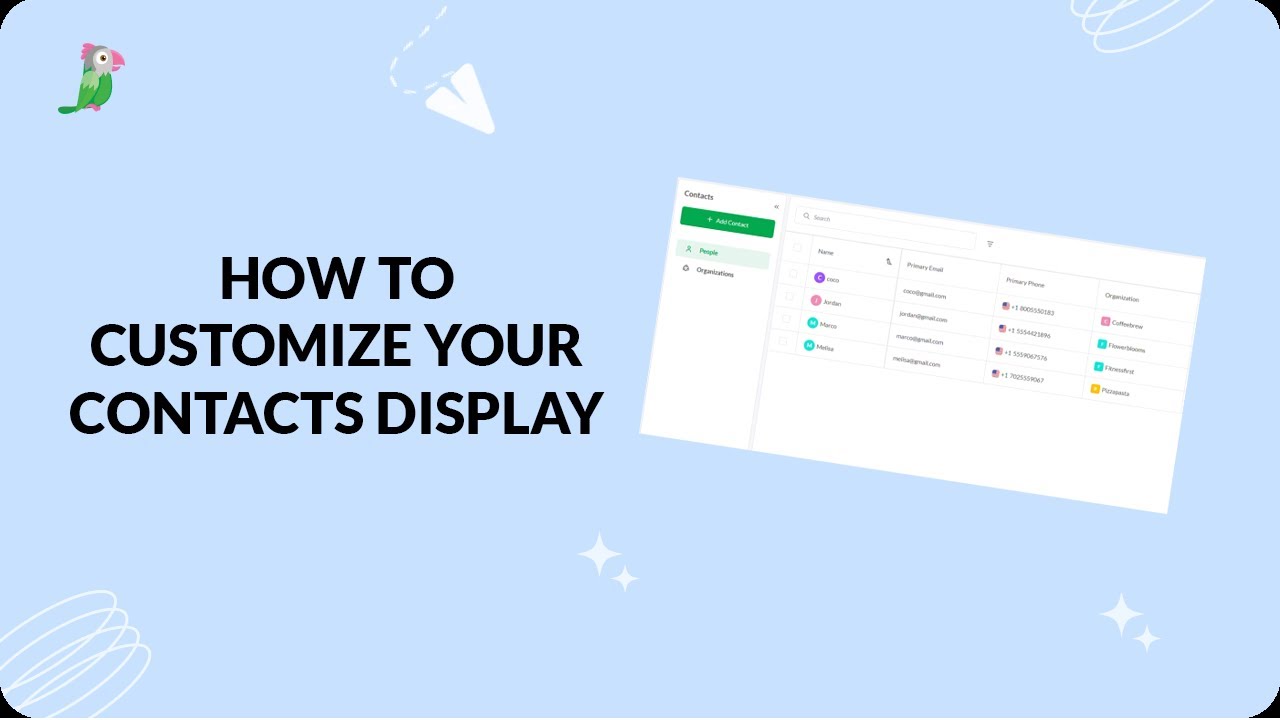
- Customize your tawk.to Contacts view
- Direct messages and group chats
- Getting started with the tawk to Inbox
- How image attachment works in tawk.to
- Create and manage contact segments
Open the tawk.to Academy
Every topic and 220+ videos in one place.