
Translating Messages in Any Language
Message translation helps your team chat with customers in any language. Agents read every message in their own language, and customers get replies in theirs. This video shows how an admin turns on translation in AI Assist settings, chooses the model, and picks which channels are translated, including live chat, WhatsApp, Messenger, Telegram, SMS, email and tickets. You’ll also see how to read translated messages and show the original, how the live preview works as you type a reply, and how to change or stop the language pair in a conversation. Then see it in action with a plumbing company that reads a WhatsApp message in Spanish, books a plumber, and replies in the customer’s language.
· Share this video
· More in this topic
Managing Conversations: Inbox, Chats & Contacts
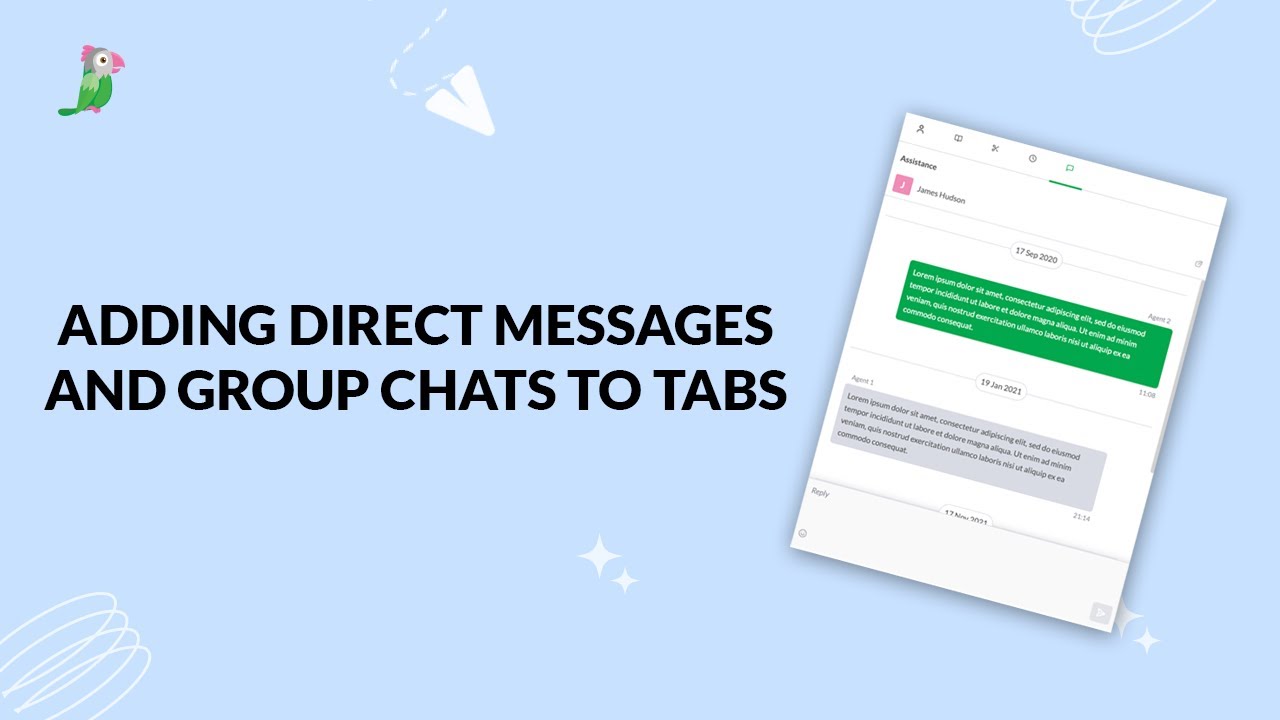
- Adding direct messages and group chats to tabs
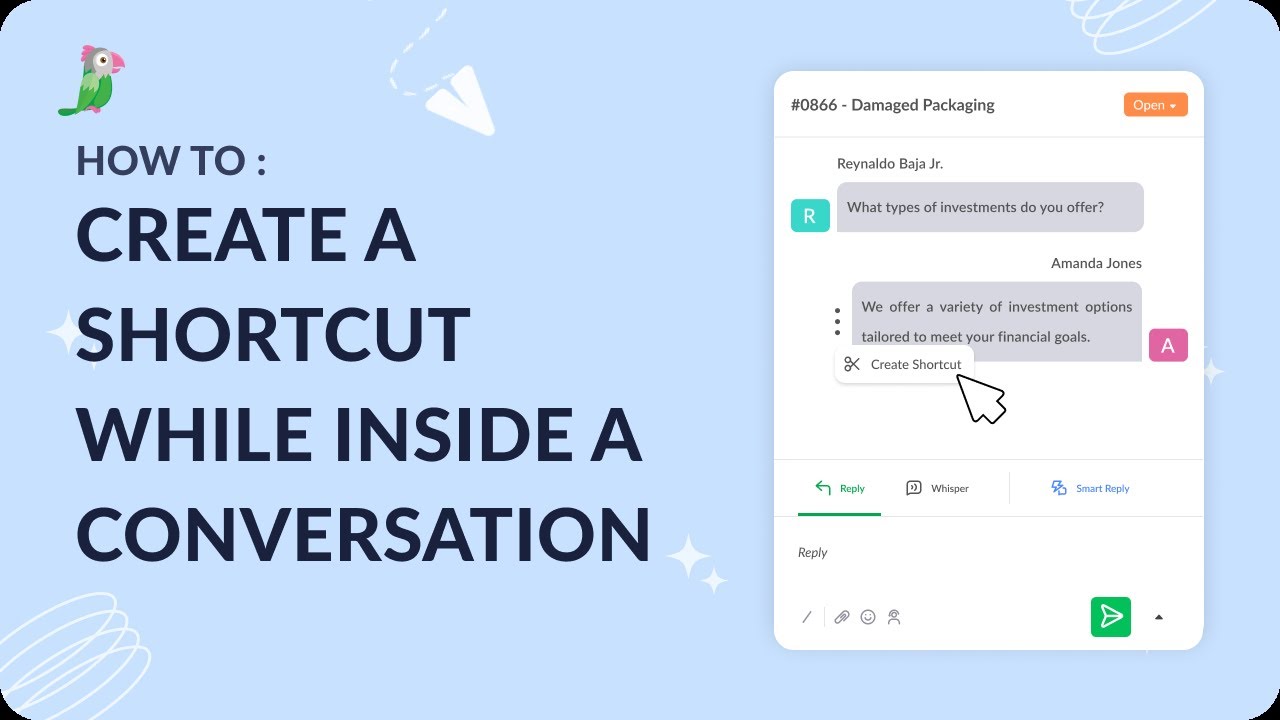
- Creating a shortcut while inside a conversation
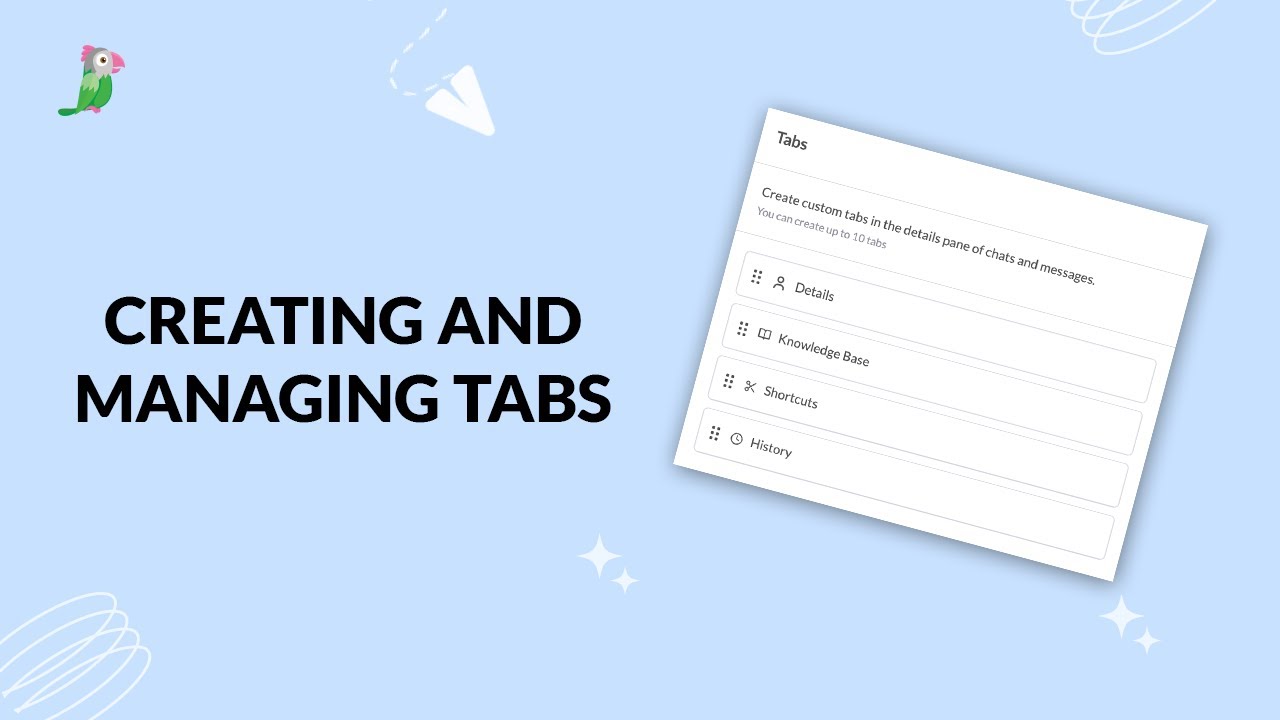
- Creating and managing tabs
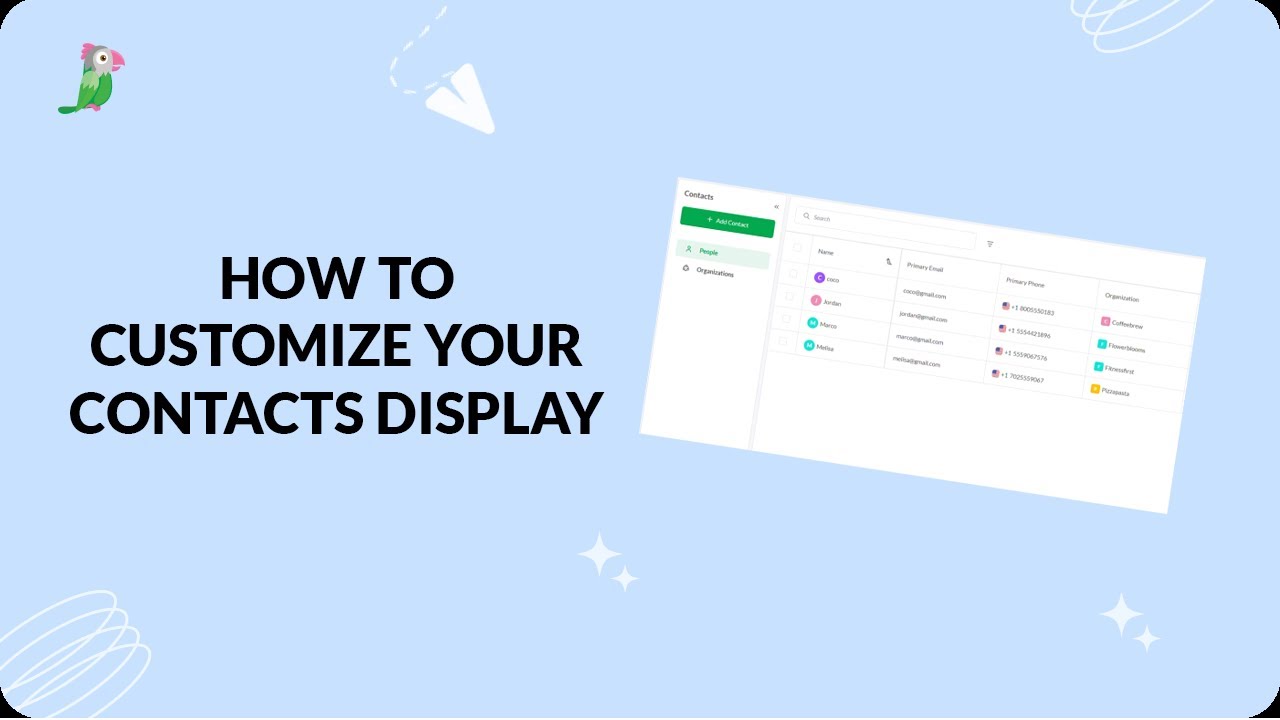
- Customize your tawk.to Contacts view
- Direct messages and group chats
- Getting started with the tawk to Inbox
- How image attachment works in tawk.to
- Create and manage contact segments
Open the tawk.to Academy
Every topic and 220+ videos in one place.