
Setting up escalations and human handoff
Learn how to set up escalations and human handoff in tawk.to AI Assist so your AI agent can transfer conversations to your team seamlessly, across every channel you support. This video covers how to create a transfer shortcut, how to trigger a handoff through the Escalation setting or a custom Instruction, and what the handover looks like for both the visitor and your team. You'll also see how to manage expectations during the transfer and how to add a fallback option so no visitor is left without a next step.
· Share this video
· More in this topic
AI Assist: Automation, Escalation & Human Handoff
- Can we add instructions to the base prompt?
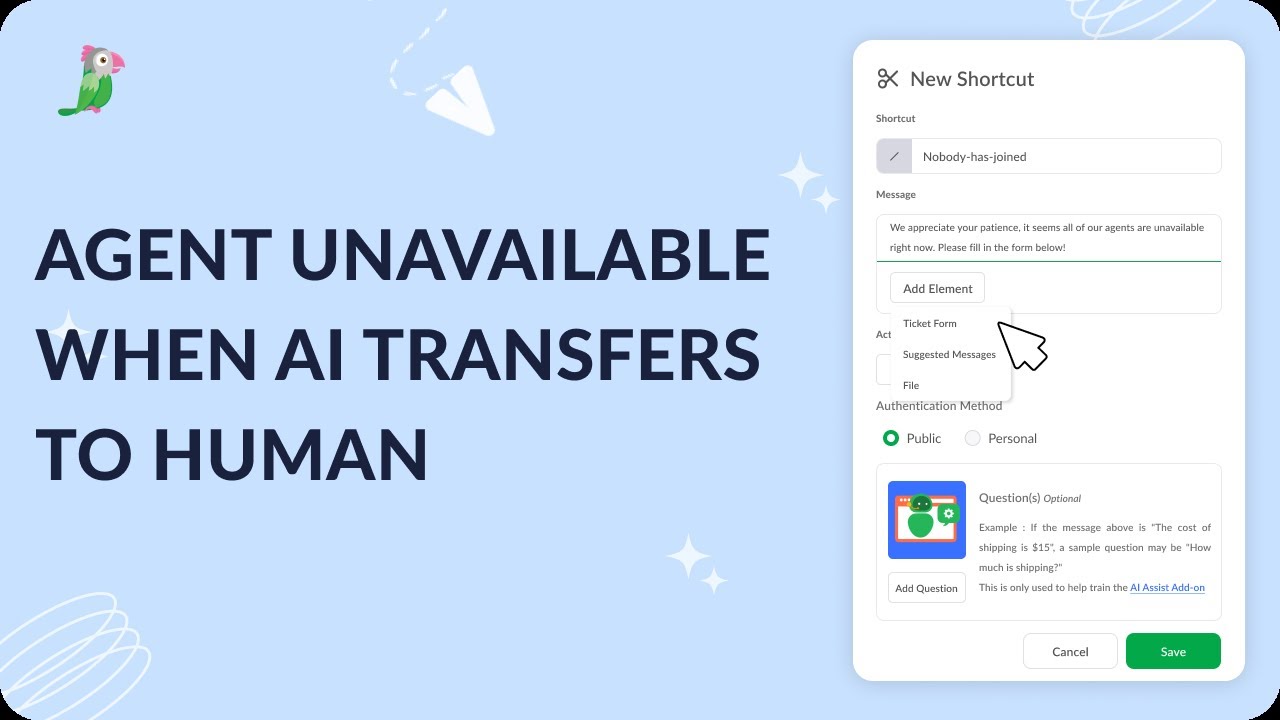
- Agent unavailable when AI transfers to human
- Always notify human agents of new chats
- How to assign an AI agent to manage your tickets
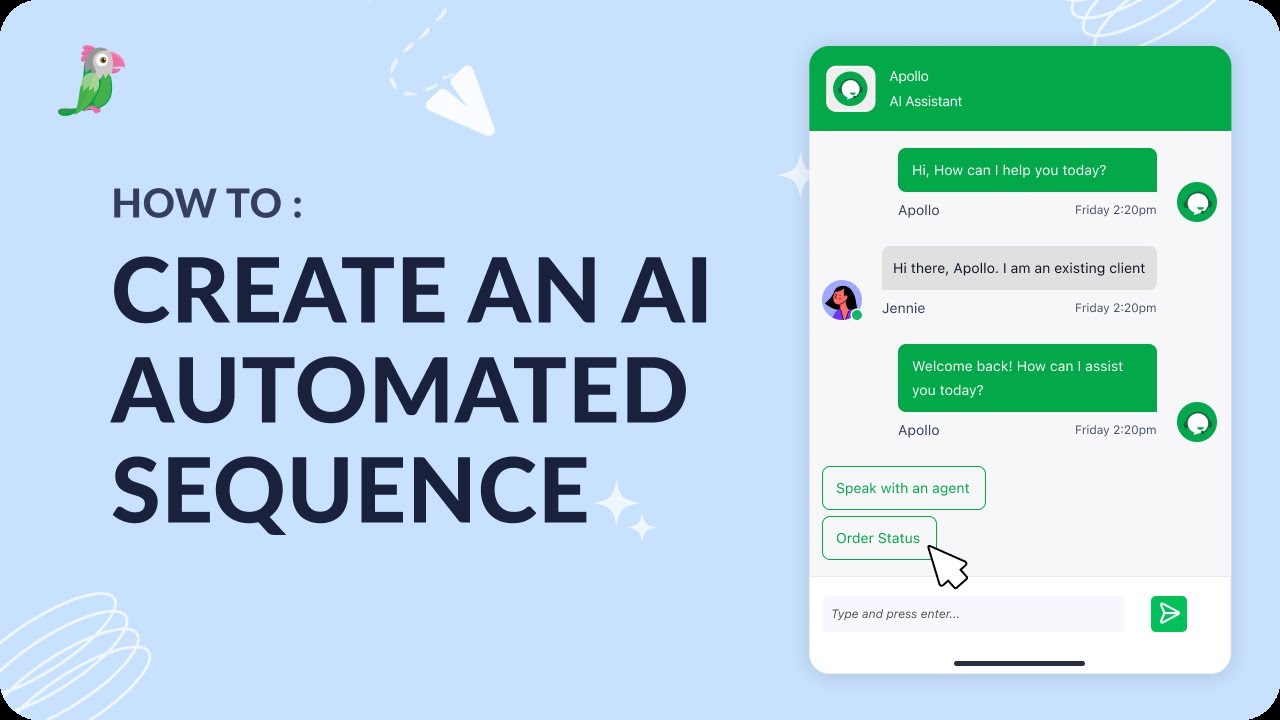
- How to create AI automated sequence
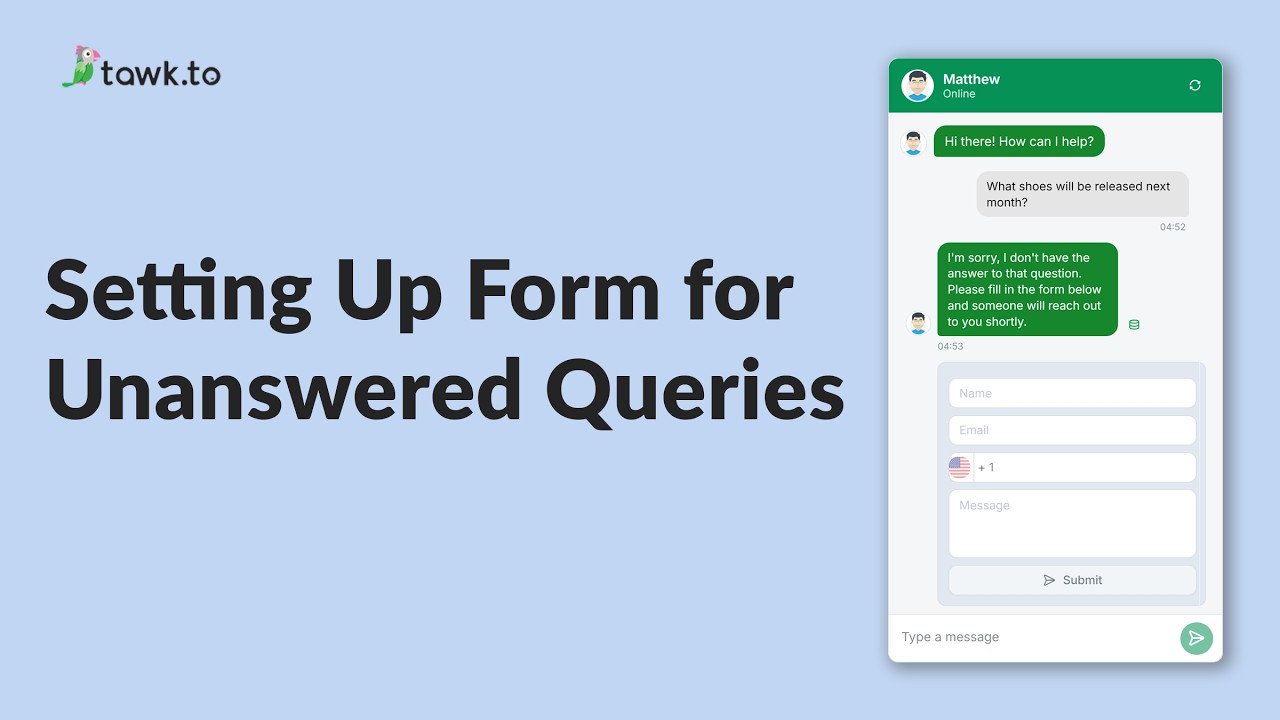
- Setting up form for unanswered queries
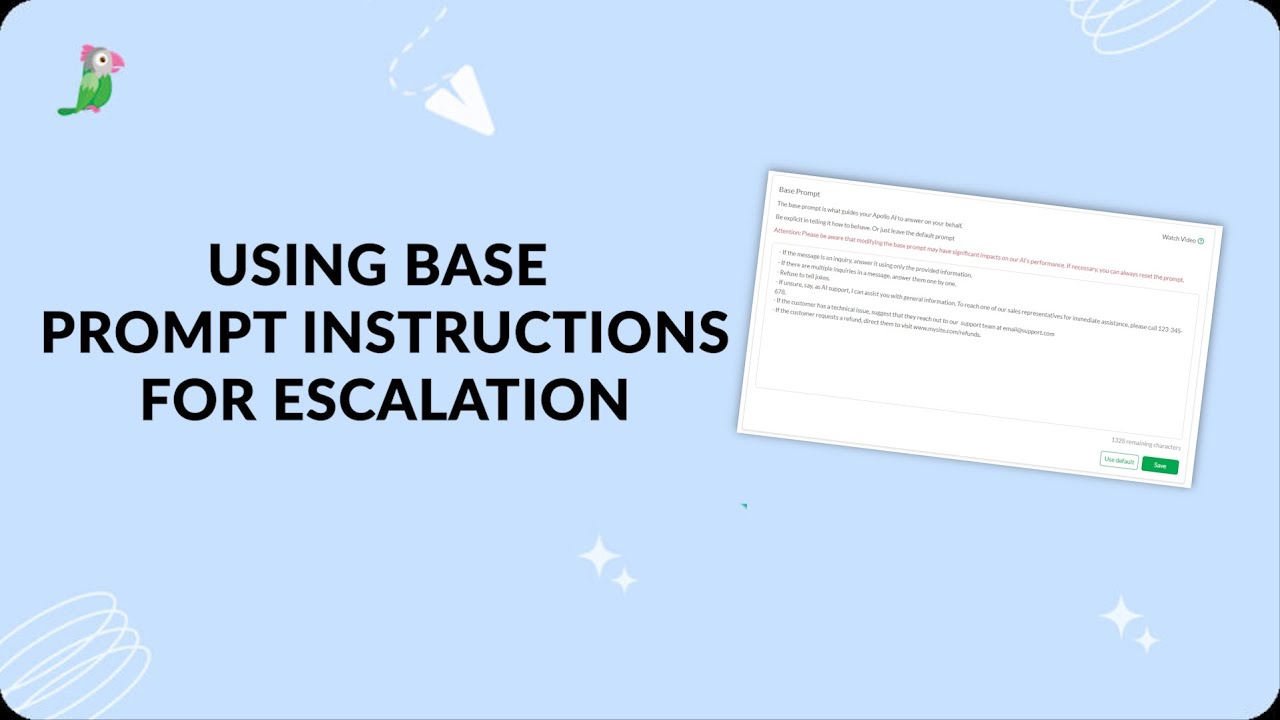
- Use base prompt instructions for escalation
Open the tawk.to Academy
Every topic and 220+ videos in one place.